Dwg Import
 VertexModeler Inc.




What does DWG Import do?
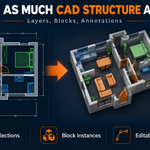
DWG Import brings architectural drawings and CAD linework directly into Blender as organized, editable geometry. It is designed to give you a practical starting point for modeling instead of a flattened, difficult-to-edit result.
What operating systems are supported?
The current release supports Windows 10 and Windows 11 on x64 systems.
Does it support large drawings?
Yes, but complex drawings containing thousands of curves, blocks, or detailed patterns can require additional processing time and memory. Import stages and percentage progress are displayed in Blender’s status bar so you can follow the operation.
Can every DWG file be imported perfectly?
No DWG importer can guarantee a lossless result for every possible file. Proxy objects, AEC data, ACIS solids, external references, custom fonts, layouts, and third-party entities may not have direct Blender equivalents. DWG Import focuses on producing the most useful editable Blender result from supported CAD geometry.
Is the drawing automatically centered?
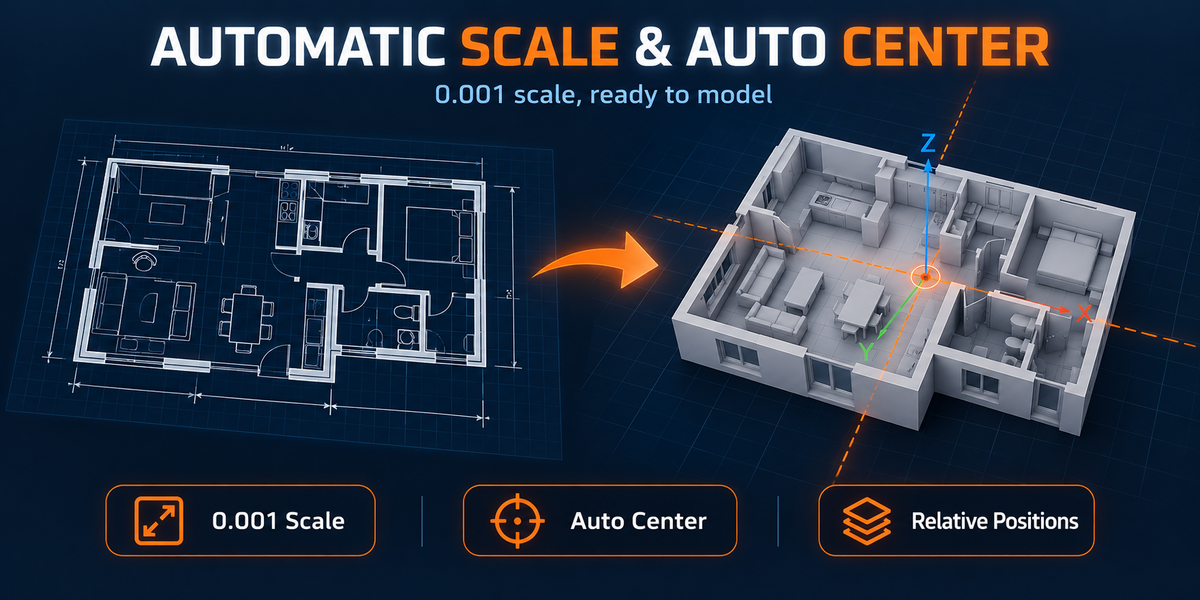
Yes. Visible editable geometry is used to calculate the drawing center, and the complete drawing is moved together toward Blender’s world origin. Relative placement between visible and hidden content remains unchanged.
Can I import DWG files directly?
Yes. Select a .dwg file through Blender’s File → Import menu or drag it directly into the 3D Viewport. The conversion and import process is handled automatically.
Is ODA File Converter included?
No. ODA File Converter is free software provided separately by the Open Design Alliance. It only needs to be installed once, after which DWG Import detects and uses it automatically.
Are CAD layers preserved?
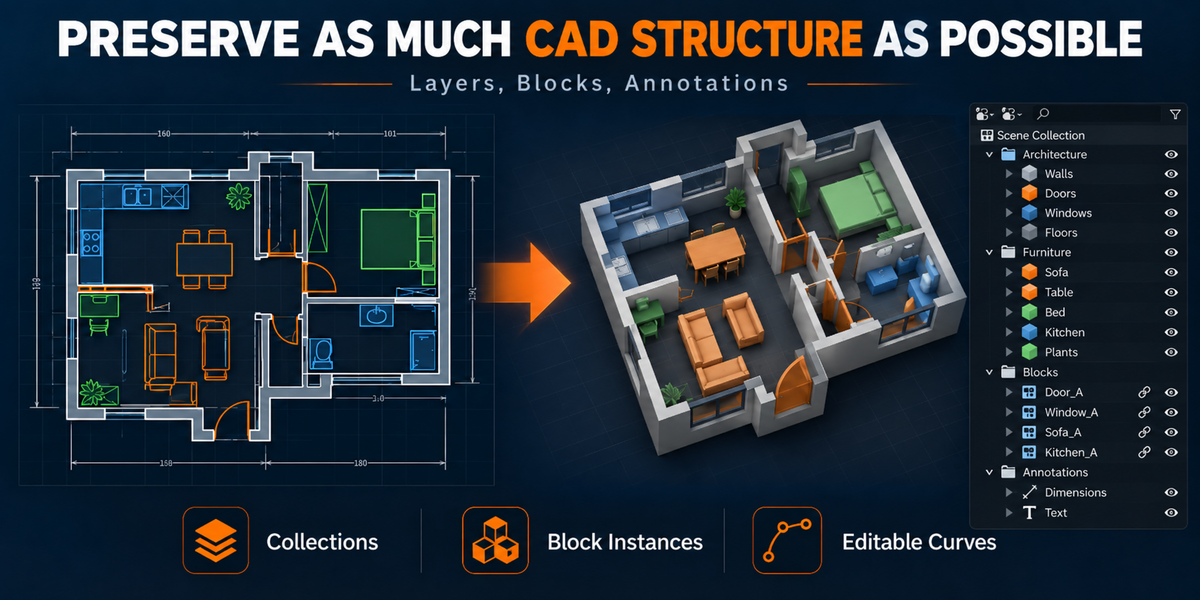
Yes. Source CAD layers are organized as Blender collections, helping you understand the original drawing and manage imported content without losing its layer-based structure.
Are CAD blocks preserved?
Top-level CAD blocks are retained as separately selectable Blender collection instances whenever possible. Repeated elements can therefore remain organized instead of being flattened into unrelated linework.
Does it preserve smooth curves?
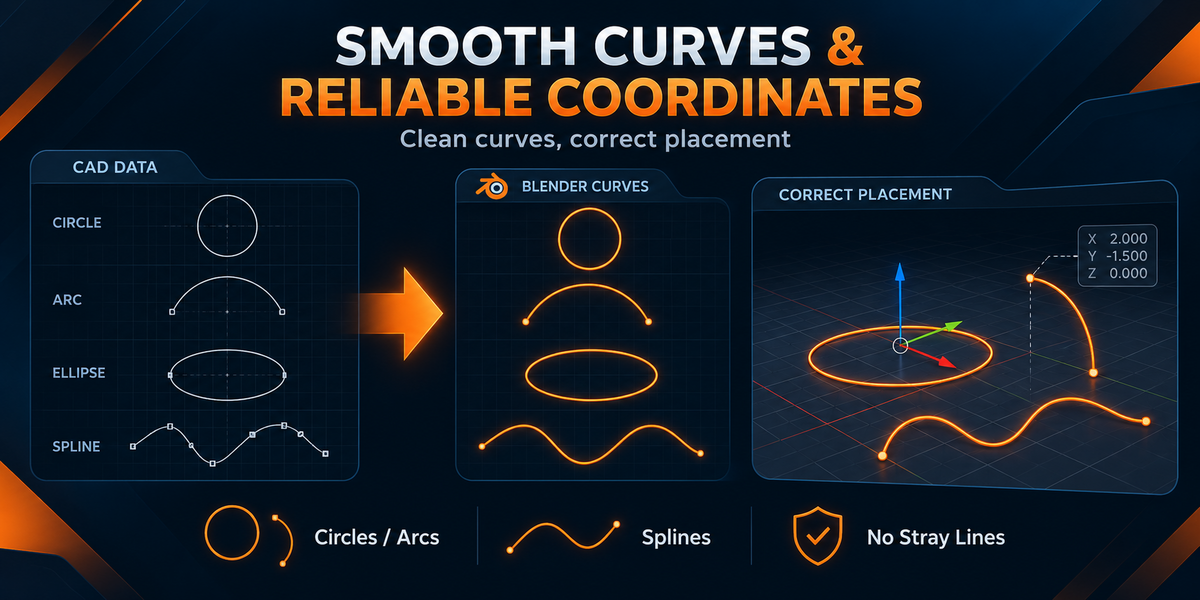
DWG Import uses dedicated handling for circles, arcs, ellipses, splines, and polyline bulges. This produces smoother, more useful Blender curves than treating every curved element as a rough collection of straight segments.
Who is DWG Import for?
It is ideal for architects, interior designers, visualization artists, modelers, and Blender users who regularly receive DWG drawings and want to spend less time cleaning imported files before beginning real work.
$19.99$13.99
 Included
Includes 12 months of
- Support from VertexModeler Inc.
- Product updates
Extend this product’s Support Period +12 months: 25% of product price
Have questions before purchasing?
Login to message
| Blender Extension Compatible | Yes |
| Published | about 16 hours ago |
| Blender Version | 4.2 - 5.2 |
| Extension Type | Add-on |
| Render Engine Used | Cycles, Eevee |
| License | GPL |
Discover more products like this
Building Design architectural visualization CAD import DWG Import autocad cad-to-blender blender addon dxf dwg cad blender-extension DWG to Blender