Dynamic Lod Generator
 Marcelo Villegas
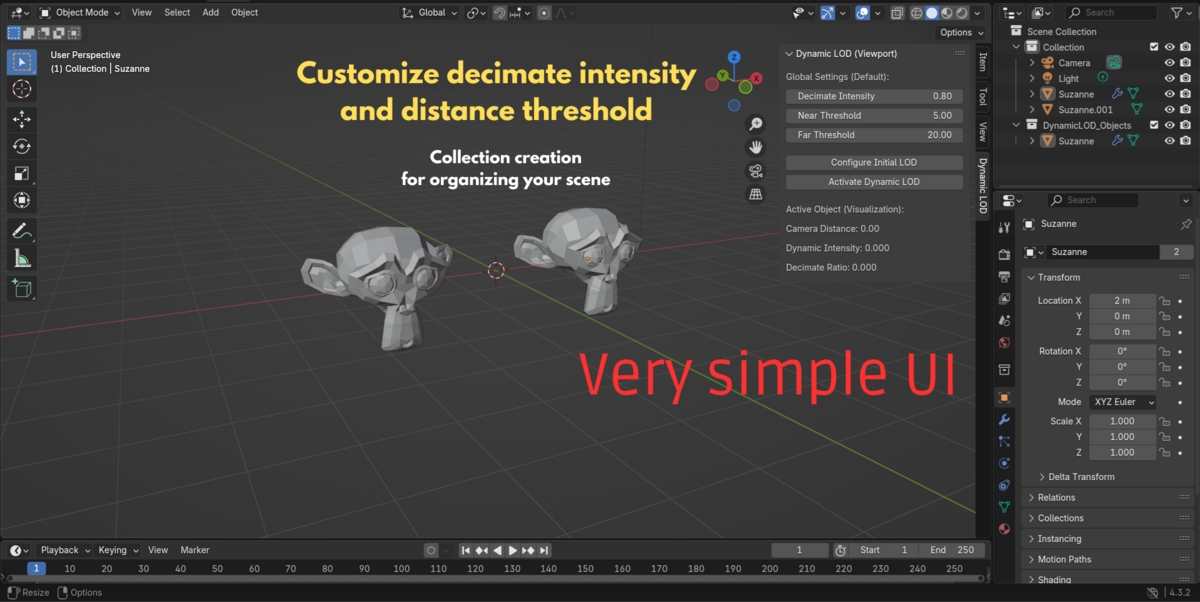
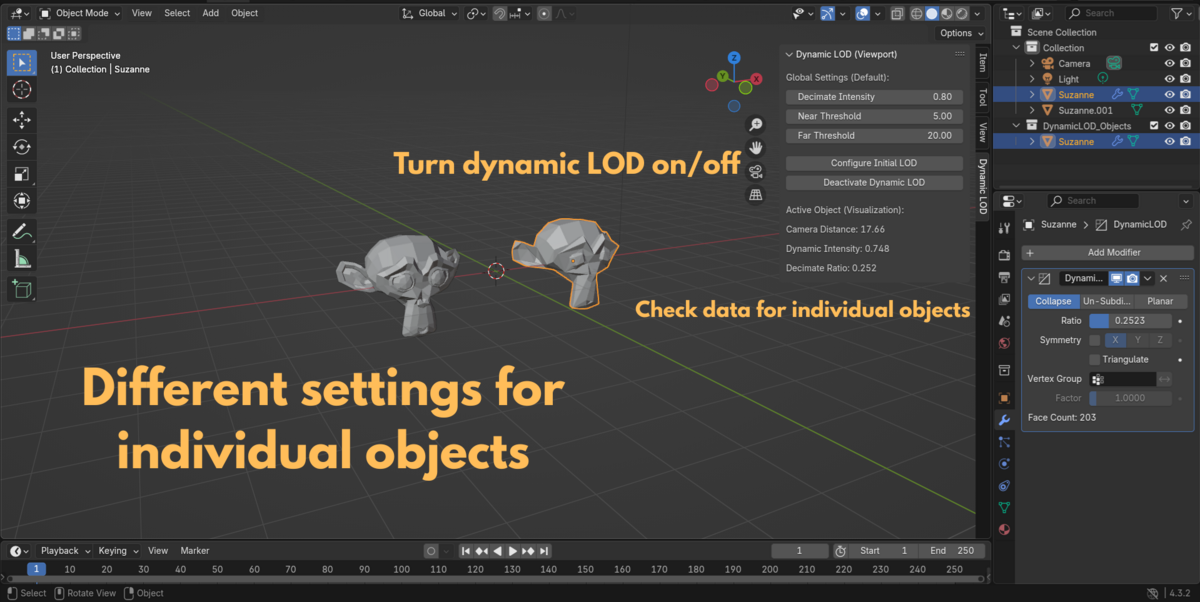
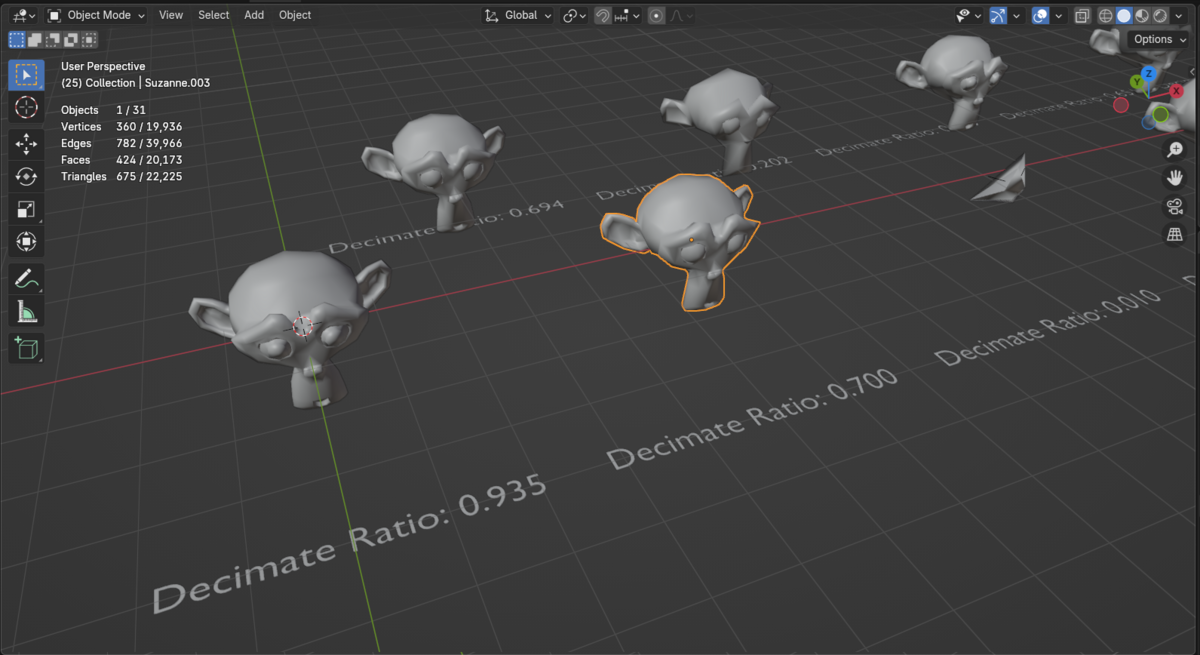
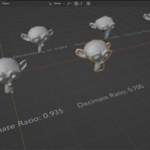
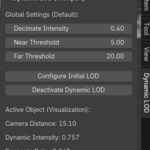
How do I adjust LOD properties for individual objects?
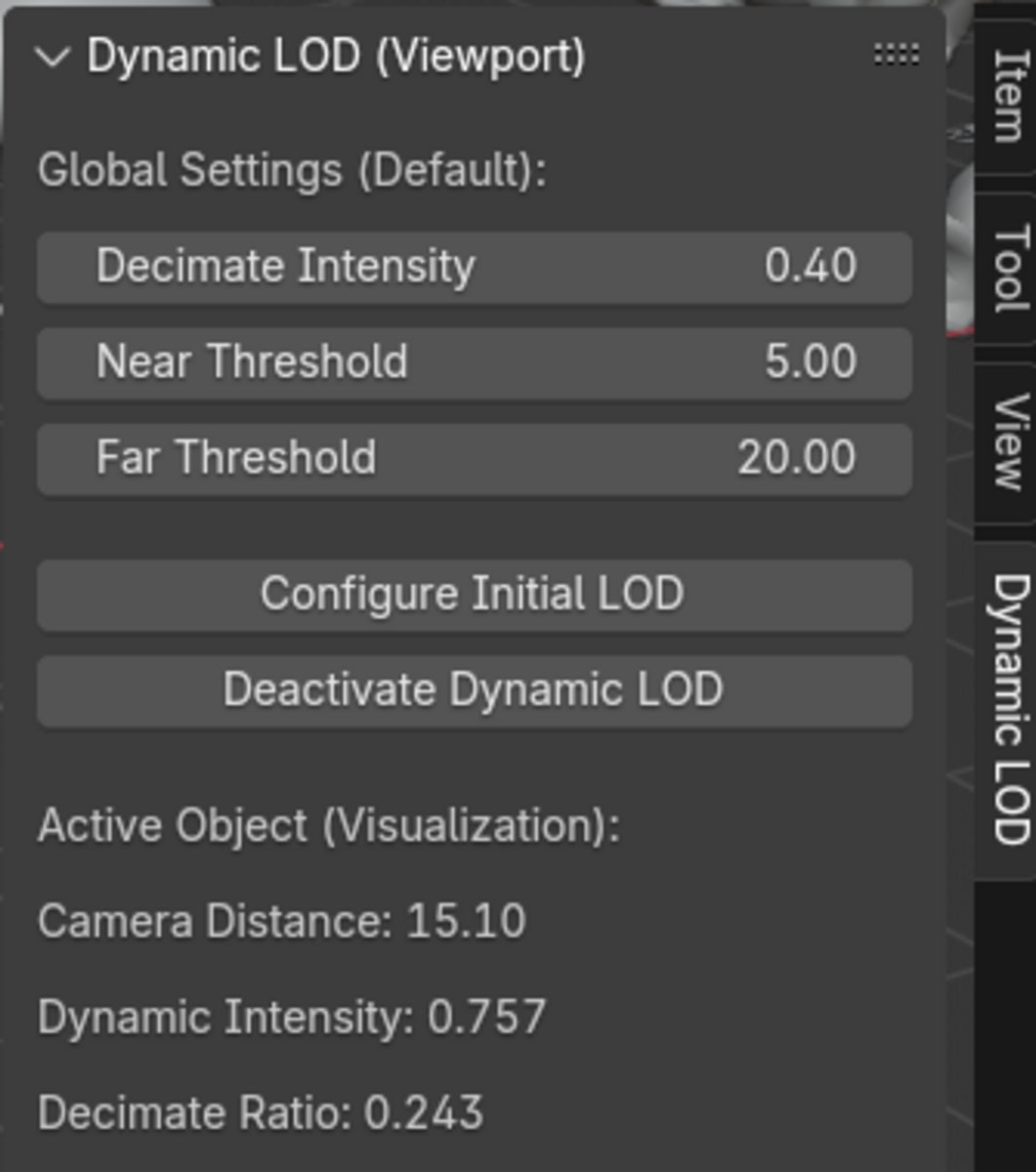
Select the object and adjust the Decimation Intensity, Near Threshold, and Far Threshold in the Dynamic LOD settings under the object properties.
Can I disable the LOD effect temporarily?
You can remove the `Decimate` modifier manually, or disable the addon to stop automatic updates.
Will this work with complex models?
Yes, but extreme decimation settings may distort the model. Fine-tune the distance values for optimal results.
Can I customize the LOD effect per object?
Yes, each object has its own `LOD Distance` setting, allowing for individual customization.
Why is the decimation not updating?
Make sure your object has an active `Decimate` modifier and that the LOD Distance is properly set. Also, ensure that the camera is present in the scene.
Does this addon work in the final render?
Yes, although the primary focus is on optimizing viewport performance, the LOD adjustments also apply during rendering.
$8
Have questions about this product?
Login to message
| Dev Fund Contributor | |
| Published | over 1 year ago |
| Blender Version | 4.3 |
| Extension Type | N/A |
| License | Mit |

Discover more products like this
dynamic Auto lods 3D Mesh 3D camera tools 3D model optimization