Dynamic Lod Generator
 Marcelo Villegas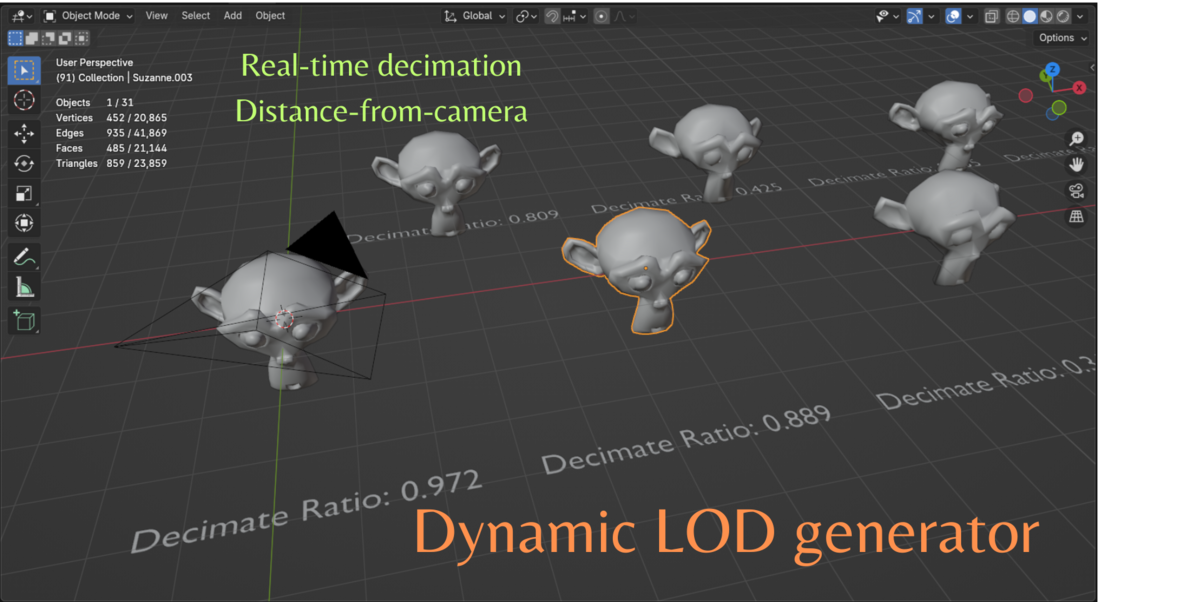
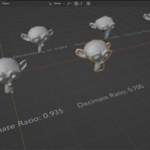
Dynamic LOD Generator v1.0
## Blender Version: 4.3.0
Dynamic LOD Generator is a Blender addon that dynamically adjusts the Level of Detail (LOD) for multiple objects based on the camera's distance. It enhances viewport performance while maintaining visual quality.
Features
- Works dynamically in the viewport.
- Supports multiple objects simultaneously.
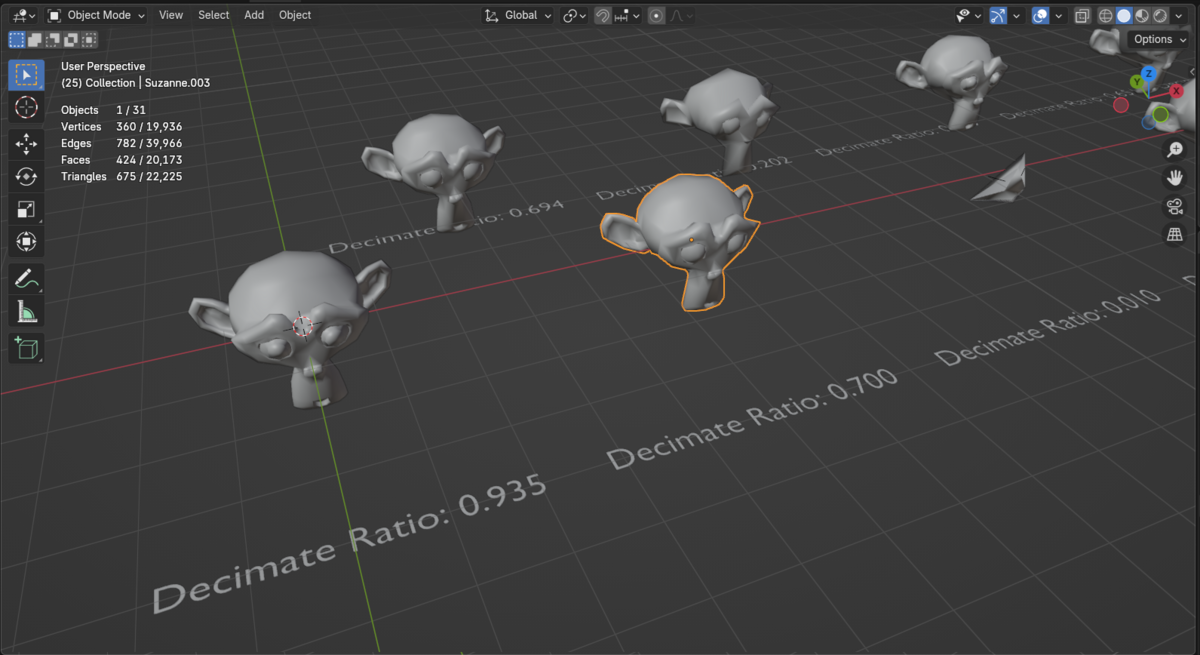
- Adjusts decimation levels automatically based on distance.
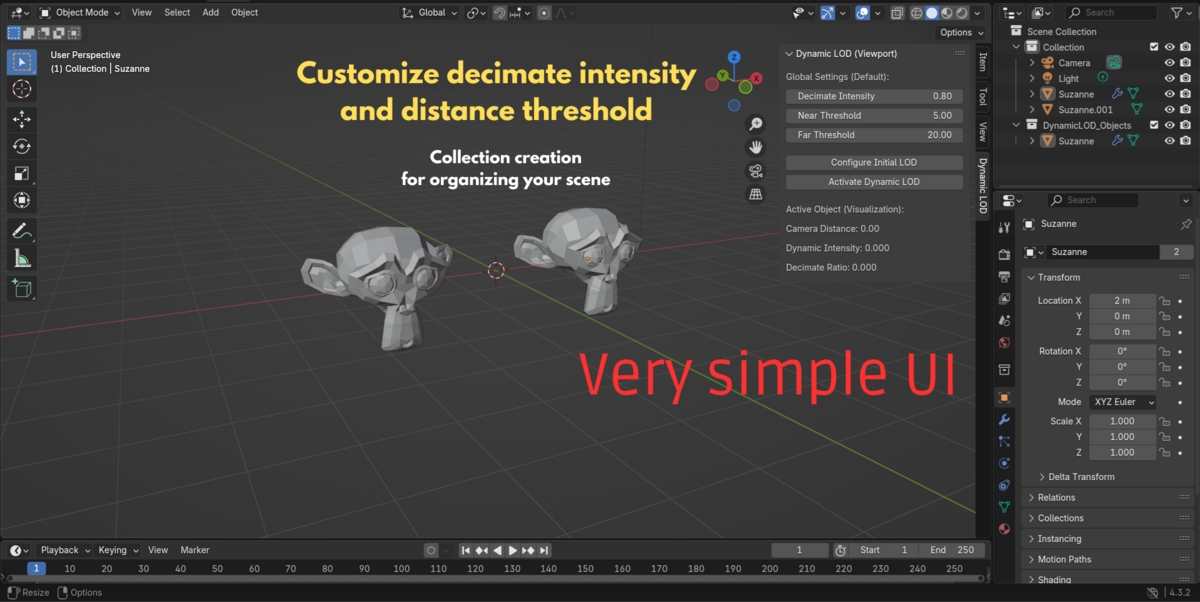
- Fully customizable distance and decimation settings.
- Functions in rendered mode as well, though optimized for viewport performance.
Installation
1. Open Blender.
2. Go to **Edit > Preferences > Add-ons**.
3. Click **Install...**.
4. Select the `dynamic_lod_generator_v1_1.py` file.
5. Enable the addon by checking the box.
6. Close the preferences window.
Usage Instructions
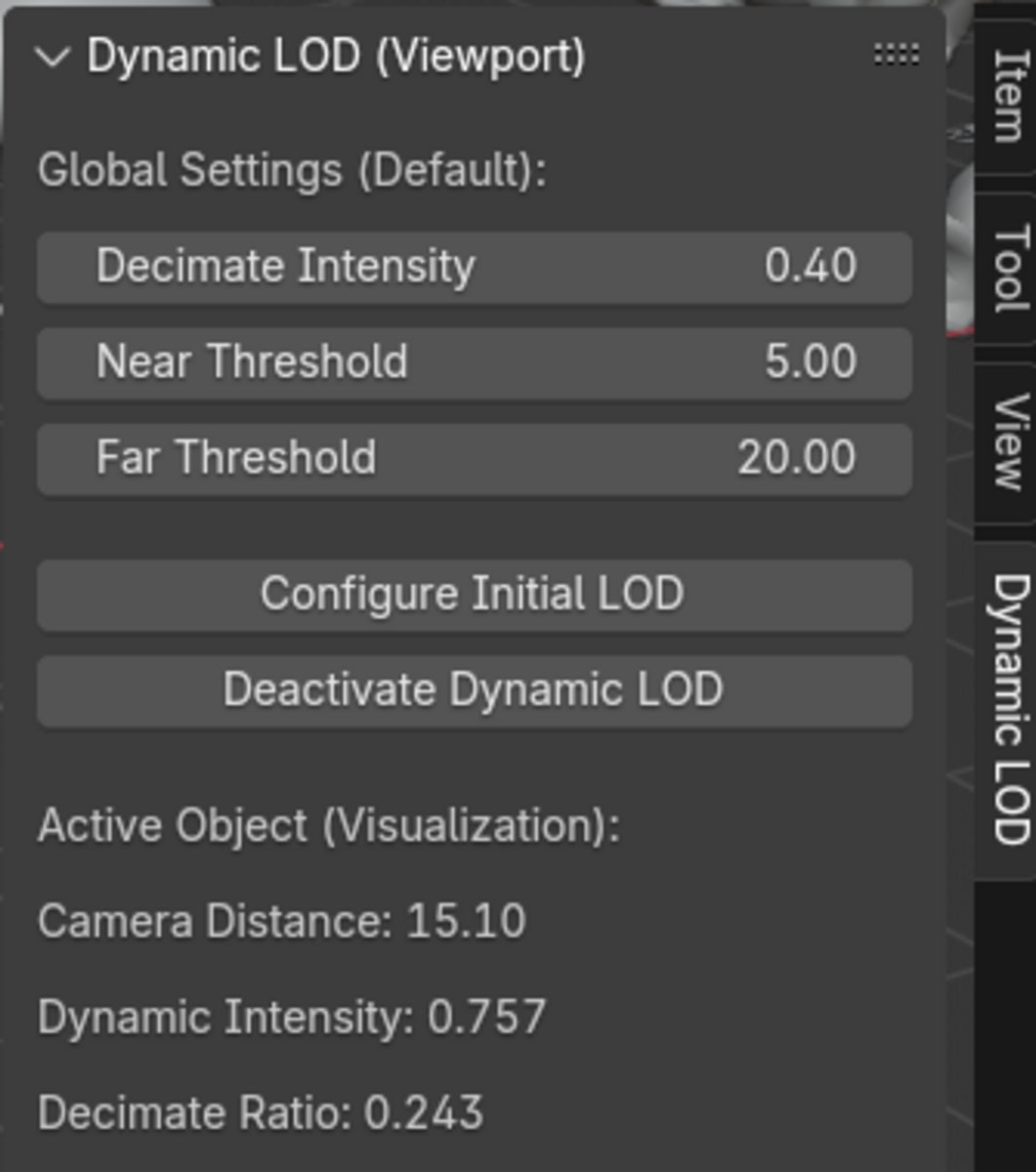
1. Select the objects you want to apply dynamic LOD to.
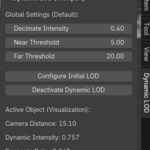
2. Go to **3D Viewport > Sidebar > Dynamic LOD** tab.
3. Adjust the **Global Settings (Default)** as needed.
4. Select the object in the viewport
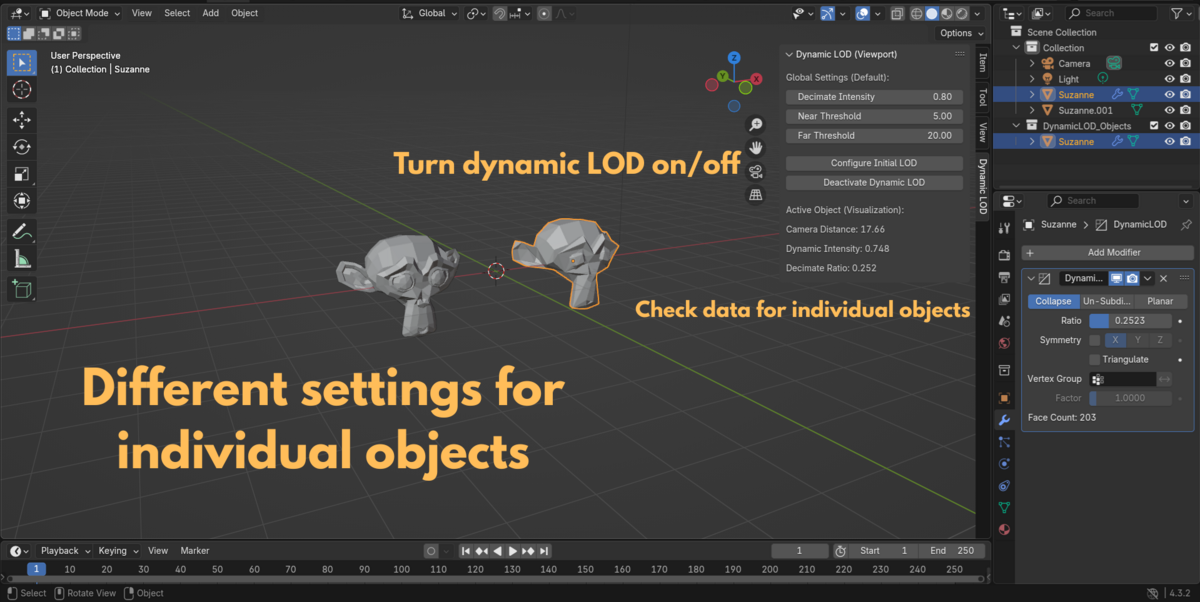
5. Click **Configurar LOD Inicial** to initializate the parameters.
6. Click **Activate Dynamic LOD** to run the dynamic LOD effect.
Have questions about this product?
Login to message
| Dev Fund Contributor | |
| Published | over 1 year ago |
| Blender Version | 4.3 |
| Extension Type | N/A |
| License | Mit |

Discover more products like this
3D camera tools Auto lods 3D model optimization dynamic 3D Mesh