Dynamically Roots Growth (Incl. Geometry Nodes Modifier)
 Dennis Hafemann



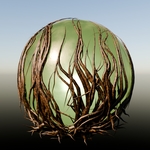

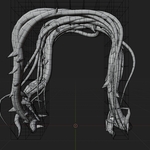

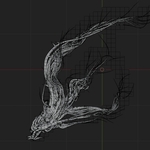
Modifier Explained
|
|
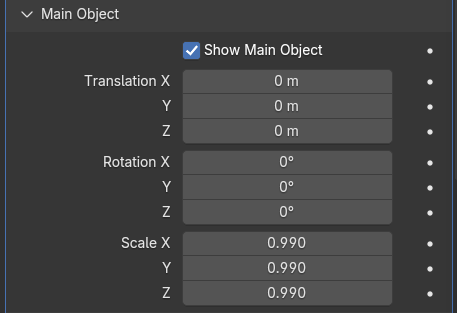
Main Object Closed by default, let's transform the main object afterwards, with position, rotation and scale, if needed. |
|
|
|
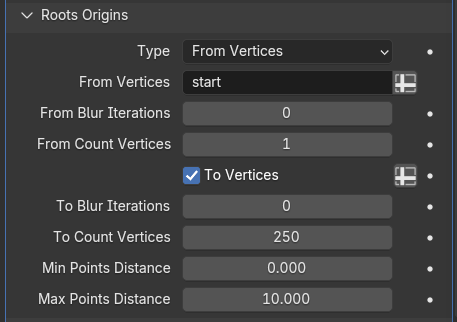
Roots Origins Let's you define where the roots start, where they end and which path they should take. Use randomly generated points or from vertex groups. |
|
|
|
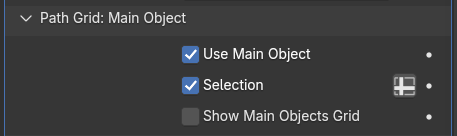
Path Grid: Main Object The "Path Grid of the main object" is actually the surface mesh of the object itself. So the roots on grow on the surface and take the shortest path starting, ending and using the path you defined under "Roots Origins", taking the "distortion" into account. |
|
|
|
Path Grid: Inner Grid The "Path Inner Grid" generates an inner grid, depending on your defined "grid spacing" within your object. The roots grow through this inner grid, taking the shortest path, depending on other properties. |
|
|
|
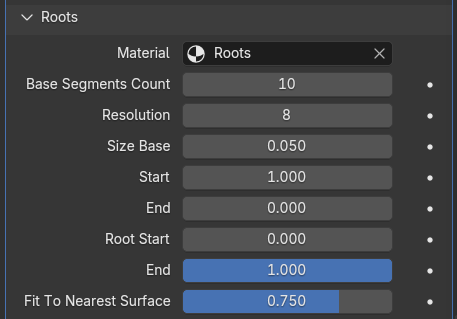
Roots Adjust the roots itself in smoothness (segment count), thickness (size), start and end, also project the roots from it's original generated position onto the main objects surface, if needed. |
|
|
|
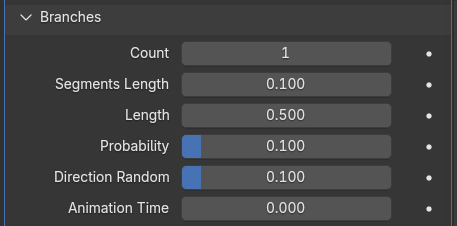
Branches Branches grow based on you main roots generation. Define the count, the length, probability, direction, etc. |
|
|
|
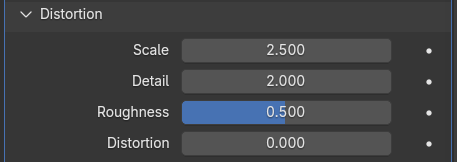
Distortion The distortion, the roots are using while growing through your mesh. A distortion-scale of 0.0 means "no distortion", the roots use the shortest path along the edges of your mesh. |

Versions Changelog
v1
- First version with, roots growth, origins, start/end points, pathway, roots, distortion, branches.
Have questions about this product?
Login to message
| Sales | 90+ |
| Dev Fund Contributor | |
| Published | about 1 year ago |
| Blender Version | 4.3 - 5.2 |
| Render Engine Used | Cycles, Eevee |
| License | Royalty Free |