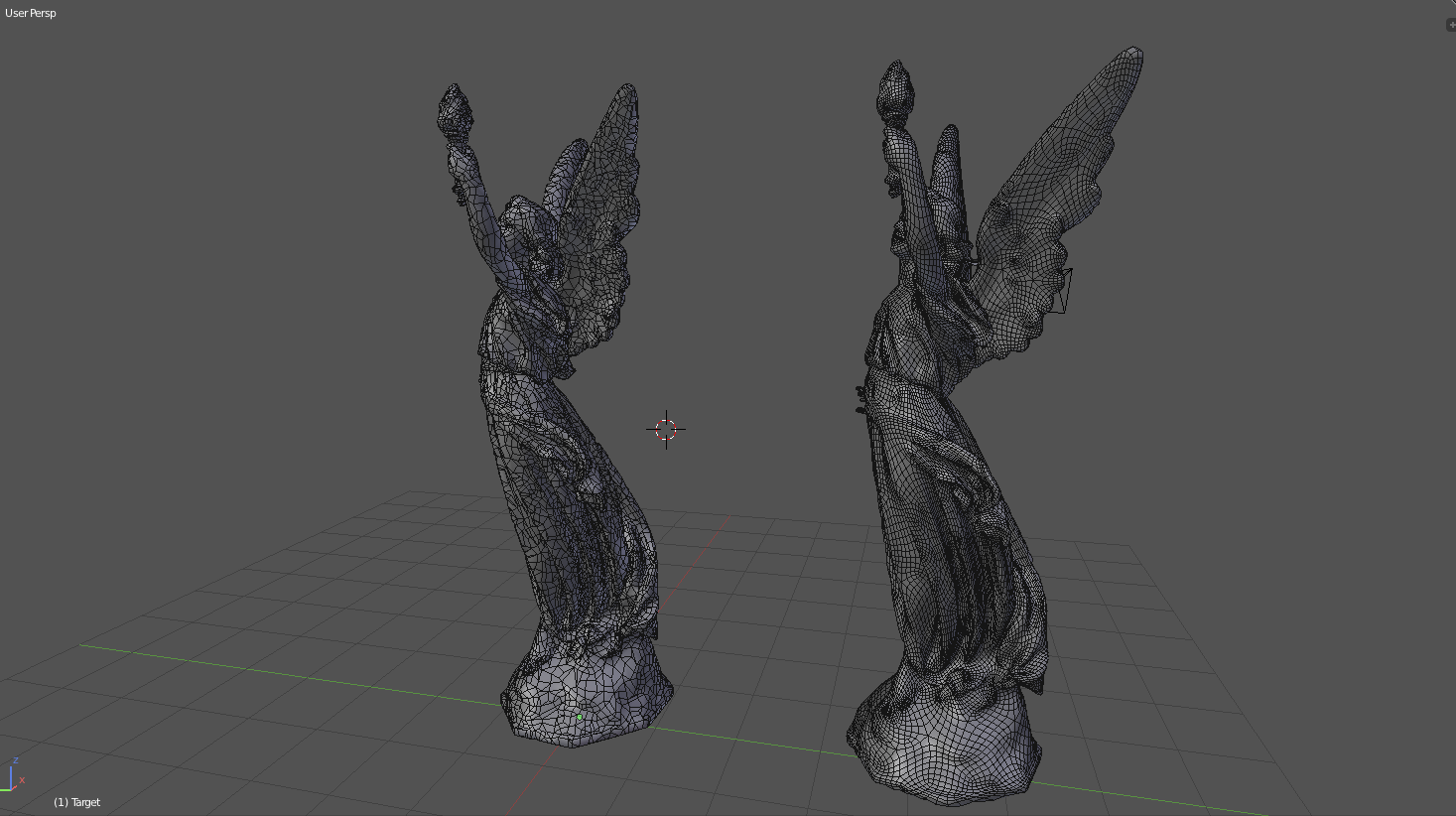
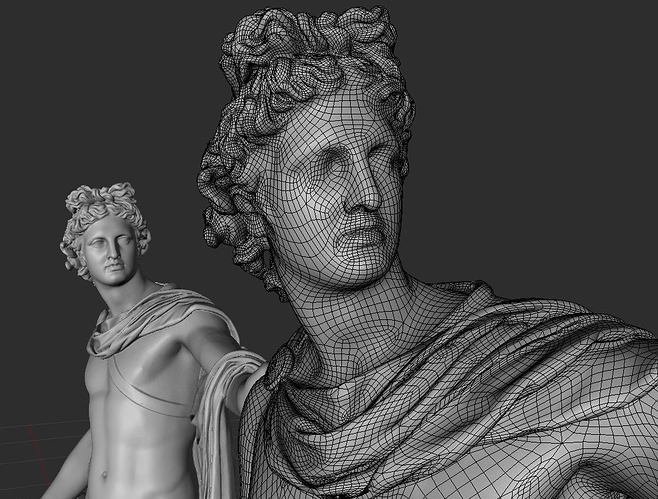
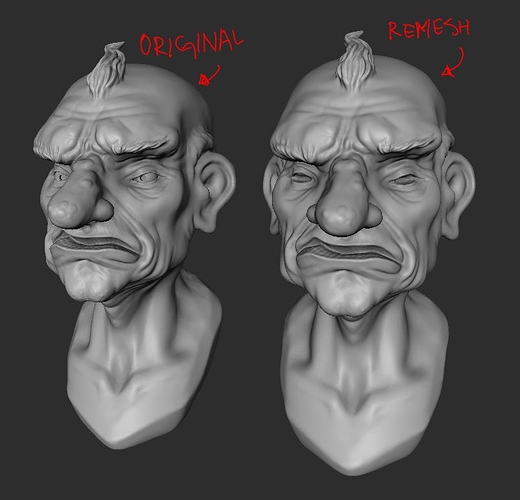
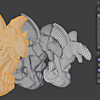
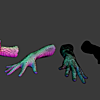
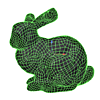
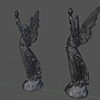

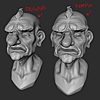


DynRemesh/AutoFlow- Remeshing Toolset

AlbertoFX in Addons


Item Rating

This item has an average rating of 3 from 29 ratings by the community.

42%
4%
14%
18%
25%

Purchase this item to leave a review!

  • Orcavia
    almost 8 years ago

    nice and simple addon..
    but when I "remesh" why go to "sculpt mode"?

    • Alberto Gonzalez

      almost 8 years ago

      Because this tool is dedicated for dyntopo sculpts, I decided to keep sculpt mode enabled so you can get back to sculpting, but I guess it would make sense to make it optional. I will go ahead & add that option once I release version 2.0. Thanks for your feedback!

  • Andreas Leiner
    about 8 years ago

    Over 180 sales and no review until now...
    This addon works really really good. Not always, but in most case it´s perfect.
    Instant clean topology with only one click. Incredible.
    Five stars from me.

    • Alberto Gonzalez

      almost 8 years ago

      I appreciate the feedback! I've been improving it along with other tools, preparing them from 2.8 (:

  • Christopher Allen Merritt
    over 5 years ago

    This is super useful and I love it, but I'm running into Autoflow issues. I properly installed it and it shows up on my menu; however, when I see the Autoflow, it is gray and has caution cone shape. It doesn't work. Please help me to get it to work. I am using Mac latest version of OS and Blender 2.9.1.2. Thank you.

    • Alberto Gonzalez

      over 5 years ago

      Hey Christopher, Thanks for the review!
      Sorry you are experiencing issues installing Autoflow. Can you inbox me so I can guide you through the installation. Thank you!

  • Andy
    over 6 years ago

    The description for installing the AutoFlow addon must be out dated. I extracted it to the same add-on folder as the DynRemesh. But everytime I try to install AutoFlow, I can click my add-on folder. Then click AutoFlow, which directs me to the paths folder. Click the paths folder, which takes me to the Windows or Linux, click Windows. Then nothing. Its empty. Blender isn't recognizing the .exe or something.

    Anyways, I know I paid for the full package, but am only getting half. Refund ensuing.

    • Alberto Gonzalez

      about 6 years ago

      Hey Andy, I am waiting on your response through inbox. Thanks for the heads up!

  • Vincent Arrouays
    over 6 years ago

    This addon is ok.... its good for some stuff but I've had quite a few problems with it, 2 big ones mostly:
    1) the mesh seems to shrink when I use the addon which often causes pinching.
    2) The Autoflow module won't work because of this issue: (below):

    Traceback (most recent call last):
    File "f:\software\blender-2.83\2.83\scripts\addons\autoflow\operators.py", line 55, in execute timeout)
    File "f:\software\blender-2.83\2.83\scripts\addons\autoflow\functions.py", line 201, in remesh_with_quadriflow
    return sibprocess_popen(quadriflow_args, timeout=timeout)
    File "f:\software\blender-2.83\2.83\scripts\addons\autoflow\functions.py", line 230, in subprocess_popen
    stderr=subprocess.PIPE)
    File "F:\software\blender-2.83\2.83\python\lib\subprocess.py", line 775, in_init_restore_signals, start_new_session)
    File "F:\software\blender-2.83\2.83\python\lib\subprocess.py", line 1178, in_execute_child startupinfo)
    PermissionError: [WinError 5] Access is denied

    location: :-1

    (Quadriflow works fine btw.)

  • Marco Bittencourt
    over 7 years ago

    The new release 2.5 fixes the msg error, but the result of remesh is nothing or a little mess of polygons in some place of my mesh. Are you could fix that?

    • Alberto Gonzalez

      over 7 years ago

      Could you send me a screenshot of your settings and the result you're getting through the BM inbox. Thanks for your feedback!

  • Davide Prestino
    over 7 years ago

    I buy today, but with the last release of blender 2.8 not work, you can fix the error, and release the update?

    Traceback (most recent call last):
    File "C:\Users\xxxx\AppData\Roaming\Blender Foundation\Blender\2.80\scripts\addons\DynRemesh.py", line 211, in execute
    solveretopo(self,context)
    File "C:\Users\xxxx\AppData\Roaming\Blender Foundation\Blender\2.80\scripts\addons\DynRemesh.py", line 81, in solveretopo
    bpy.ops.object.duplicate_move(OBJECT_OT_duplicate={"linked":False, "mode":'TRANSLATION'}, TRANSFORM_OT_translate={"value":(0, 0, 0), "orient_type":'GLOBAL', "orient_matrix":((0, 0, 0), (0, 0, 0), (0, 0, 0)), "orient_matrix_type":'GLOBAL', "constraint_axis":(False, False, False), "mirror":False, "proportional":'DISABLED', "proportional_edit_falloff":'SMOOTH', "proportional_size":1, "snap":False, "snap_target":'CLOSEST', "snap_point":(0, 0, 0), "snap_align":False, "snap_normal":(0, 0, 0), "gpencil_strokes":False, "cursor_transform":False, "texture_space":False, "remove_on_cancel":False, "release_confirm":False, "use_accurate":False})
    File "D:\blender-2.80\2.80\scripts\modules\bpy\ops.py", line 200, in __call__
    ret = op_call(self.idname_py(), None, kw)
    TypeError: Converting py args to operator properties: : keyword "proportional" unrecognized

    location: :-1

    • Alberto Gonzalez

      over 7 years ago

      I have updated DynRemesh to v2.5 and should avoid any issues to recent 2.8 builds. Thanks for letting me know!

  • lee
    over 1 year ago

    Went through the documentation really thoroughly to clean up a photoscan, and no matter the amount of fiddling with settings, was able to get me a remotely clean topo for a small building scan.

  • laura
    almost 3 years ago

    it sort of works but its not worth the money
    everthing i used it with lost all details even with the $35 DynRemesh add on
    prehaps its due to me using more current versions of blender

    I would recomend quad remesher it costs a bit more but actually works and is adjustable in terms of details and pologon count
    quad remesher: https://exoside.com/quadremesher/quadremesher-buy/

  • Dartr
    over 4 years ago

    Really useless addon. Bought it two years ago, and now i'm using Quad Remesher - worth of all money. Every time i use Dynremesh - i got very bad result.

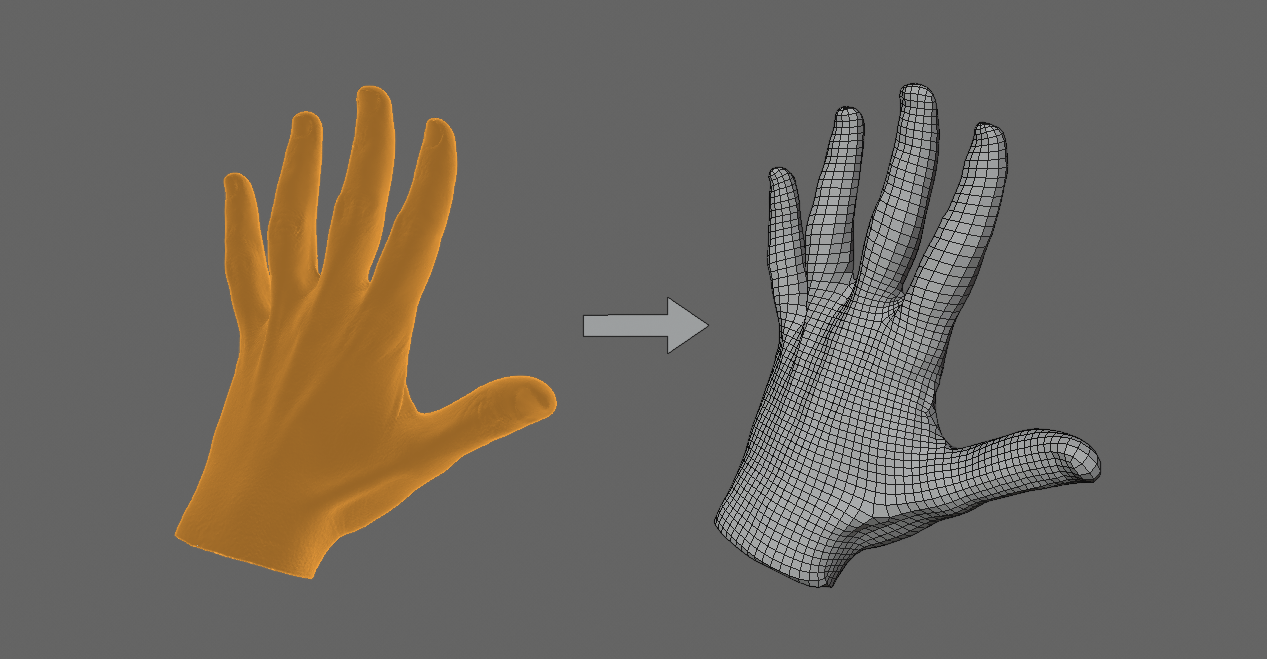
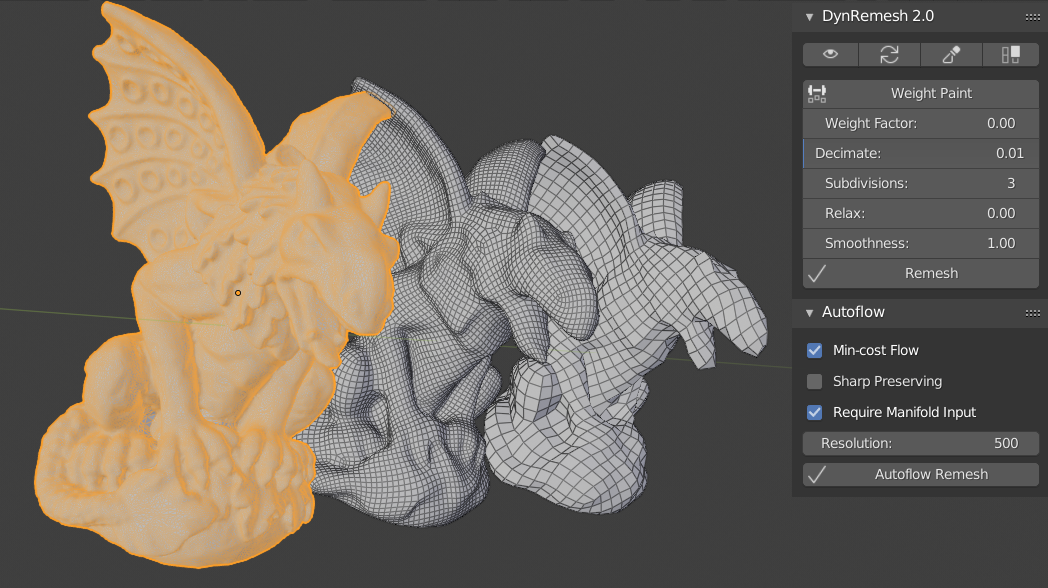
  • Quad-based remesher + Auto-retopology tool

    $35
  • Quad-based Remesher

    $15
$35

Have questions about this product?
Login to message

Details
Sales 3100+
Rating
29 ratings
Dev Fund Contributor
Published about 8 years ago
Blender Version 2.91, 2.9, 2.83, 2.82, 2.81, 2.8, 2.79
License GPL