DynRemesh/AutoFlow- Remeshing Toolset

AlbertoFX in Addons


Item Rating

This item has an average rating of 3 from 29 ratings by the community.

42%
4%
14%
18%
25%

Purchase this item to leave a review!

  • [email protected]
    over 5 years ago

    The cheaper version probably only works for objects for which shape of the object does not matter, since the simple plugin simply destroys the shape using blender's default modifiers. I do not recommend as something that would make work easier with 3D models but if you are using the decimate modifier and want to pay $15 for a wrapper around it then this plugin exists.

  • BA
    over 7 years ago

    Does not work as advertised:
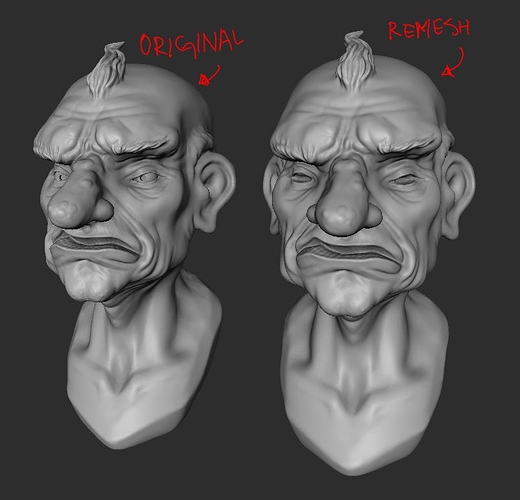
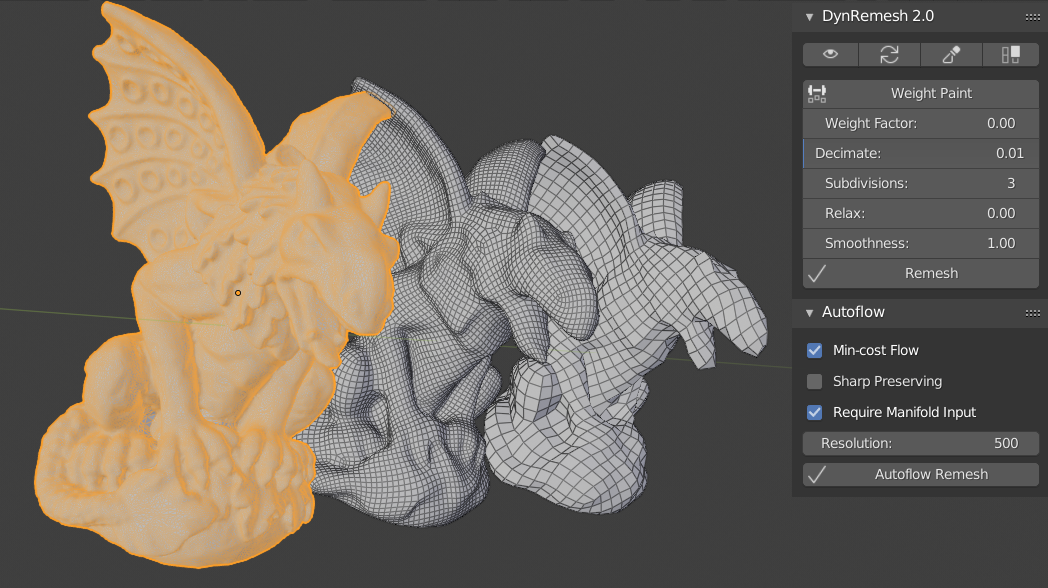
    In the screenshots I see a topology that doesn't have much 6, 7, 8, 9 or 10 poles.
    I tested out nearly hundred of times, and always got loads of poles.

    tried:

    - Same density of mesh as shown in the screenshots
    - Same settings as shown on screenshots.
    - Tried several blender 2.80 builds, also with factory settings
    - Tried with meshes that has curvature everyhwere (no flat faces)

    So doesn't work as advertised.

    • Alberto Gonzalez

      over 7 years ago

      Hey Robert,
      I believe I contacted you about the issue being fixed once I upload the new version. I will let you know when it is ready, thanks for your feedback!
  • CHK
    over 2 years ago

    In my case, I follow settings as the demo's but It does not work at all like the demo vid.

  • koyo
    over 3 years ago

    Does not work as advertised do not use

  • David Malkasian
    almost 4 years ago

    This is a defective addon, definitely not worth $35. I ran the addon on the recommended version of Blender, but I never could get it to work properly. Very Glitchy. I want a refund for my purchase.

  • George
    almost 4 years ago

    its not working...

  • nsalman
    over 6 years ago

    It did a very messy work, lots of errors, feel very bad for spending time and money on it, will have to look for another tool....

    • Alberto Gonzalez

      over 6 years ago

      Hey nsalman, thanks for your feedback. Can you message me directly & explain what is exactly you are running into? Thank you

  • Tastan
    over 7 years ago

    Unfortunately since I wasn't able to use it, I am going to have to give it a 1 start. It looks cool but doesn't work on Blender 2.79 Maybe I am not installing it right. I have no idea what you are talking about as far as "QuadriFlow path is located within the folder as well, make sure to set path in preferences(quadriflow.exe)"

    • Alberto Gonzalez

      about 7 years ago

      Hey, sorry that you are having trouble getting it to work. Please send me a PM & I can guide you through this issue.

  • Simon
    over 7 years ago

    Seems good in theory... happy to change my rating... but I'm not even able to retopo a simple UV sphere in v2.80.47. Getting this error every time:

    ---------------------------------------------

    Traceback (most recent call last):
    File "C:\Users\Simon_Desktop\AppData\Roaming\Blender Foundation\Blender\2.80\scripts\addons\DynRemesh.py", line 192, in execute
    solveretopo(self,context)
    File "C:\Users\Simon_Desktop\AppData\Roaming\Blender Foundation\Blender\2.80\scripts\addons\DynRemesh.py", line 80, in solveretopo
    bpy.ops.object.duplicate_move(OBJECT_OT_duplicate={"linked":False, "mode":'TRANSLATION'}, TRANSFORM_OT_translate={"value":(0, 0, 0), "constraint_axis":(False, False, False), "constraint_orientation":'GLOBAL', "mirror":False, "proportional":'DISABLED', "proportional_edit_falloff":'SMOOTH', "proportional_size":1, "snap":False, "snap_target":'CLOSEST', "snap_point":(0, 0, 0), "snap_align":False, "snap_normal":(0, 0, 0), "gpencil_strokes":False, "texture_space":False, "remove_on_cancel":False, "release_confirm":False, "use_accurate":False})
    File "C:\Program Files\Blender Foundation\blender-2.80.0-git.6fd11a21f5c5-windows64\2.80\scripts\modules\bpy\ops.py", line 200, in __call__
    ret = op_call(self.idname_py(), None, kw)
    TypeError: Converting py args to operator properties: : keyword "constraint_orientation" unrecognized

    location: :-1

    ----------------------------------------------------

    -S

    • Alberto Gonzalez

      over 7 years ago

      Please make sure you have the latest 2.8 build. There are changes every other day being made since 2.8 is still in beta. Also, in your orders, make sure you have the latest DynRemesh update. I put the date next to the recent updates. Thanks for letting me know!

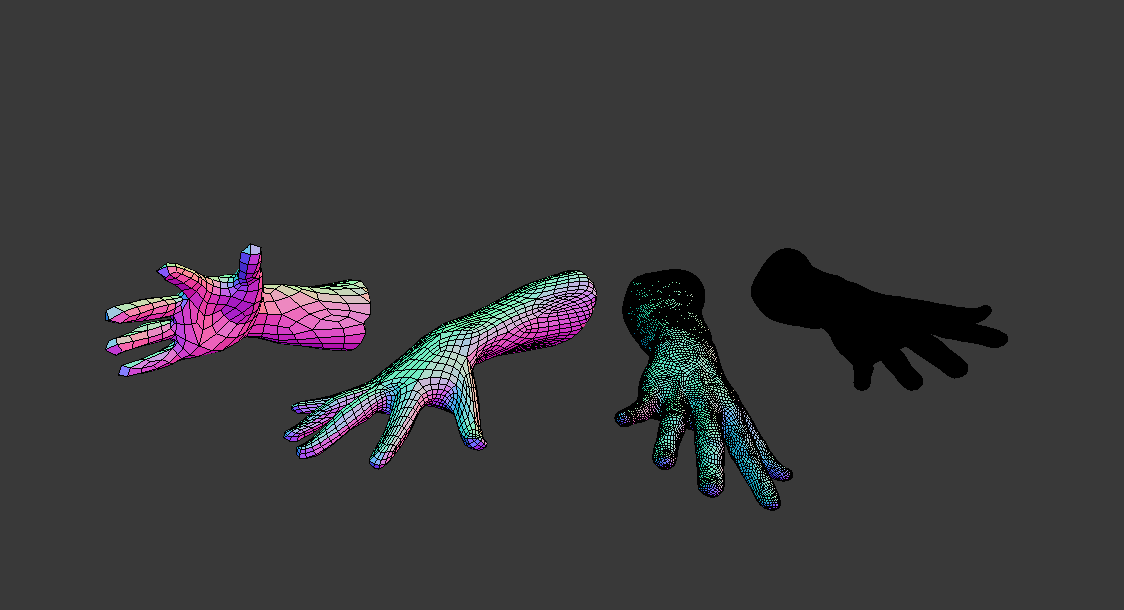
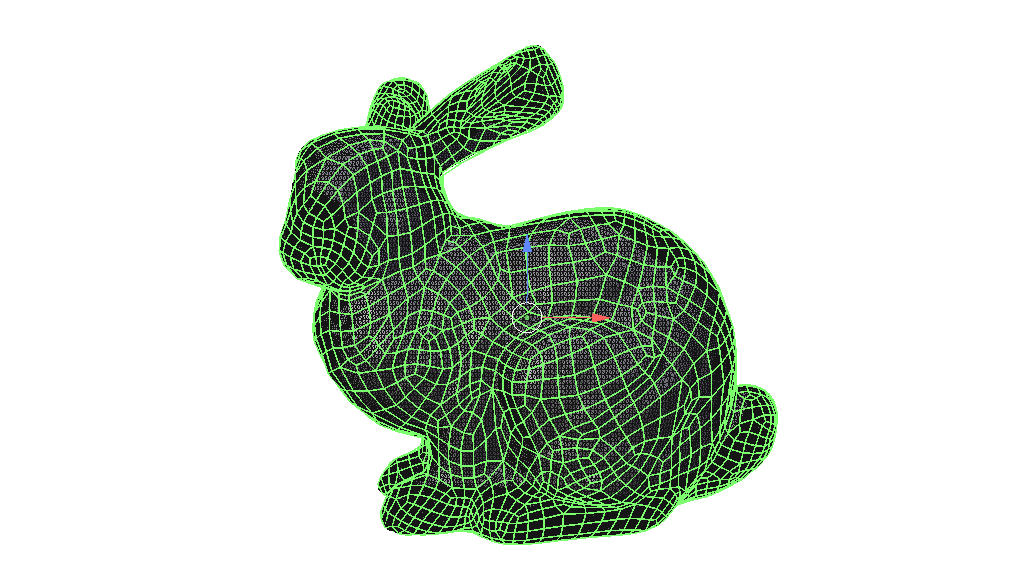
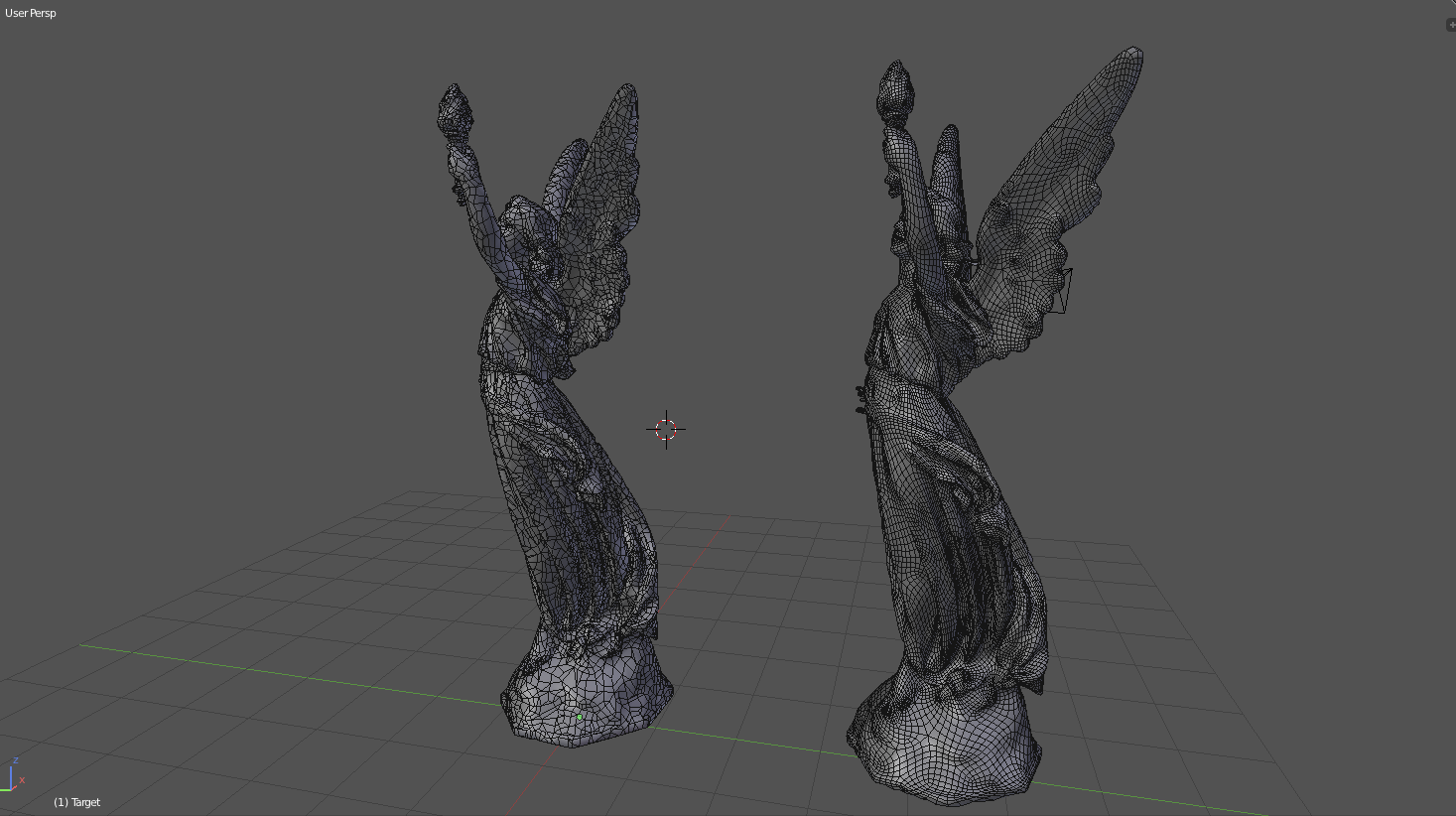
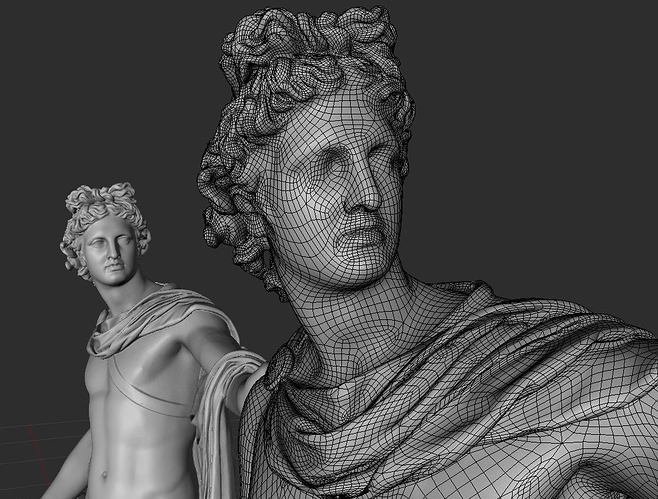
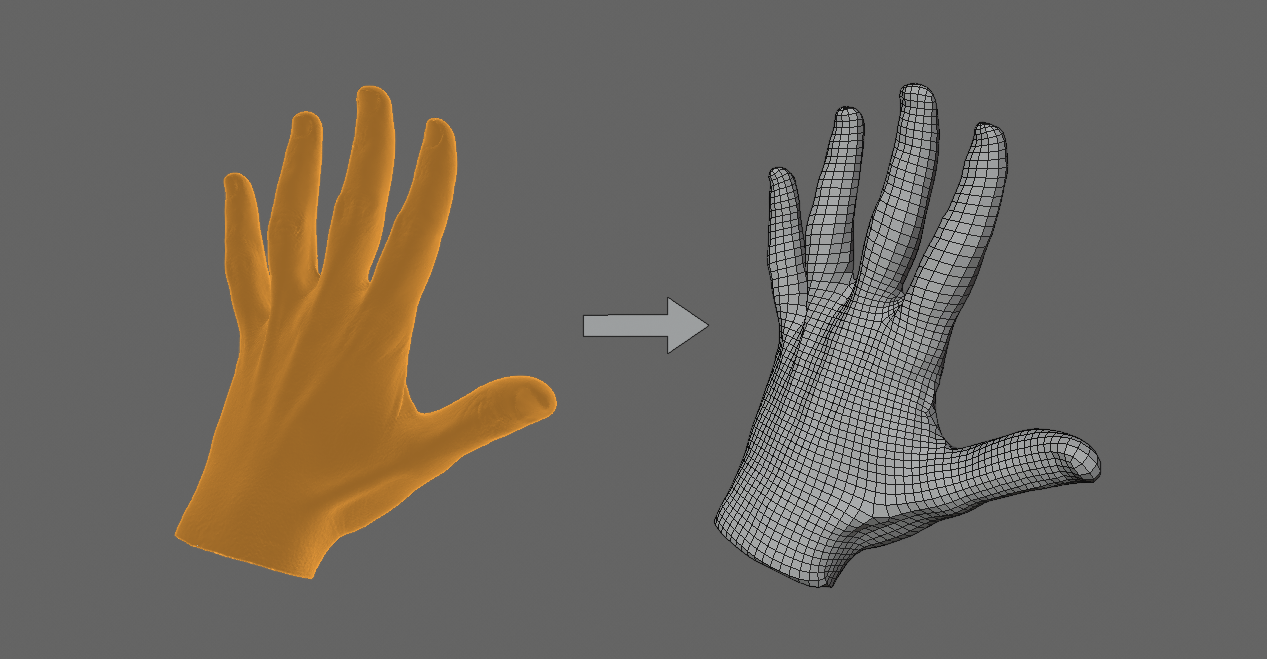
  • Quad-based remesher + Auto-retopology tool

    $35
  • Quad-based Remesher

    $15
$35

Have questions about this product?
Login to message

Details
Sales 3100+
Rating
29 ratings
Dev Fund Contributor
Published about 8 years ago
Blender Version 2.91, 2.9, 2.83, 2.82, 2.81, 2.8, 2.79
License GPL