 CITIGEN



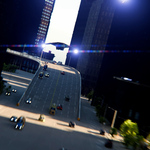

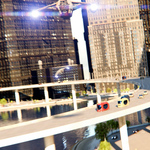
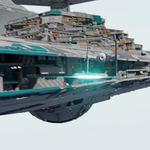
Why you need it
You need a dedicated flare addon for a mass animation scene, where there can be tens, hundreds, even thousands of fast-moving machines to track. Seasoned artists know compositor-based flares can easily tackle that issue. But it's a pain to set up that familiar set of nodes over and over again and to keep track of all the different node settings.
What you get
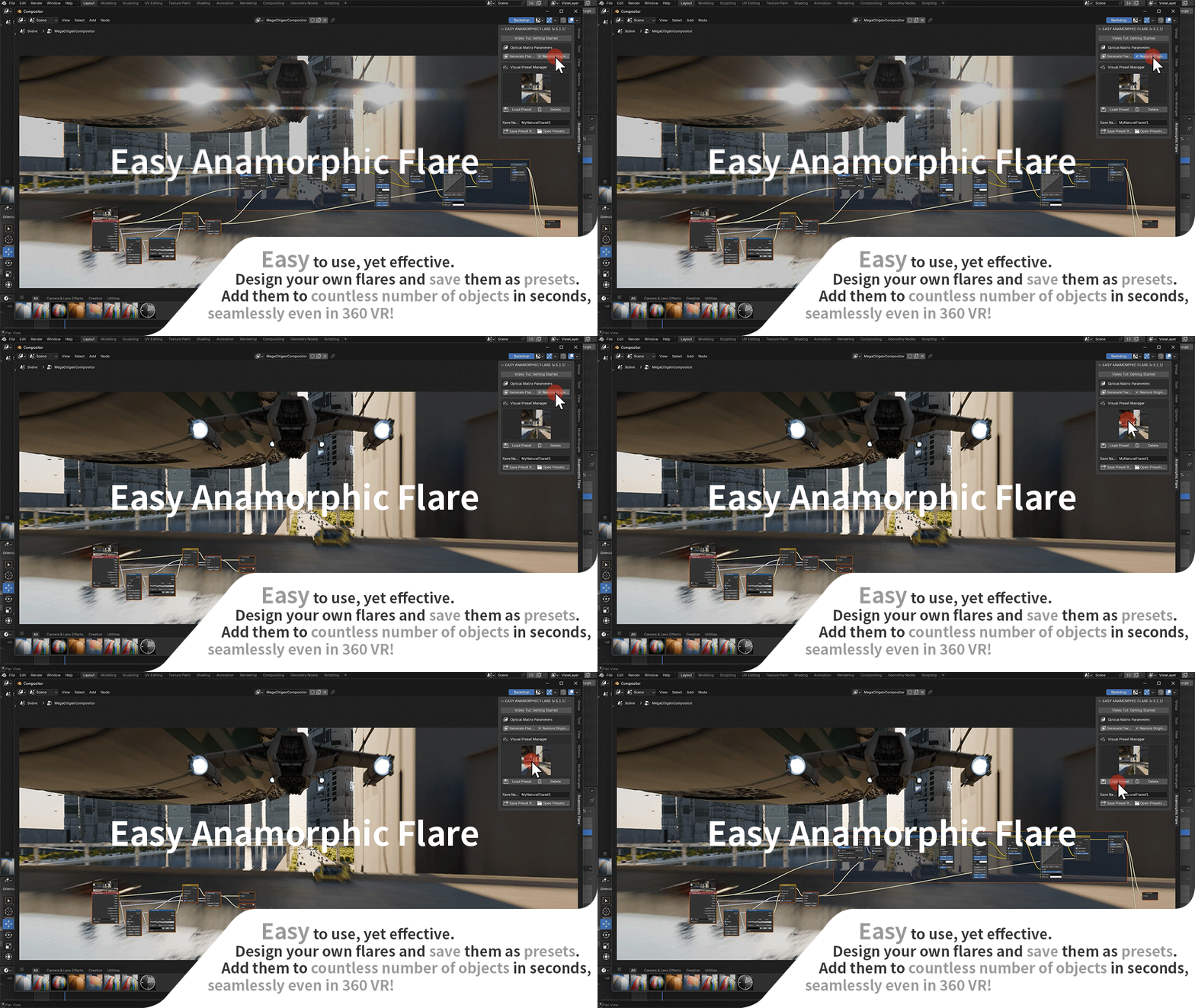
You get a smart addon that intelligently inserts or removes its flare node setup in your compositor. Select a preset. Click "Load Preset," and you're ready.
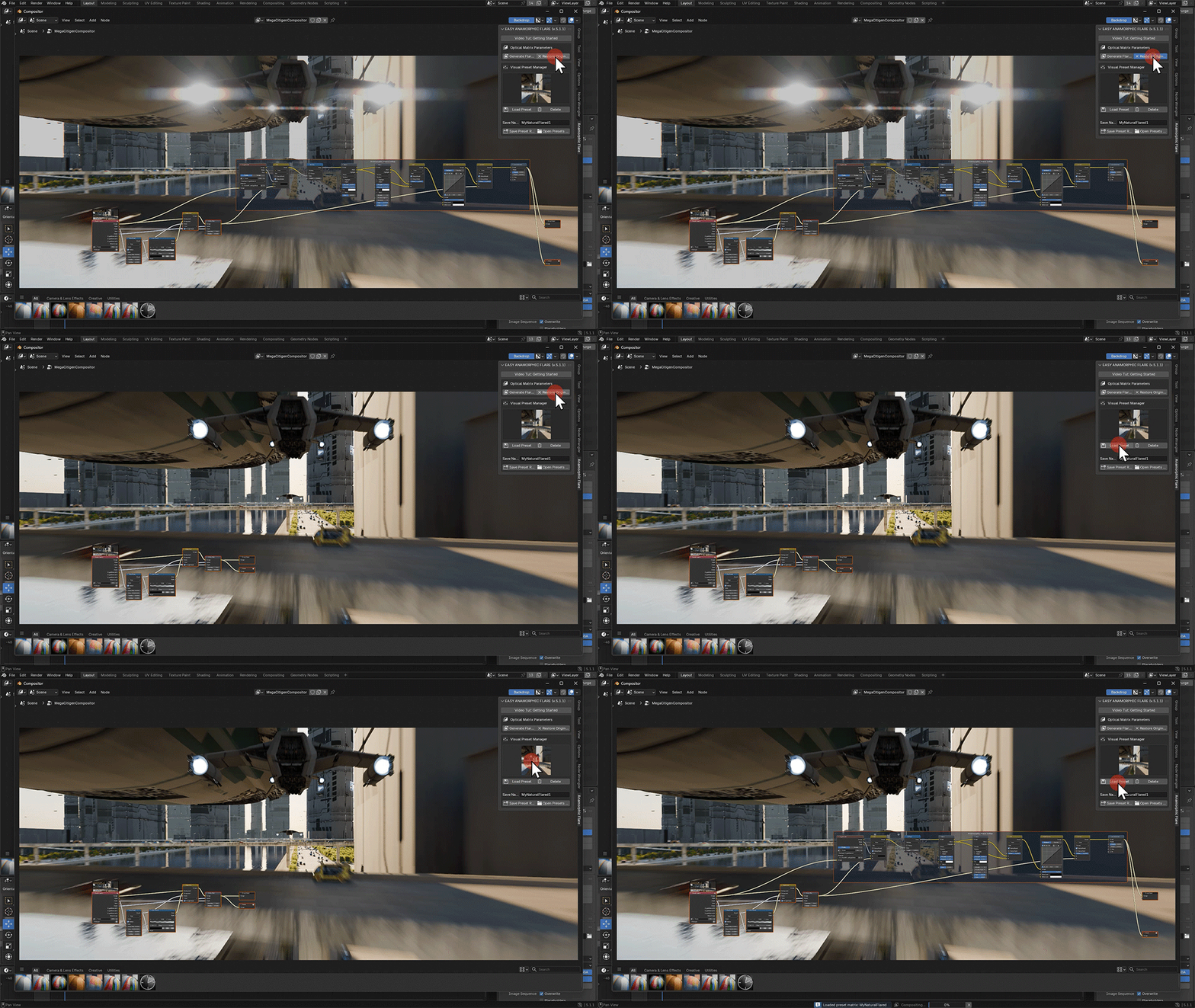
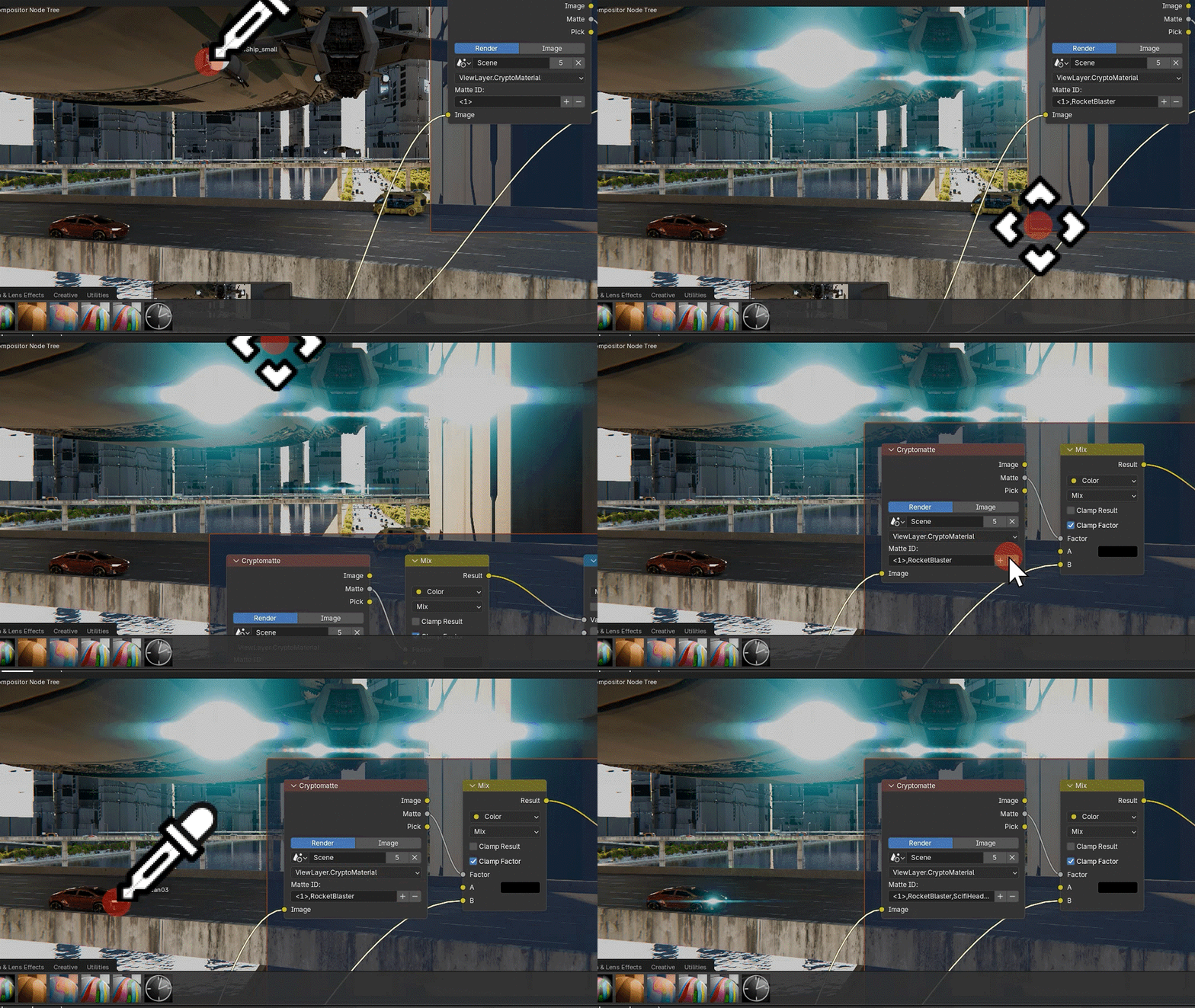
Simple yet effective. Forget about tracking, exporting objects and the camera to third-party solutions. Forget about going through countless menus, just to add a flare. Just point at where you want your flare to be.
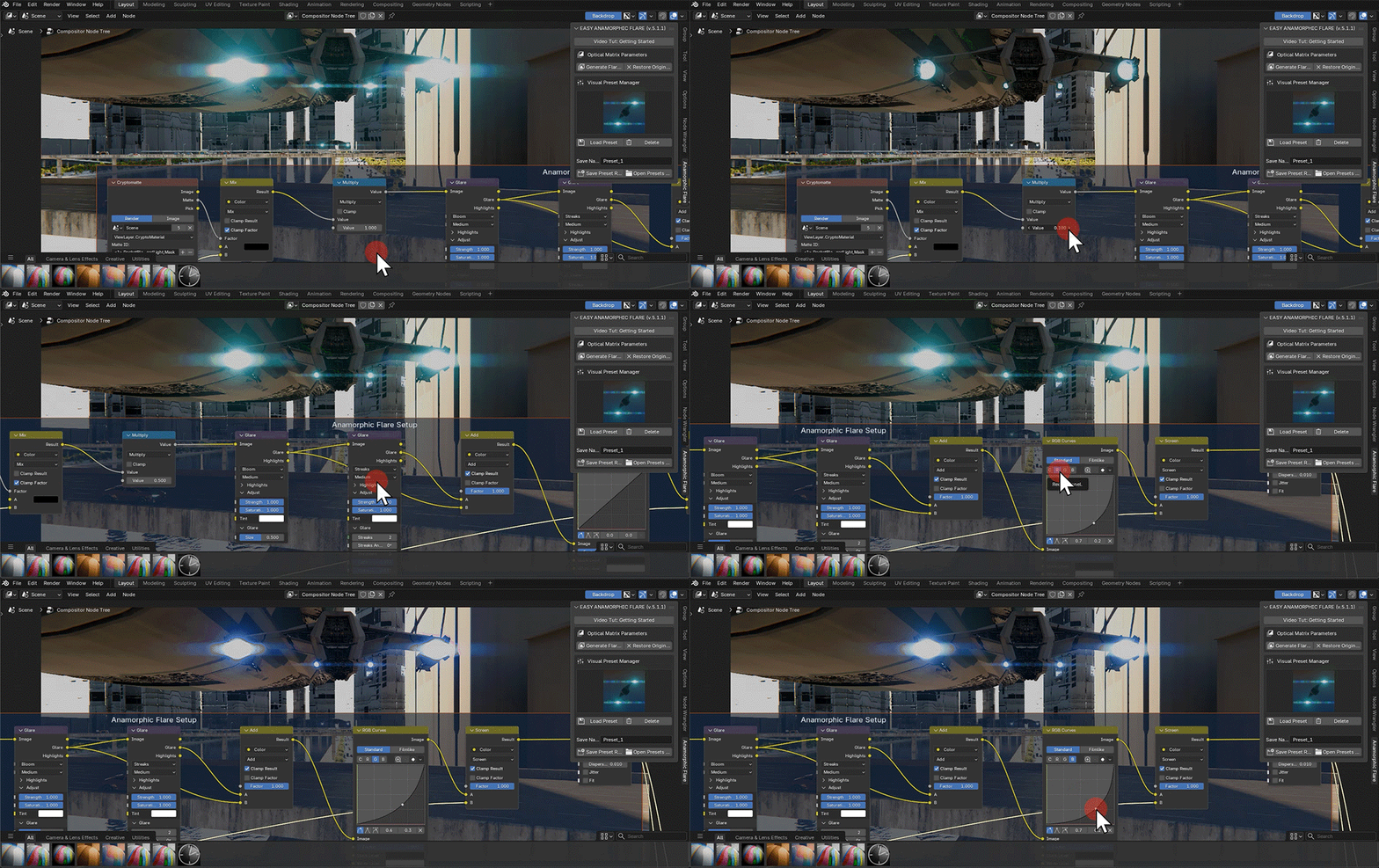
Limitless varieties. Don't limit the variety of your fares to that of the default presets. Try testing various values in the EAF's flare node setup. EAF can remember every single one of them and record them in a custom preset of yours
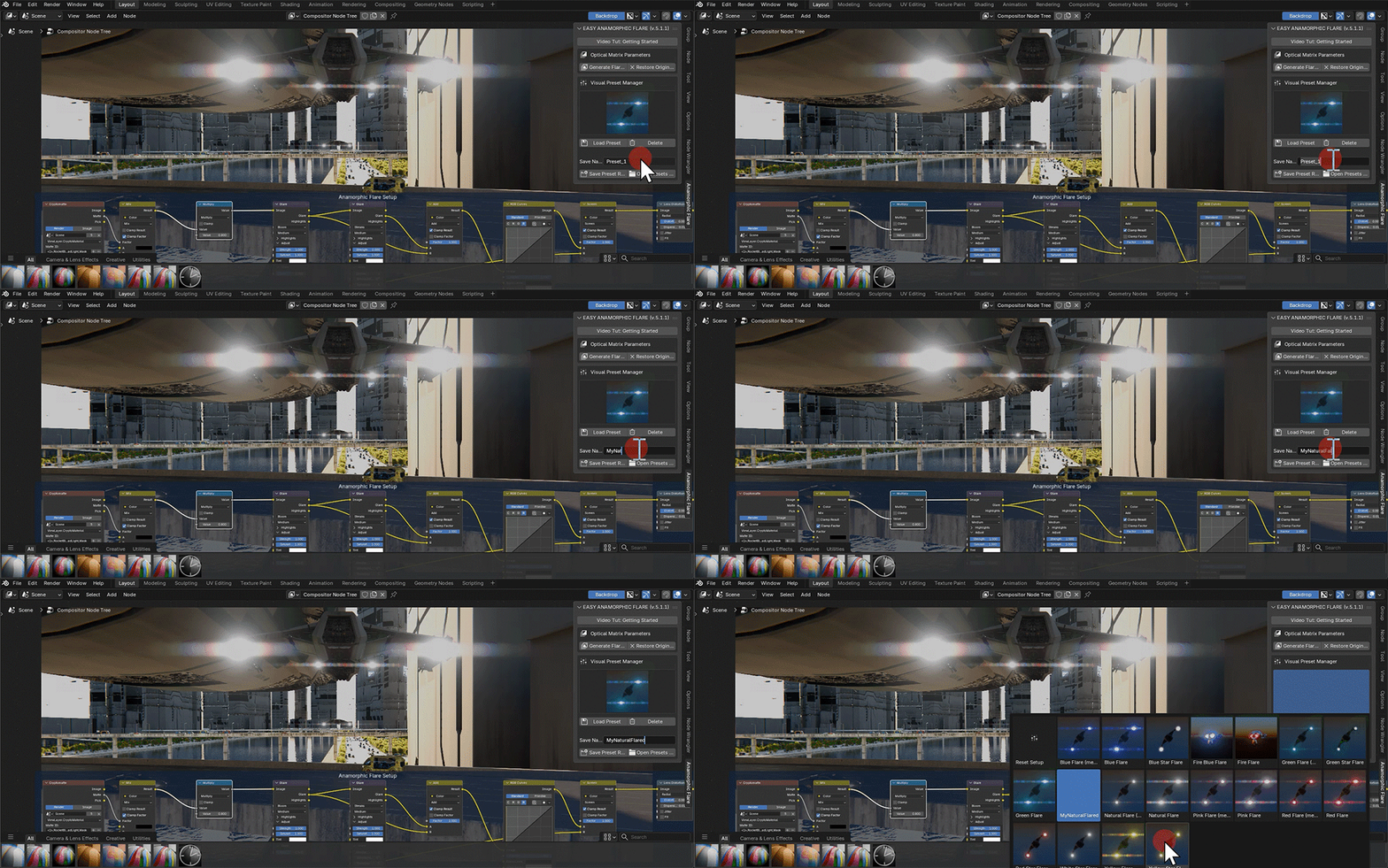
Preset System. Even if you know little about Blender's node system, you can easily add flares using one of the presets. If you are an advanced artist, tweak the flare nodes' values and record them as your own custom preset.
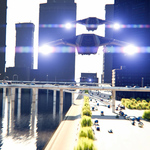
EAF in Action
360 VR.
Watch the following video in full-screen mode to see the flares:
