 CITIGEN


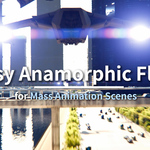
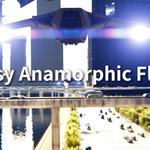
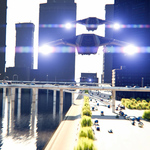
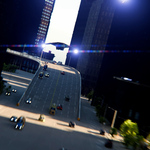
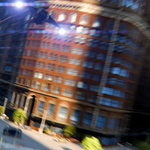
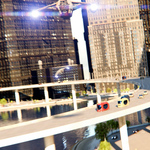
1. How is this different from existing flare addons?
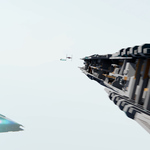
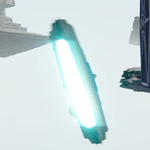
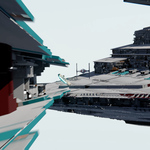
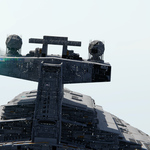
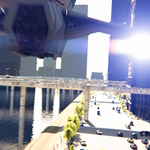
EAF focuses on mass CGI animation scenarios, when there are too many objects to keep track of, using tools like Optical Flares. Even on a CGI scene featuring just a few light-emitting objects, EAF could be sufficient for most scenarios.
2. Is just clicking on a face all that's needed to add flare to that spot?
EAF uses the material name of that face to add flares to all parts in the scene using that material. So you'd better know the material shader's name in advance. When you hover over a face, Blender will show you the material name using that face. If the face is really small in the Compositor, Blender might show you several different material names as you slowly move your mouse over that face. When the name is right, click it.
$25
 Included
Includes 12 months of
- Support from CITIGEN
- Product updates
Extend this product’s Support Period +12 months: 25% of product price
Have questions before purchasing?
Login to message
| Dev Fund Contributor | |
| Published | 4 months ago |
| Blender Version | 4.5 - 5.2 |
| Extension Type | N/A |
| Render Engine Used | Arnold, Blender-Internal, Blender-Game-Engine, Cycles, Eevee, Freestyle, Luxrender, Mental-Ray, Octane, Vray, Yafaray |
| License | Mit |