Earth-Sun-Moon Simulator
 Wolfram Kampffmeyer


Documentation "ESM-Simulator"
Start Simulation
Click on „Load Simulation“ to get started. Your scene will be cleaned and set up with Geometry (Sun, Earth, Moon, Universe). Everything is prepared for your simulation.
Press Play (Spacebar) to see it in action.
„Reset Simulation“ reloads everything, if you messed up something, while preserving most of your settings.
„Unload“ deletes everything.
Play around with all the parameters, camera presets, simulation speed!
How to use ESM Simulator
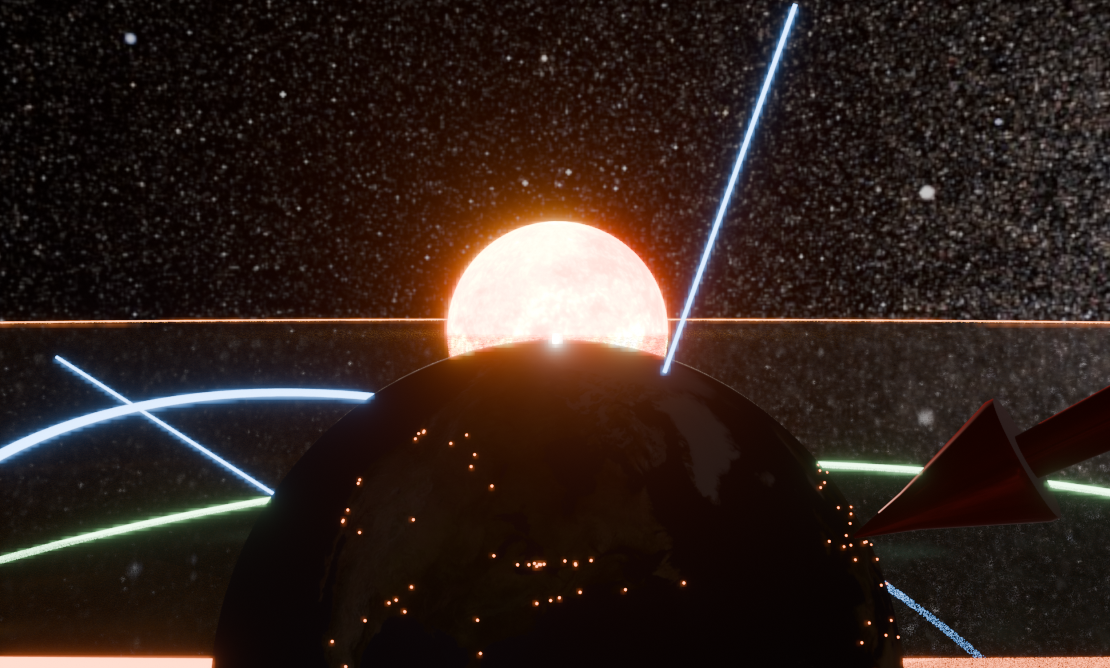
First look through the Camera
Set up your Workspace like this: Left: Camera view. Right: 3D View
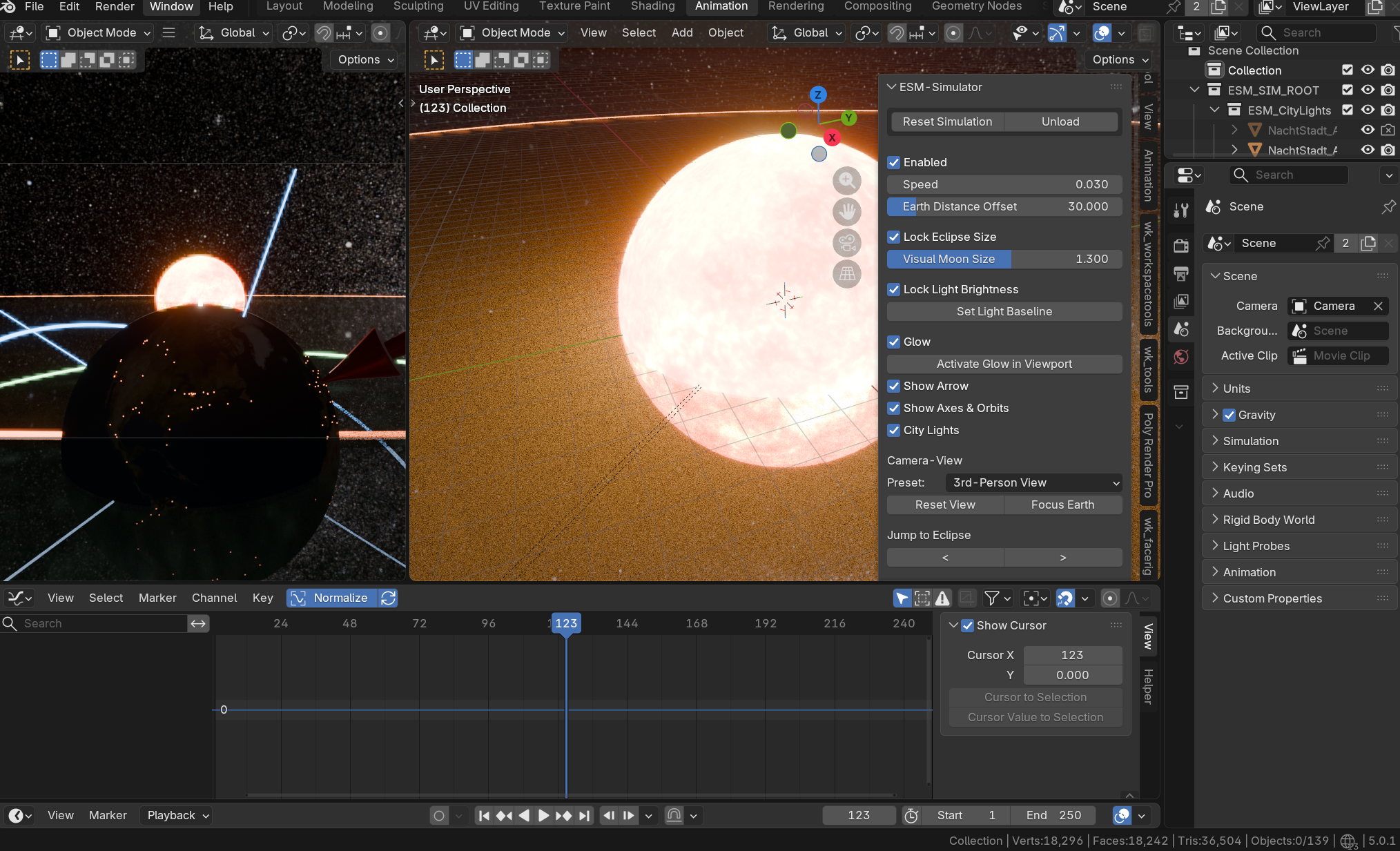
Description of the following parameters:
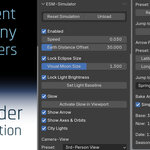
Speed: Simulation speed
Earth Distance Offset: How close the Celestial Bodies are to each others
Lock Eclipse Size: When changing Earth Distance Offset, the addon tries to keep the visual moon size the same. You can set the moon size seen from earth here too.
Lock Light: If checked, sun intensity will change according to distance, so the light which hits the earth stays the same
Glow: Set viewports to „Rendered“ and activate Glow to see the sun in all of it’s beauty.
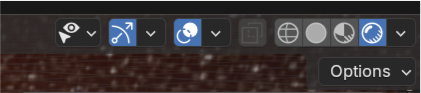
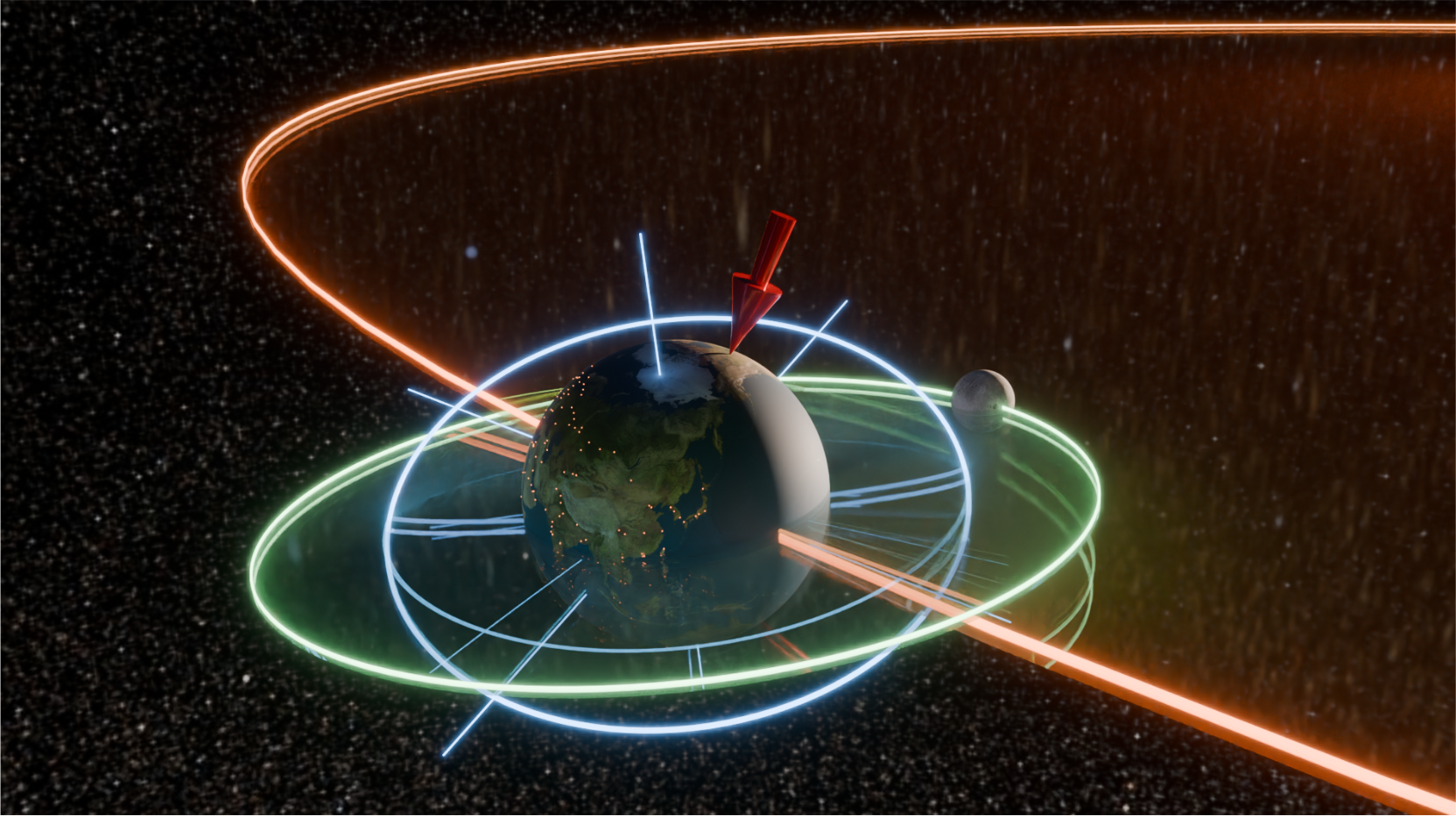
You can activate the following options to make your simulation even more beautiful:
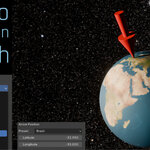
Show Arrow: The big red arrow which shows your position
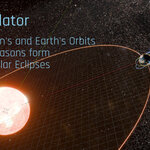
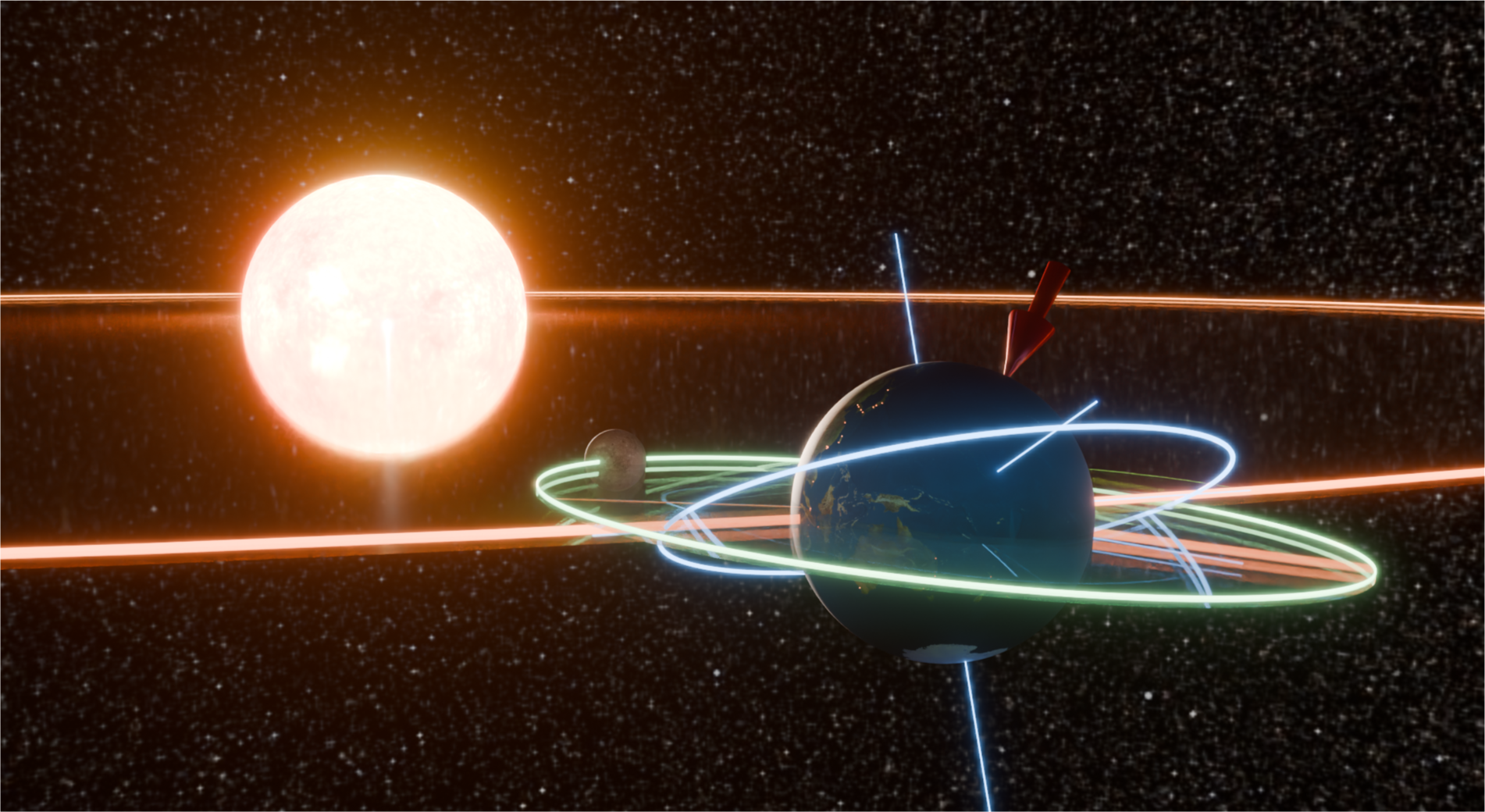
Show Axes & Orbits: Earth's sun orbit, rotation axis, and Moon's orbit
City Lights: What would this Gem be without the glowing city lights on the night side?
Camera Options
Chose from these Presets:
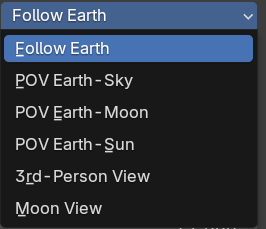
If you set your viewport to "Lock Camera to View", you can move your camera freely around, starting from the preset position:
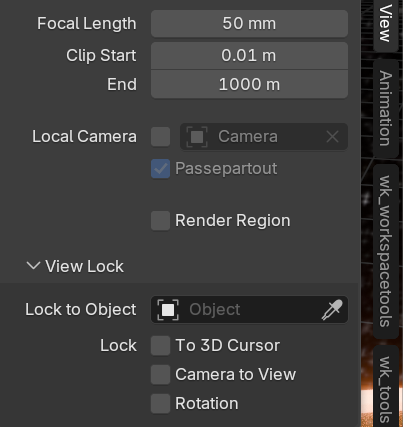
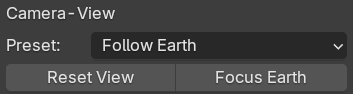
If you get lost, no worries! Simply reset view or focus on earth again:
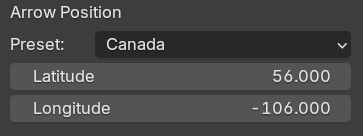
Arrow Position
Chose from many country presets:
The red arrow will jump to this position.
You may as well change the exact location by sliding Latitude and Longitude.
Jump to Season
Pres Play after jumping to see the effect.
See, how Earth’s axis is tilted towards the sun in summer? Long days on Northern Hemisphere, short days in the south!
Artemis II (Experimental)
In April 2026 I’ve added the „Artemis 2“ feature which simulates the flight of NASA’s Artemis 2 mission around the moon.
This is rather experimental than realistic and works best if you set your season start to Autumn or "Set Start Here" to around April with the standard settings.
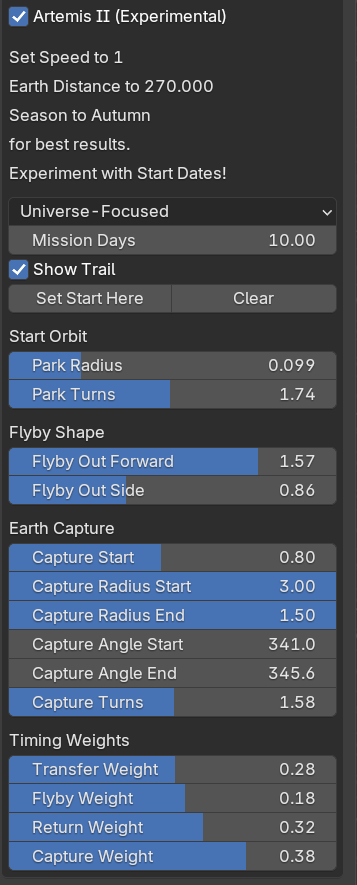
Recommended initial settings are in the text box, but you are welcome to experiment with all settings!
The rocket will always try to circle the earth, aim for moon, orbit the moon and return back to earth. Depending on positions of earth and moon, the orbits may look bumpy. With the sliders, you can try to smooth the flight path.
After baking, the rocket will fly smoothly along the path! You then may edit the animation in Graph Editor, synchron forboth the rocket and the trail path.
Mission Days: Length of the mission
Show Trail: see Orion's trail
Set Start Here: Start of Artemis 2 mission
Start Orbit: Edit those settings if path intersects with earth. Set number of orbits around earth, before leaving for Moon
Flyby Shape: See in real-time of existing path how these settings change the path
Earth Capture: Settings for the final part of the mission, re-entering Earth's orbit
Timing Weights: Tweaks the speeds of the mission parts
Bake and render your Animation
If you try to render your animation, Blender will most likely crash.
So save your scene and click on "Bake to new Scene". This will save your scene with the suffix "baked", bakes all movements and deletes all drivers and dependencies of the simulation.
For long animations, you may check „Simplify“.
Here’s the difference:
Without "Simplify": A key on every frame, also for linear movements.
With "Simplify": Only start and end keyframe for linear movements.
Last but not least
See some useful informations
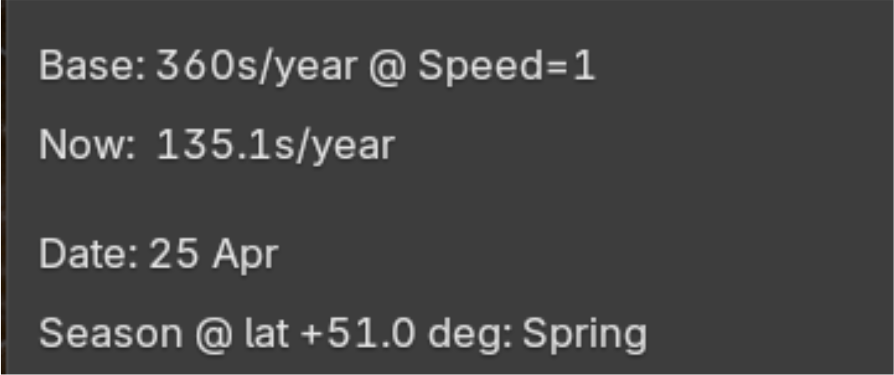
Speed = 1: One second = one day
Now: A year goes bye in 135 seconds
Date: According to earth tilt position, estimated date
Season: Based on your Arrow’s position, at this position it’s spring. Example: Summer in Germany would be Winter in New Zealand.
Have questions about this product?
Login to message
| Blender Extension Compatible | Yes |
| Published | 6 months ago |
| Blender Version | 5.0 - 5.1 |
| Extension Type | Add-on |
| Render Engine Used | Cycles, Eevee |
| License | GPL |
Discover more products like this
artemis2 simulator day-and-night experiment earth orbit stem earth moon simulator artemis rocket Solar Eclipse education nasa