 Pro Tools
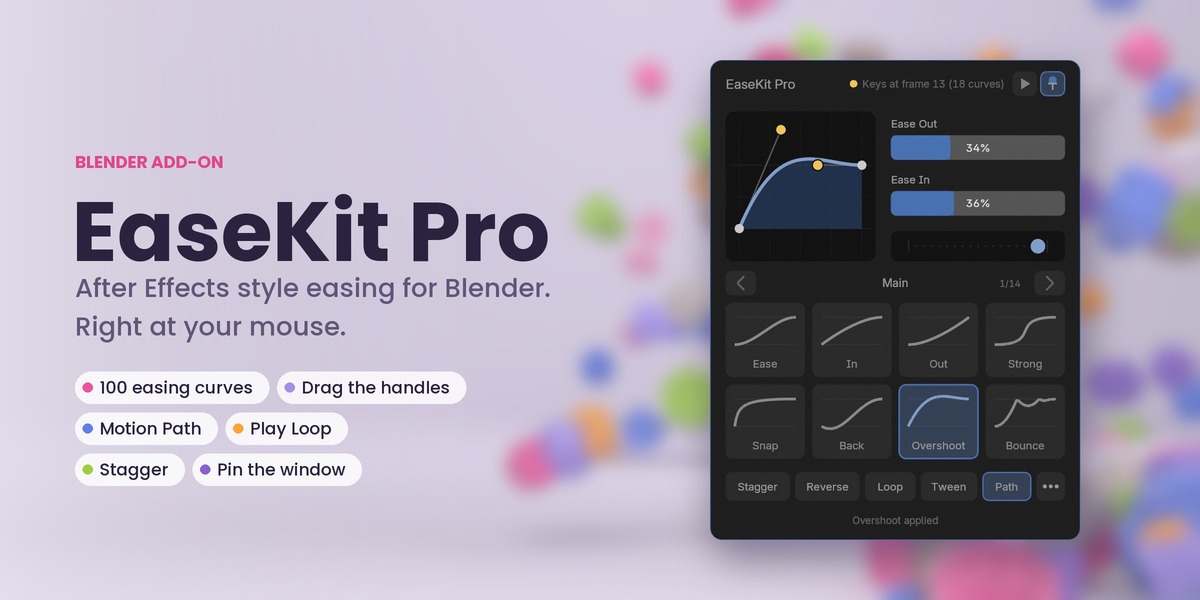
After Effects style easing for Blender. Right at your mouse.
Press Ctrl+Shift+E. Pick a curve. Watch your keys follow.
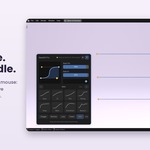
EaseKit Pro puts the ease you know from After Effects right next to your animation: a live curve with yellow handles you can drag, 100 ready-made curves on big pictures, and the timing tools animators reach for every day. No digging through the Graph Editor, no fixing handles one by one.
What you get
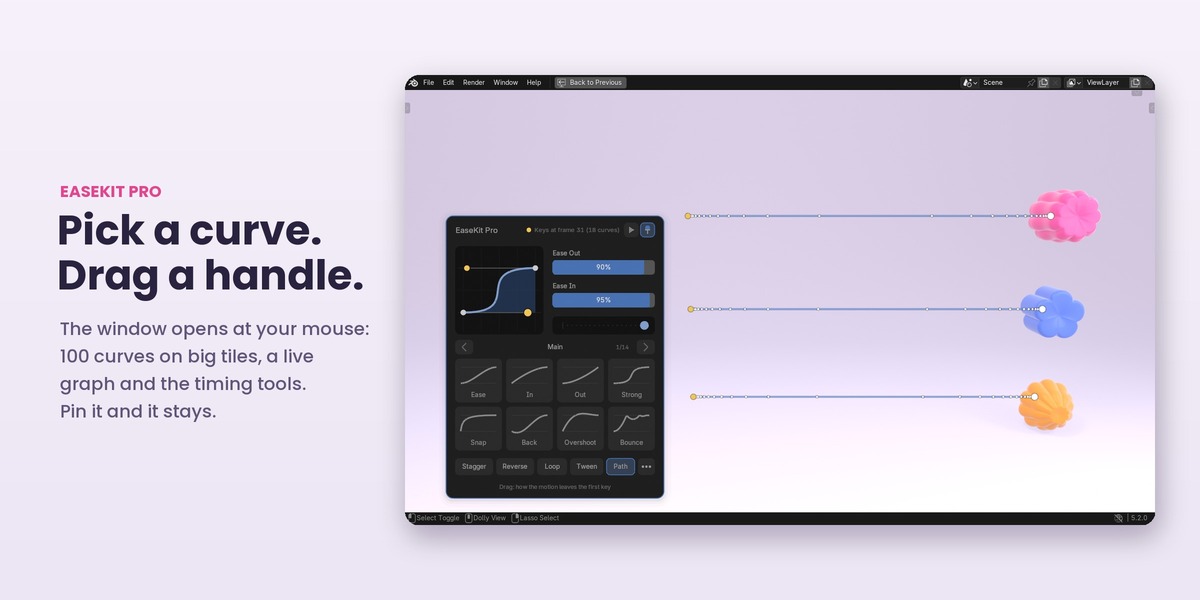
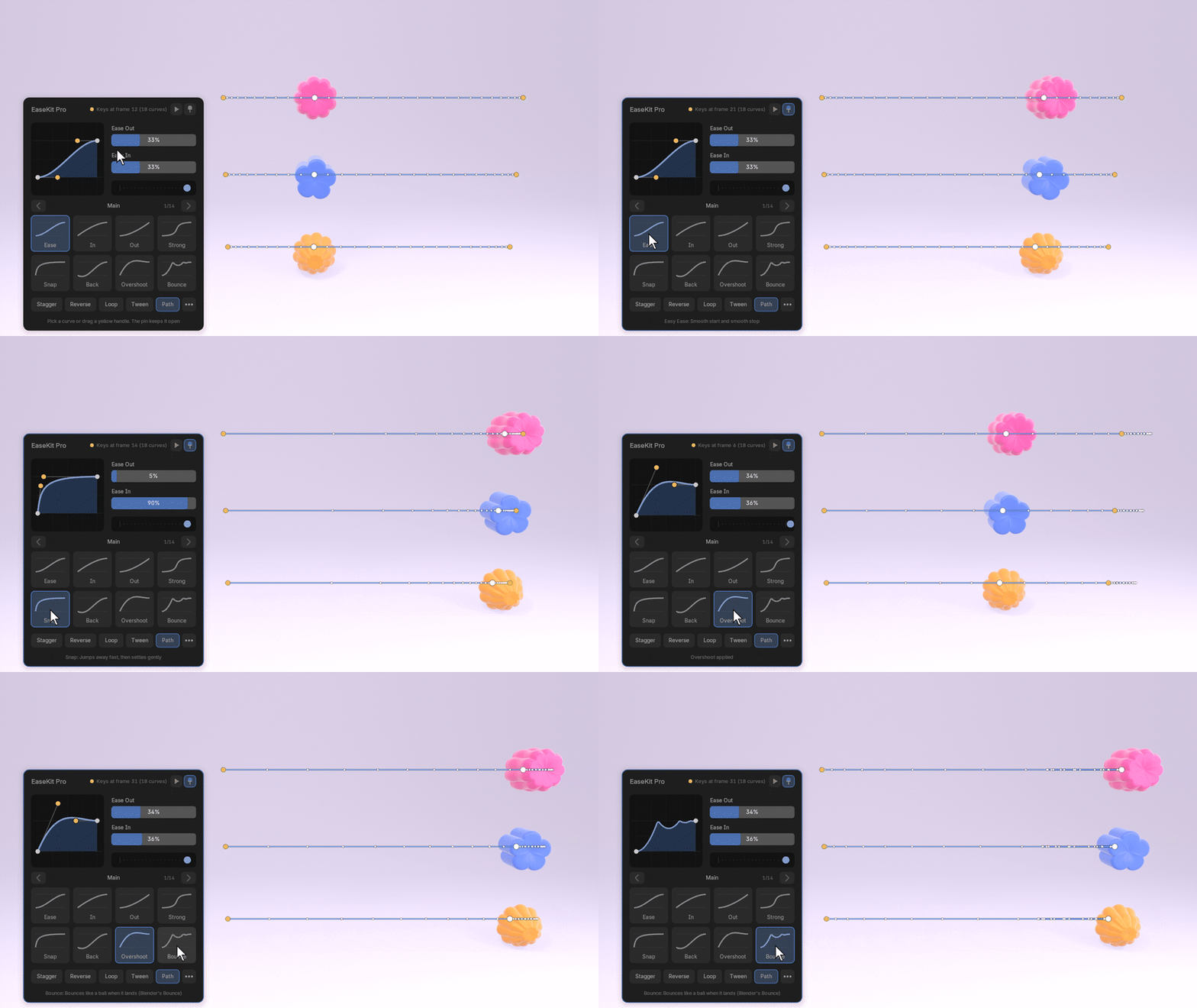
- A window at your mouse: a live graph, Ease Out and Ease In sliders, and pages of big curve tiles. Pin it and it stays open.
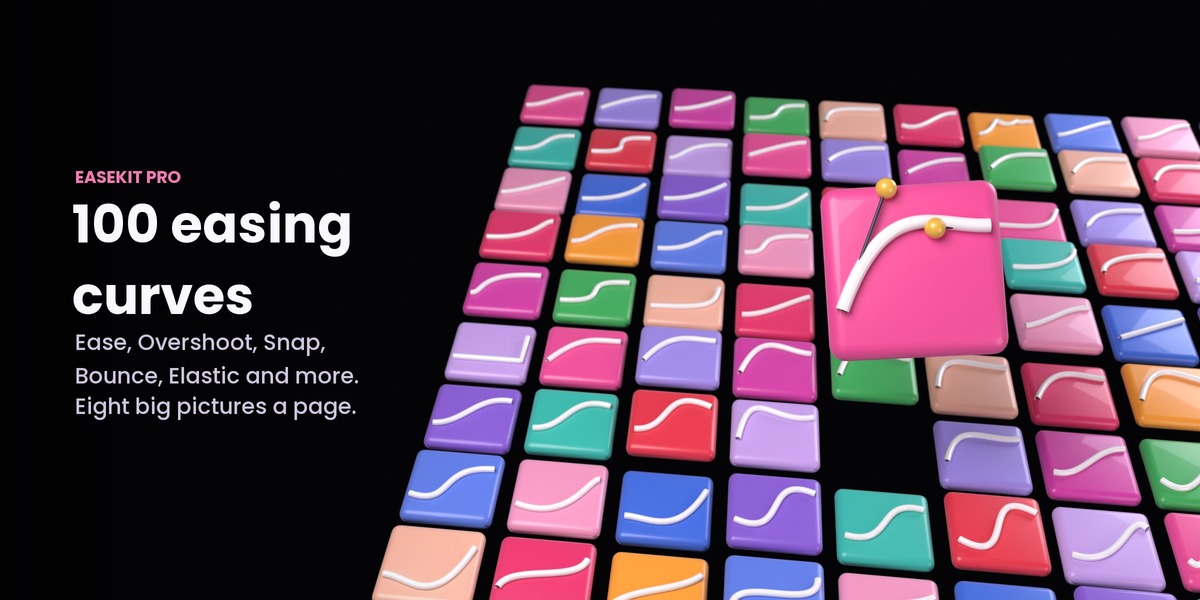
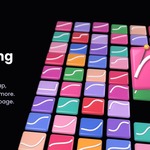
- 100 easing curves: Ease, Ease In, Ease Out, Influence (20/80 and friends), Sharp, Keep Speed, Overshoot, Snap and Settle, Anticipate, Back and Forth, Pause and Punch, Bounce and Elastic.
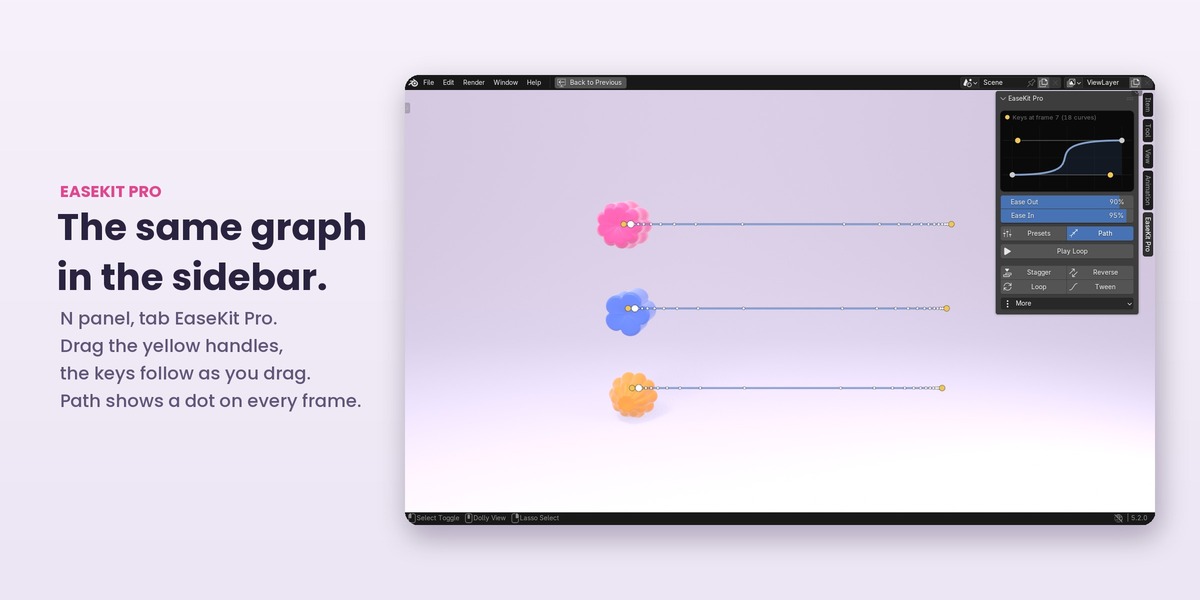
- Drag the yellow handles: in the window and in the sidebar. The keys change while you drag.
- It reads your keys: select two keys and the graph shows the curve they really have. Only that move changes, the next one stays as it is.
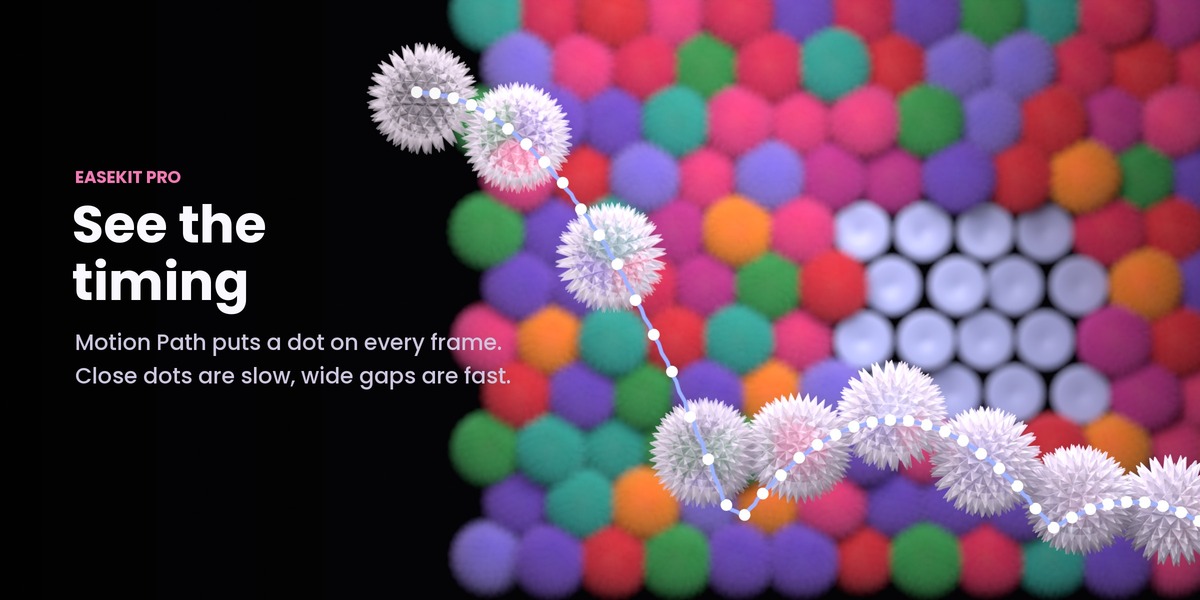
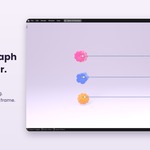
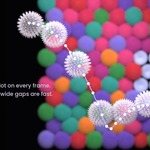
- Motion Path: a dot on every frame in the viewport. Close dots are slow, wide gaps are fast.
- Play Loop (Alt+L): the selected keys play over and over while you tune them.
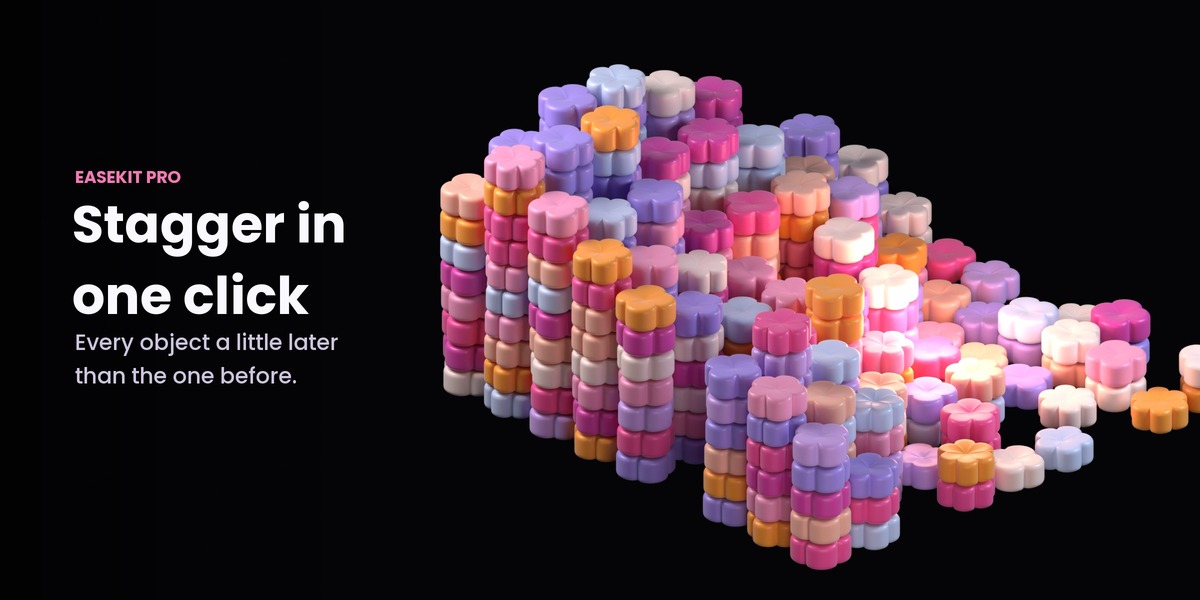
- Stagger, Reverse, Loop, Tween: one click each, with their options in Adjust Last Operation.
- And more: copy the ease from a key, nudge, align to the playhead, distribute, scale time, overshoot, settle and bounce tails, hold a pose, exaggerate, relax, and your own presets (save, import, export).
Pick a curve
Eight big tiles a page, fourteen pages, and every tile shows its curve. Click one and the keys take it at once. The tile in use is highlighted, and a dot under the sliders replays the motion so you see the timing before you press play. Blender's own Bounce, Elastic and Back are in there too.
Shape it by hand
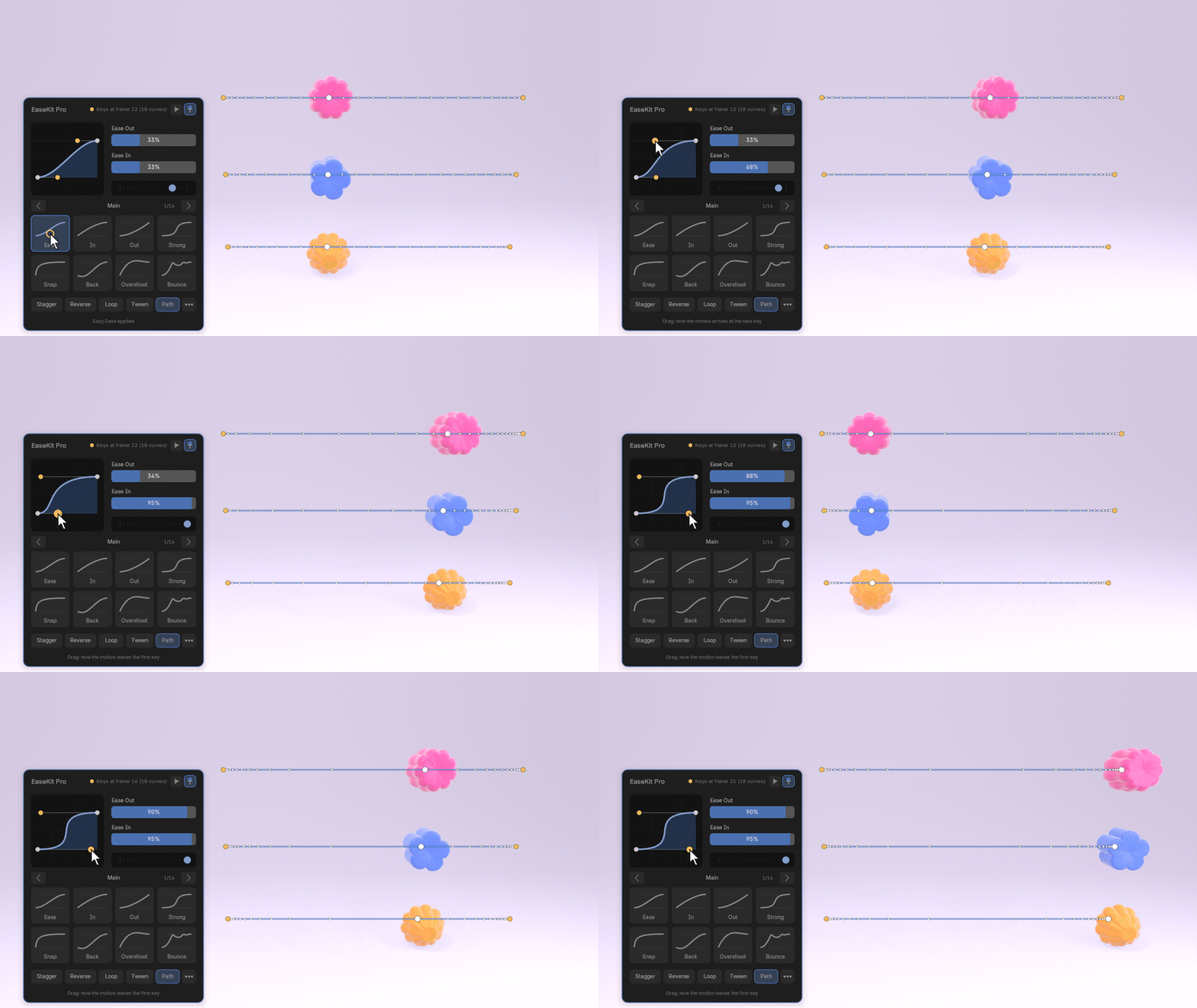
Drag a yellow handle and the keys follow while you drag. Esc puts it back, Ctrl+Z undoes it. The same graph sits at the top of the EaseKit Pro tab in the sidebar.
See the timing in the scene
Turn on Path and every selected object shows the line it travels with a dot on each frame. The dots bunch up where the motion slows down and spread out where it speeds up, and they move while you drag a handle.
Loop while you tune
Alt+L plays the selected keys over and over. Change the ease and the loop keeps going. Alt+L again gives you your old range back.
Stagger in one click
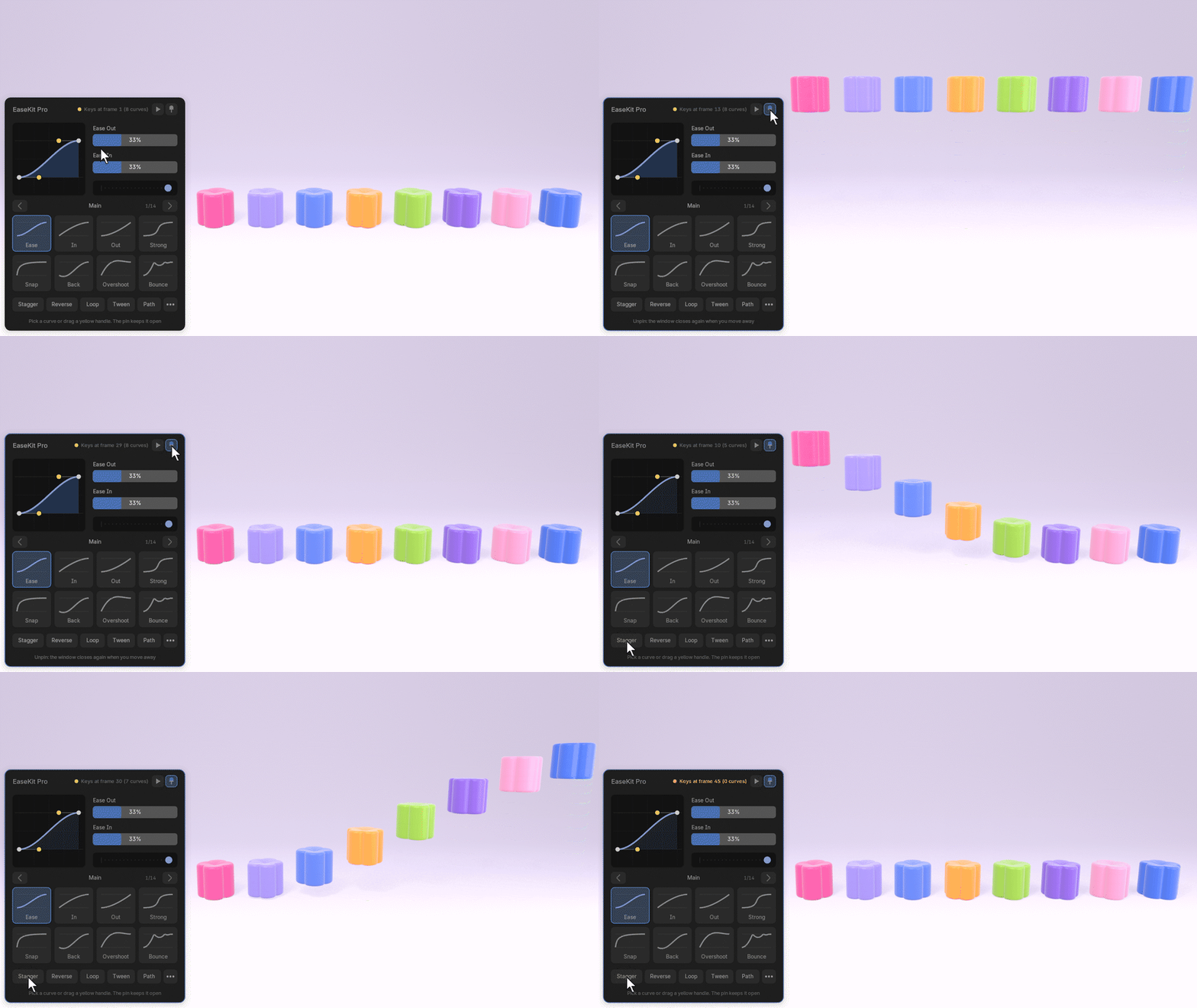
Select a row of objects, click Stagger, and they start one after another. The step, the order and the direction are in Blender's Adjust Last Operation panel.
Pin it
Click the pin and the window stays open while you work: clicks and keys outside it go to Blender as usual. Drag it by its title. It comes back in the same place the next time you start Blender, and it costs almost nothing while your animation plays.
Works with
Objects, bones in Pose Mode, shape keys, materials and object data such as a camera's lens or a light's power. In the 3D Viewport, the Graph Editor, the Dope Sheet and the Timeline. Blender's slotted actions are supported.
Built to keep working
Every release runs more than 200 automated checks in every supported Blender version, 65 of them in a real Blender window: clicks, drags, undo, the pinned window and the sidebar graph.
Requirements
Blender 4.5 LTS to 5.3. Cycles and EEVEE, any scene. Free updates.
After Effects is a trademark of Adobe. EaseKit Pro is an independent product and is not affiliated with Adobe.