 Pro Tools

Installing
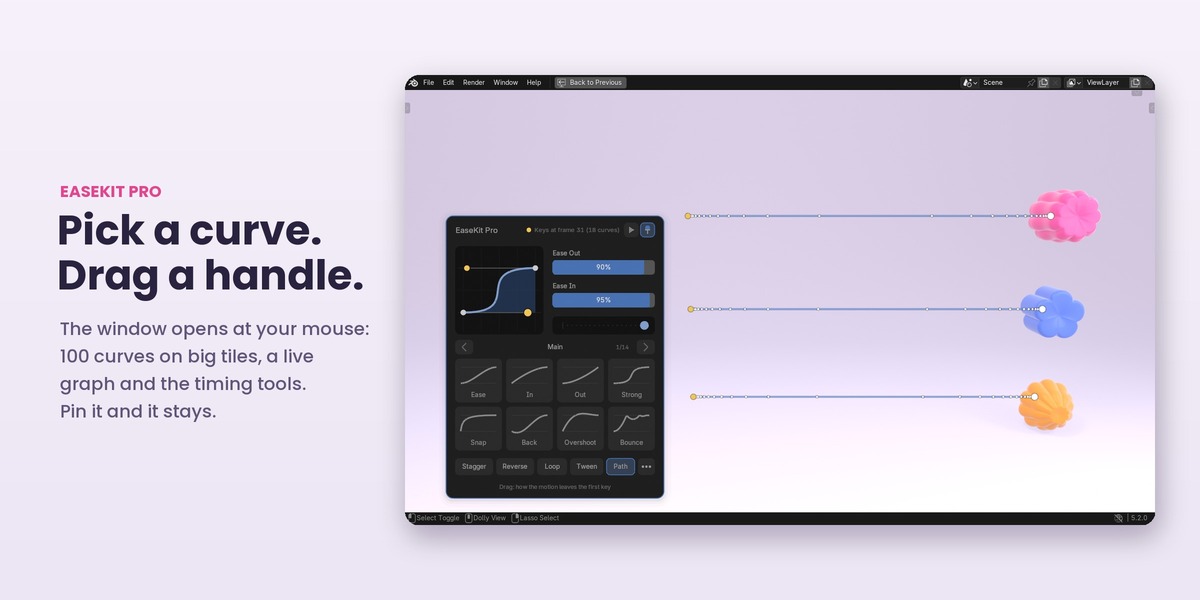
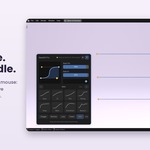
Blender 4.5 LTS, 5.0, 5.1, 5.2 or 5.3. Edit > Preferences > Get Extensions > Install from Disk, pick the zip, and enable it. Then press Ctrl+Shift+E in the 3D Viewport, Graph Editor, Dope Sheet or Timeline, or open the sidebar (press N) and its EaseKit Pro tab.
The idea, in one paragraph
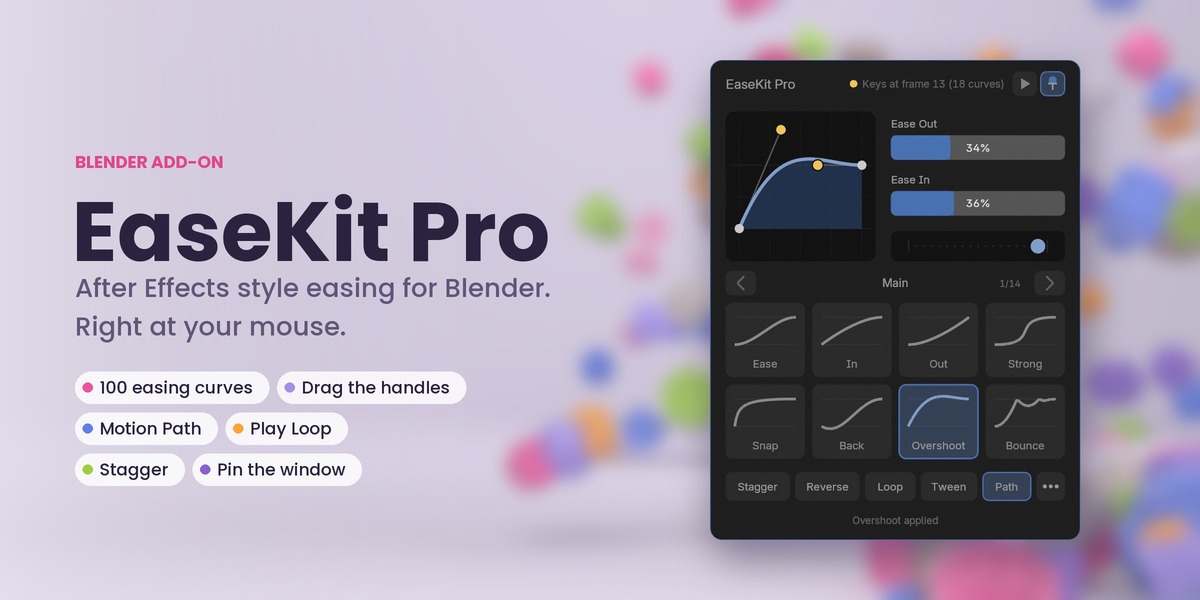
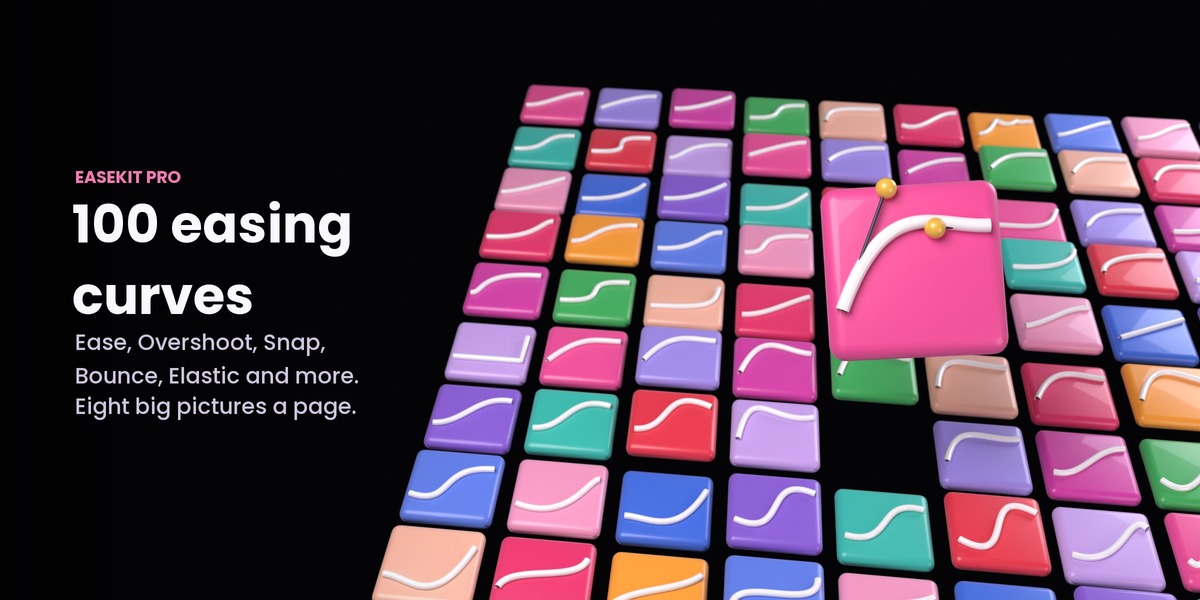
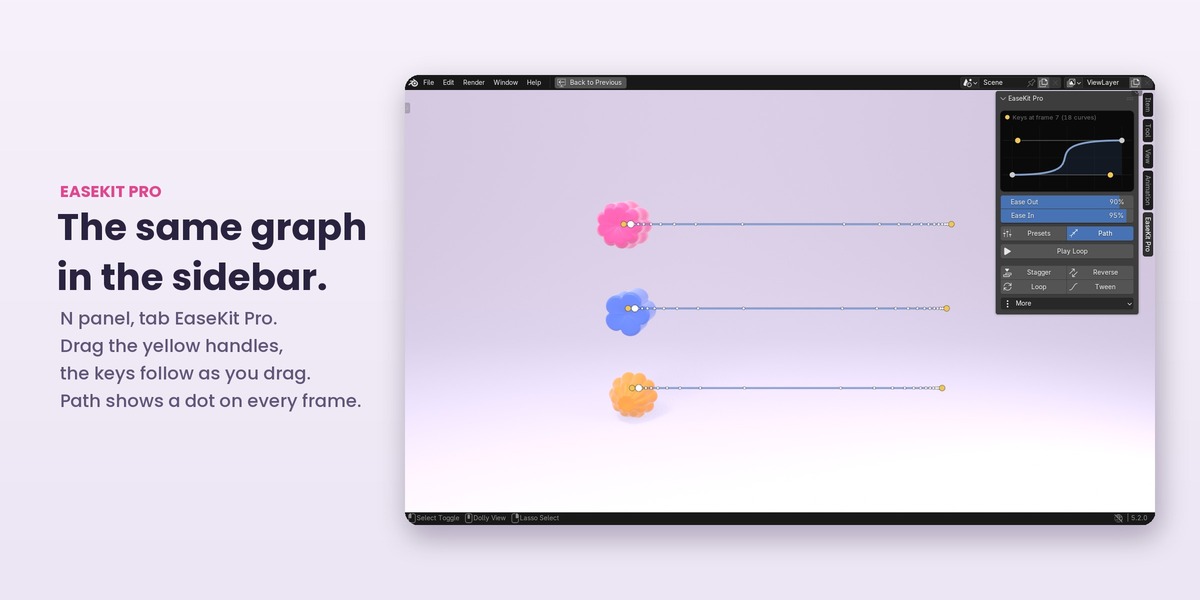
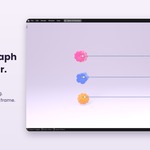
Every move between two keys has an ease: how it leaves the first key and how it arrives at the second. EaseKit Pro shows that ease as a small graph with two yellow handles, the same picture as the speed graph in After Effects. Ease Out is how gently the move leaves its key, Ease In how gently it arrives. Pick a curve, drag a handle or a slider, and the keys change at once. There is no Apply button.
What it changes
Two neighbouring keys selected: the move between them, and only that move. A key on its own: both of its sides, like Easy Ease in After Effects (a first or last key: its only move). With no keys selected in the 3D Viewport: the move the playhead is in. In the Graph Editor, Dope Sheet and Timeline: the selected keys. The line at the top of the window always tells you what will change, and the graph always shows the curve those keys really have.
First minute
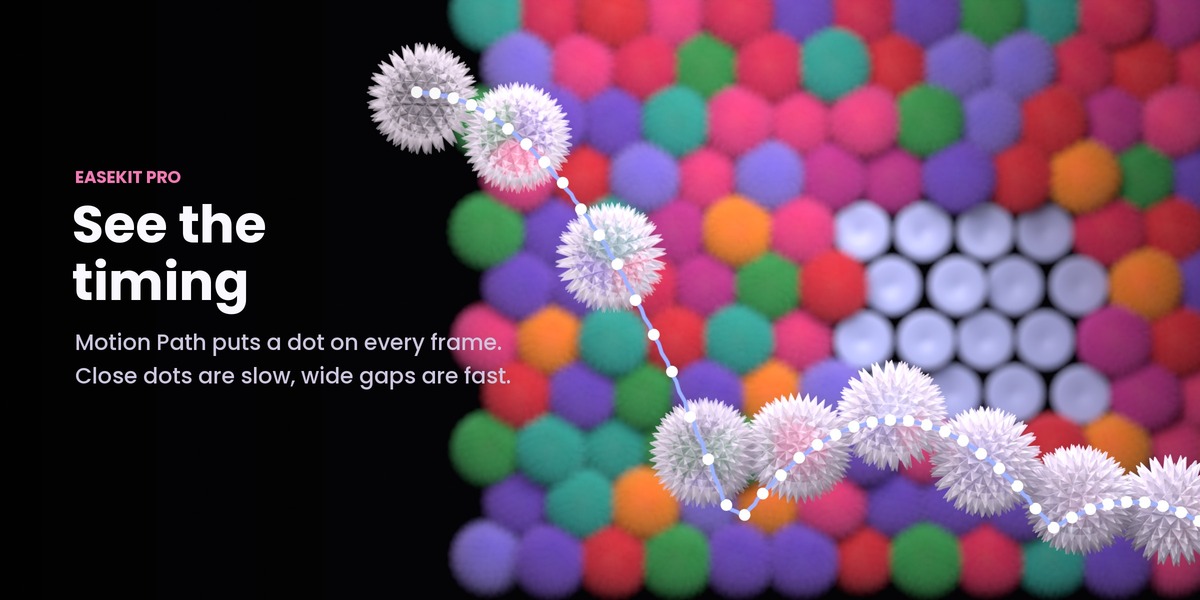
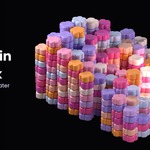
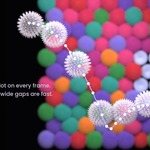
Key an object on two frames, put the playhead between them and press Ctrl+Shift+E. Click Overshoot and press play. Turn on Path: the dots show where the move is fast and where it is slow. Drag a yellow handle and watch the dots follow. Press Alt+L to loop the move while you tune it, and click the pin to keep the window open.
Shortcuts
- Ctrl+Shift+E: open or close the window.
- Alt+L: Play Loop on the selected keys, again to stop it and get your old range back.
- Esc: while dragging a handle, puts it back. Otherwise closes the window.
- Shift or Ctrl on a slider: fine steps or steps of 5.
- Mouse wheel over the window: the next or previous page of curves.
Timing tools
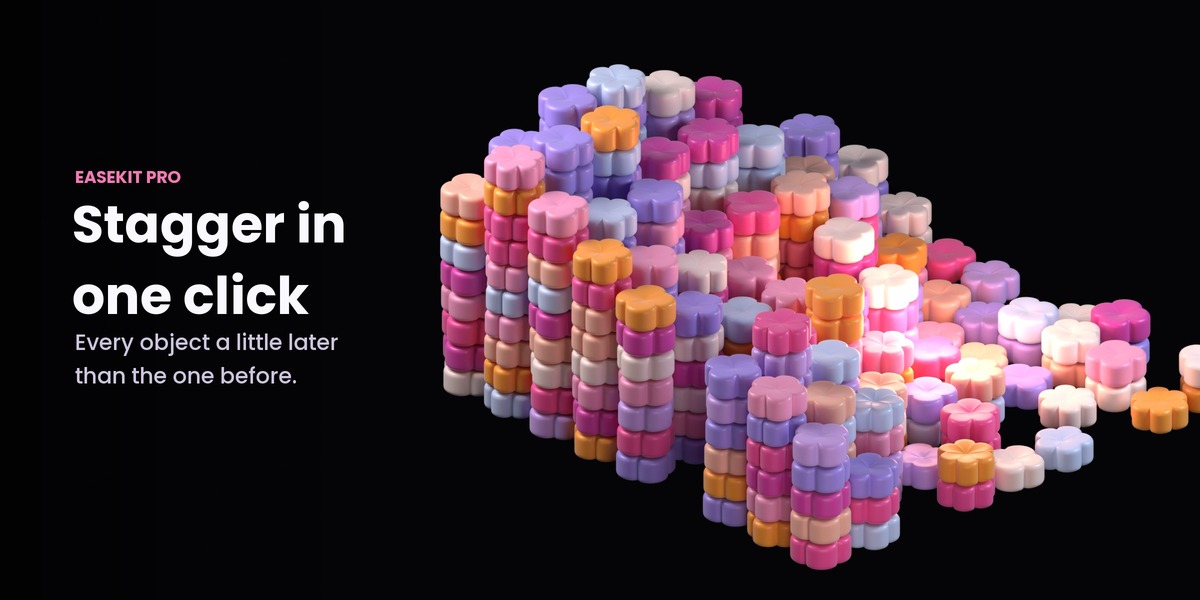
Stagger starts the selected objects one after another, Reverse plays the keys backwards in place, Loop repeats them seamlessly and Tween keys an in-between pose as you move the mouse. The options of each tool (step, order, direction...) are in Blender's Adjust Last Operation panel. The ... button holds the rest: your own presets (save, import, export), copy the ease from a key, nudge, align to the playhead, distribute, scale time, overshoot, settle and bounce tails, hold a pose, exaggerate and relax.
Support
Questions, bug reports and feature requests: message me through this page. Updates are free.
Have questions about this product?
Login to message
| Blender Extension Compatible | Yes |
| Published | about 8 hours ago |
| Blender Version | 4.5 - 5.3 |
| Extension Type | Add-on |
| Render Engine Used | Cycles, Eevee |
| License | GPL |
Discover more products like this
keyframes graph editor Stagger ease Easing after effects tween motion path Motion design loop animation timing