 300Mind
Do I need to change any settings before exporting?
No. Default settings work out-of-the-box. One click → export → ready in Unity.
Is this compatible with Blender 4.x?
Yes. Tested and optimized for 3.6, 4.0, 4.1, 4.2, and 5.x+ workflows.
How does the tool organize files in Unity?
Everything gets placed under a clean “Blender Imports” parent, keeping your scene organized.
Does it work with animations?
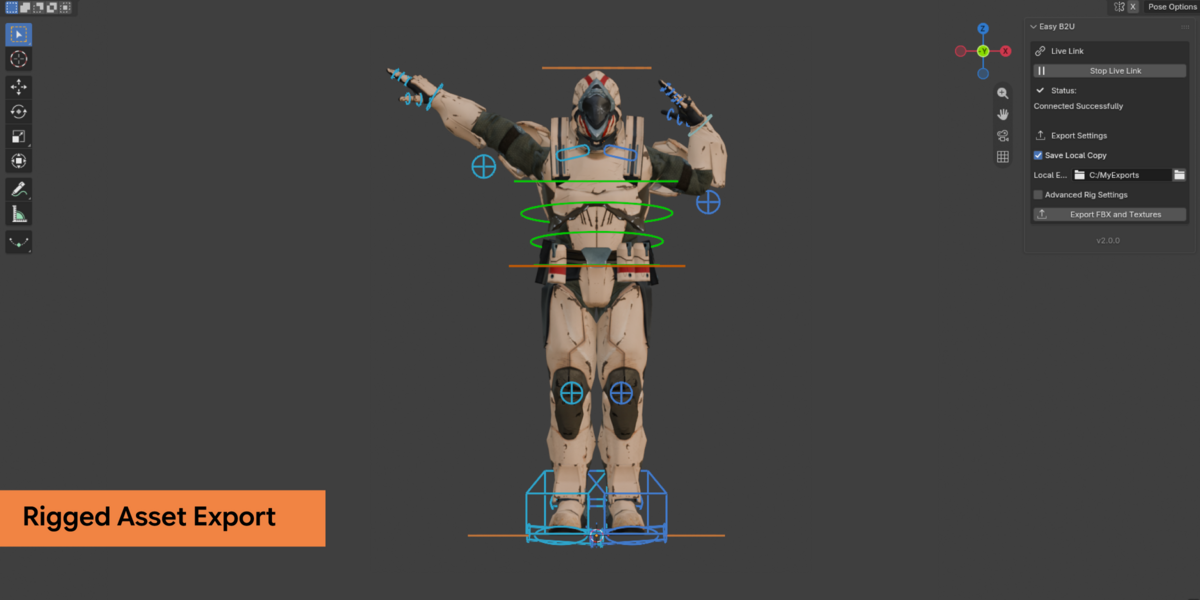
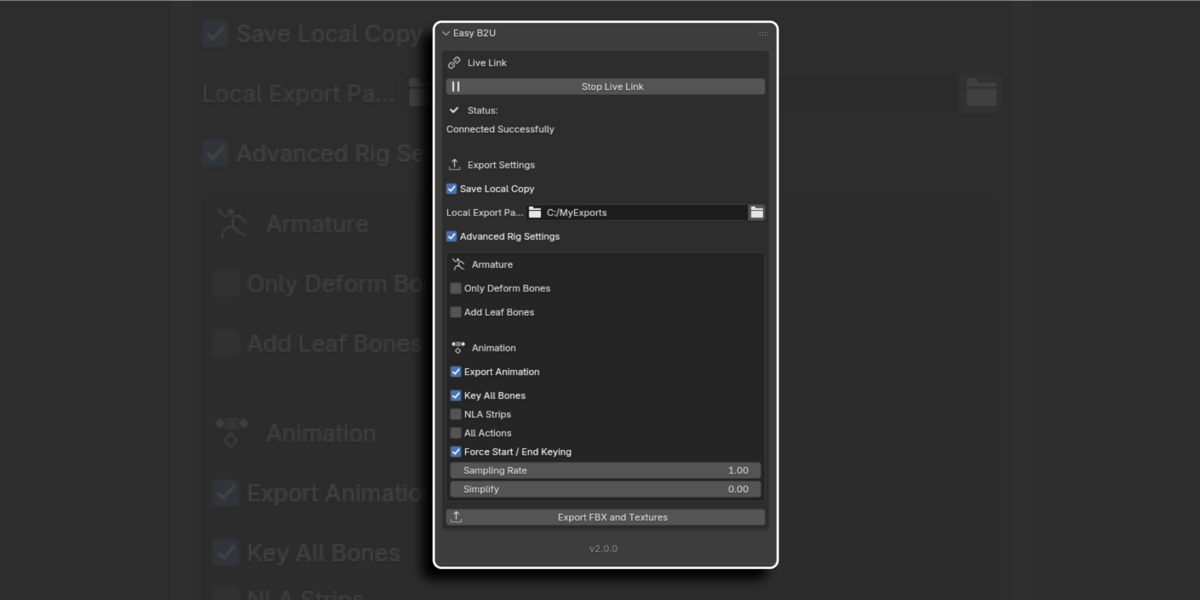
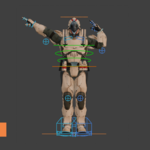
Yes, FBX-based exports support animations. You can export static meshes, animated objects, and armatures
Will this work with complex materials or custom nodes?
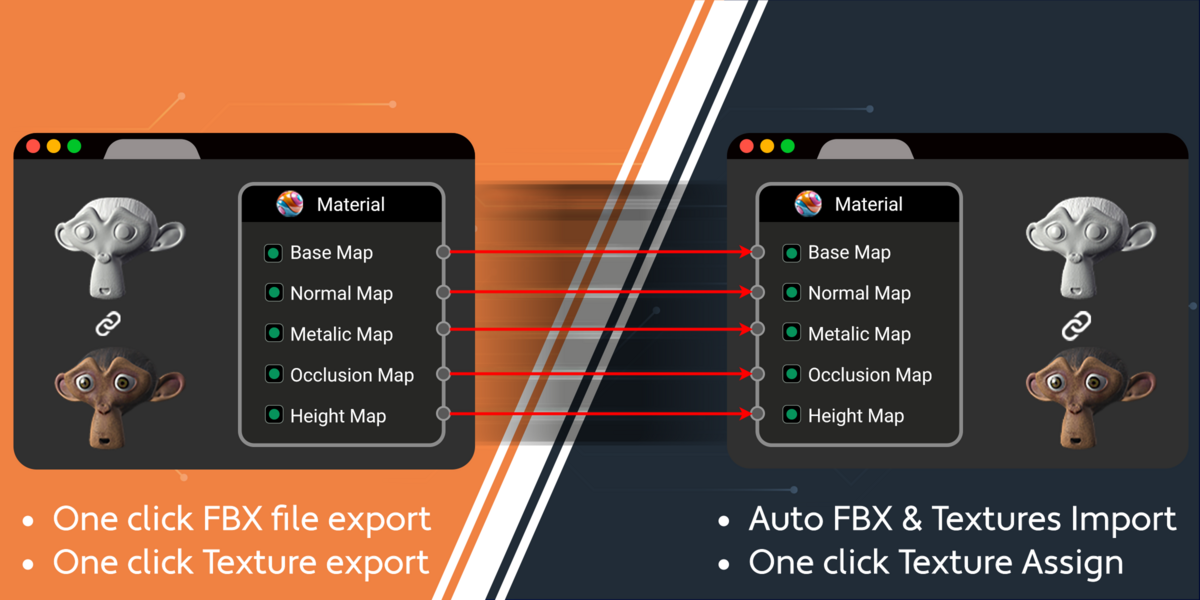
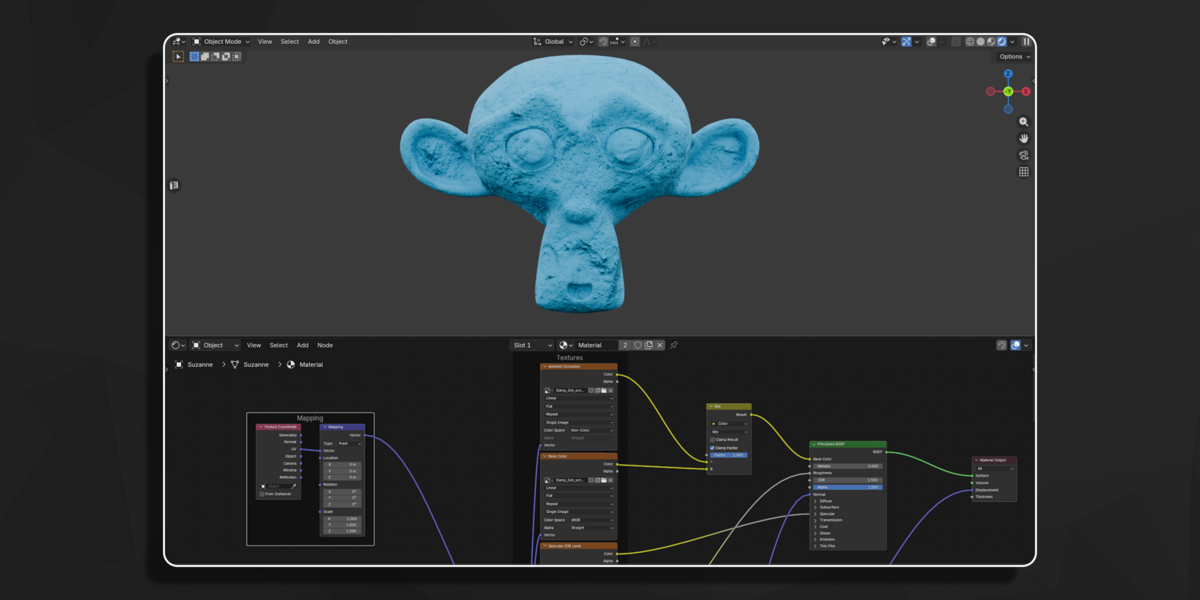
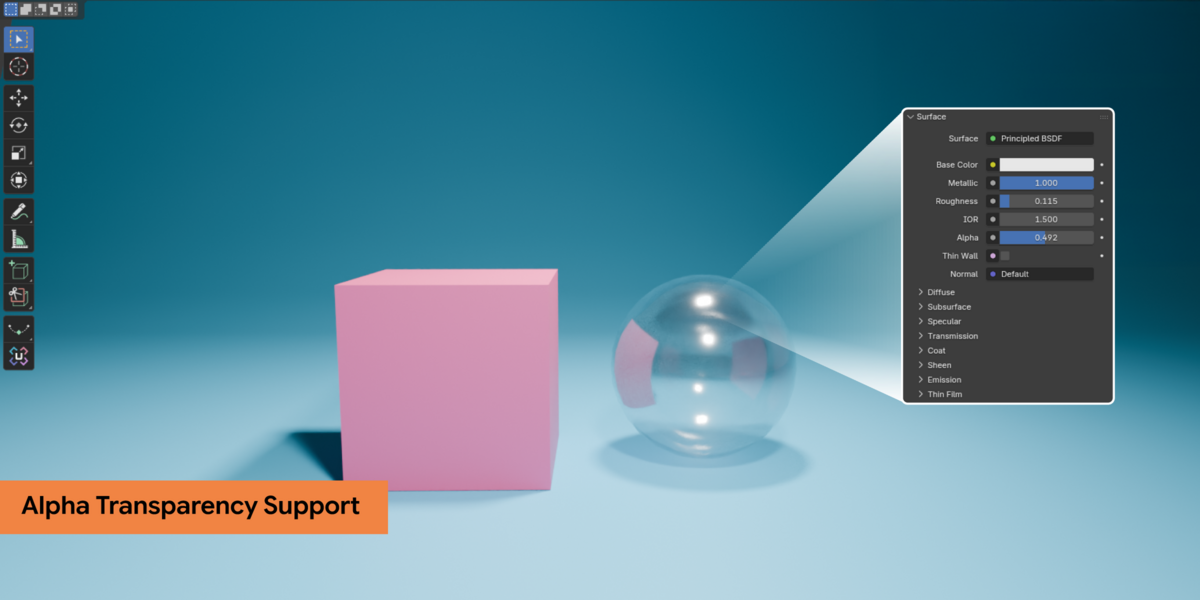
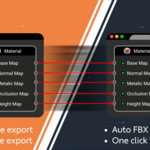
PBR-ready textures (Base Color, Roughness, Normal, Metallic) are supported. Custom node setups will fall back to standard PBR maps supported by Unity.
Will my Blender scale match Unity’s scale perfectly?
Yes. Easy B2U handles all scale conversions so assets appear with the correct real-world size in Unity.
Does this add-on support URP automatically?
Yes. Materials are converted automatically using Unity’s URP Lit Shader, with textures extracted from the FBX.
How can I export multiple objects?
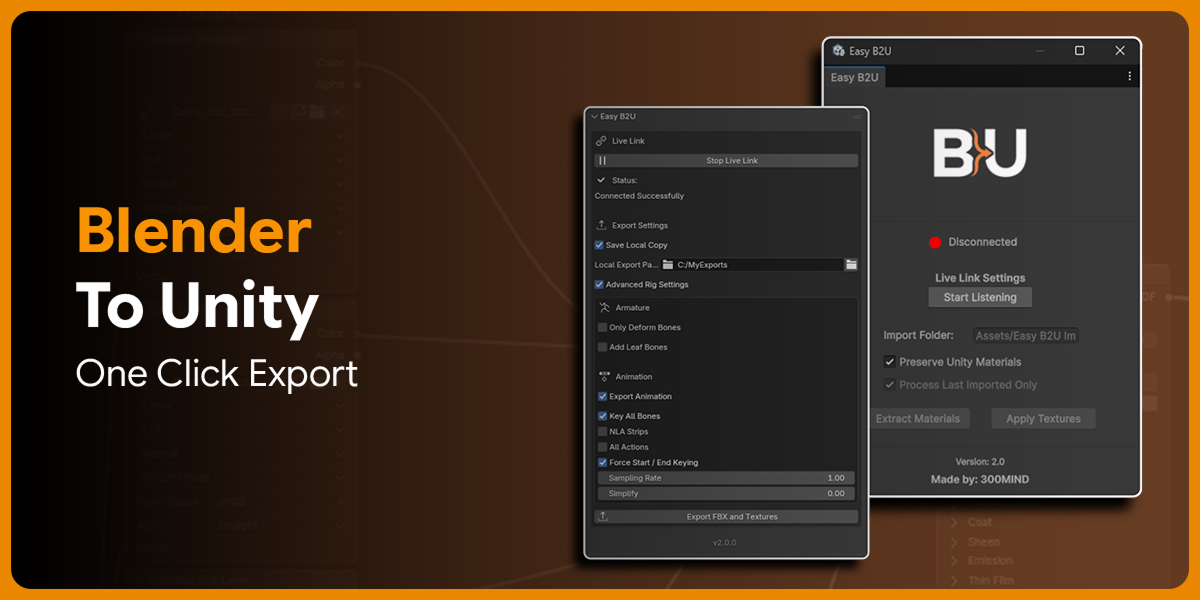
Select all desired objects in Blender, create an empty parent object and export the hierarchy using the Export FBX and Textures button.
Does Easy B2U support Non-URP projects?
- No, Easy B2U is optimized exclusively for Unity’s Universal Render Pipeline (URP).
Why is my connection failing between Blender and Unity?
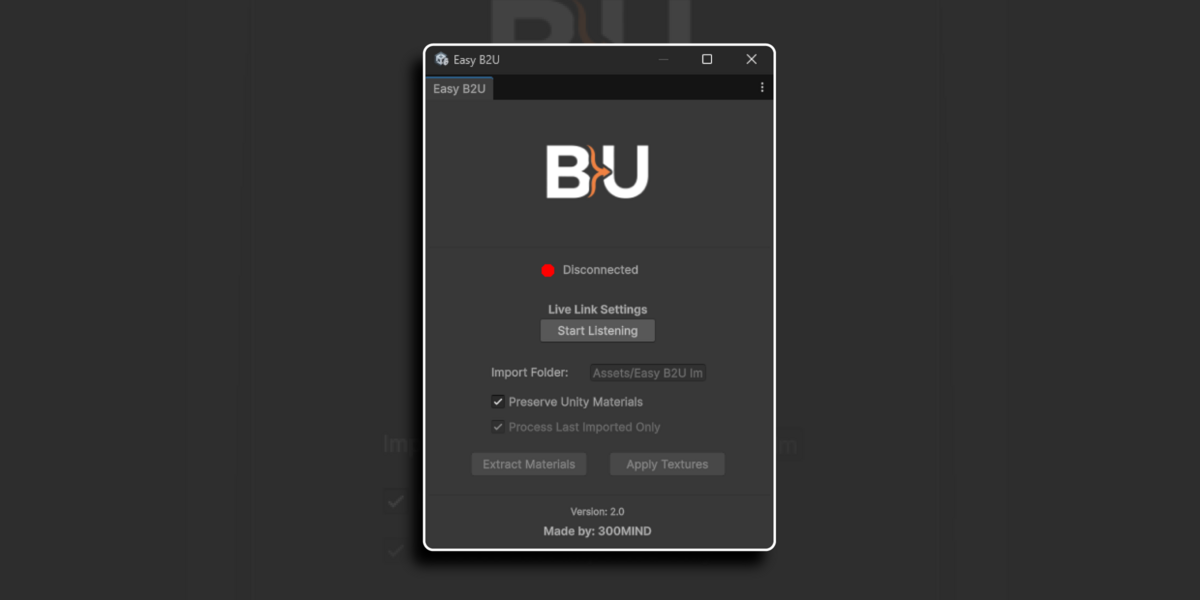
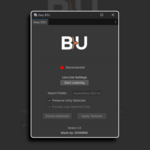
- Ensure Unity’s Start Listening is enabled before starting Blender’s live link.
- If the issue persists, try restarting both Unity and Blender
 Included
Includes 12 months of
- Support from 300Mind
- Product updates
Extend this product’s Support Period +12 months: 75% of product price
Have questions before purchasing?
Login to message
Discover more products like this
unity integration Export easy-b2u-blender-to-unity-export materials LOD Blender-to-Unity live link blender tools asset export game assets batch-export Blender Export