 Easy Addons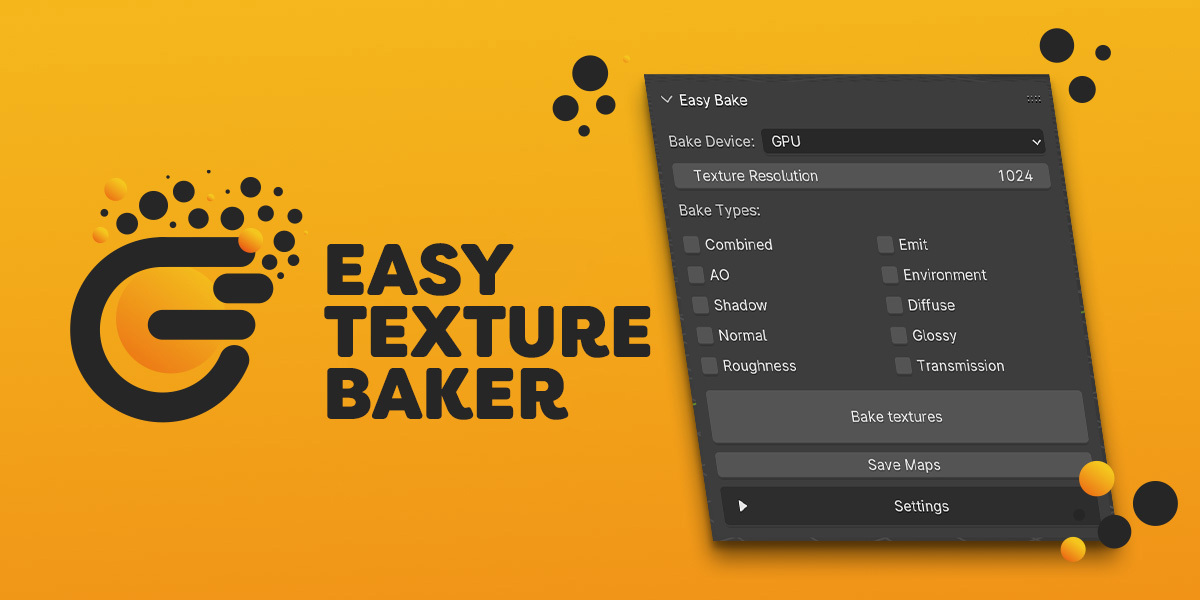



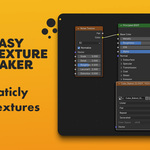
Easy Texture Baker - Bake Multiple Materials in One Click
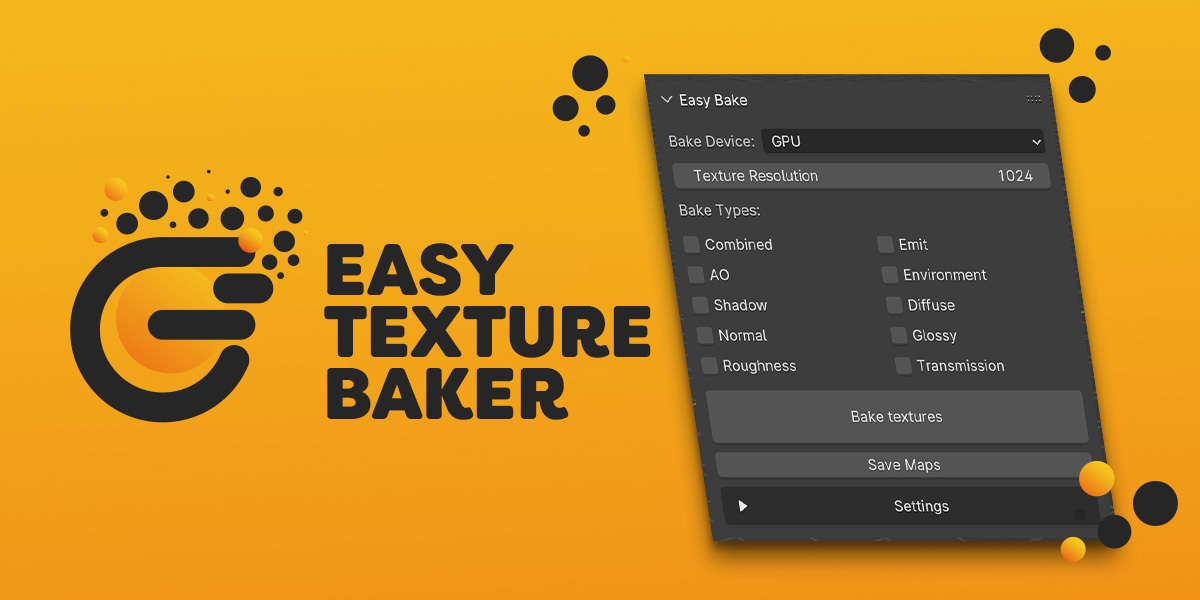
When you’re preparing game assets or scenes for real‑time rendering, manually baking each material one at a time can be tedious. Easy Texture Baker automates this process. With a single panel, you can bake multiple materials into one texture atlas, clean old maps, and save all your baked images with one click.
🔧 Features:
🎨 Bake several materials to one texture atlas
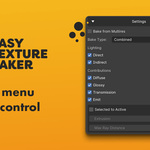
🎯 Select specific material slots or bake all at once
🧹 Optional “Clear Maps before bake” setting to remove previous bakes
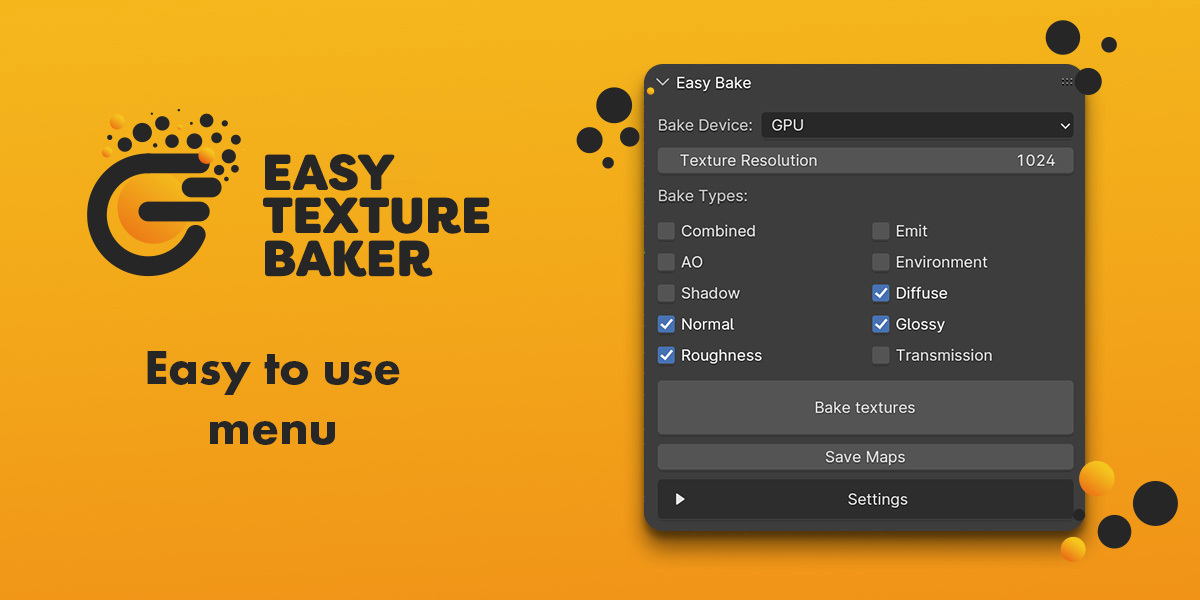
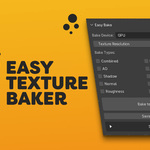
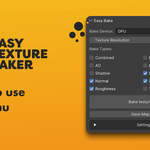
📐 Choose your bake passes: Combined, AO, Normal, Roughness, and more
⚙️ Control resolution and choose CPU or GPU for baking
📂 Save all baked maps to a folder with a single button
🛠️ Advanced options: all options in one place!
✅ Compatible with Blender 5.x
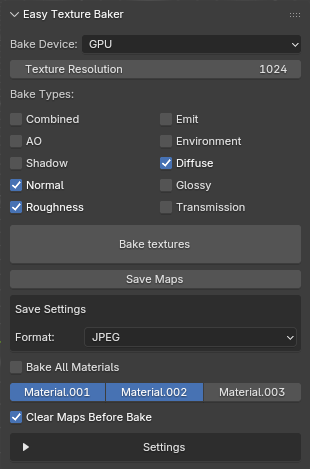
💡 TIP: Use SHIFT to select multiple materials
🛠️ How to Use
Install the Add‑on:
-
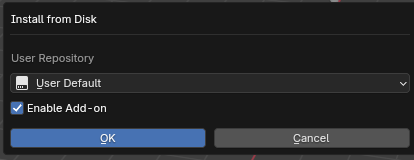
Go to Edit → Preferences → Add‑ons → Install…
-
Pick the Easy Texture Baker ZIP and enable it.
OR1. Drag and drop the ZIP file into the Blender window.
2. Press OK.
Find the Panel:
-
Open the 3D Viewport.
-
In the Sidebar (
N), switch to the Easy Texture Baker tab.
Bake Your Materials:
-
Set the texture size and choose CPU or GPU.
-
Tick the passes you want (Combined, Normal, etc.).
-
Decide if you want to bake all materials or only selected slots (use Shift to select multiple materials).
-
Enable Clear Maps if you don’t want to build on top of old bakes.
-
Click “Bake textures” - the add‑on handles the rest.
Save the Results:
-
Hit “Save Maps” and choose a folder. All baked images will be exported automatically.
Easy Texture Baker is designed to be simple, useful, and to save you clicks. Whether you’re baking a single prop or a complex asset with multiple materials, this add‑on keeps your workflow fast and organized.
Check out my other addons:
