Easy Texture Baker Addon
 Easy Addons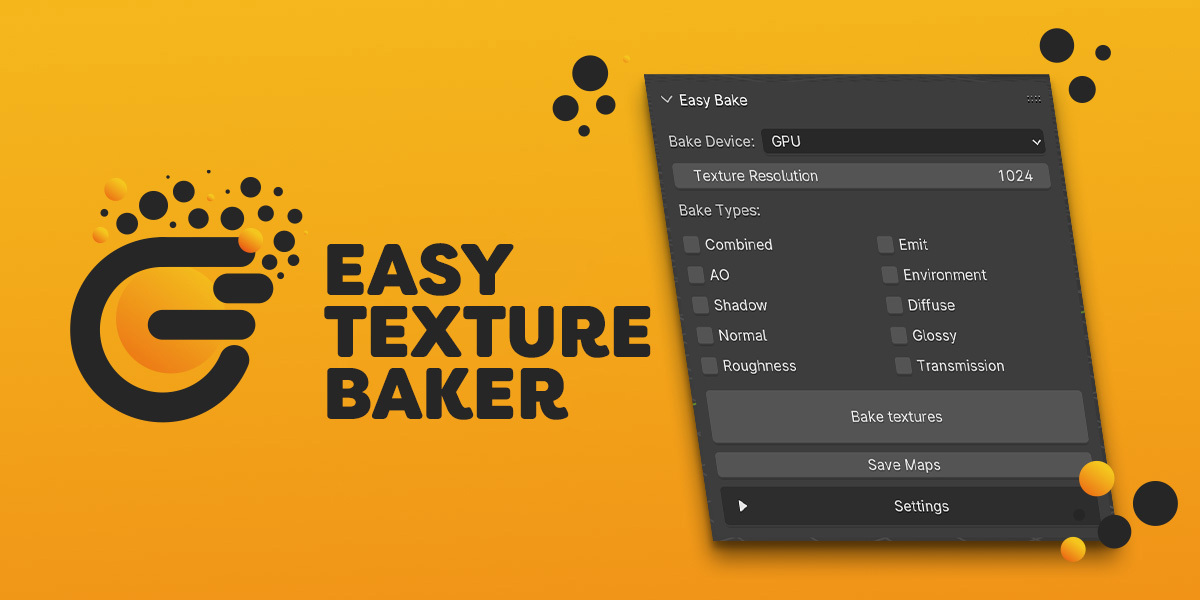



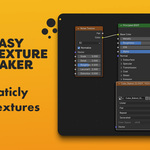
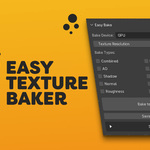
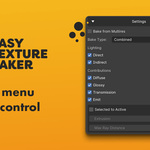
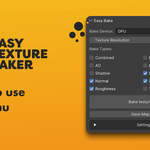
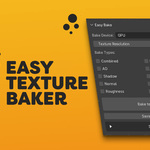
🛠️ How to Use
Install the Add‑on:
-
Go to Edit → Preferences → Add‑ons → Install…
-
Pick the Easy Texture Baker ZIP and enable it.
Find the Panel:
-
Open the 3D Viewport.
-
In the Sidebar (
N), switch to the Easy Texture Baker tab.
Bake Your Materials:
-
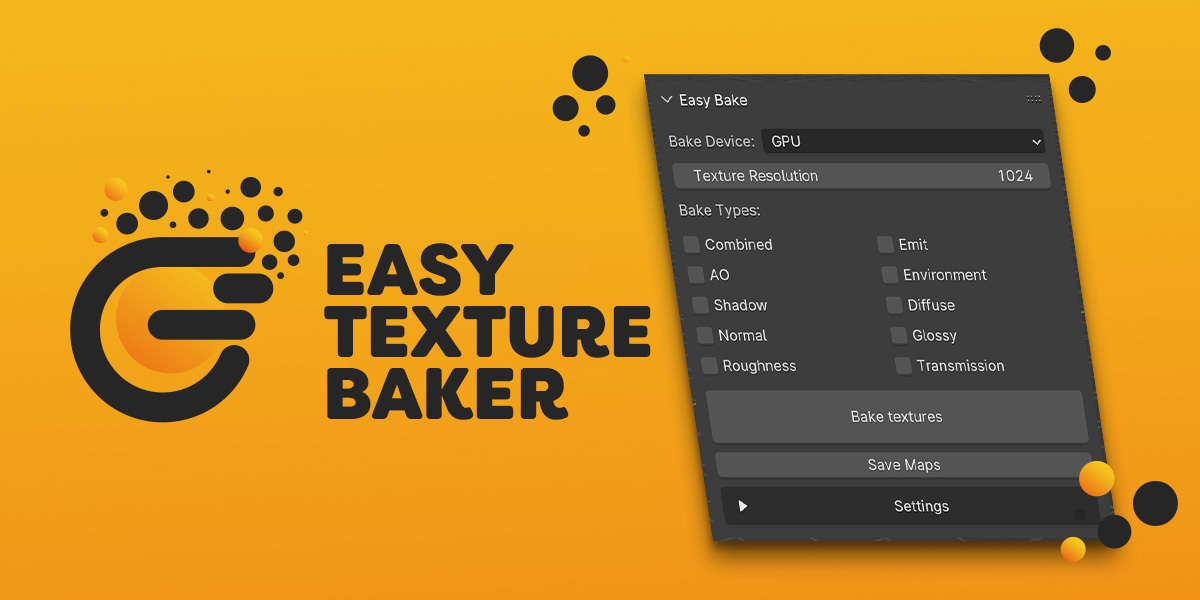
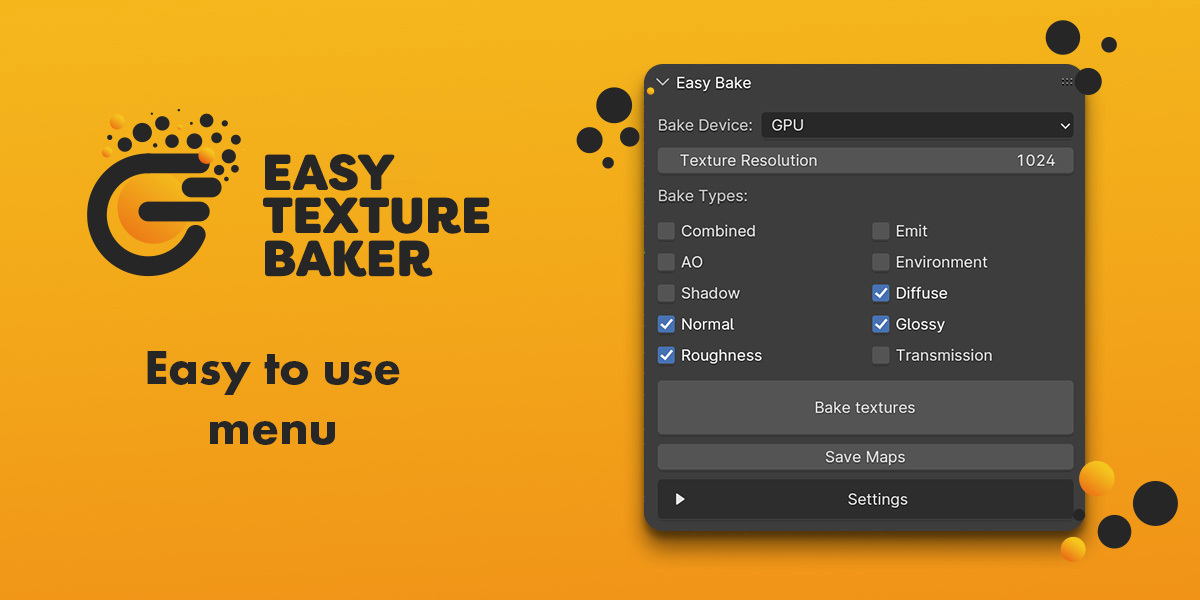
Set the texture size and choose CPU or GPU.
-
Tick the passes you want (Combined, Normal, etc.).
-
Decide if you want to bake all materials or only selected slots.
-
Enable Clear Maps if you don’t want to build on top of old bakes.
-
Click “Bake textures” - the add‑on handles the rest.
Save the Results:
-
Hit “Save Maps” and choose a folder. All baked images will be exported automatically.

Discover more products like this
baked texture Render Texturing light-baking light baking material-baking textures texture baked textures 3drender bake