Easy Addons



Easy Batch Renderer - Render Multiple Jobs in One Queue
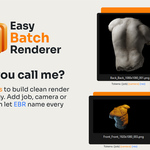
Easy Batch Renderer helps you render multiple cameras, product variants, frame ranges, stills, and animations from one simple queue inside Blender.
Instead of manually switching cameras, changing visibility, adjusting output paths, and starting every render one by one, you can prepare render jobs once and let Blender process them automatically.
Main Features
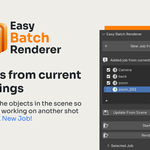
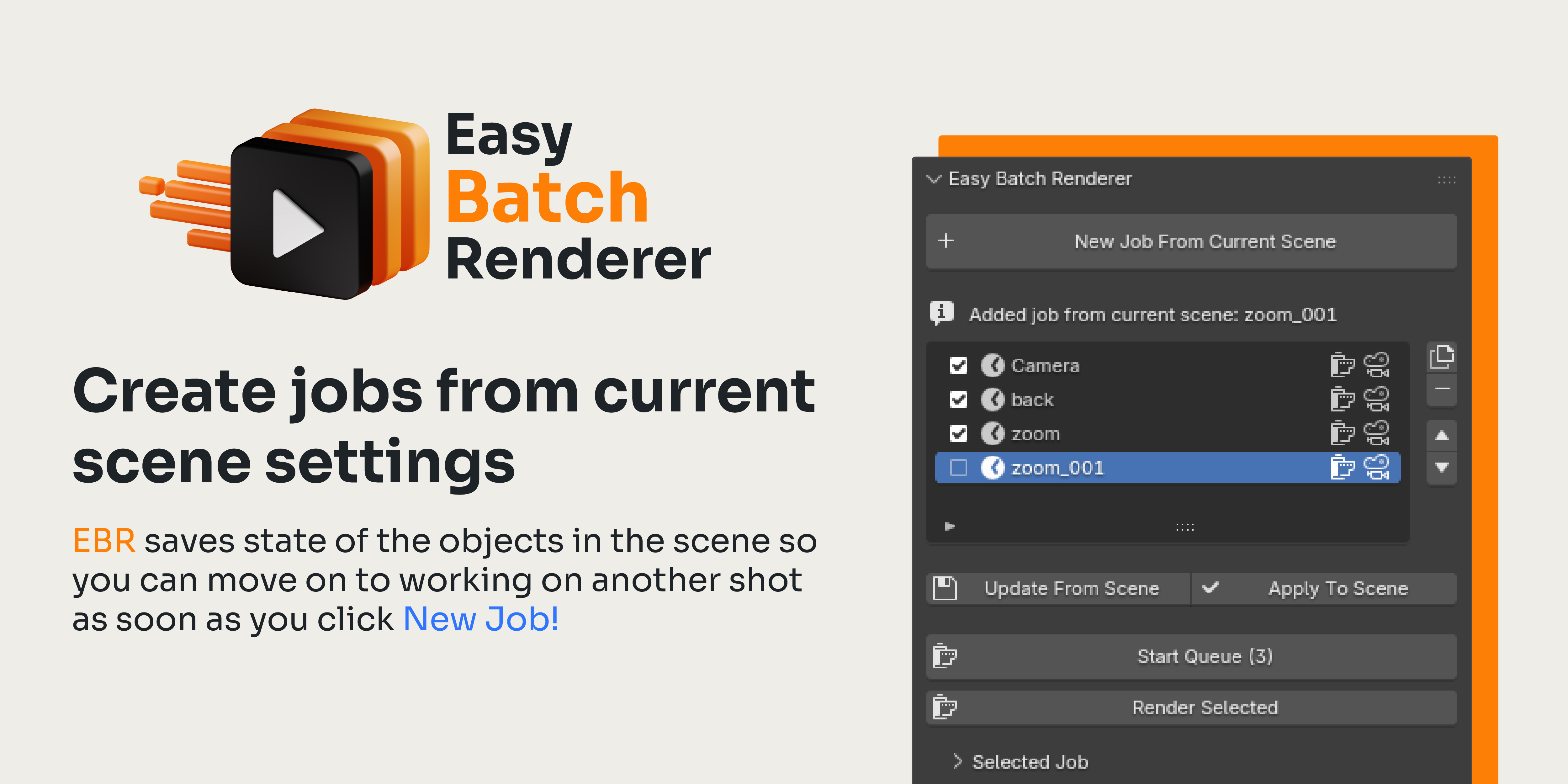
- Create render jobs from the current scene
- Render all enabled jobs or only the selected job
- Support for still renders and animations
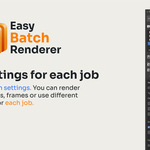
- Save camera, resolution, frame range, render engine, samples, and visibility per job
- Capture collection and object visibility states
- Duplicate, reorder, enable, disable, or remove jobs
- Use PNG, JPEG, TIFF, OpenEXR, WebP, MP4, AVI JPEG, or AVI Raw
- Set transparent background per job
- Use custom output folders and filename tokens
- Skip or overwrite existing files
- Write a simple render log
Compatible with Blender 4.0 and newer.
Typical Workflow
1. Set up your scene
Choose your camera, frame range, render settings, visibility, output format, and resolution.
2. Create a render job
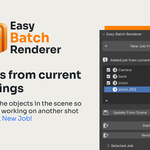
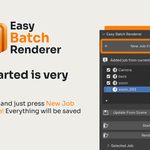
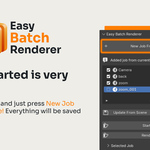
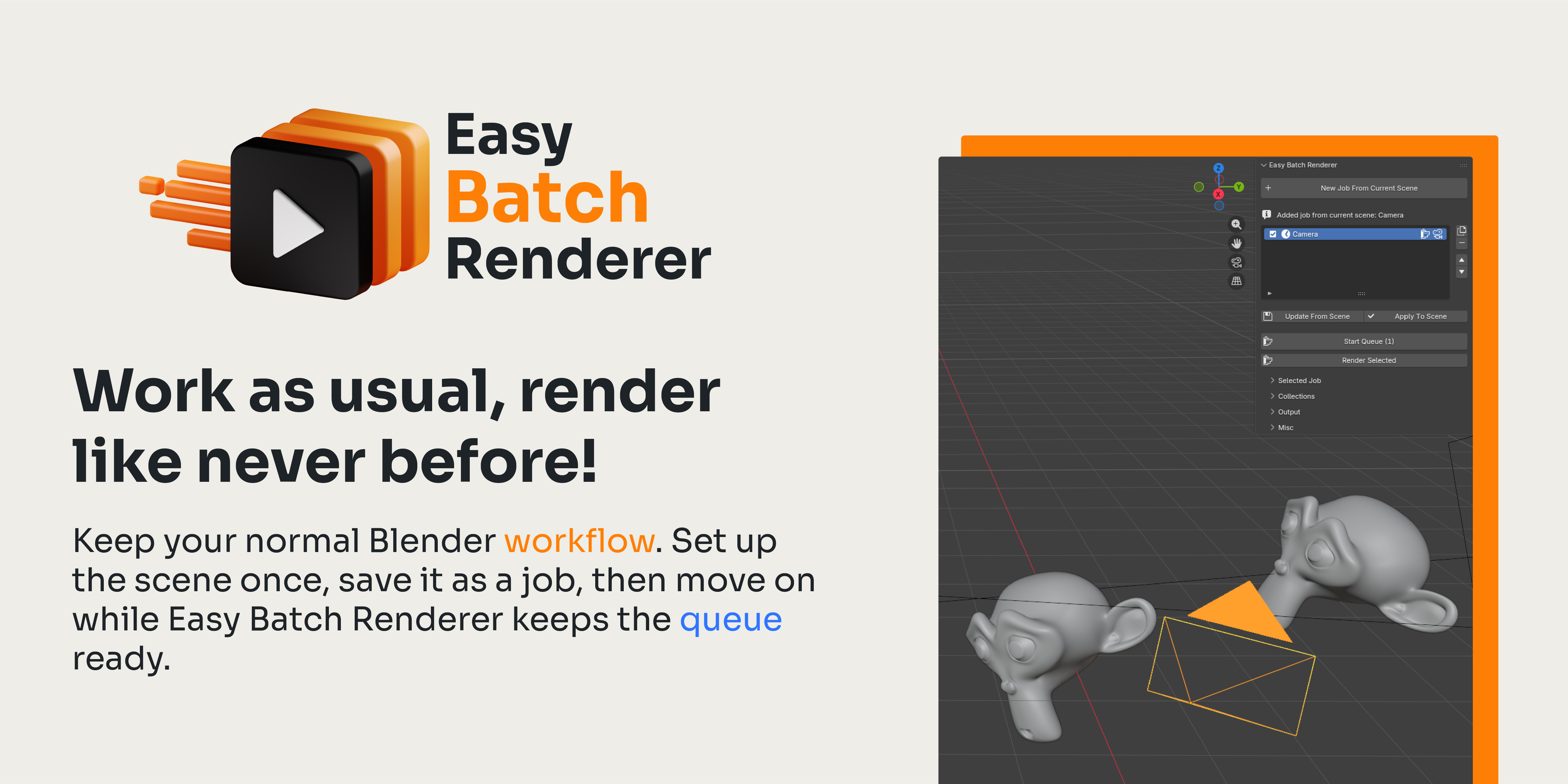
Click New Job From Current Scene. The add-on stores the current setup as a reusable render job.
3. Render the queue
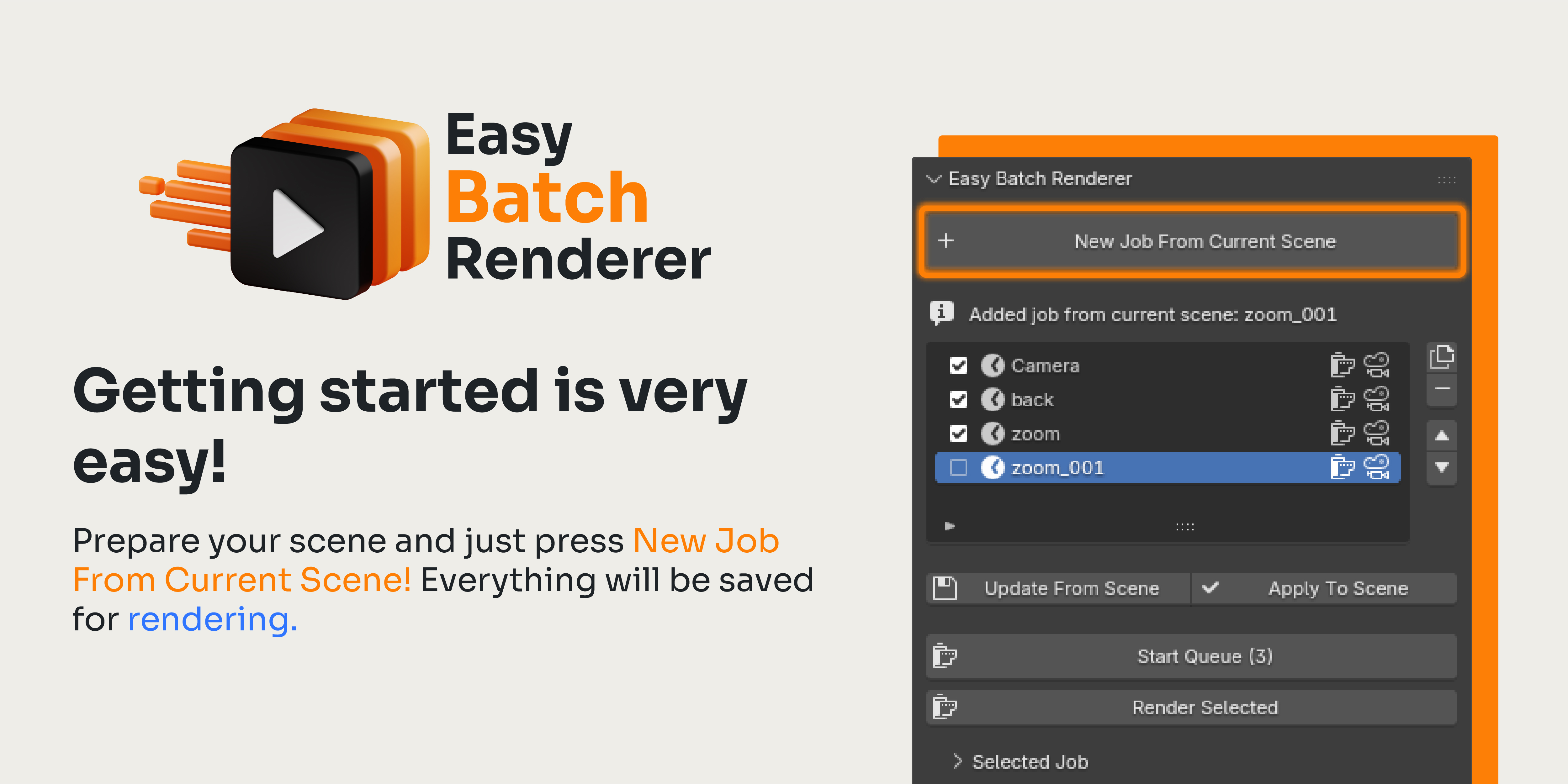
Choose the output folder and click Start Queue. Easy Batch Renderer will render all enabled jobs in order.
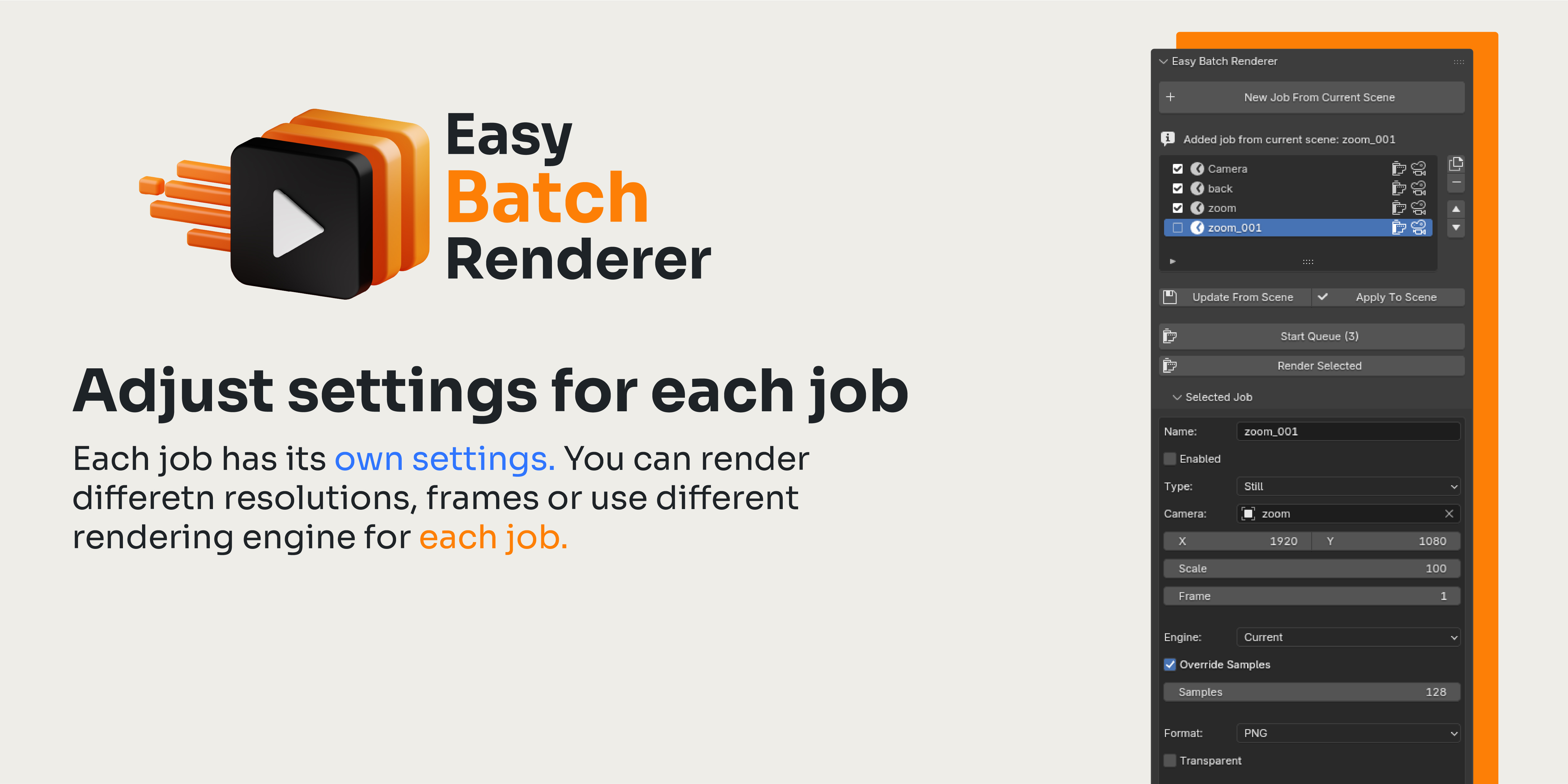
Job Settings
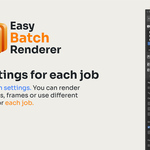
Each job can store the most important render settings, so you can quickly switch between different render setups without rebuilding them manually.
- Camera
- Resolution and scale
- Still frame or animation range
- Render engine override
- Sample override
- Collection visibility
- Object visibility
- Output format
- Transparent background
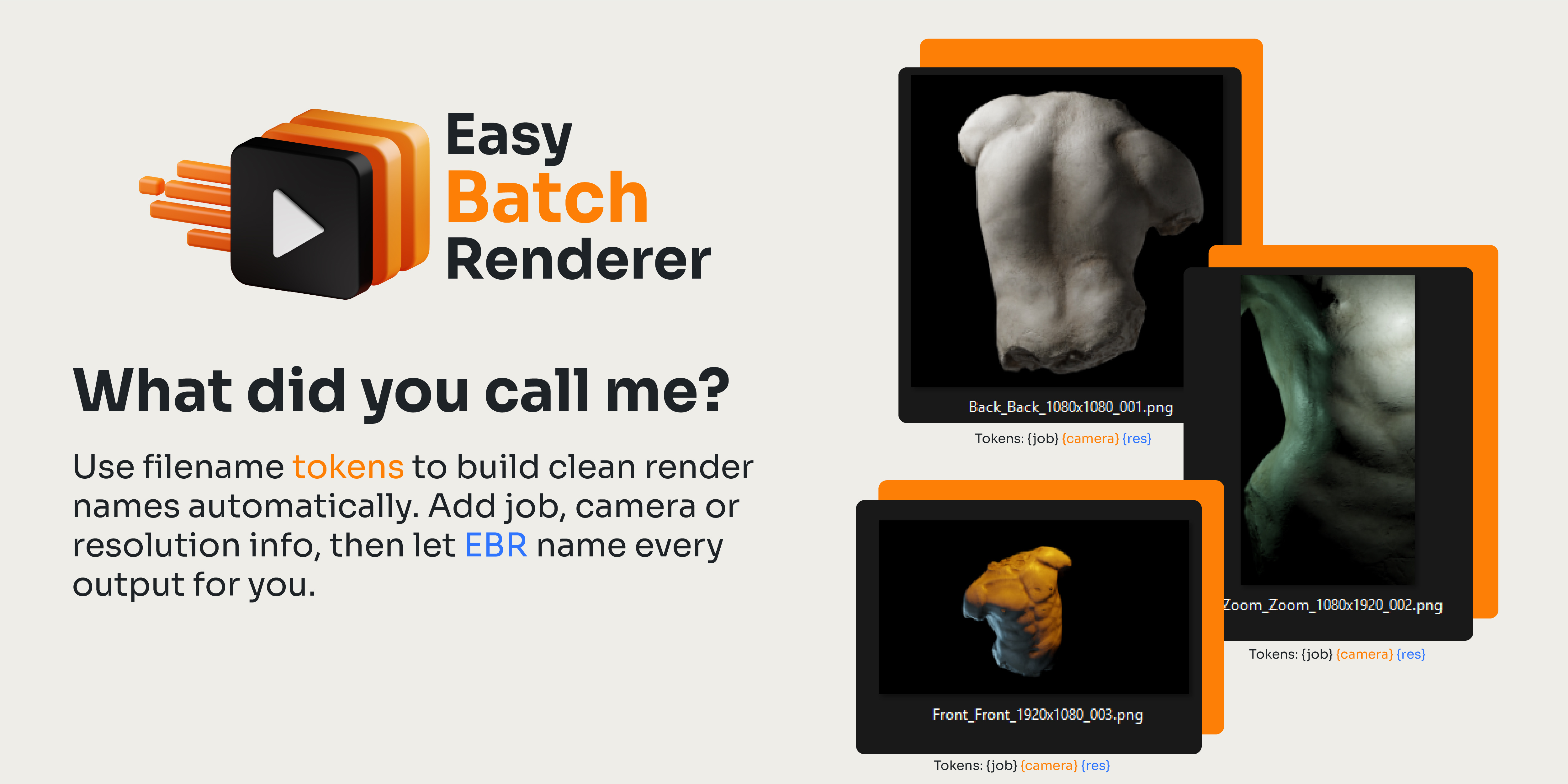
Output Naming
Use filename tokens to keep your renders clean and organized.
Example pattern:
{job}_{camera}_{res}
Example output:
Product_A_Camera_Main_1920x1080.png
Available tokens include:
- {blend} - Blender file name
- {scene} - scene name
- {job} - job name
- {camera} - camera name
- {frame} - current frame
- {start} - animation start frame
- {end} - animation end frame
- {res} - resolution
- {engine} - render engine
- {format} - file format
Installation
- Open Blender.
- Go to Edit - Preferences - Get Extensions.
- Choose Install from Disk.
- Select the Easy Batch Renderer ZIP file.
- Enable the add-on.
You can also drag and drop the ZIP file into the Blender window, then confirm the installation.
Where to Find It
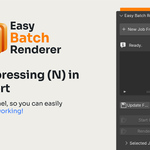
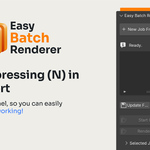
Open the 3D Viewport, press N, and go to the Easy Batch Renderer tab.