Easy Batch Renderer
 Easy Addons





Easy Batch Renderer - Documentation
Overview
Easy Batch Renderer is a Blender add-on designed to simplify rendering multiple scenes and animations. Instead of manually switching scenes and starting renders one by one, you can build a render queue and let Blender handle everything automatically.
Installing the Add-on
- Open Blender
-
Go to:
Edit > Preferences > Add-ons -
Click:
Install... -
Select the
.zipadd-on file -
Enable:
Easy Batch Renderer
Or just drag and drop zip file onto blender window
The panel will appear in:
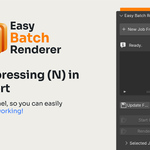
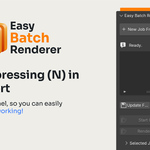
View3D > Sidebar (N) > Easy Batch Renderer
Quick Start
1. Open the Add-on Panel
Open the sidebar in the 3D Viewport using:
N
Navigate to:
> Easy Batch Renderer
2. Add Scenes
Click:
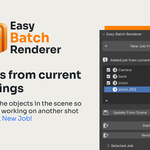
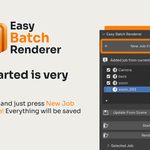
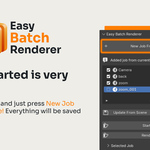
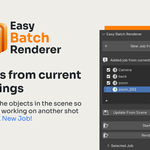
New Job From Current Scene
The scenes will appear in the render queue.
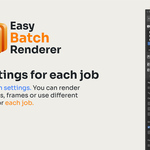
Change settings in Selected Job tab to your liking. If you want to update the scene press Update From Scene button.
Each scene has its separate settings and remembers which objects are visible/rendered.
Change output settings in Output tab
Use tokens to customize your file naming.
Have questions about this product?
Login to message
| Blender Extension Compatible | Yes |
| Dev Fund Contributor | |
| Published | 4 months ago |
| Blender Version | 4.2 - 5.1 |
| Extension Type | Add-on |
| Render Engine Used | Blender-Internal, Cycles, Eevee |
| License | GPL |

Discover more products like this
rendering batch blender-render-queue queue Batch rendering Render