Easy Bow
 Onion365studio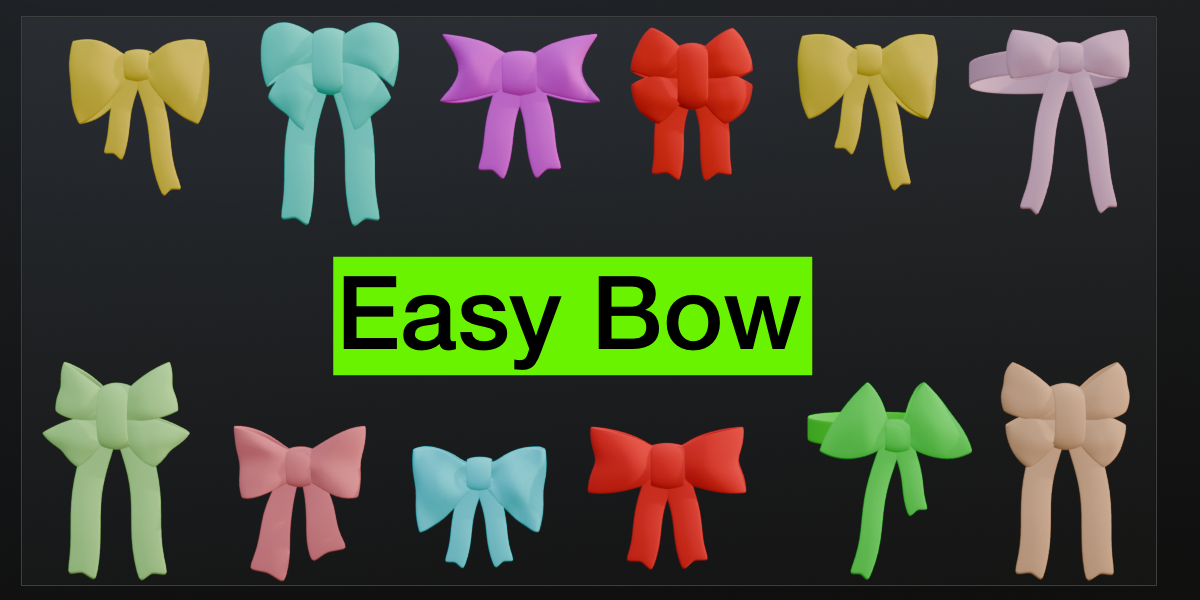
Documentation
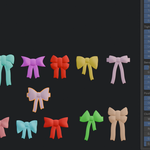
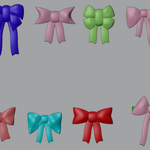
This guide shows how to install Easy Bow, create a bow and use every group of sliders in the panel, from the ears and knot to the tails, band ring and cloth wrinkles. It also explains how to finalize the result into a regular mesh with UVs. All controls are in the Easy Bow tab of the 3D Viewport sidebar (N).
Installation
- Open Edit > Preferences > Get Extensions, open the arrow menu at the top right and choose Install from Disk.
- Select the downloaded zip file (do not unzip it) and enable the add-on.
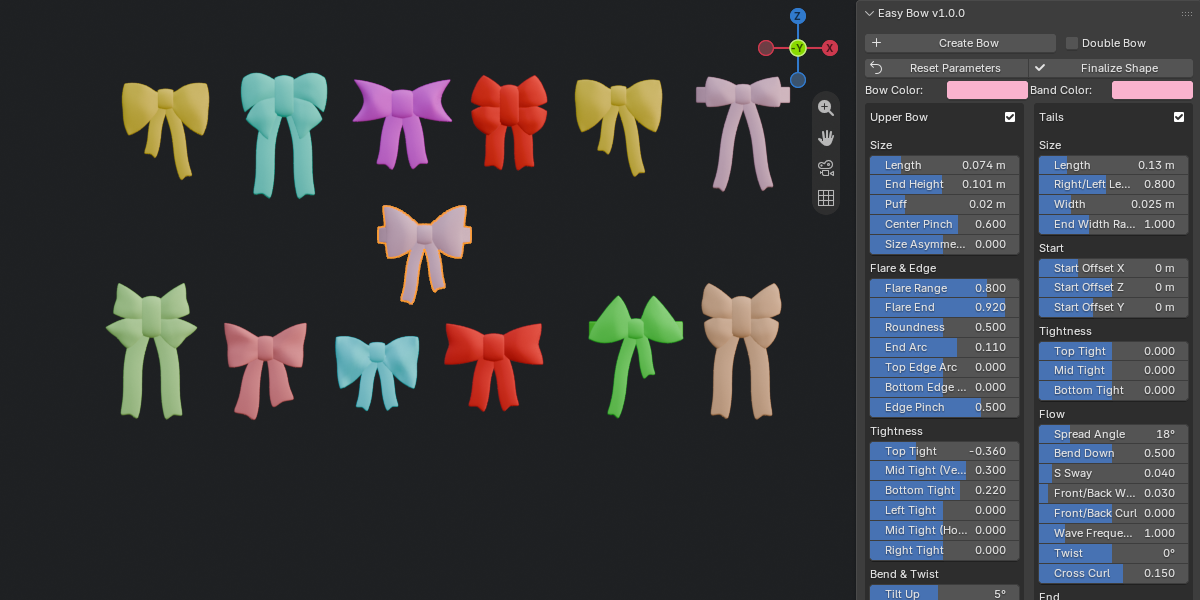
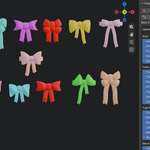
- Open the sidebar (N) in the 3D Viewport and click the Easy Bow tab. Drag the sidebar edge wider to see both columns of the panel comfortably.
Creating a Bow
- Click Create Bow to add a bow hairband at the 3D cursor.
- Tick Double Bow next to the button before creating if you want a lower pair of ears as well.
- Select the bow in Object Mode to edit it. The sliders are greyed out when no Easy Bow is selected or when you are not in Object Mode.
Panel Overview
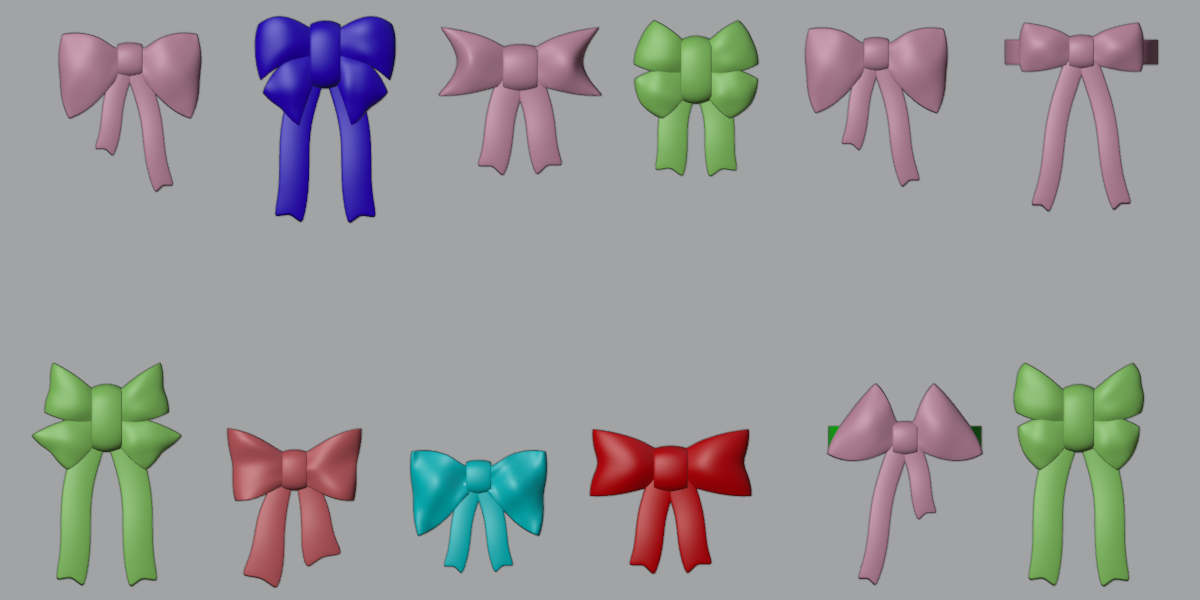
- Upper Bow: the two main ears. Size, flare, edge shape, tightness, tilt, bend, twist, wrinkles and edge ruffles.
- Lower Bow: a second pair of ears with its own sliders and X/Y/Z position. Tick the checkbox in its header to enable it.
- Tails: length, width, start position, tightness, spread, sway, wave, twist, curl, a swallow-tail notch, wrinkles and edge ruffles.
- Band Ring: radius, depth ratio, width and wrap angle, from a partial arc to a full ring, with wrinkles and edge ruffles.
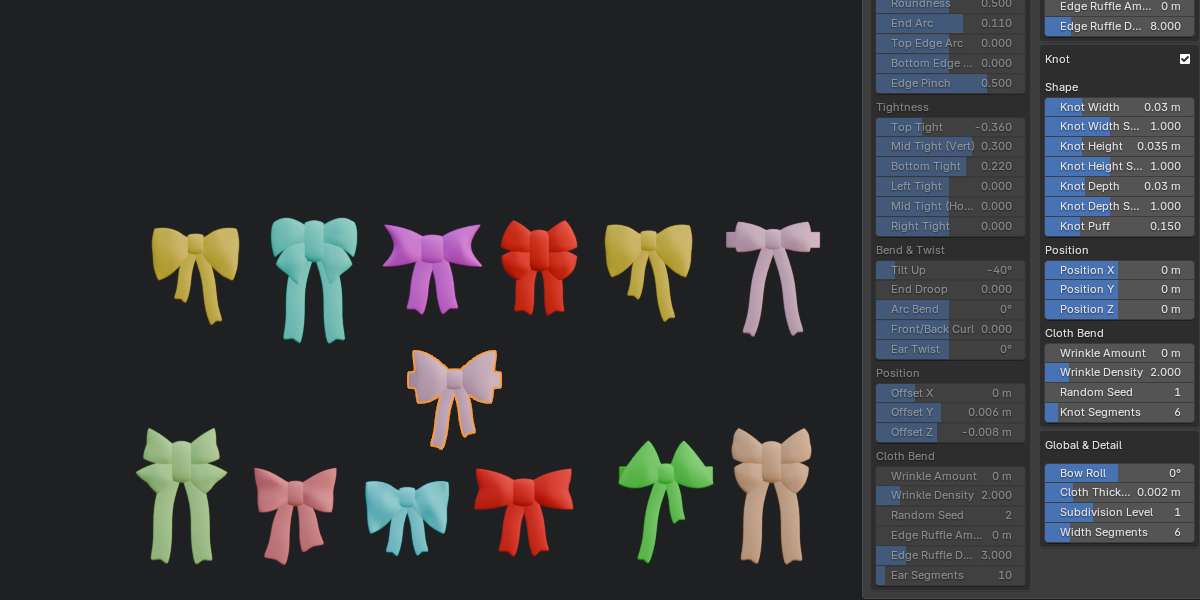
- Knot: width, height, depth and puff, plus Width, Height and Depth Scale, X/Y/Z position and wrinkles.
- Global & Detail: Bow Roll, Cloth Thickness, Subdivision Level and Width Segments.
- Every group has a checkbox in its header to show or hide that part.
- Bow Color and Band Color change the two materials directly.
Knot Controls
- Knot Width, Knot Height and Knot Depth also move the ears and tails, because they are attached to the knot.
- Knot Width Scale, Knot Height Scale, Knot Depth Scale and Position X/Y/Z change only the knot itself. The ears and tails keep their size and position.
Cloth Wrinkles and Ruffles
- Wrinkle Amount sets the height of the surface undulation, 0 is smooth.
- Wrinkle Density sets how dense the wrinkles are, and Random Seed changes the pattern.
- Edge Ruffle Amount and Edge Ruffle Density add waves along the cloth edges on the ears, tails and band.
- When you use many wrinkles, raise the matching Segments slider so the surface stays smooth.
Reset and Finalize
- Reset Parameters returns all sliders to their default values.
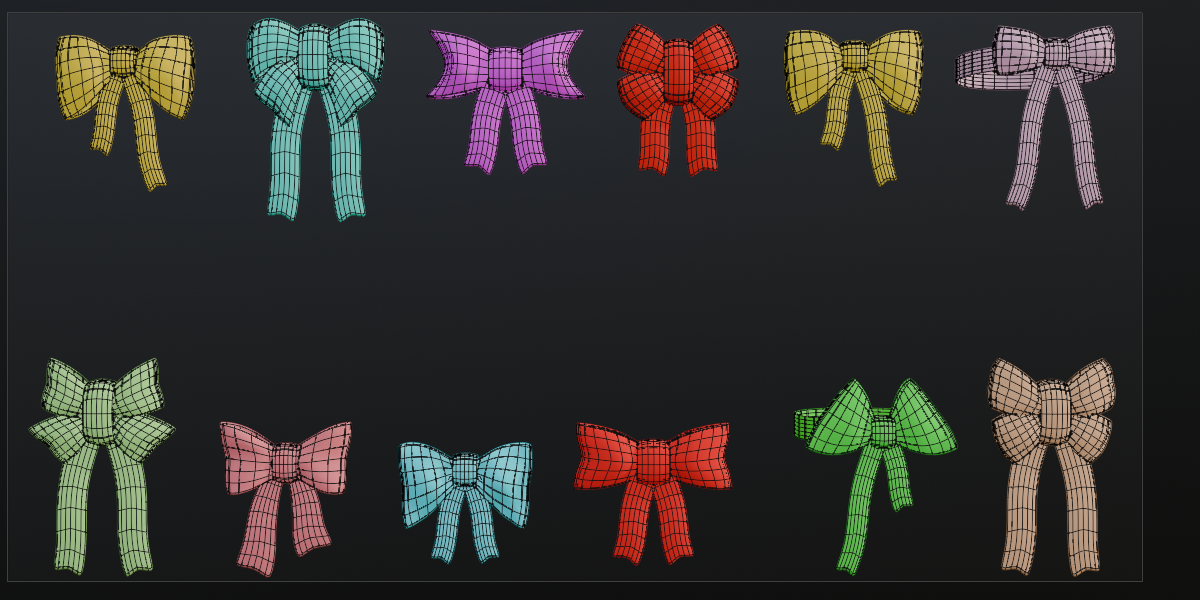
- Finalize Shape applies the modifiers, unwraps the UVs, marks the seams and removes the parametric setup. The result is a regular mesh you can edit in Edit Mode, and the sliders no longer change it.
- Create Bow, Reset Parameters and Finalize Shape all support undo.
FAQ
Which Blender versions are supported?
Blender 5.2.2 or newer.
Does it come with a ready-made model?
No. Easy Bow is a generator. It builds the bow from sliders every time you click Create Bow, so you can make as many different bows as you like.
Can I make a single bow and a double bow?
Yes. Leave Double Bow off for a single bow, or tick it for an upper and a lower pair of ears. You can also turn the Lower Bow on or off later with the checkbox in its header.
Can I edit the mesh by hand?
Yes. Click Finalize Shape, then edit it in Edit Mode like any other mesh.
Why do the sliders no longer work after Finalize Shape?
Finalize Shape removes the parametric setup on purpose, so the mesh becomes a normal mesh. Duplicate the bow with Shift+D before finalizing if you want to keep a parametric copy.
Why is the whole panel greyed out?
No Easy Bow is selected. Select a bow you created with Create Bow, or click Create Bow to make a new one.
Why do the sliders not change the bow?
The bow has to be in Object Mode. If you are in Edit Mode or another mode, a warning appears at the top of the panel. Switch back to Object Mode and the sliders work again.
Does it create UVs?
Yes. Finalize Shape unwraps the UVs and marks seams for you.
Which render engines does it work with?
The bow uses standard Principled BSDF materials, which Eevee and Cycles both support.
How do I change the colors?
Use Bow Color and Band Color at the top of the panel. The materials update immediately.
Can I move the knot without moving the ears and tails?
Yes. Use Position X, Y and Z in the Knot group. The Width, Height and Depth Scale sliders also change only the knot.
Have questions about this product?
Login to message
| Blender Extension Compatible | Yes |
| Dev Fund Contributor | |
| Published | about 3 hours ago |
| Blender Version | 5.2 |
| Extension Type | Add-on |
| Render Engine Used | Cycles, Eevee |
| License | GPL |
Discover more products like this
procedural Generator hair bow character parametric bow hairband modeling accessory cloth hair accessory