 Onion365studio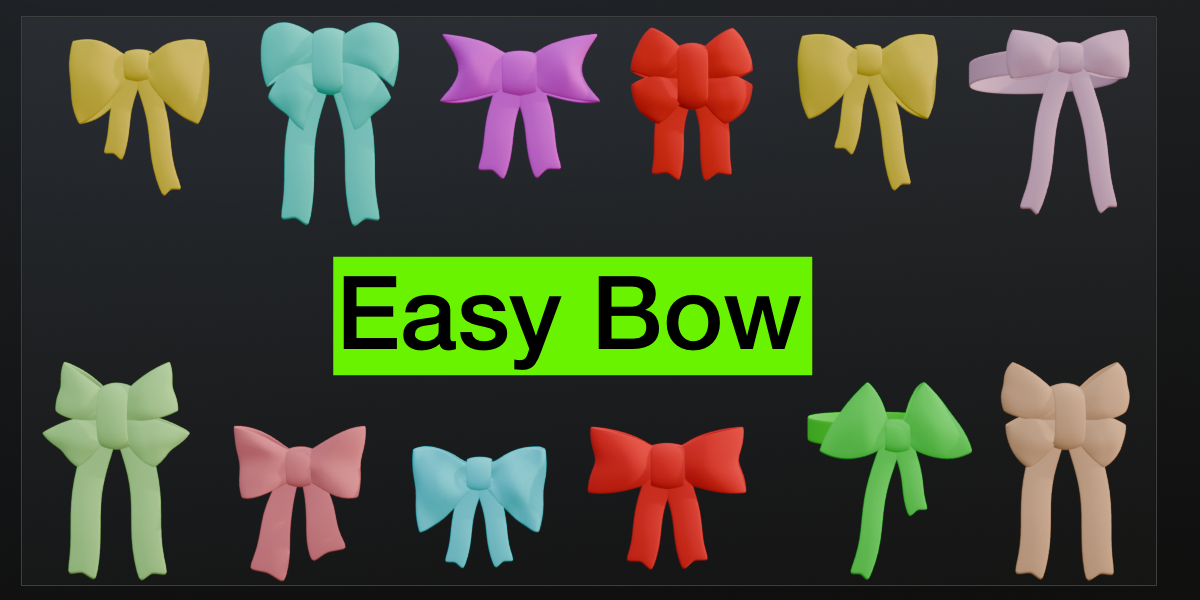
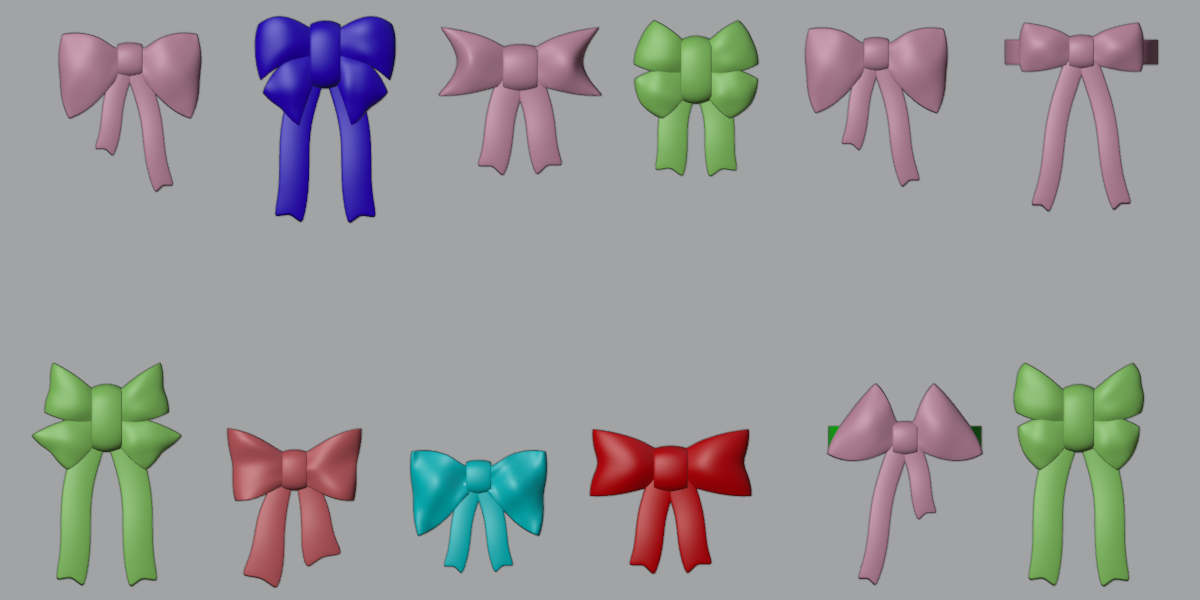
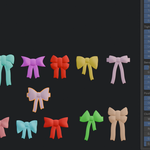
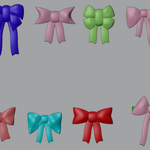
Easy Bow: Parametric Bow Hairband Generator
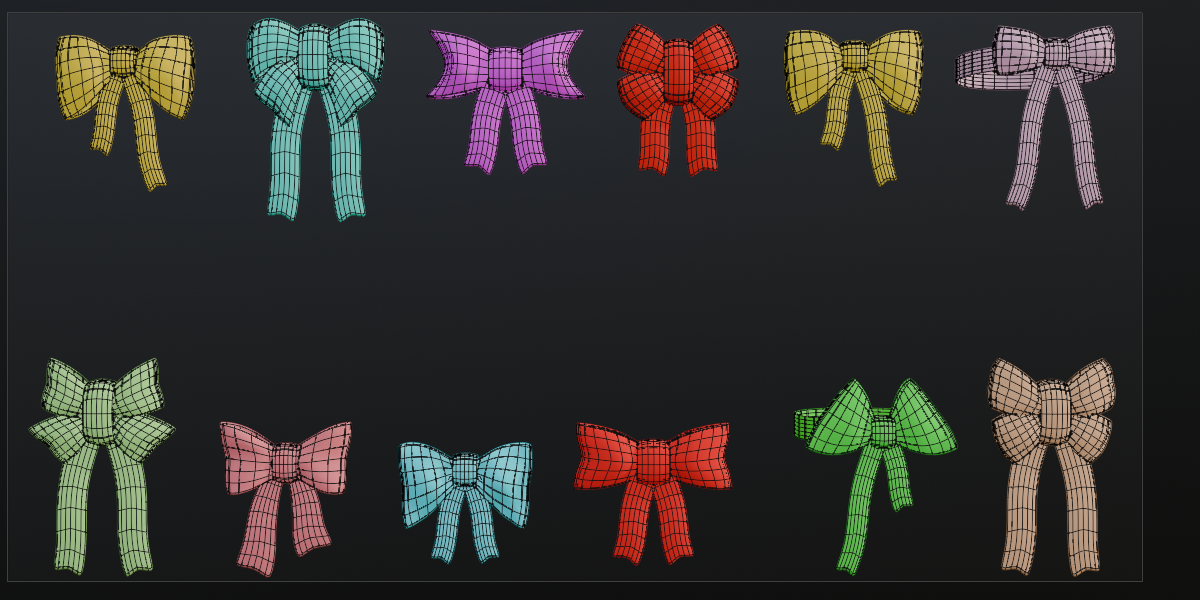
Create a bow hairband in seconds and shape every part of it with live sliders. Easy Bow builds the ears, knot, tails and band ring as clean cloth-style meshes, so you can go from a simple ribbon bow to a full double bow without modeling a single vertex.
Key Features
- One-click creation at the 3D cursor, with an optional Double Bow that adds a lower pair of ears, like the upper and lower wings of a butterfly
- Five parts you can switch on or off: upper bow, lower bow, knot, tails and band ring
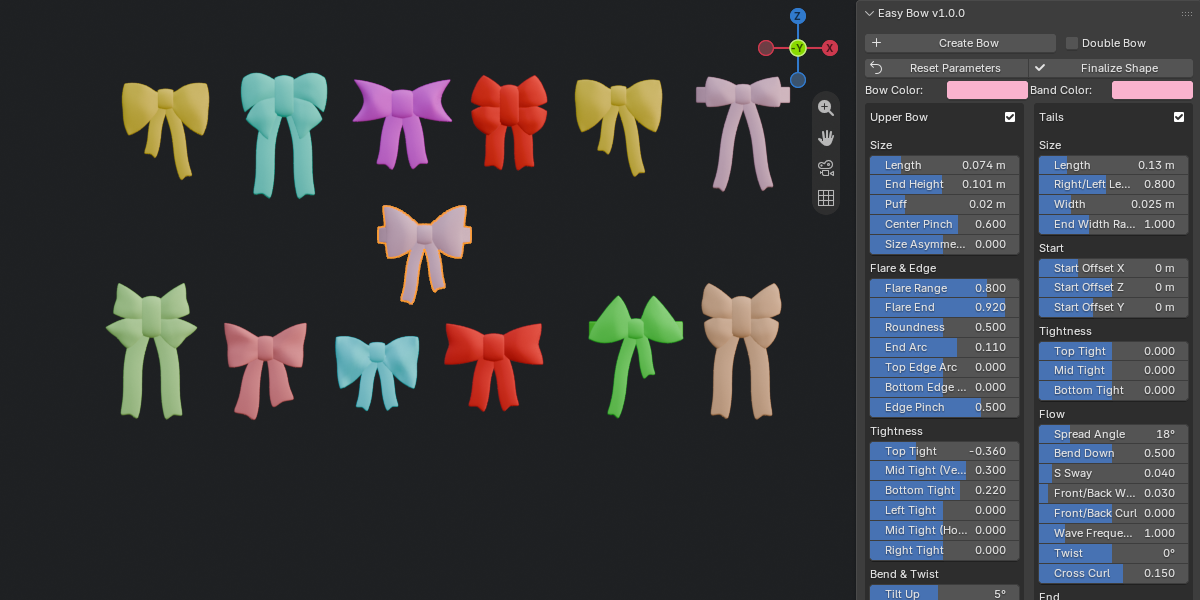
- Ears: length, end height, puff, center pinch, flare, roundness, tilt, droop, arc bend, twist and left/right size asymmetry
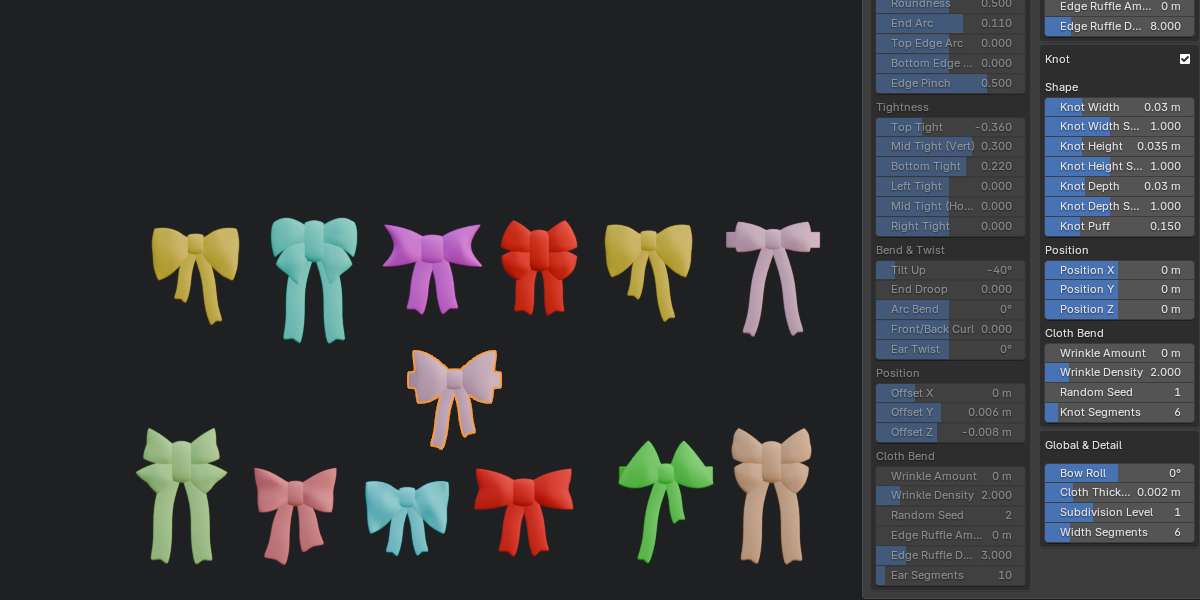
- Knot: width, height, depth and puff, plus Width, Height and Depth Scale and X/Y/Z position that change only the knot itself
- Tails: length, width, spread angle, sway, wave, twist and a swallow-tail notch
- Band ring: radius, width and wrap angle, from a partial arc to a full ring
- Cloth wrinkles and edge ruffles on every part, with density and random seed controls
- Separate bow and band colors with ready-made materials
- Non-destructive Solidify and Subdivision modifiers for cloth thickness and smoothness
- Reset Parameters button to return all sliders to their defaults
- Finalize Shape: applies the modifiers, unwraps the UVs, marks the seams and removes the parametric setup, so you can edit the mesh freely in Edit Mode
How It Works
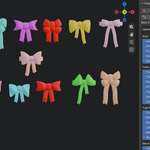
- Open the sidebar (N) and go to the Easy Bow tab.
- Click Create Bow (tick Double Bow first if you want two pairs of ears).
- Adjust the sliders and watch the bow update live.
- Click Finalize Shape when you are happy with the result.