 blenderustad
The problem: making clothes in Blender takes too many steps
You want a dress on your character. In plain Blender that means modeling front and back panels, adding sewing edges, setting up the Cloth modifier, finding fabric values, adding collision to the body, making a pin group, and hoping the seams do not pull apart. One missed setting and the cloth falls through the body or flies away.
The solution: one sidebar for the whole cloth workflow
Easy Cloth puts the full garment workflow in three tabs in the 3D Viewport sidebar: Cloth, Object and Simulate & Finish. Pick a template, place it on your character, sew, pin, add collision, preview and freeze. Every step has a help button with a picture that explains what to do next.
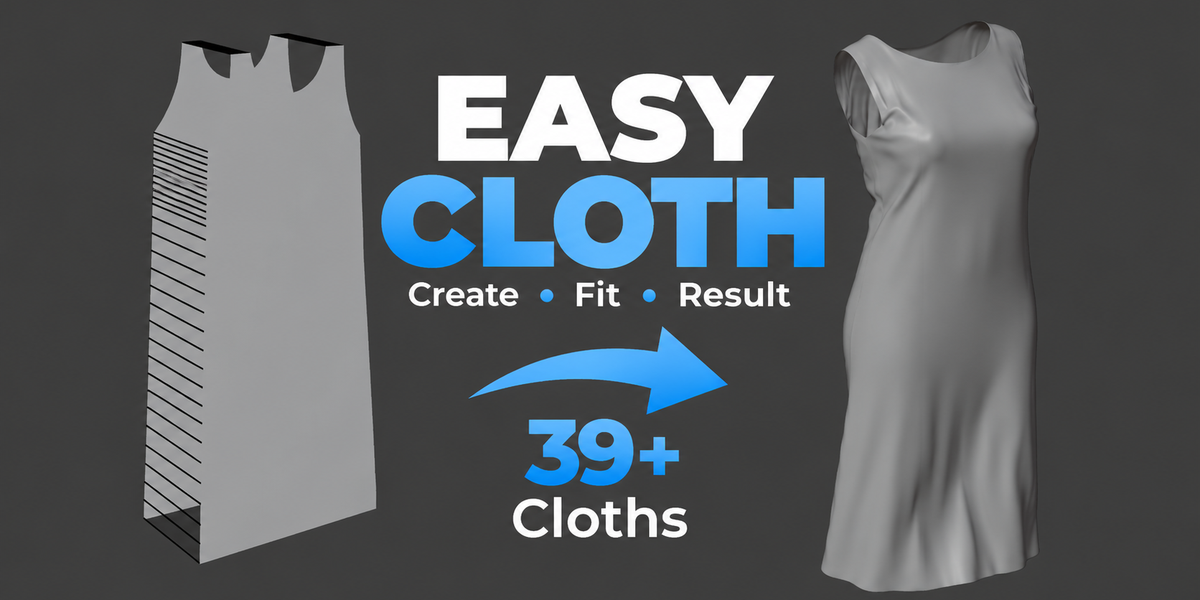
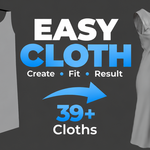
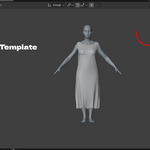
39 Blender garment templates to start from
Templates are grouped by category: Tops, Male, Female, Curtains & Sheets and Accessories. You get tank tops, shirts, T-shirts, a qamees, pants, trousers, joggers, shorts, leggings, stockings, a skirt, seven dress styles, a cape, poncho, scarf, flag, curtain, drape and round tablecloth. Select your character first and the template is placed near it automatically. Templates are starting patterns, so you still fit them to your model.
Blender cloth sewing that is easy to control
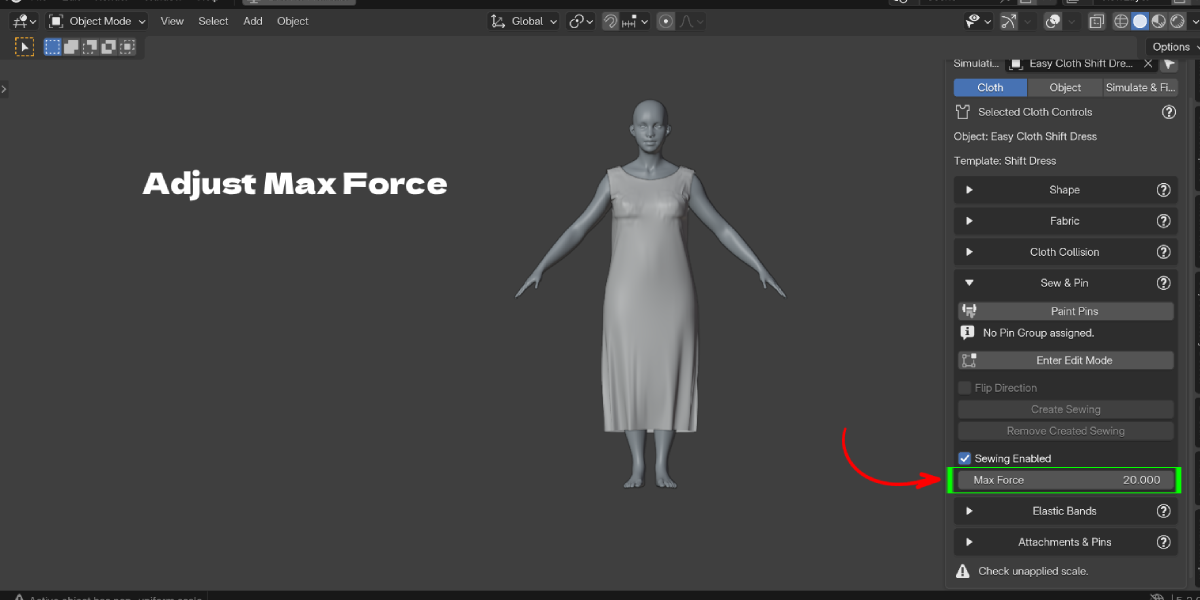
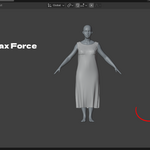
Shirt and dress templates come with sewing already set up between front and back panels. For your own pattern, select two matching edge chains and click Create Sewing. Max Force is one slider. Close Sewn Seams welds the seams when you freeze.
Stop cloth clipping through the body
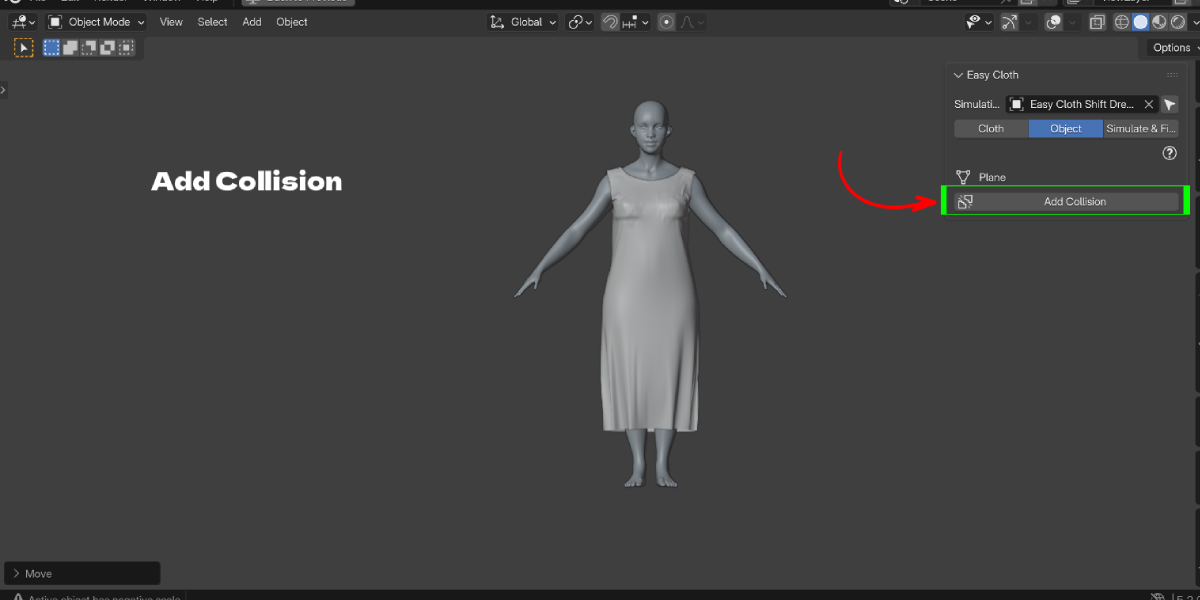
Select the body and click Add Collision in the Object tab. Cloth Margin, Collision Quality and Self Collision sit in clear panels, so you do not hunt through the Physics properties.
Pins, elastic bands and waistbands
Pin vertices by selection or by painting. The panel shows how many vertices are fully and partly pinned. Elastic Bands gather an area, like a cuff or a waist, while the cloth still moves. Skirts have a waistband switch between Pinned and Elastic.
Freeze without losing your setup
When you like a frame, bake and freeze it to a static mesh. Easy Cloth keeps a hidden backup, so you can restore the simulation, change it and freeze again. Smooth Fold Brush opens the Smooth sculpt brush on the frozen garment.
Key Features
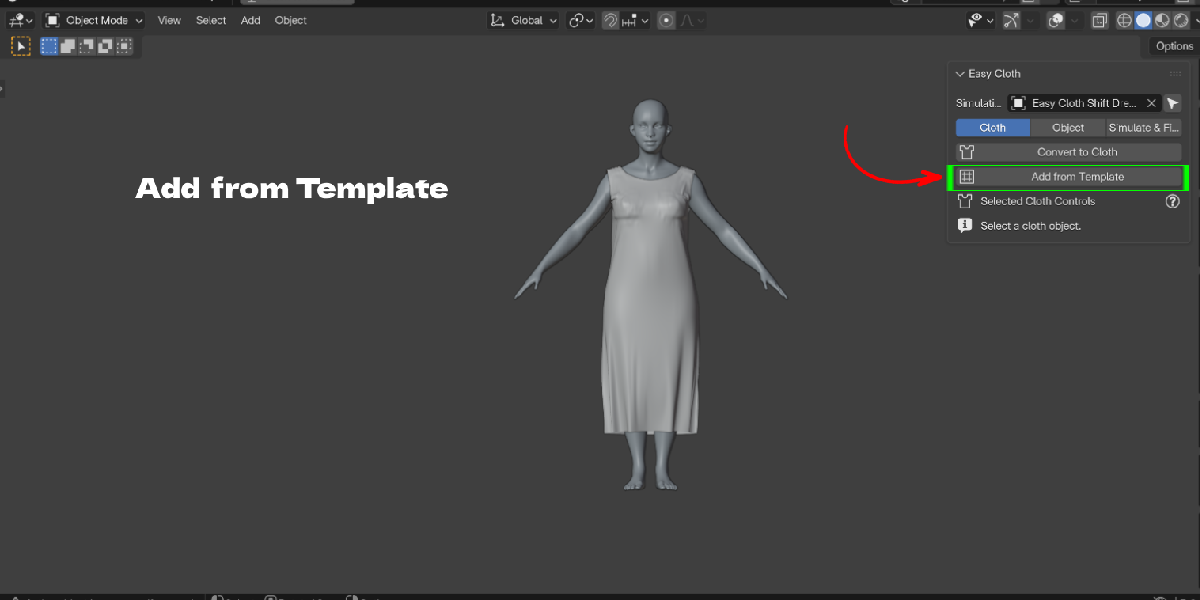
- Add from Template: 39 garments and cloth items in a scrollable thumbnail browser. Benefit: no need to model panels before your first test.
- Automatic placement: templates are placed relative to the selected character, or above the 3D cursor. Benefit: less manual moving and scaling to get started.
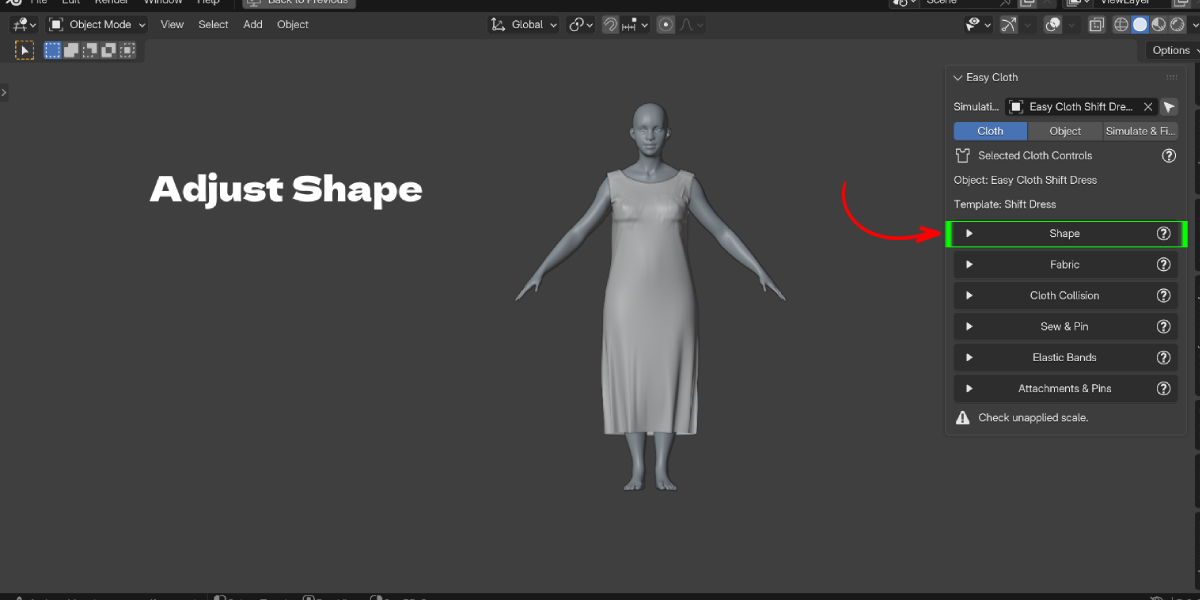
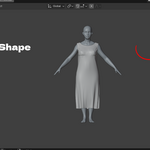
- Persistent Shape sliders: garment length, waist, hem flare, leg openings, neckline and sleeves stay editable after creation. Benefit: resize a dress pattern without remodeling it, and reset a slider to 1.00 to undo.
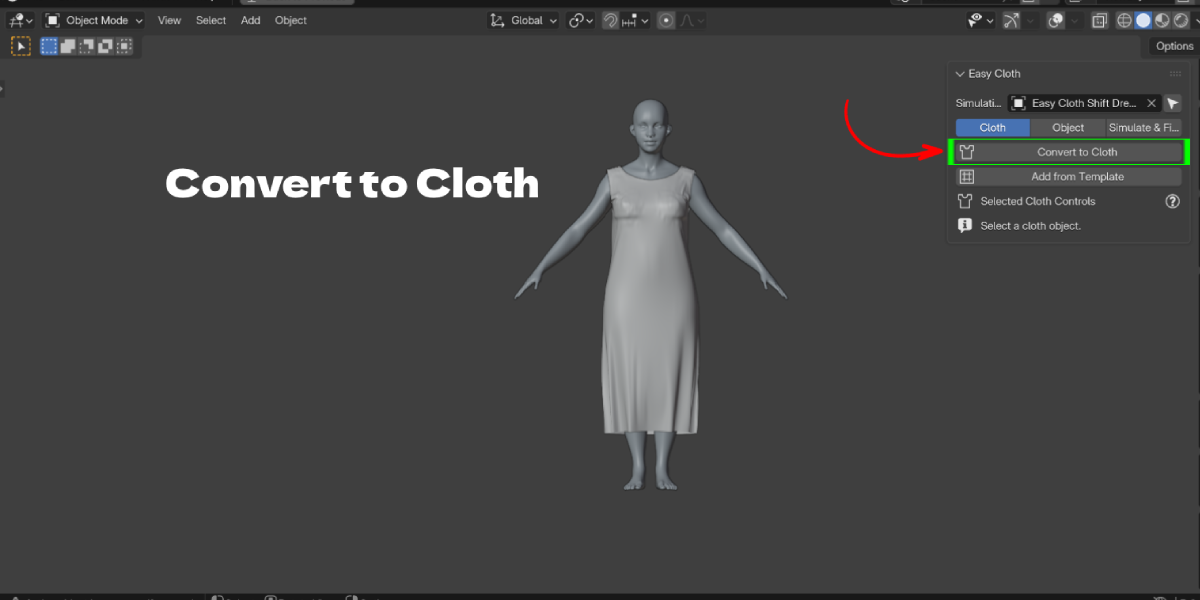
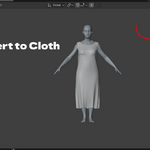
- Convert to Cloth: turn any selected mesh into cloth with sensible starting settings. Benefit: use your own garment meshes with the same workflow.
- 7 fabric presets: Cotton, Silk, Wool, Linen, Denim, Leather and Chiffon, with Mass and Bending sliders. Benefit: a believable starting point instead of guessing physics values.
- Create Sewing: pairs two open boundary edge chains with sewing edges, with Flip Direction and a Max Force slider. Benefit: fewer broken seams and no manual edge building.
- Add Collision: adds collision to the body or scene object, with Cloth Margin, Collision Quality and Self Collision. Benefit: fix clipping through the body from one panel.
- Pin Selected and Paint Pins: assign the real cloth Pin Group by selecting or painting vertices, and see pin counts. Benefit: no more "I selected it but it is not pinned".
- Elastic Bands: vertex based bands with Tightness and Falloff Width. Benefit: gathered cuffs and waists that still move with the fabric.
- Skirt waistband modes: switch between Pinned and Elastic. Benefit: choose a skirt that hangs in place or one that grips the body.
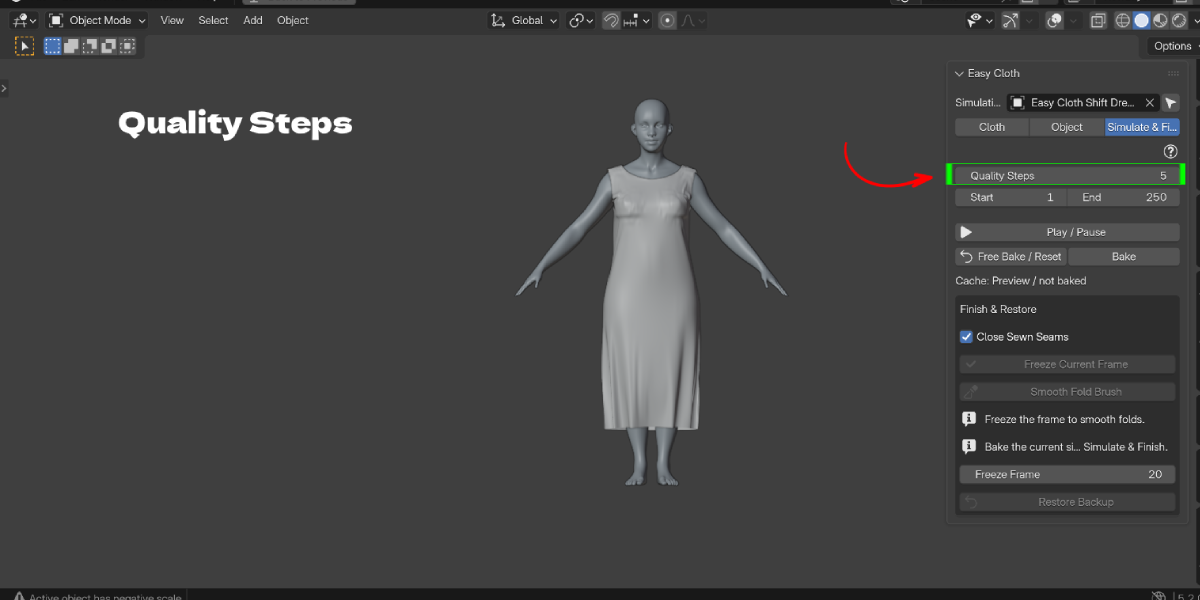
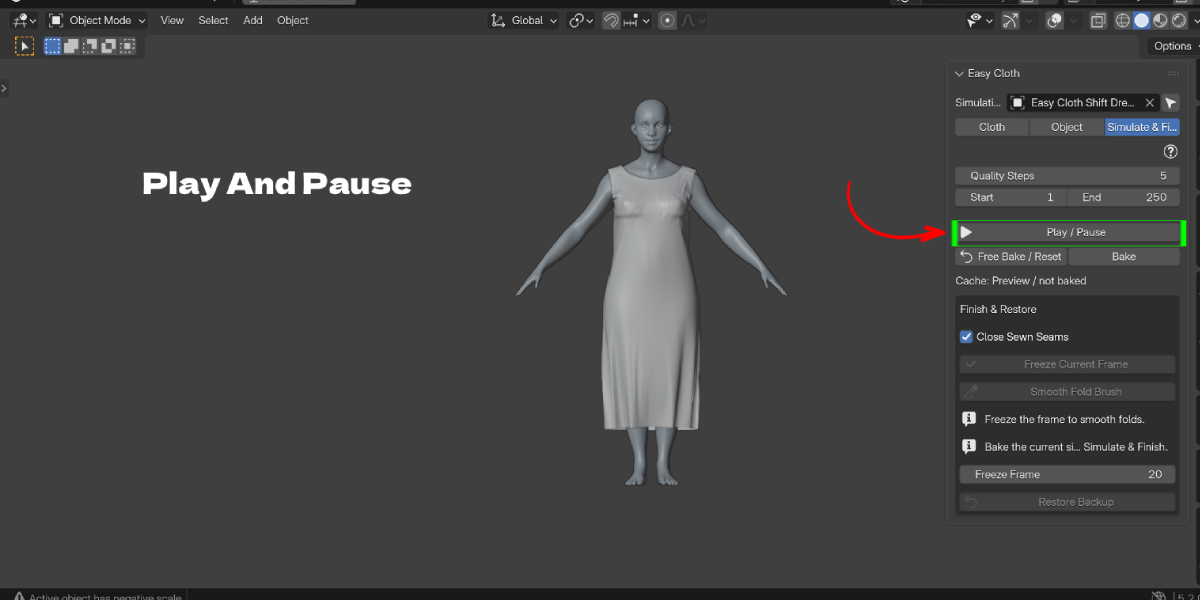
- Preview, Bake and Quality Steps: frame range, Play/Pause, Free Bake/Reset and Bake in the Simulate & Finish tab. Benefit: a clear loop of change, reset, replay.
- Freeze Current Frame with backup: turns a baked frame into a static mesh, closes sewn seams and keeps a hidden backup with Restore Backup. Benefit: a non destructive finish you can undo.
- Built-in help: a help button with an image for each section. Benefit: you learn the workflow inside Blender.
Workflow Benefits
Old way:
- Model front and back panels.
- Add sewing edges by hand.
- Add a Cloth modifier and search for fabric values.
- Add collision to the body and adjust margins in another panel.
- Make a vertex group, assign pins, link it to Pin Group.
- Bake, apply the modifier and lose the setup.
With Easy Cloth:
- Select the character, click Add from Template and pick a garment.
- Adjust Shape sliders so it fits.
- Choose a fabric preset and set Max Force.
- Click Add Collision on the body.
- Press Play, check the result, then Bake.
- Freeze a frame. If you need changes, Restore Backup and run it again.
Everything stays non destructive until you freeze, and even then the backup is kept.
Who it is for
- Character artists who need a dress, shirt or pants on a character for a still render.
- Beginners who find Blender cloth simulation confusing and want guided steps.
- Animators who keep the baked Cloth modifier for moving characters.
- Archviz and interior artists who need curtains, drapes and tablecloths.
- Concept and fashion artists testing garment shapes quickly on a base mesh.
Use cases: a maxi dress on a female base mesh, a T-shirt and pants on a male character, a qamees for a cultural scene, a cape on a hero, a flag in the wind, a draped blanket on a sofa, a round tablecloth on a dining table.
