Easy Comp FX
 Blender Procedural


📖 Documentation
1. Installation
-
Download the ZIP from Blender Market.
-
In Blender go Edit → Preferences → Add-ons → Install…
-
Select the downloaded ZIP, enable Easy Post FX.
2. Loading LUTs
-
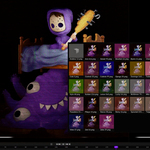
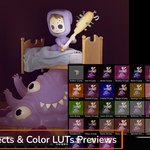
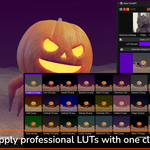
Click Load LUTs in the N-Panel → browse to your
.png lutsfolder. -
Choose any thumbnail to set the active LUT.
-
Adjust LUT Amount slider for perfect blend.
3. Applying Effects
-
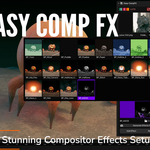
Under Effects, click Load Effects to import all “BP_*” node groups.
-
Select an effect from the grid → click Add Effect.
-
To remove, click Remove Effect.
4. Generating Thumbnails
-
Set Output Folder (e.g.
assets/previews). -
Click Generate Viewport Previews → thumbnails are rendered off-screen.
-
Your icon gallery will update automatically.
5. Eevee Next Live Preview
-
The add-on auto-switches your 3D Viewport to Eevee Next / Rendered mode
-
Compositor overlay is always visible for instant feedback
Have questions about this product?
Login to message
| Blender Extension Compatible | Yes |
| Sales | 80+ |
| Dev Fund Contributor | |
| Published | over 1 year ago |
| Blender Version | 4.4 - 4.5 |
| Extension Type | Add-on |
| Render Engine Used | Cycles, Eevee |
| License | GPL |
Discover more products like this
color grading compositor addon stylized look blender addon blender-compositor blender post fx LUT visual effects Blender Effects anime look viewport fx