 Armin
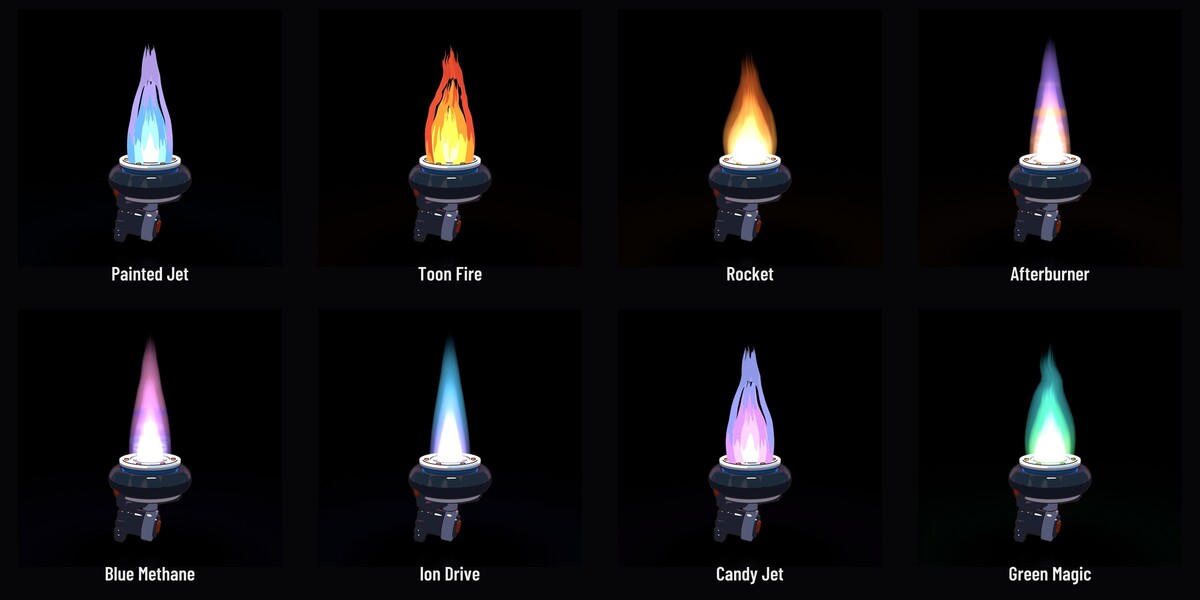
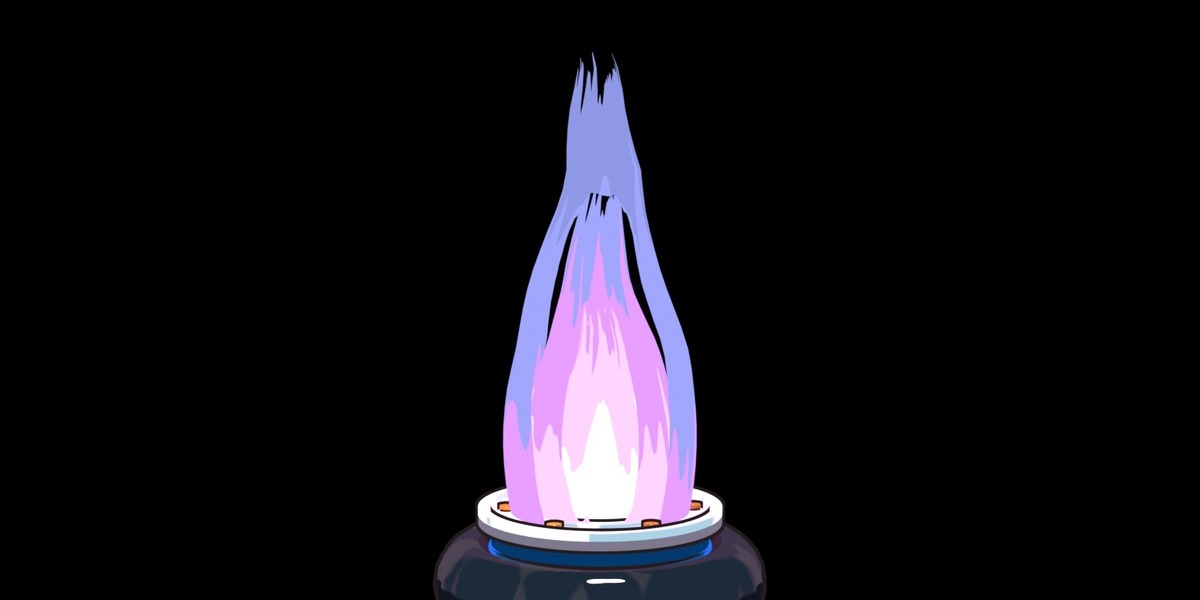
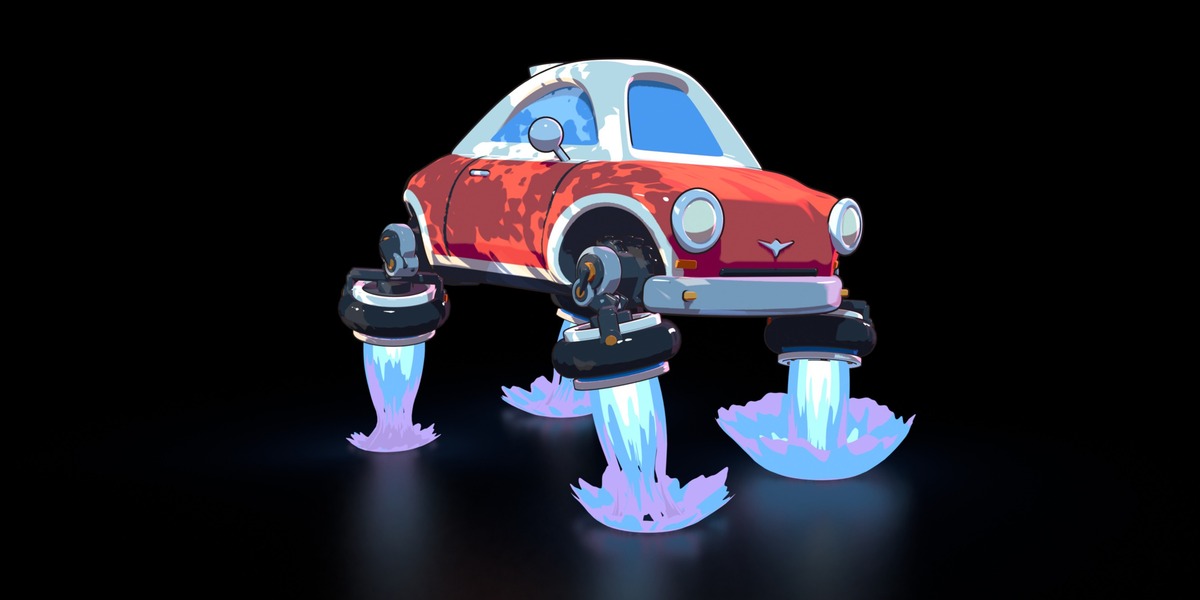

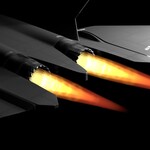
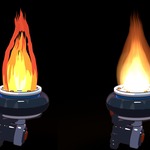
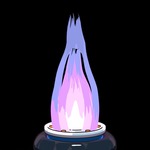
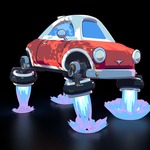
Tick Light up the scene and each nozzle gets a light in the flame's colour.
Yes. Hover over Power and press I to add a keyframe, like on any Blender value.
Press Pick Ground and click a surface. The fire hits that surface, spreads over it and curls up at the end.
Yes. Add Nozzle gives the same flame more exits, and the duplicate icon next to it adds a separate flame with its own settings.
Yes. Press Add Flame and click on any surface. The fire comes out of the point you click and stays on that object when it moves.
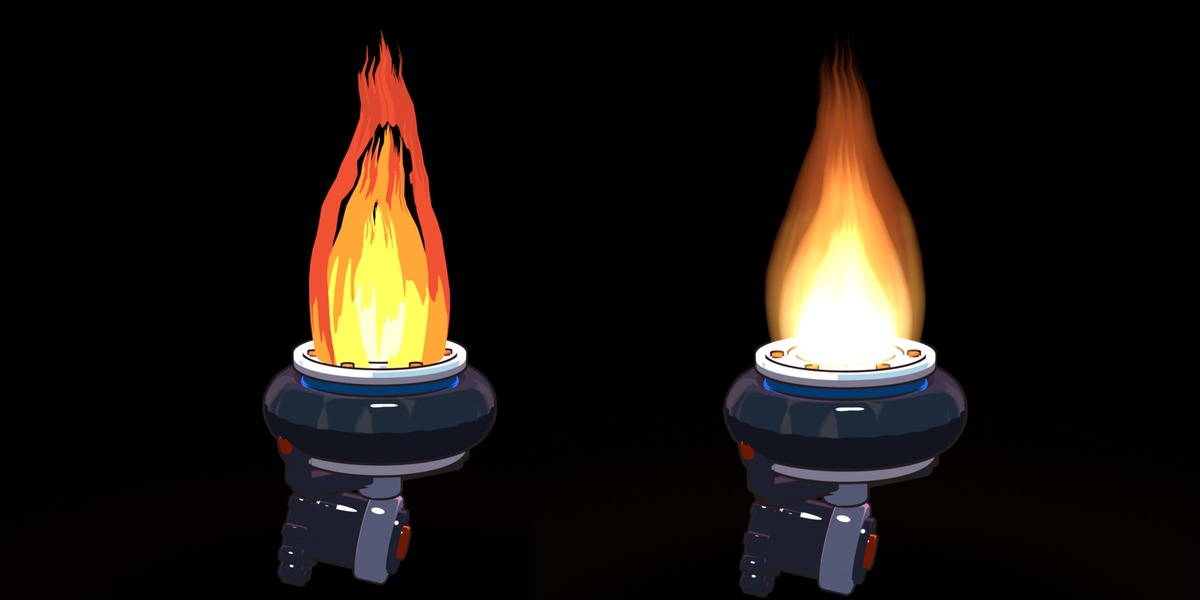
No. It is a stylized flame made of geometry and a shader, so it is light and plays back fast. It has no smoke.
No. The flame is live Geometry Nodes. It moves when you press play and follows your model.
Blender 5.3 or newer.
Yes. It renders in EEVEE and in Cycles.
Have questions about this product?
Login to message
| Blender Extension Compatible | Yes |
| Published | about 1 hour ago |
| Blender Version | 5.3 |
| Extension Type | Add-on |
| Render Engine Used | Cycles, Eevee |
| License | GPL |