 Armin
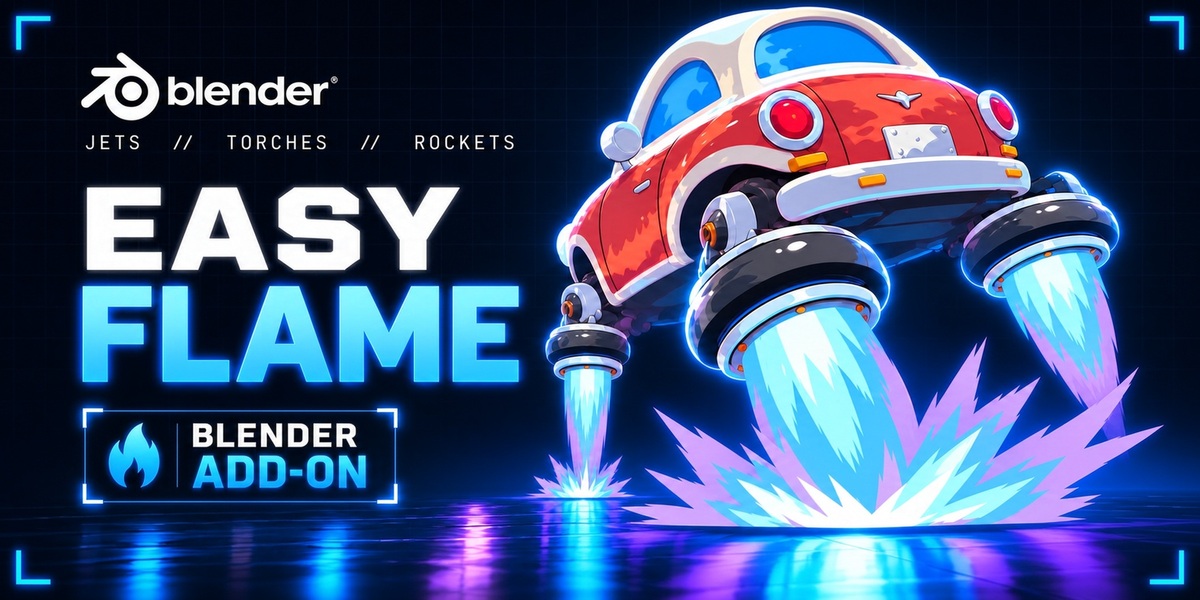
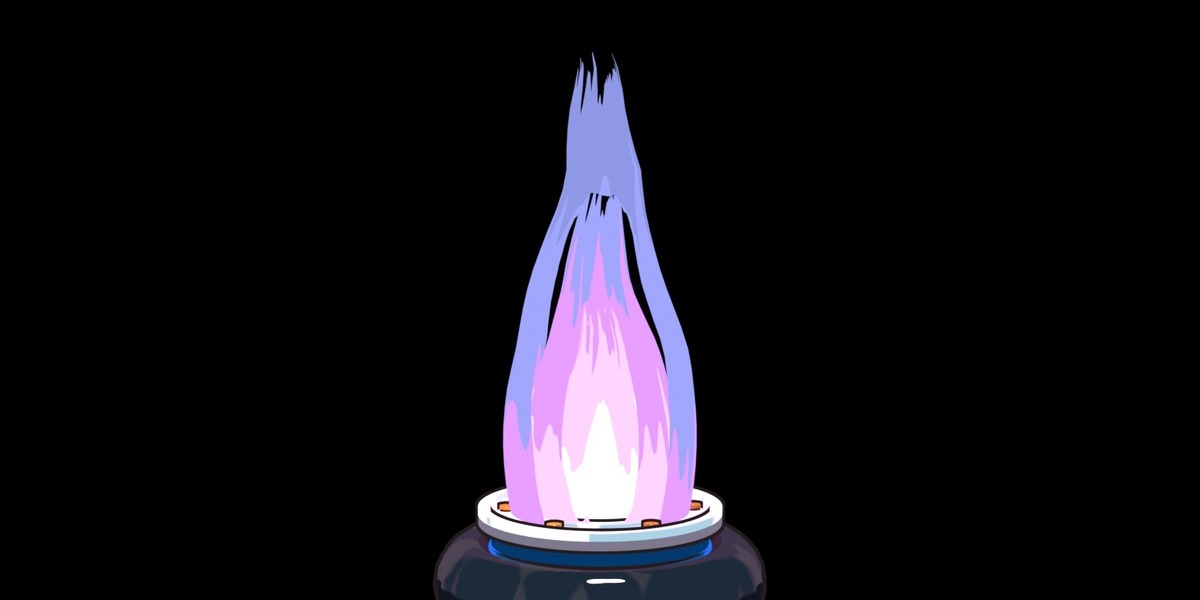
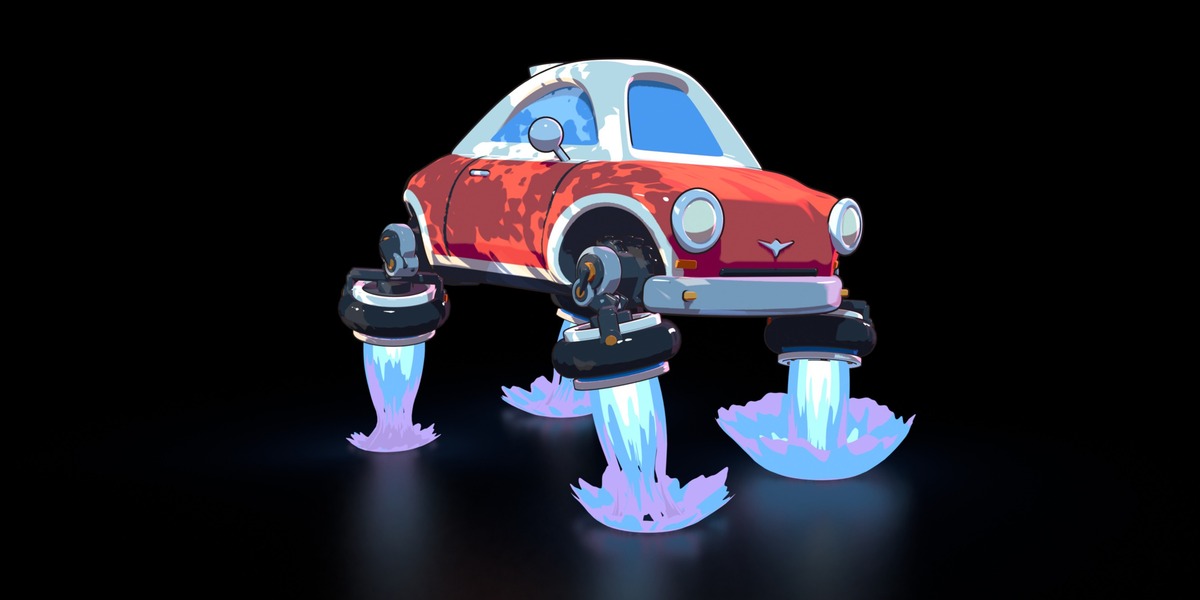

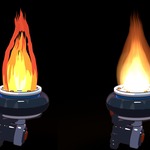
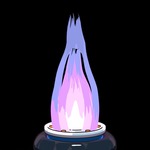
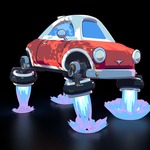
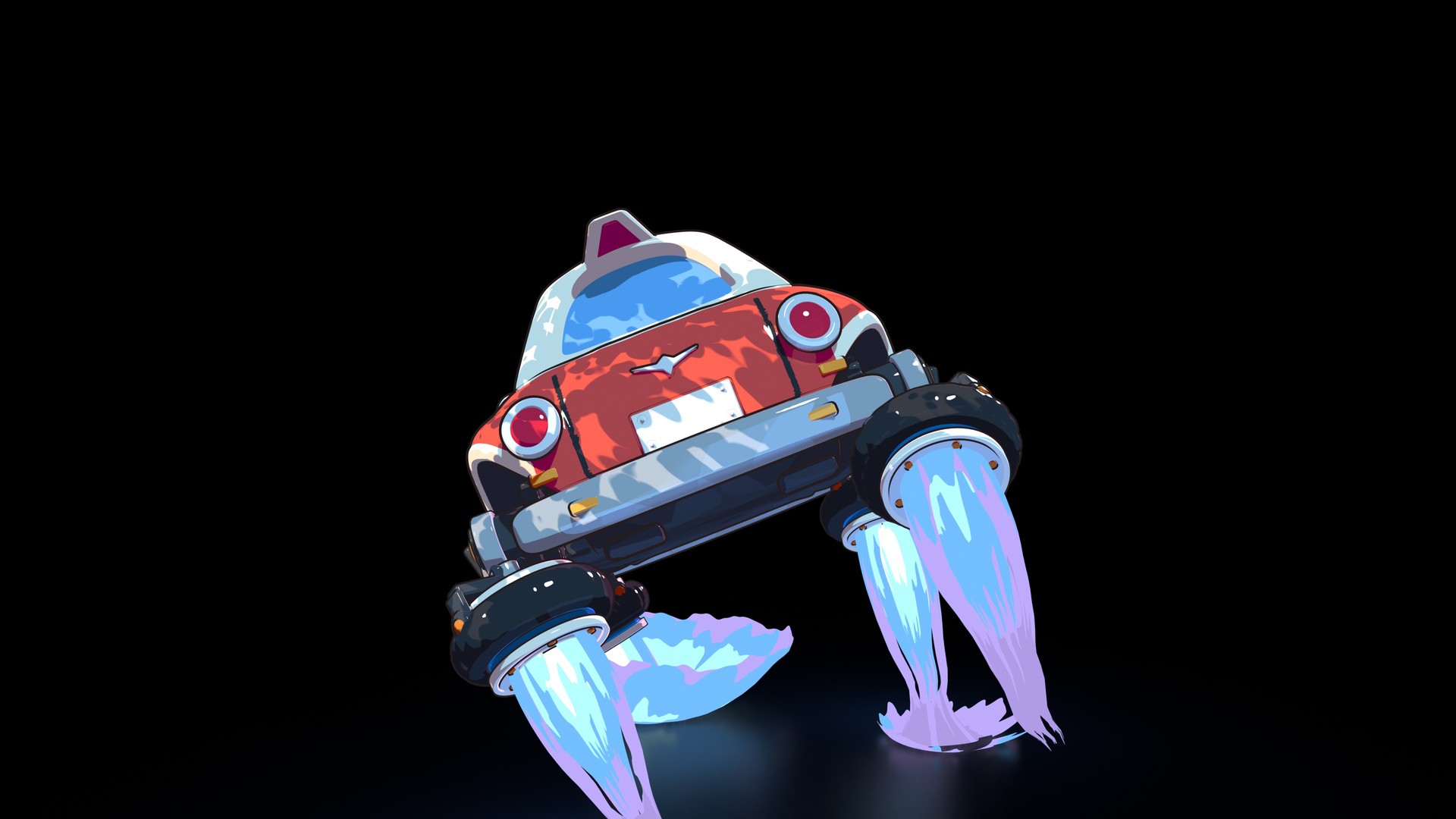
I made Easy Flame for the jets of my hover car. I wanted to click on a model and get a flame right there, one that spreads over the ground when it hits it, with nothing to bake.
Pick a flame, press Add Flame, then click where the fire comes out.
Add Flame, then click
The fire comes out of the surface you click, on any object. While you place it, S sets the size, G moves it and R turns it, and X, Y or Z locks an axis. Hold Shift to place more than one.
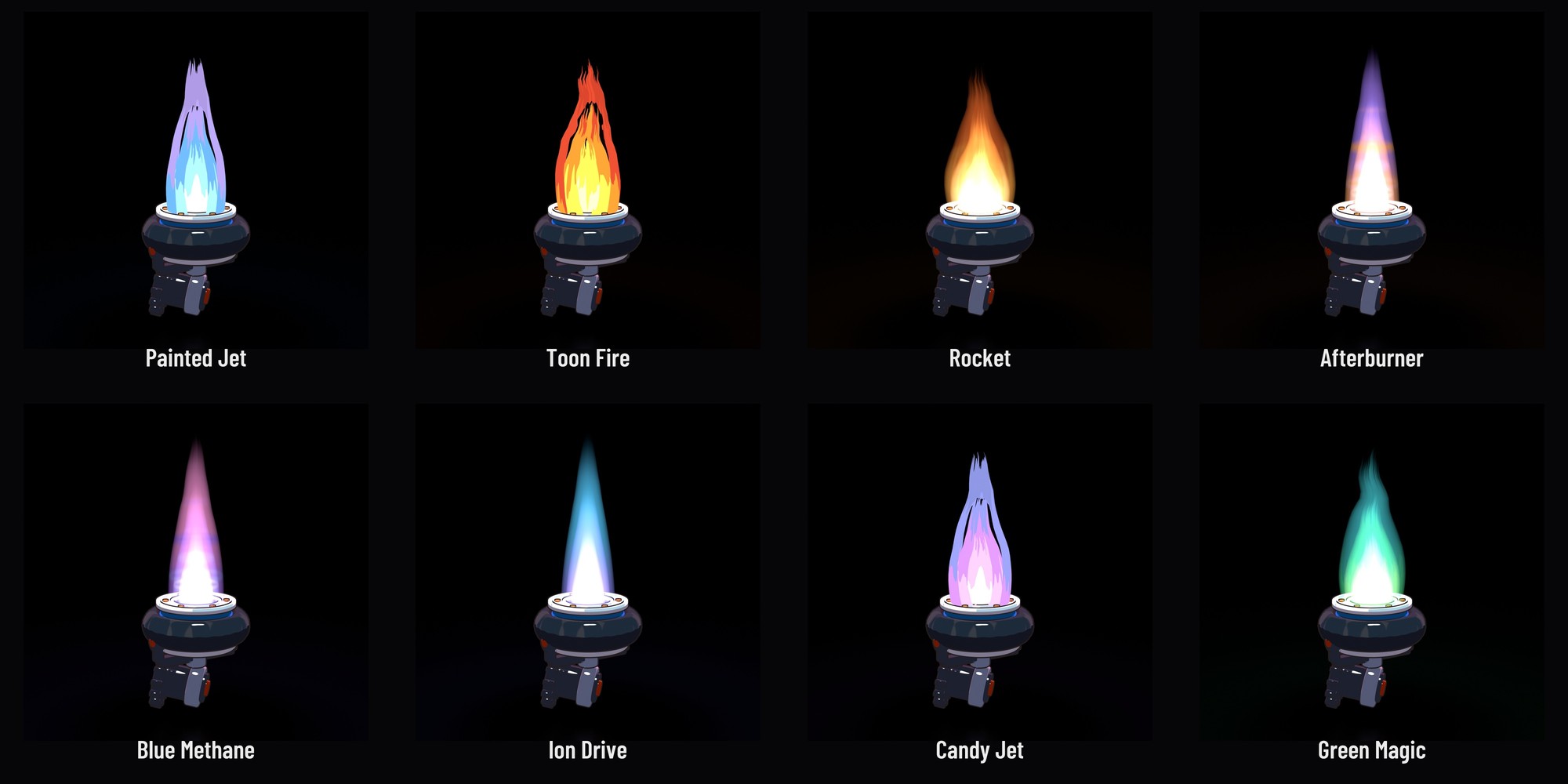
Eight flames
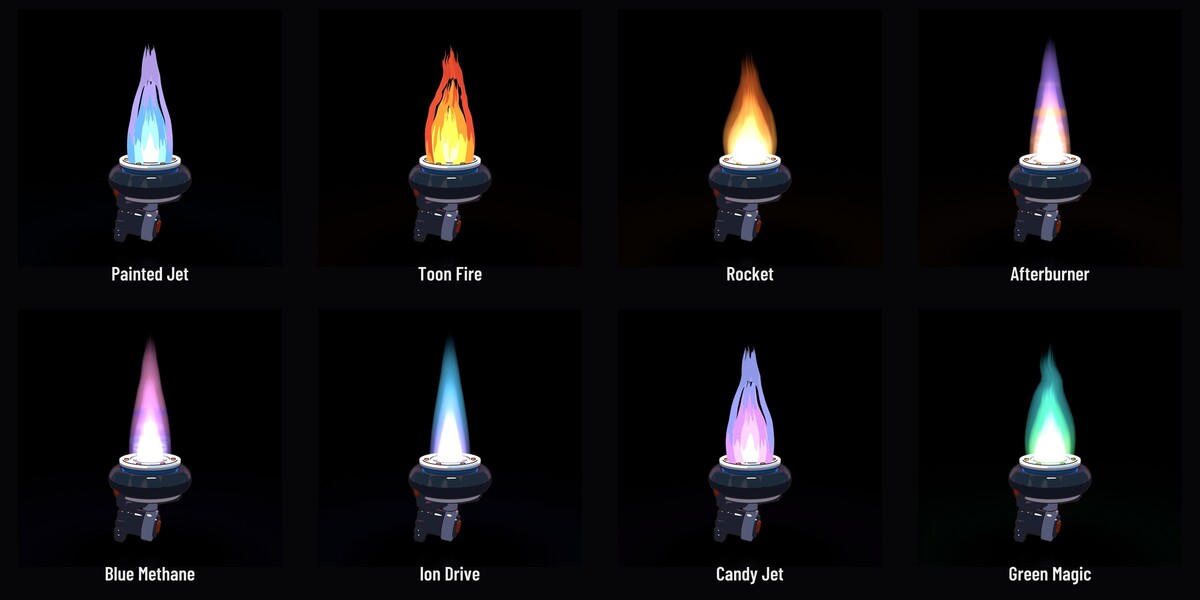
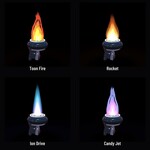
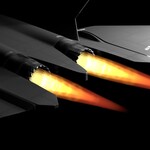
Painted Jet, Toon Fire, Rocket, Afterburner, Blue Methane, Ion Drive, Candy Jet and Green Magic. Each one keeps the way you set it, so you can switch to another flame and come back.
Nozzle
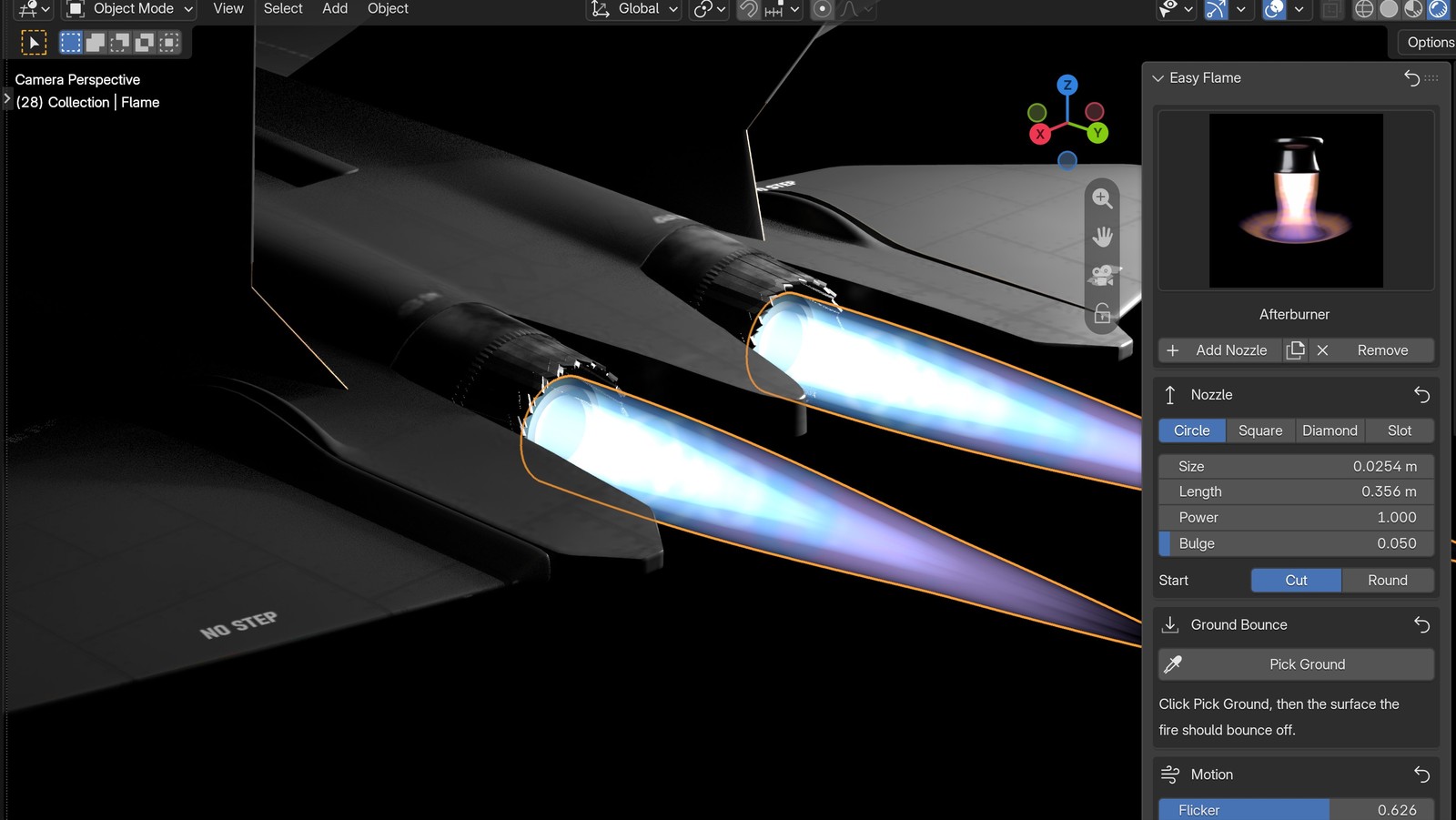
The nozzle can be a Circle, Square, Diamond or Slot. Set its Size, Length, Power and Bulge, and start the fire Cut flat or Round.
Ground Bounce
Press Pick Ground and click a surface. The fire hits it, spreads over it and curls up at the end.
Colours
Eight colour sets change the whole flame in one click: Blue, Fire, Gold, Pink, Violet, Green, Ice and Red. Or set the four colours yourself, from the hot centre to the tip.
Painted or glowing
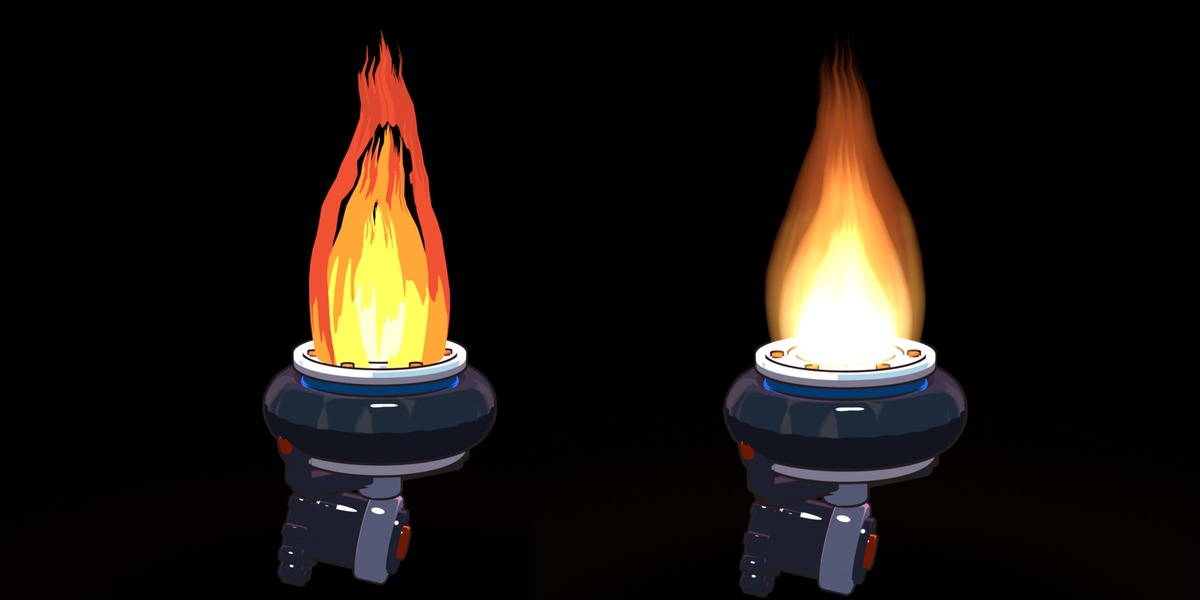
Painted Layers gives flat, hand-painted bands of colour. Soft Glow gives a soft, bright fire. Sliders add streaks and shock diamonds, a ragged tip, softness, opacity and a fading tip.
Motion
Set Flicker, Sway and Speed. The fire can move Smooth, On Twos or On Threes, like hand-drawn animation, and Seed gives each flame its own motion.
Light up the scene
One tick adds a light in the flame's own colour, so the fire lights your model and the ground around it.
Jets, rockets and torches
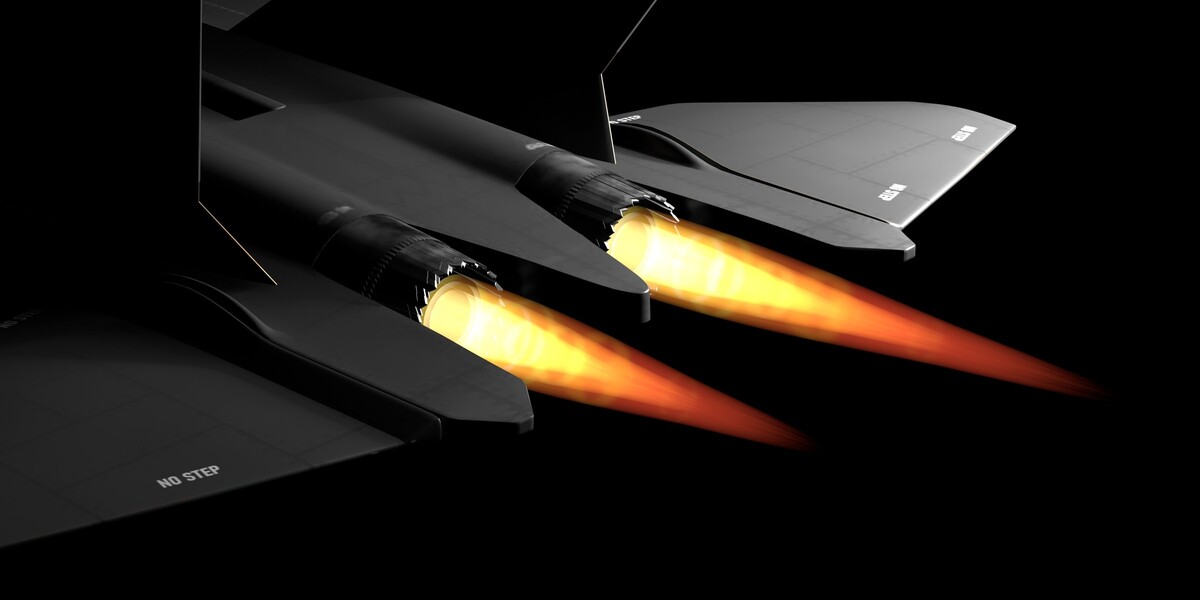
The same flame works at any size, from a rocket engine to a torch on a wall.
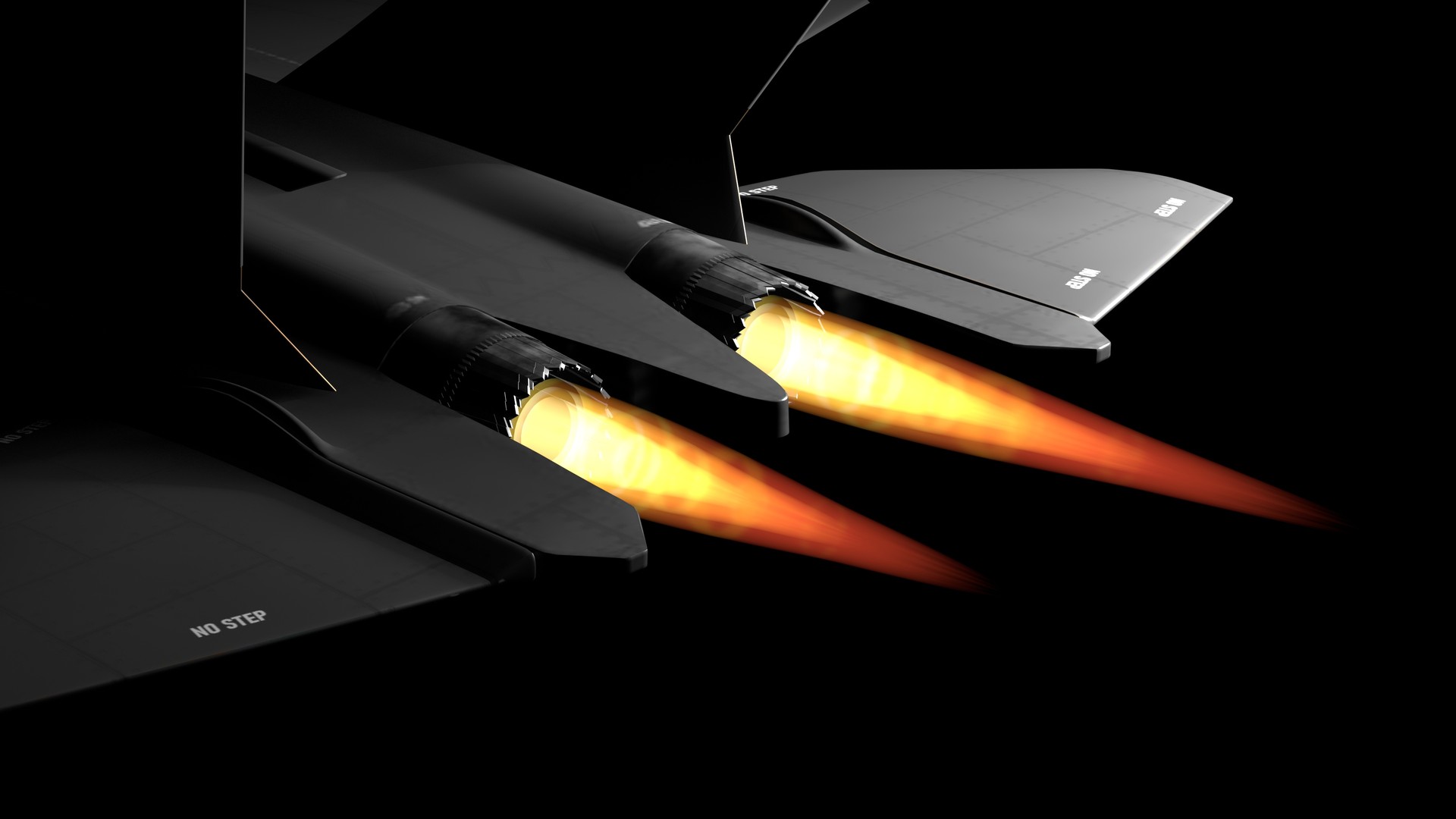
EEVEE and Cycles
It is live Geometry Nodes, so the flame follows your model as it moves and nothing is baked. It renders in EEVEE and in Cycles.
Two licences
Both get the full add-on and all future updates.
- Individual License ($29): for one artist, in your own personal and commercial projects, on your own computers
- Studio Unlimited ($99): for a whole studio or team, every artist and every machine of one company
Requirements
- Blender 5.3 or newer
- EEVEE or Cycles
Installation
- Keep the downloaded ZIP zipped
- In Blender, open Edit > Preferences > Get Extensions
- Open the menu in the upper-right corner, choose Install from Disk and pick the ZIP
- In the 3D Viewport press N and open the Easy Flame tab
Quick start
- Click the big tile and choose a flame
- Press Add Flame and click on your model where the fire comes out
- Press Pick Ground and click the surface the fire should bounce off
- Tune Nozzle, Motion, Colour and Look
Good to know
- Click a fire and G, S and R work on it like on any object. Scale Z makes that one flame longer
- To animate a value such as Power, hover over it and press I
- The small arrow at the top of each box puts that box back to the flame's own values
Made by Armin5D. Licensed under GPL-3.0-or-later.