 Quad Lab


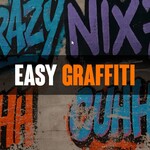
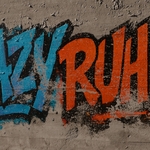
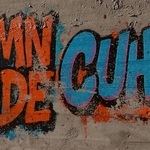
Easy Graffiti – Instantly Add Stylized Graffiti to Any 3D Object in Blender
Level up your scenes with a single click! Easy Graffiti lets you apply high-quality graffiti effects to any object right from the 3D Viewport sidebar—no node setup required.
Features Included:
-
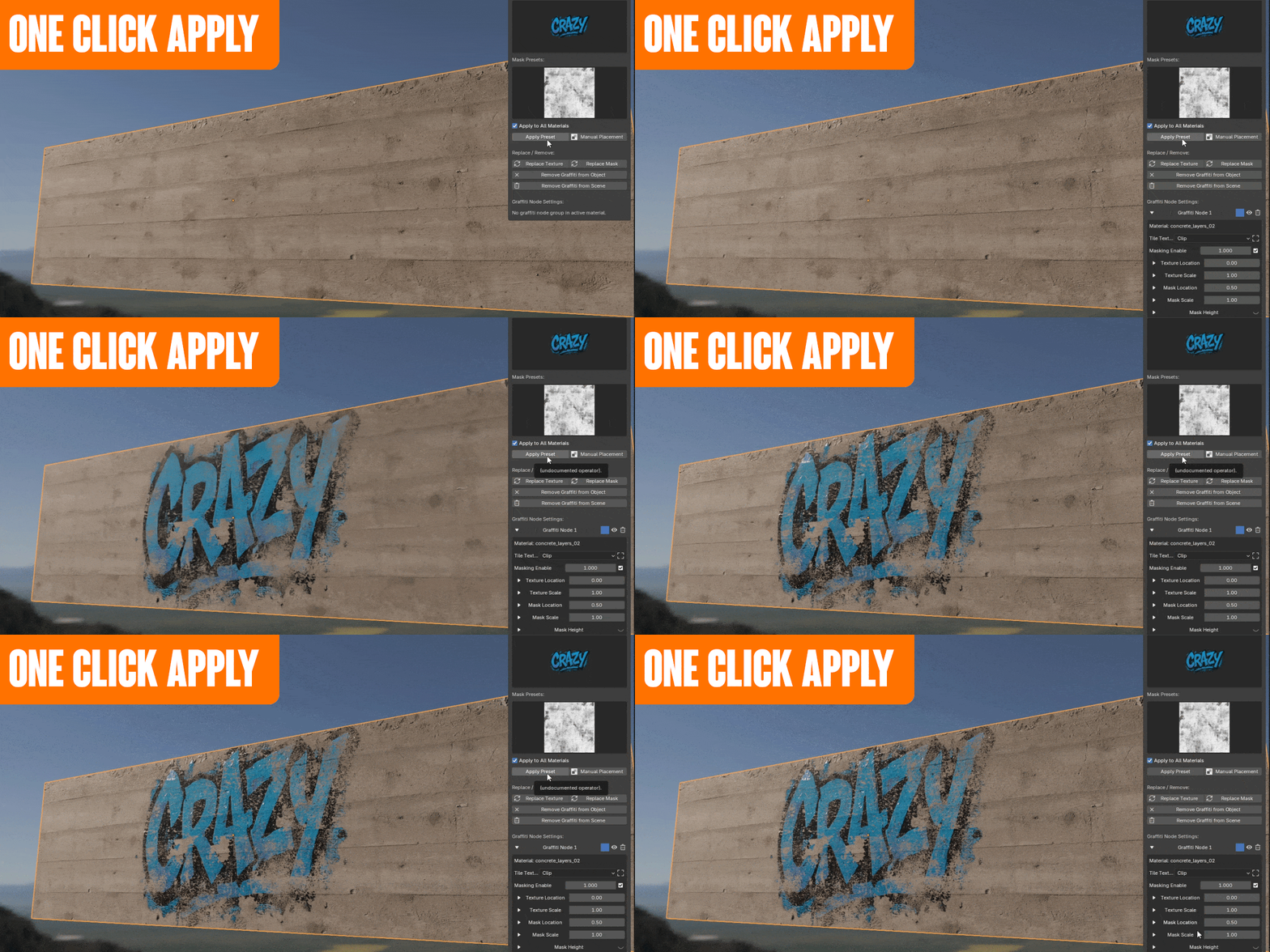
One Click Apply: Instantly add graffiti to any object.
-
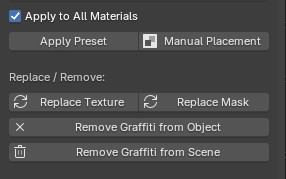
Easy to Replace: Swap graffiti styles any time—just pick and click.
-
Easy Stacking: Layer multiple textures with different masks for unique results.

-
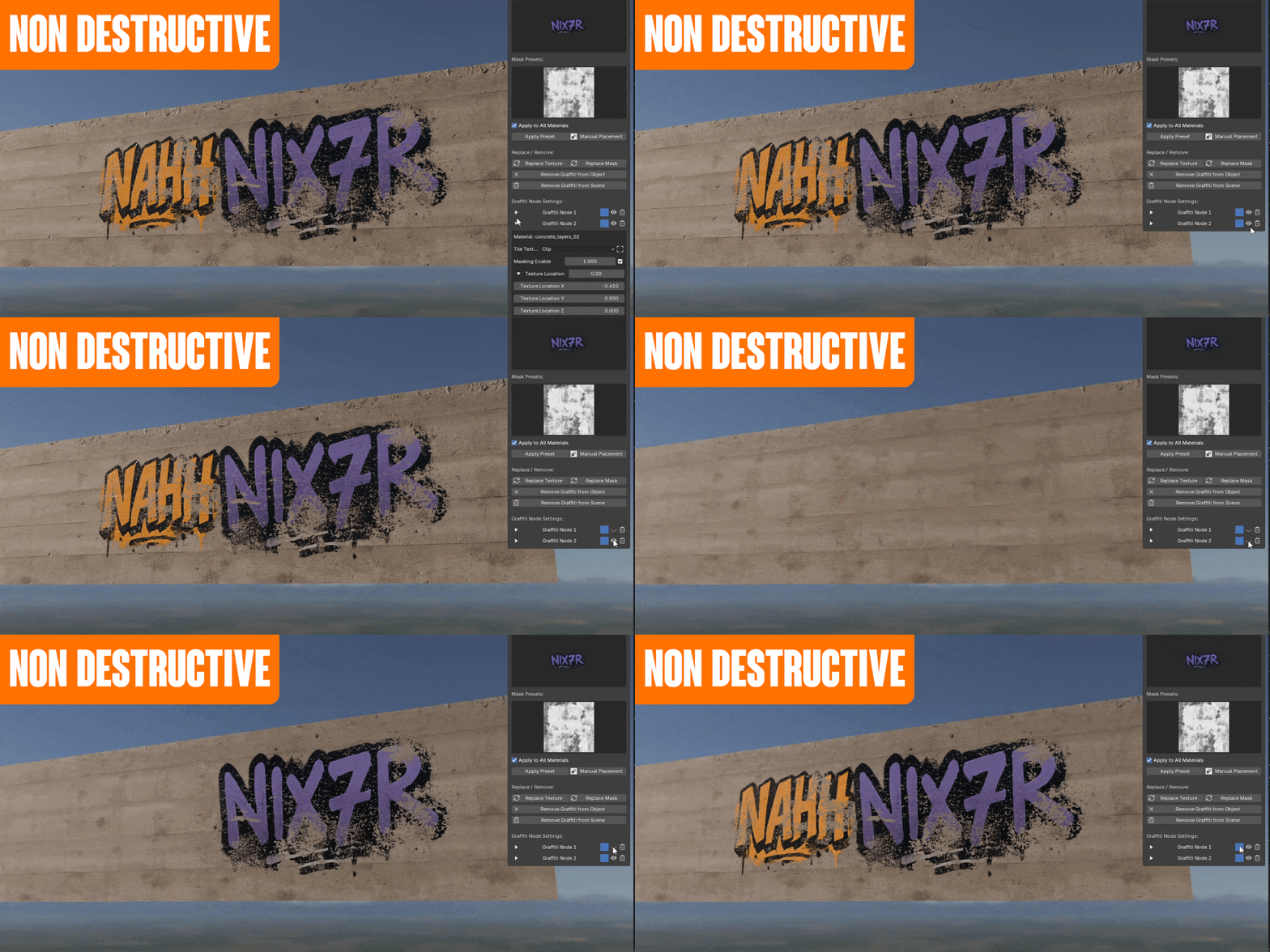
Non-Destructive: Original materials stay intact; remove graffiti any time.
-
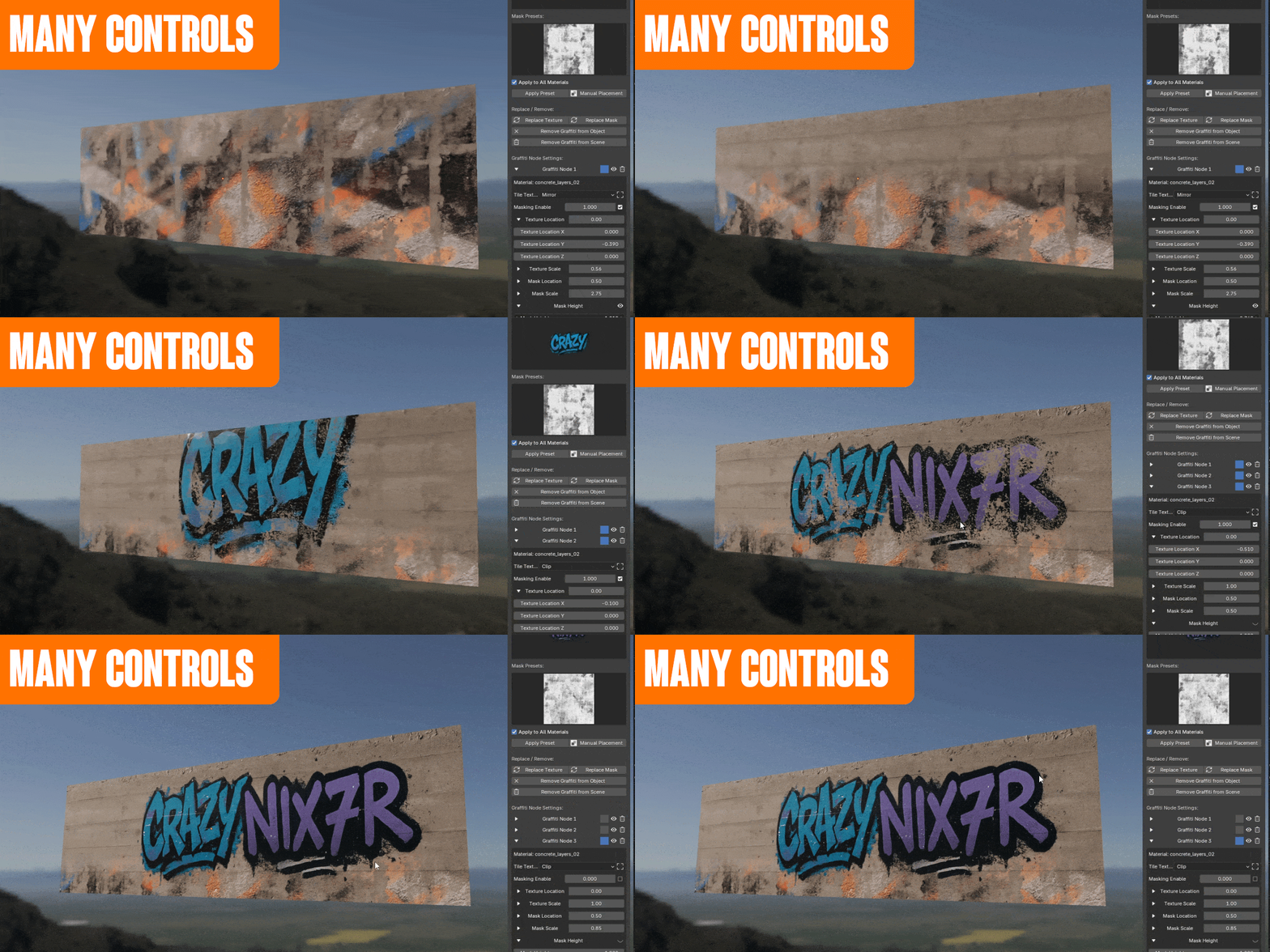
Many Controls: Adjust style, placement, scale, rotation, opacity, and more from the N-panel.
-
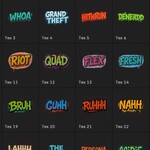
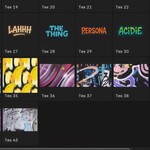
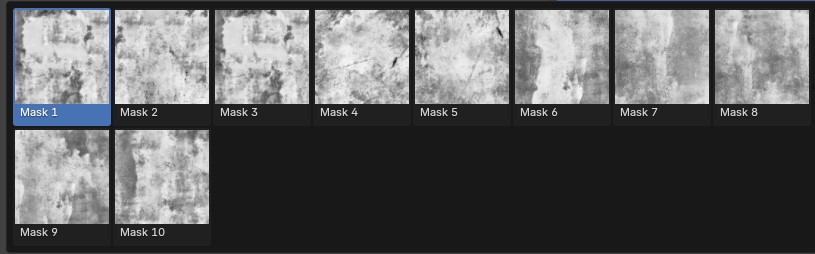
Visual Preset Picker: See real previews of all graffiti options in the sidebar.

-
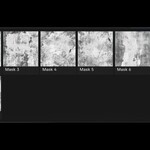
Custom Textures & Masks: Import your own through Preferences.
Drag and drop texture or mask images into the provided folders and restart Blender—they’ll appear in the N-Panel.
-
Batch Apply or Remove: Affect all materials or just the active one.
Perfect for artists, designers, and anyone who wants fast, flexible surface effects with full control.
Just install, pick your look, and start creating—no setup, no hassle!