 Onion365studio
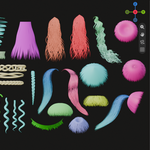
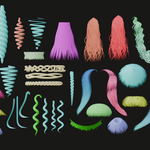
Easy Hair
Generate stylized hair in Blender, right at your 3D cursor.
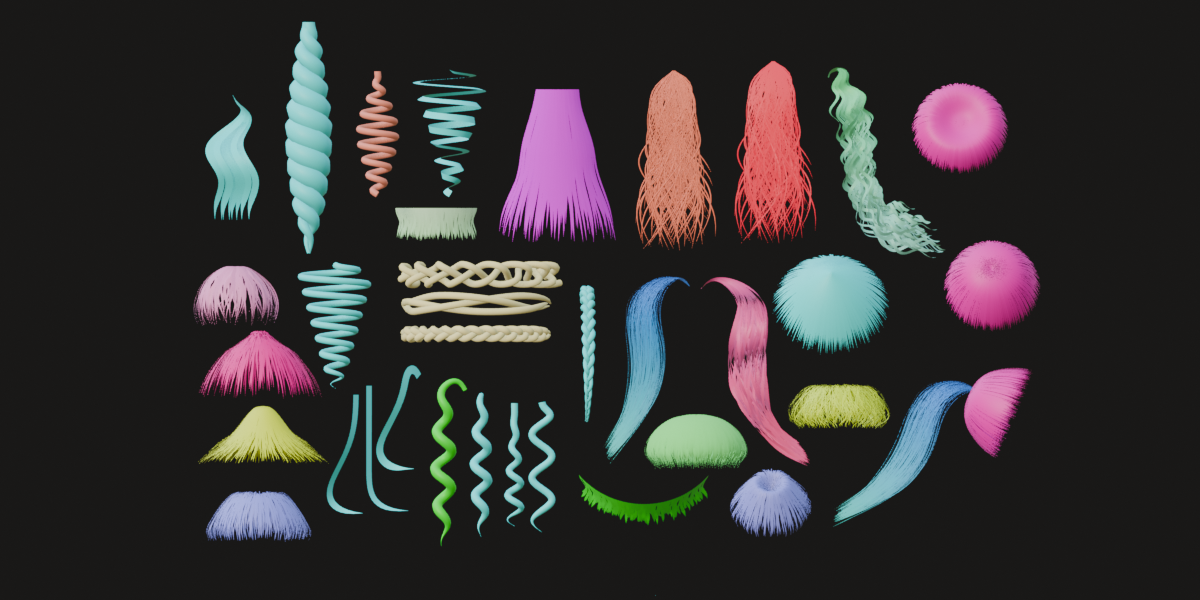
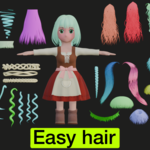
Easy Hair turns hair creation into a few clicks and sliders. Place the 3D cursor, press Generate, and shape your hair live, from straight strands to curls, twists and braids. Every hair keeps its own settings, so you can come back and tweak it any time.
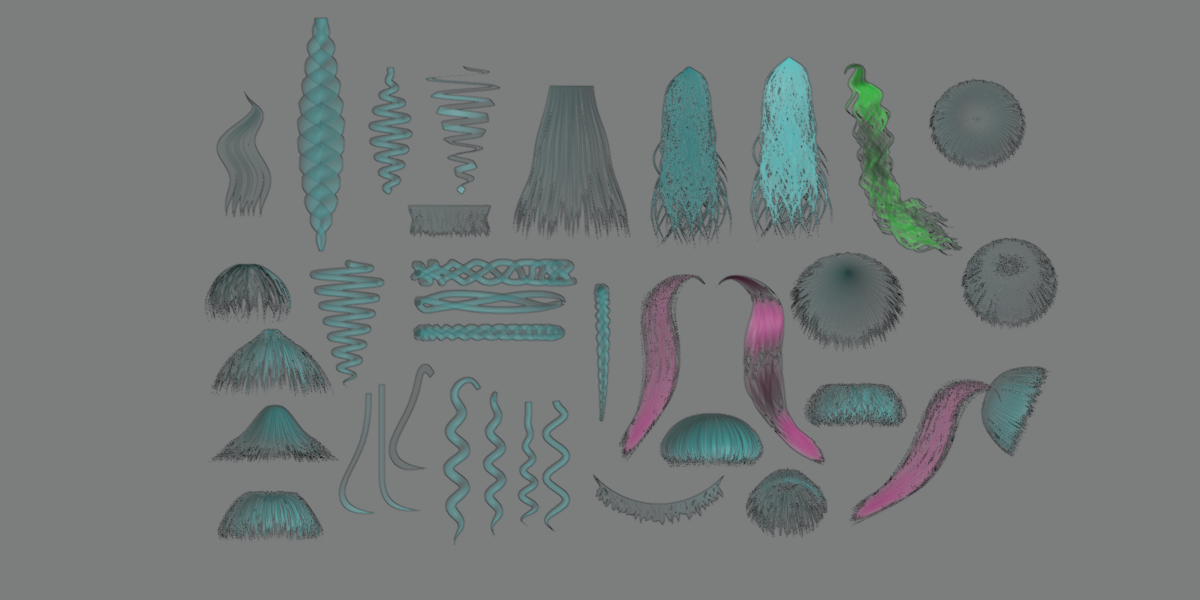
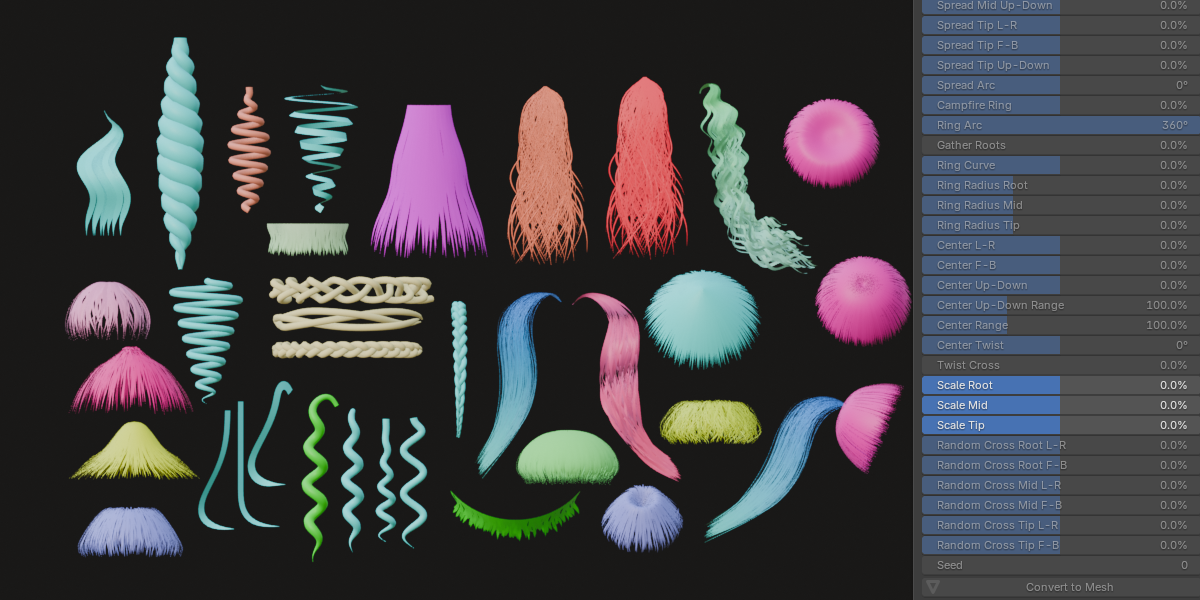
Six hair styles
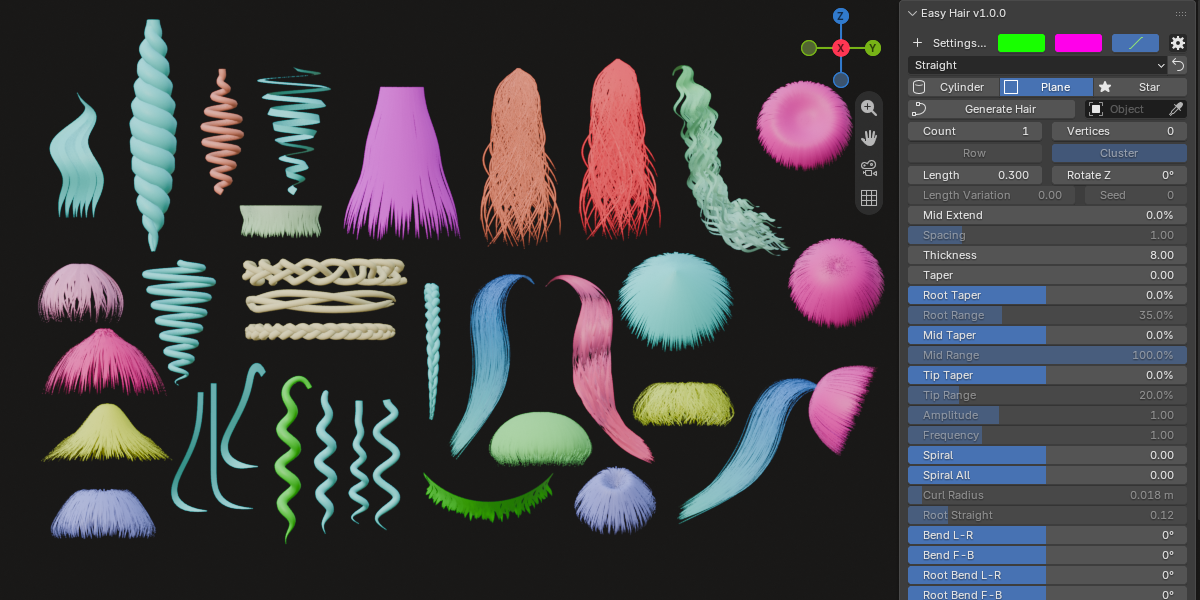
Straight, Wavy, Spiral Curl, Cone Spiral, Two-Strand Twist and Braid, each with its own controls for frequency, amplitude and curl radius.
Cylinder, Plane, Star, or your own shape
Choose round strands, flat ribbons or star-shaped strands. You can also use any curve as a custom cross-section.
Up to 8,000 strands
Arrange hairs in a Row or a Cluster, and add length variation (with a seed) for a natural, uneven look.
Detailed shaping from root to tip
Control taper, bend, root lift, spread, scale and more separately at the root, middle and tip. Taper can also thicken a hair instead of thinning it. Use the Spread and Campfire controls to fan hairs out or gather them into a ring.
Every hair keeps its own settings
Select a hair to edit it, and the sliders show that hair’s values. Duplicated hairs get their own material, so changing one never changes another. One click on Reset Sliders brings everything back to default (your style is kept).
One-click Convert to Mesh
Turn your hairs into a regular mesh with a live progress bar. Optionally mark UV seams automatically, and unwrap the UVs with each strand laid out as a straight, upright strip (root at the bottom), ready for texturing.
How it works
Open the Easy Hair tab in the N panel, pick a style and a strand shape, place the 3D cursor and click Generate. Adjust the sliders and colors until the hair looks right, then click Convert to Mesh when you are done.
Requirements
Blender 5.2 or newer.