 AS Formworks
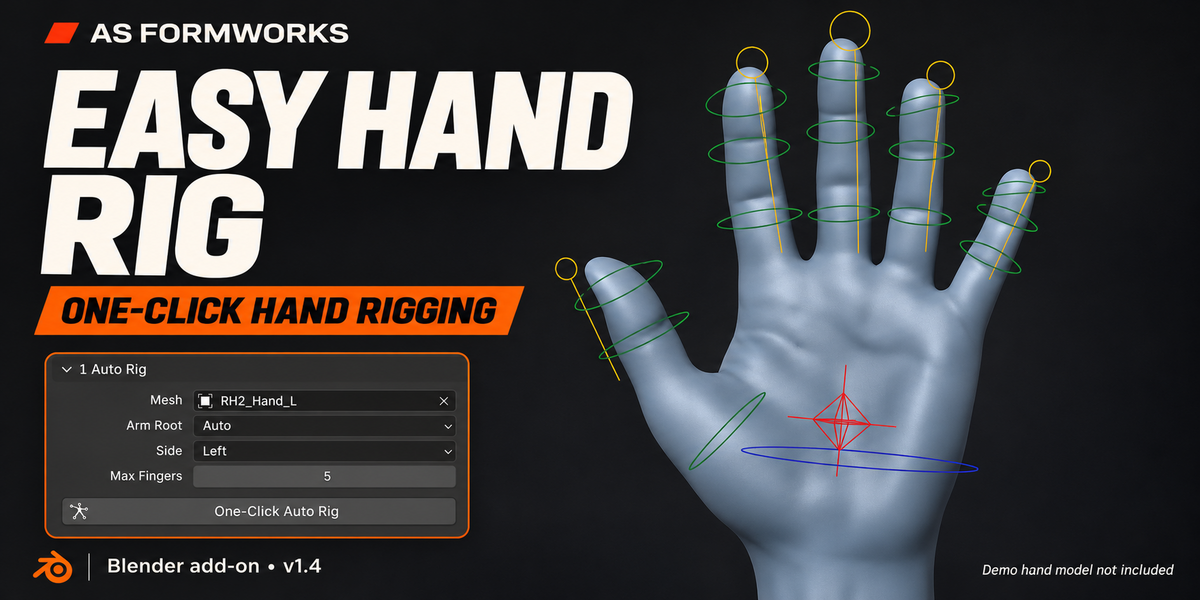
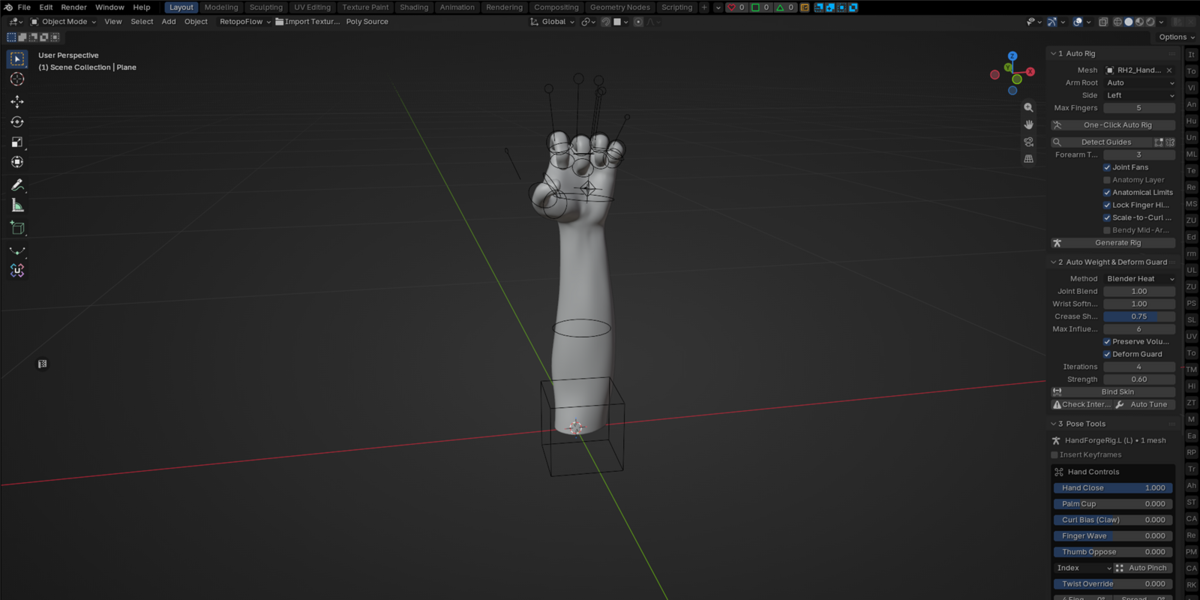
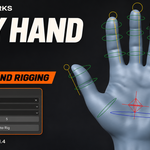
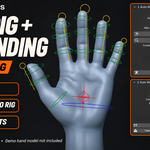
Easy Hand Rig — One-Click Hand & Arm Rigging for Blender
Create an editable hand rig from a separate mesh, bind the skin and pose it in Blender’s sidebar.
RIG AND MOVE
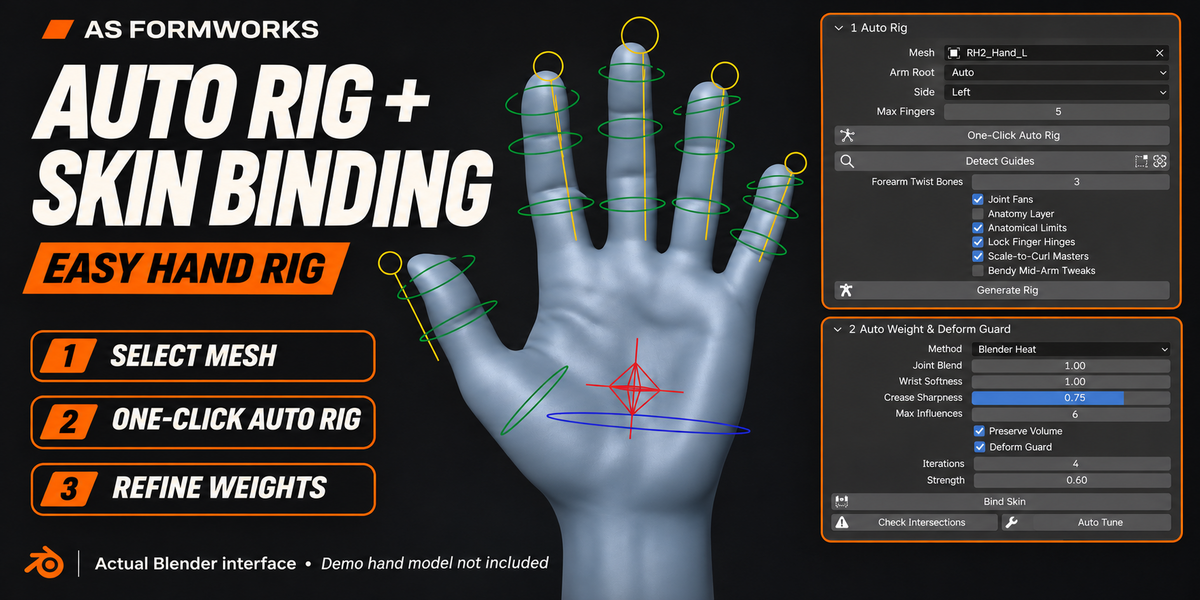
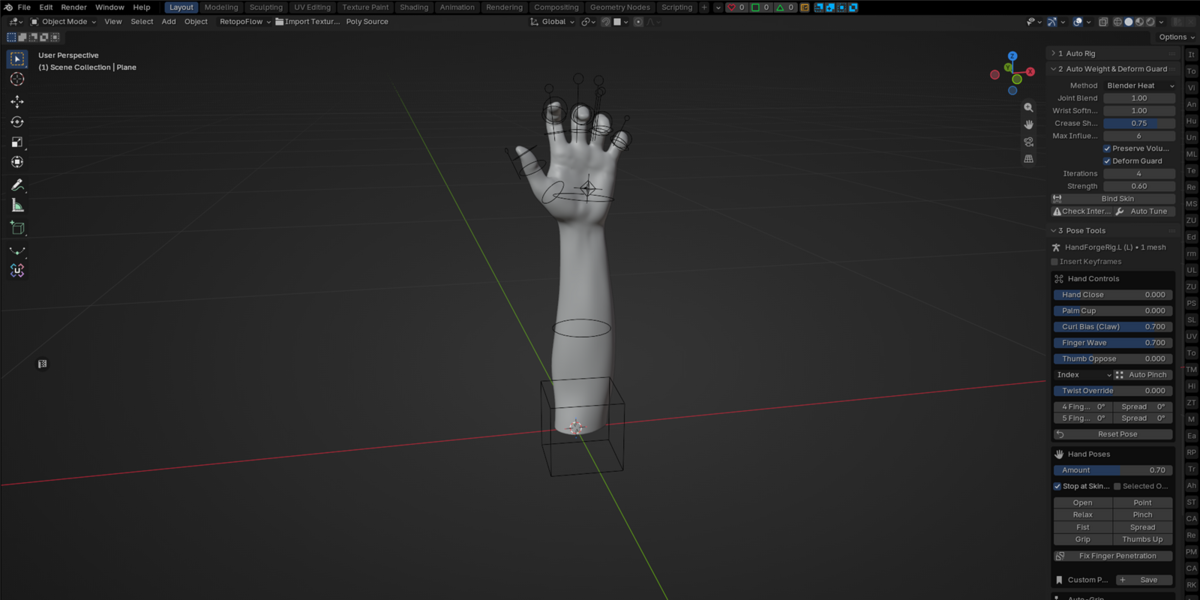
• One-Click Auto Rig with editable guides and automatic skinning.
• Supports 2–8 fingers, with or without a thumb, and hand-only or hand-and-arm meshes.
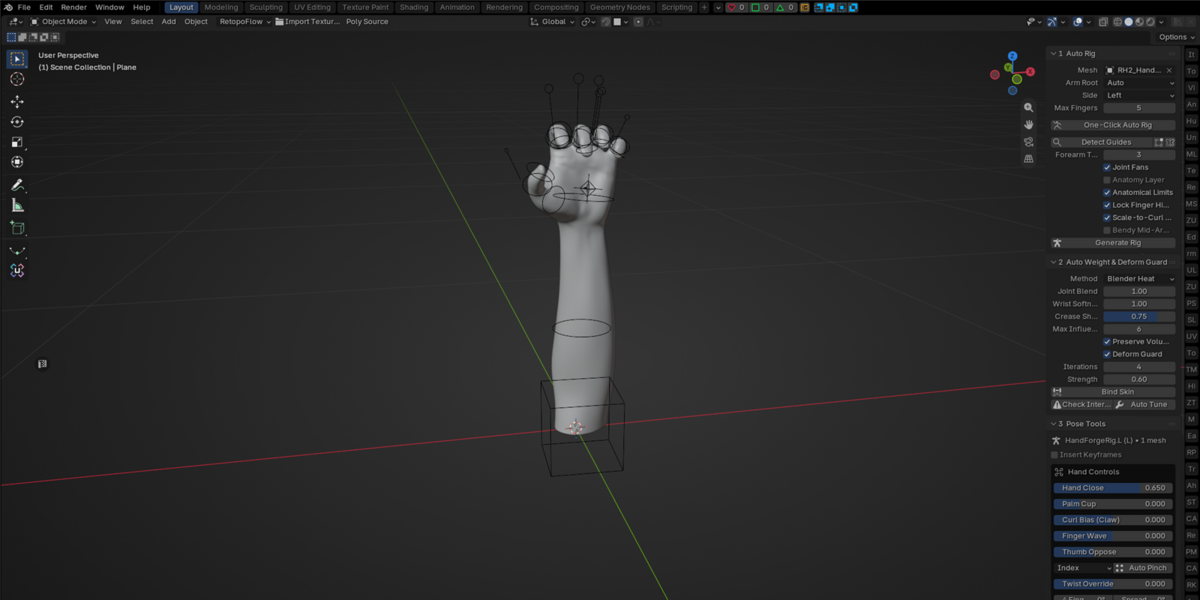
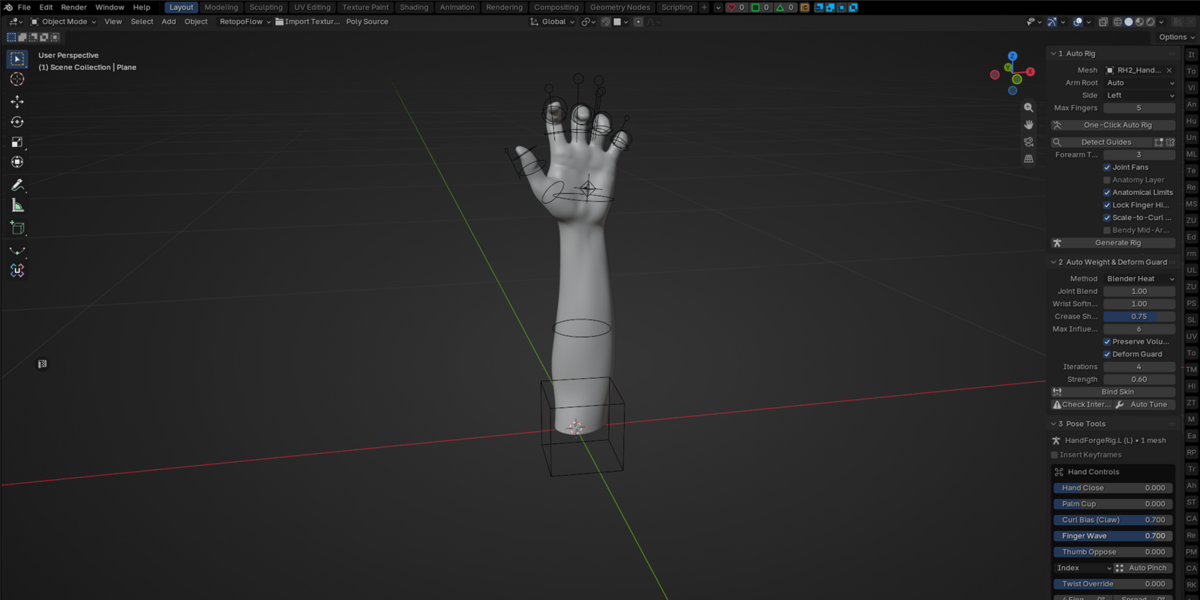
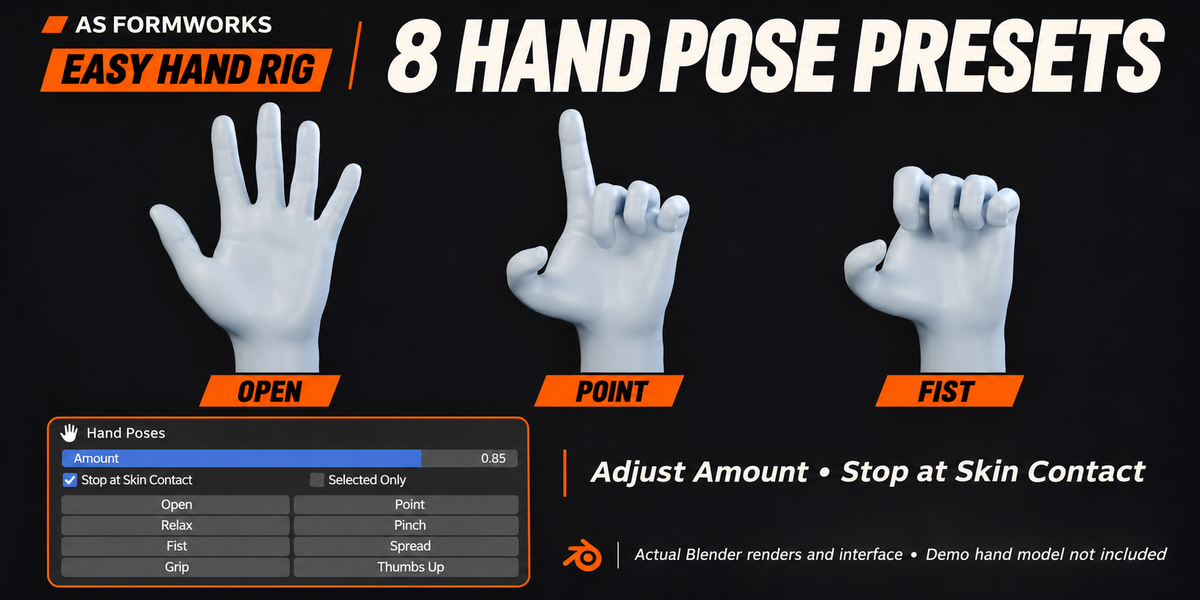
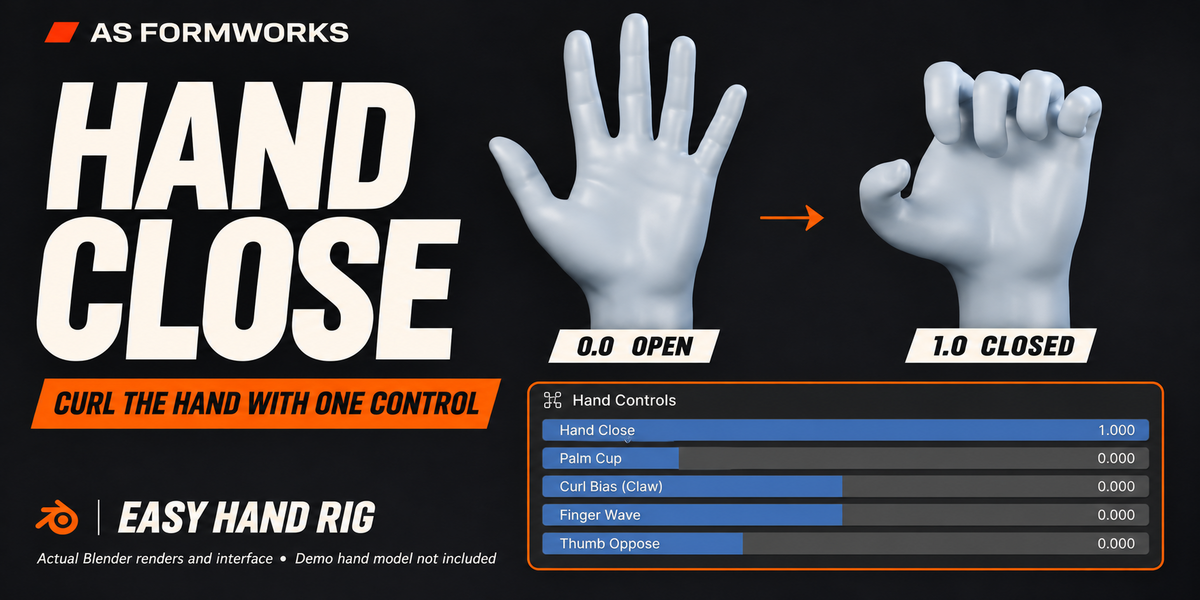
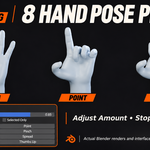
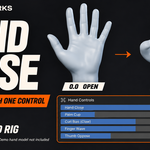
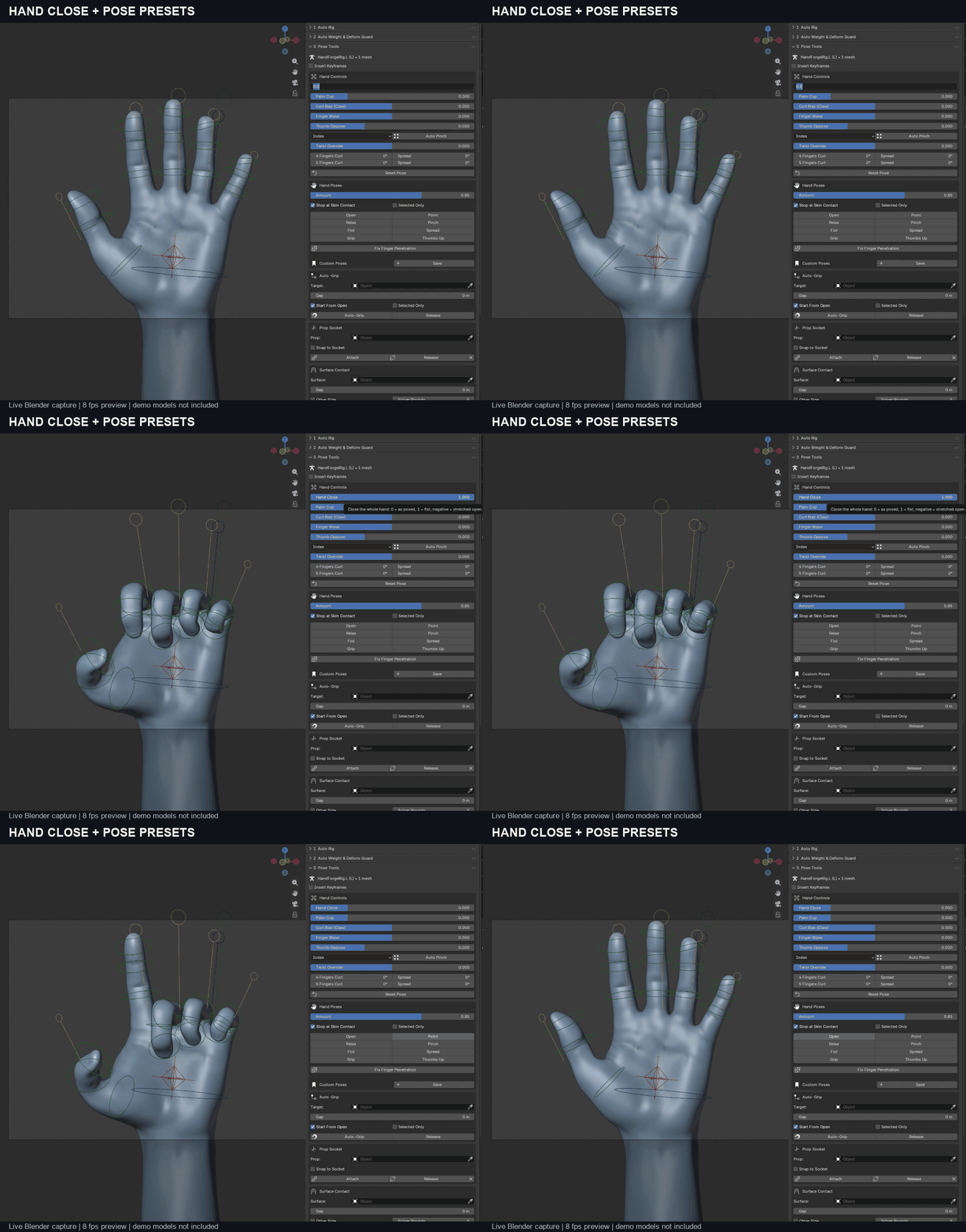
• Eight pose presets, Hand Close, Palm Cup, Finger Wave and thumb controls.
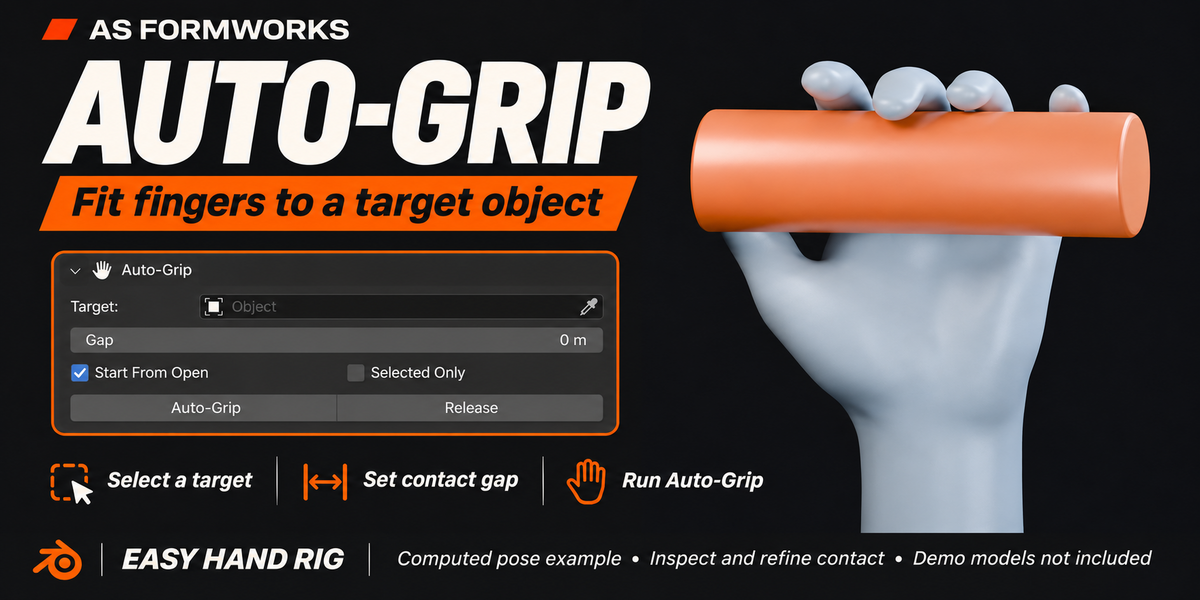
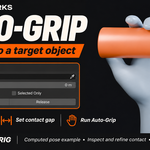
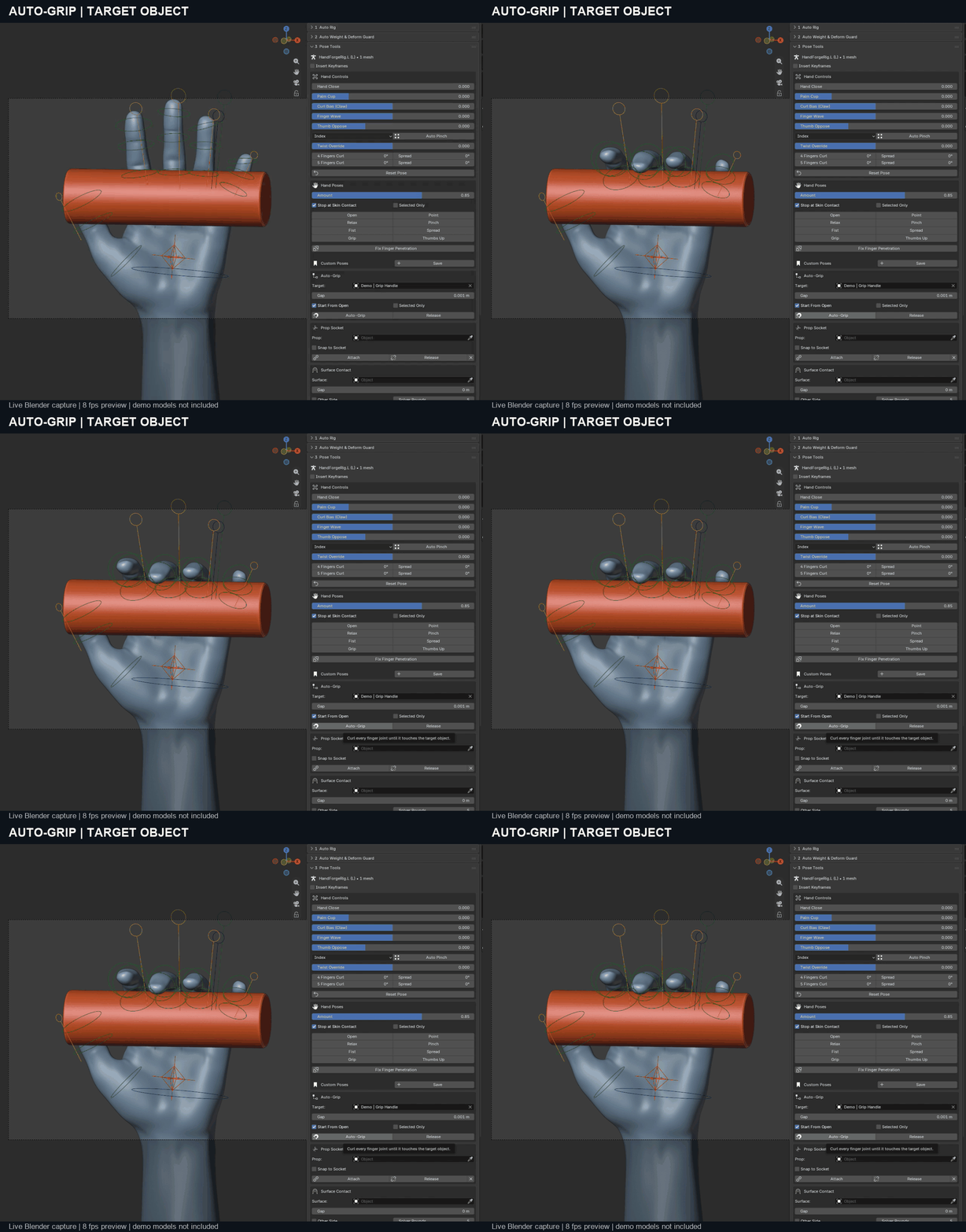
• Auto-Grip fits fingers to a selected target object with adjustable contact gap.
SURFACE CONTACT & FINGERTIP PINNING
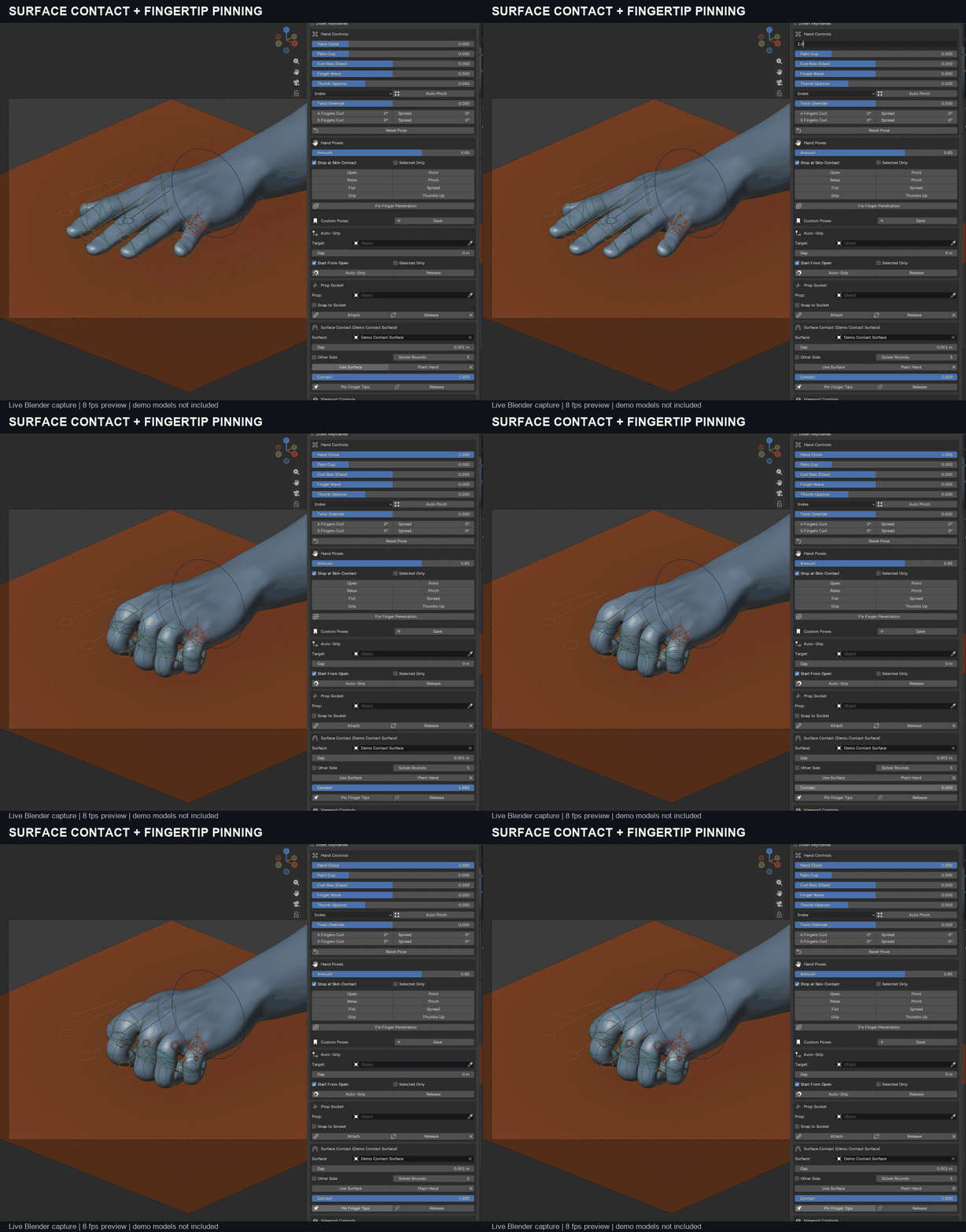
Choose a mesh with Use Surface to constrain the hand and fingers against it. Adjust Gap, Contact, Other Side and Solver Rounds. Pin Finger Tips holds fingertips while the hand is repositioned; Release removes the pins. Useful for desks, walls and interaction with props. Plant Hand places the palm on a surface and requires an upper arm, forearm and arm IK.
ALSO INCLUDED
IK/FK snapping, optional anatomy tools and simplified deform-rig export with Unreal Engine/Unity naming options.
REQUIREMENTS & WORKFLOW
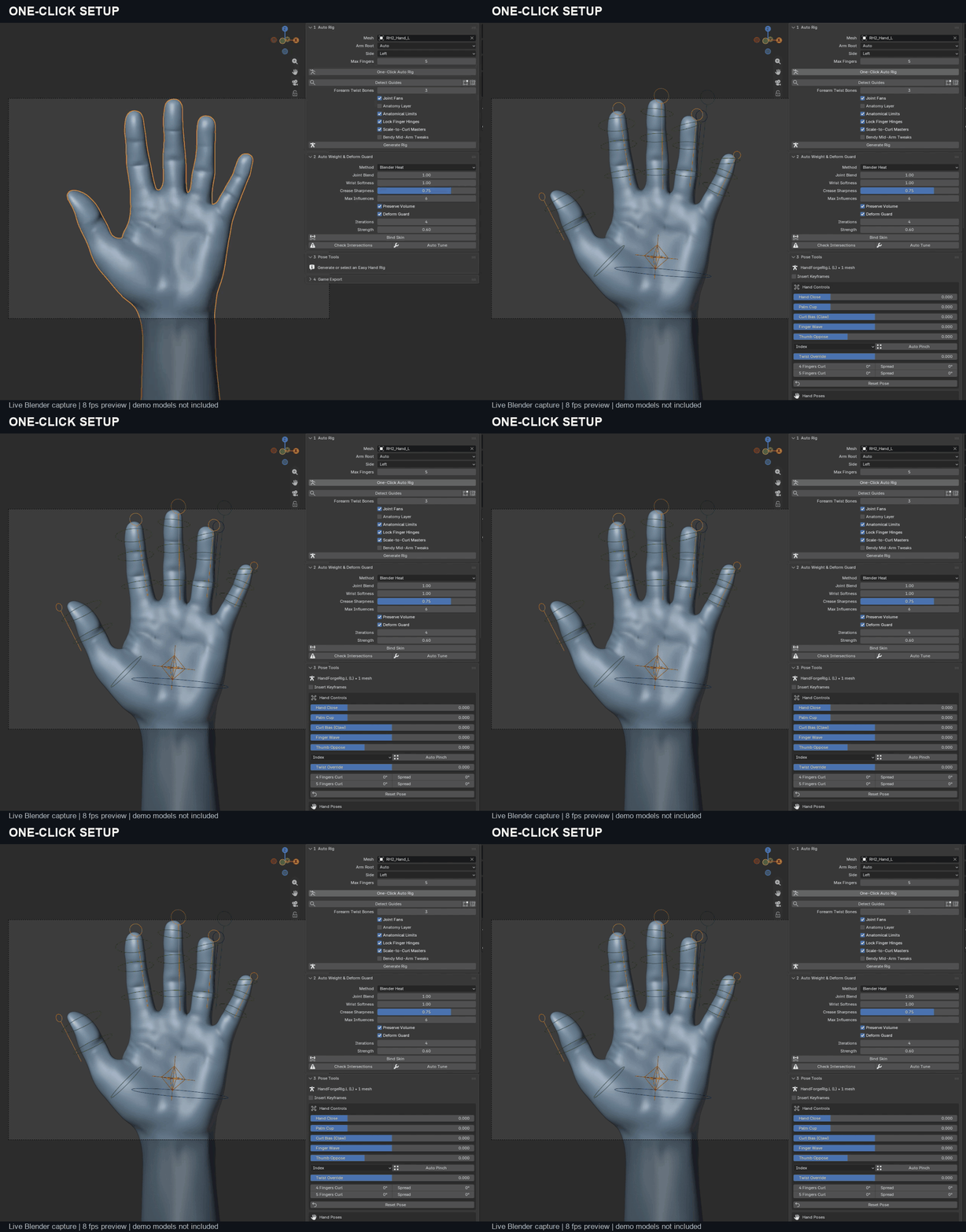
Blender 4.2+. These demonstrations were recorded in Blender 5.2.1. Install the supplied Blender Extension ZIP through Preferences > Get Extensions > Install from Disk. Enable Easy Hand Rig, open the N-panel, select your mesh and use One-Click Auto Rig. Inspect and refine guides, weights and contact before animation.
Use one separate hand mesh per rig. Fused fingers, unusual anatomy and difficult topology may need manual adjustment. Contact assists posing; it is not a physics simulation or a guarantee of zero intersections.
INCLUDED
Blender extension, readable source, English quick-start guide and GPL v3-or-later license. Demo hand model, materials and props are not included.
REAL BLENDER WORKFLOWS
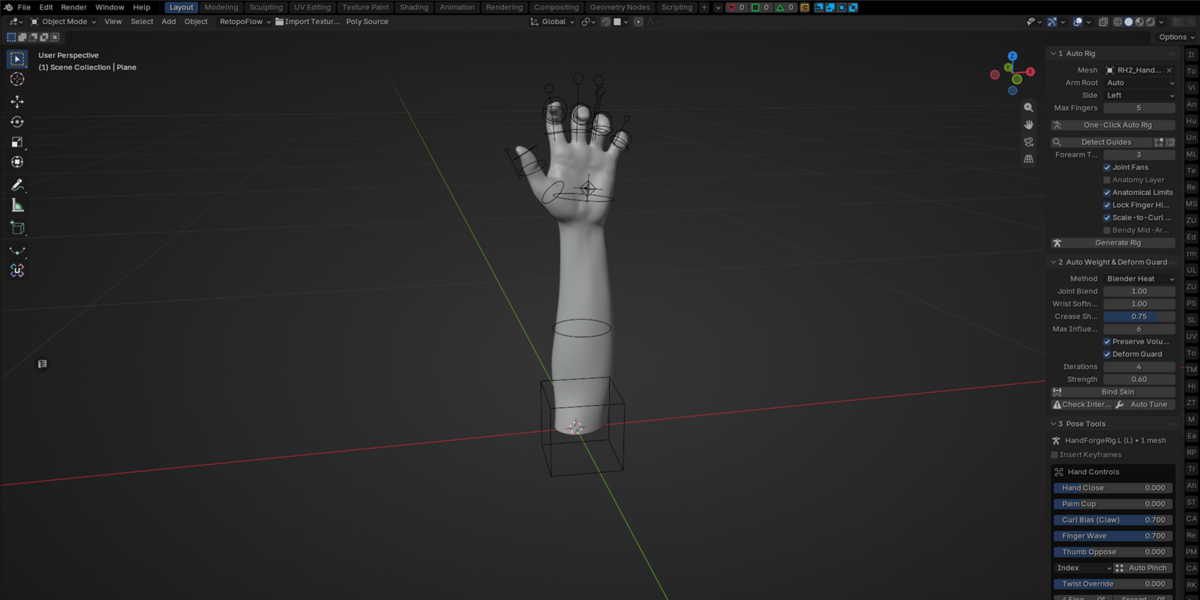
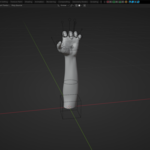
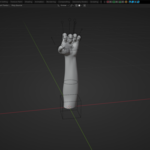
The following four GIFs come from actual Blender screen recordings: One-Click Setup, Hand Close and Pose Presets, Auto-Grip, and Surface Contact with fingertip pinning. Only framing, frame rate and titles were edited. No generated or interpolated demonstration poses are used in these four recordings.
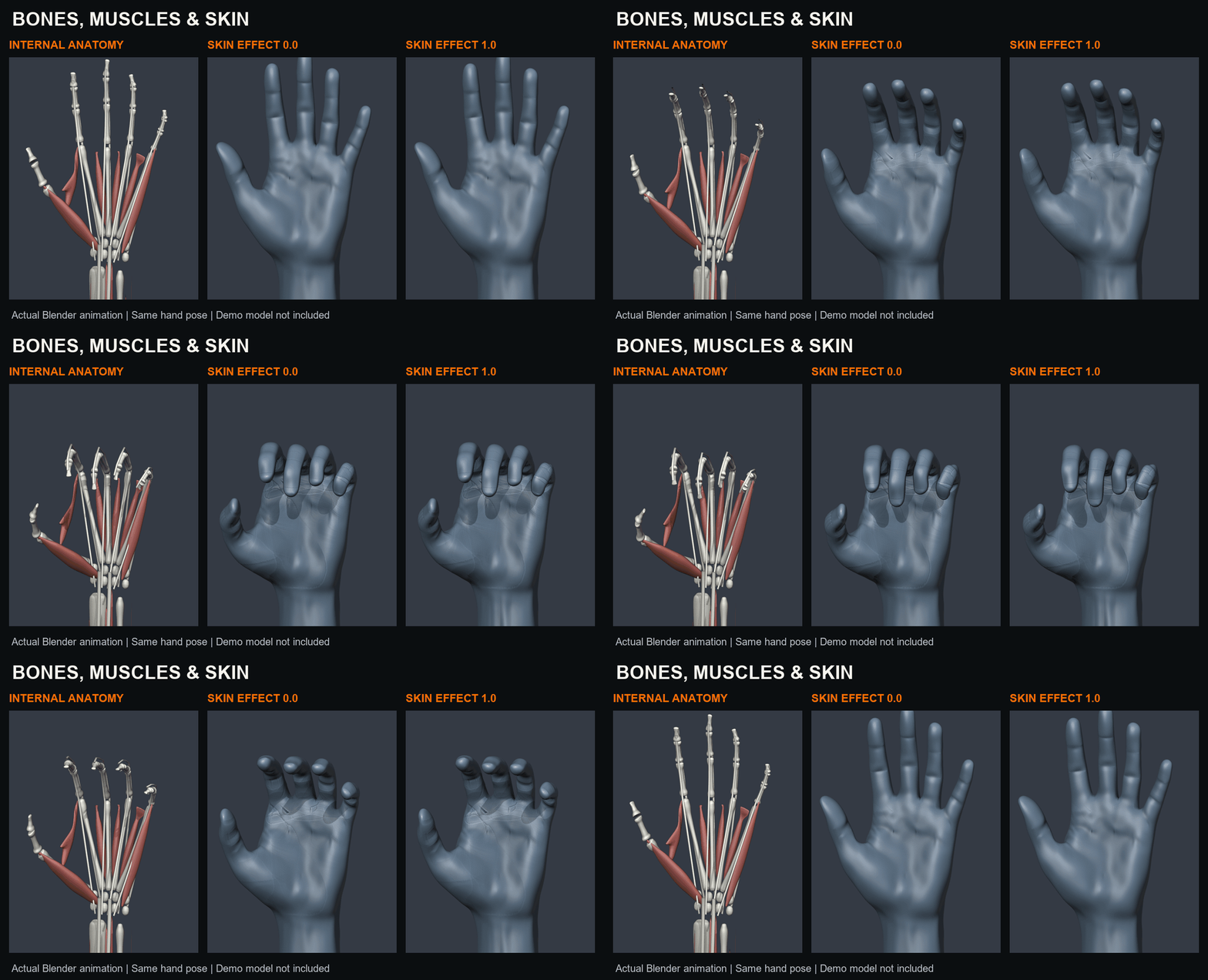
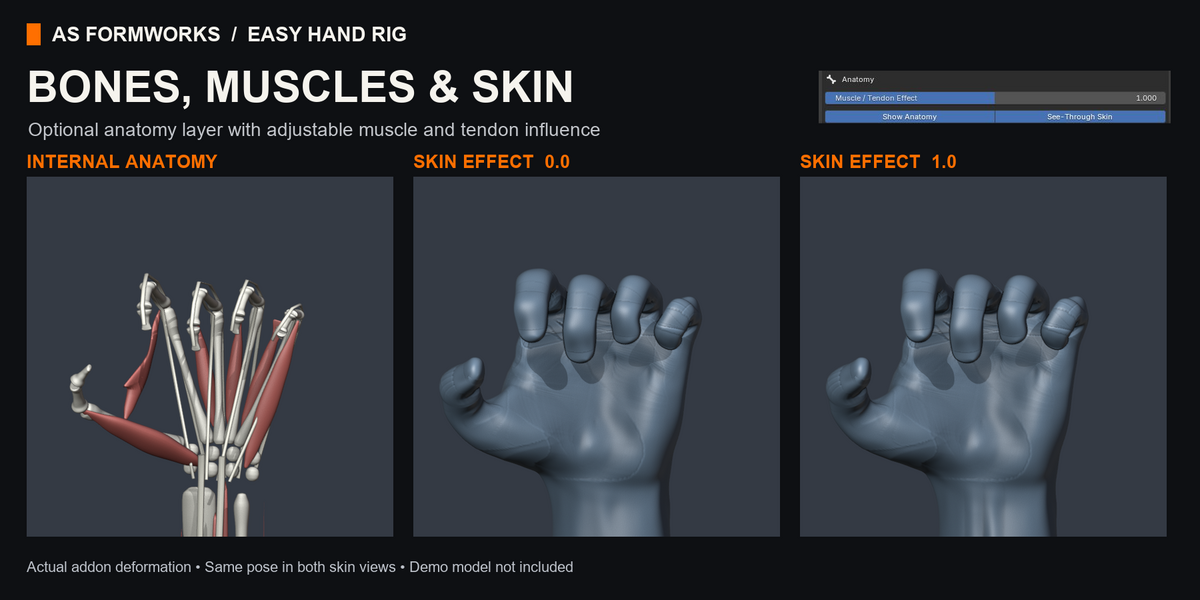
ANATOMY LAYER — BONES, MUSCLES & SKIN
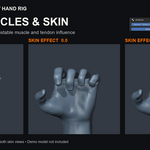
Enable Anatomy Layer before generating and binding the rig. It builds an internal skeleton, muscles and tendons. Muscle / Tendon Effect adjusts their contribution to skin deformation, including muscle bulges, tendon ridges and knuckle shaping. Show Anatomy and See-Through Skin help inspect the internal structure. Results depend on topology and skin weights; this is procedural rig deformation, not a medical or biomechanical simulation. The comparison below is an actual Blender-rendered animation: both skin views use the same pose, with effect strengths 0.0 and 1.0. The internal anatomy is shown separately. The demo hand model is not included.