Easy Hand Rig — One-Click Hand & Arm Rigging for Blender
 AS Formworks
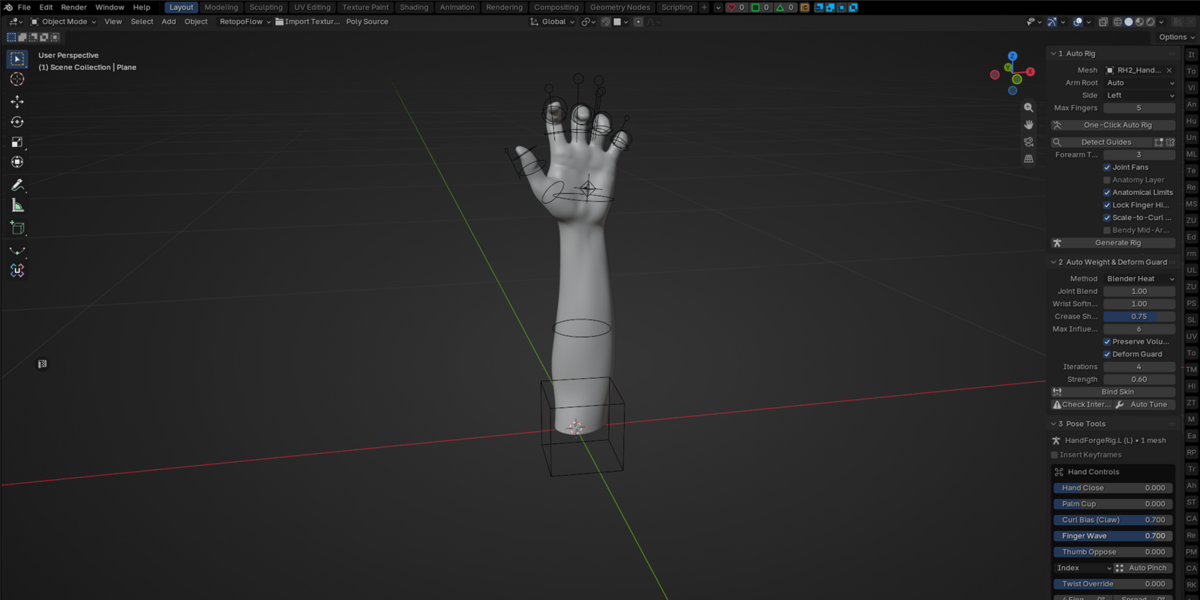
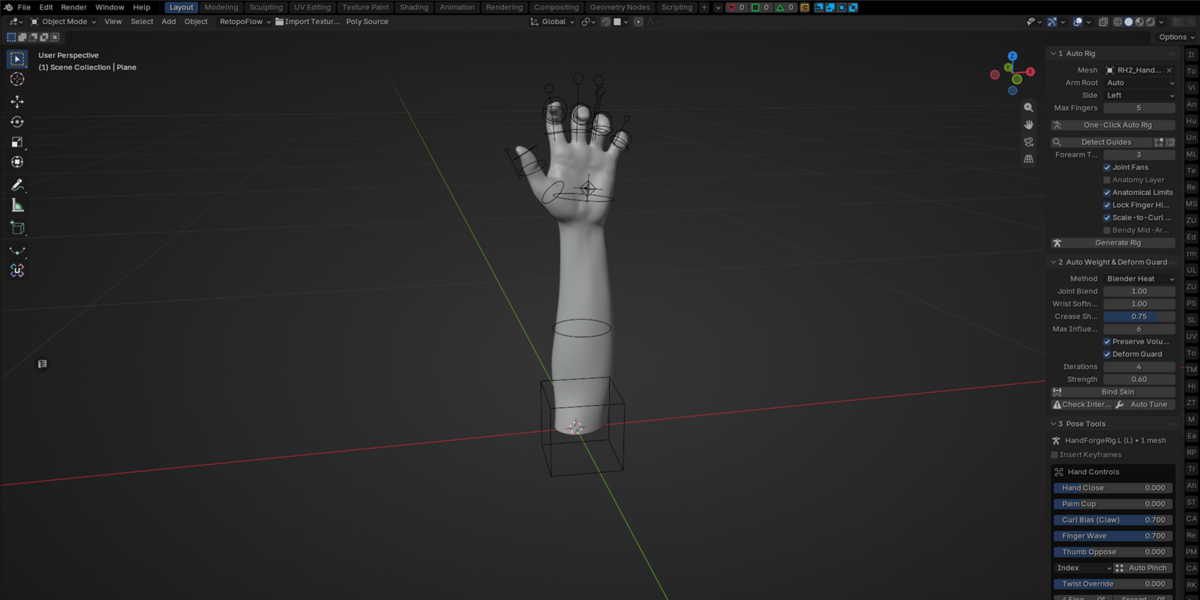
Easy Hand Rig 1.4 — Quick Start
Requirements
Blender 4.2 or newer. The examples on this page were captured in Blender 5.2.1. Use a clean hand/arm mesh with separated, readable fingers; difficult topology or intersecting fingers may require guide and weight adjustments. Save a copy of your scene before rigging.
Installation
In Blender, open Edit > Preferences > Get Extensions, choose Install from Disk from the menu, and select the Blender Extension ZIP supplied with this product. Enable Easy Hand Rig. Open the 3D Viewport sidebar with N and select Easy Hand Rig.
Create and bind
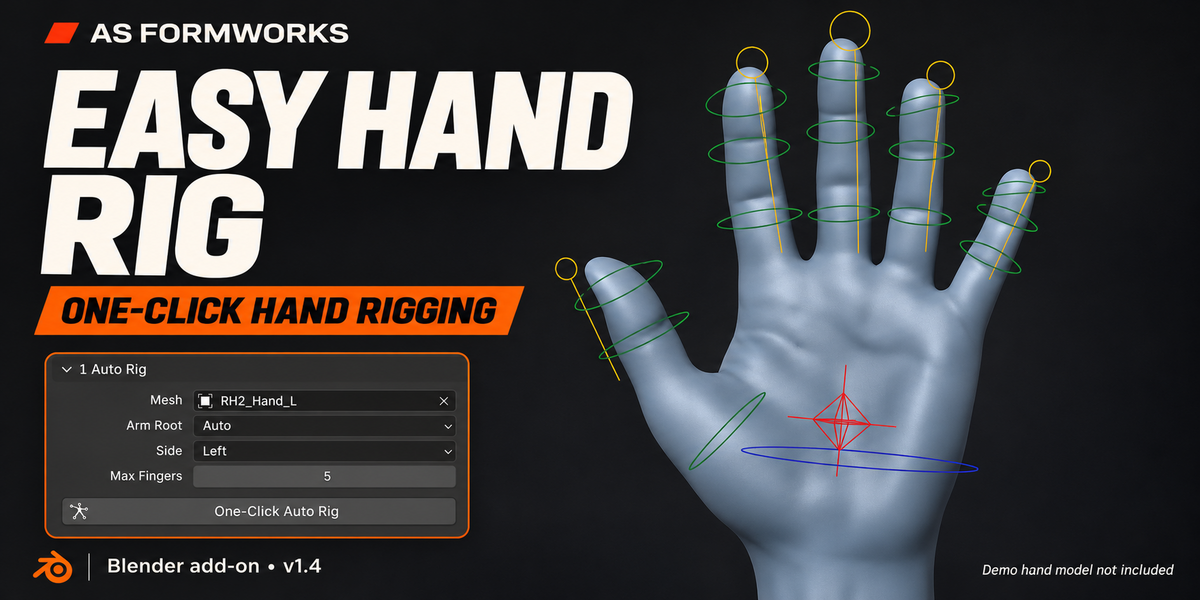
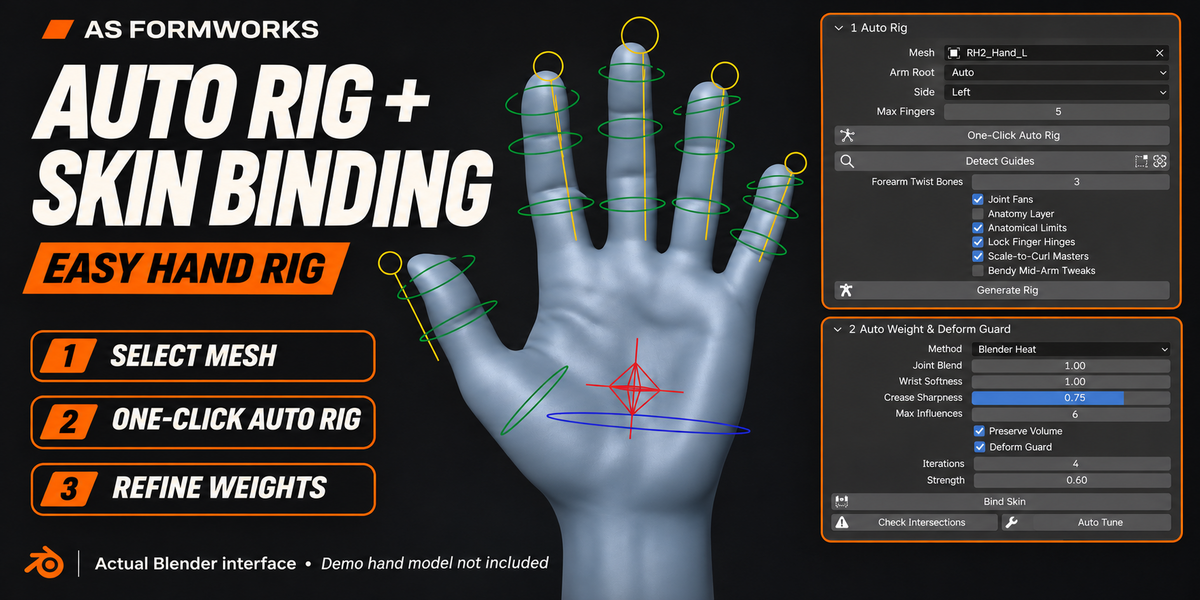
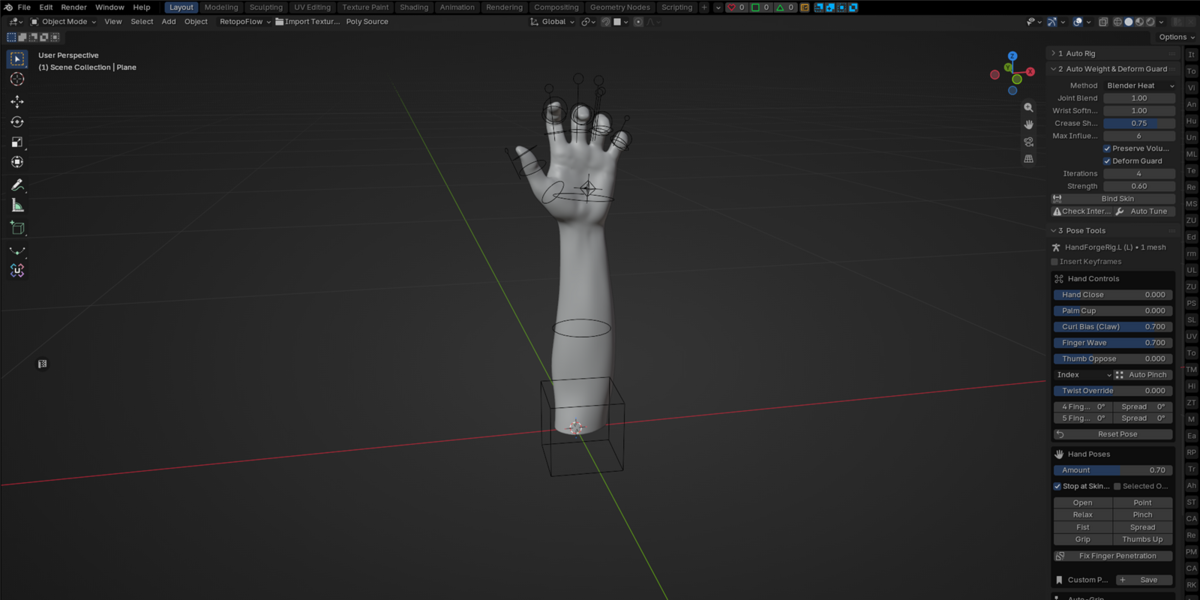
Select your hand mesh, set Mesh, Side and Max Fingers in Auto Rig, then run One-Click Auto Rig. For manual adjustment, use Detect Guides, position the guides to match your mesh, and Generate Rig. Use Auto Weight & Deform Guard > Bind Skin to bind the mesh. Inspect finger bends and wrist deformation before animation. Check Intersections and Auto Tune are available for refining the result.
Pose and animate
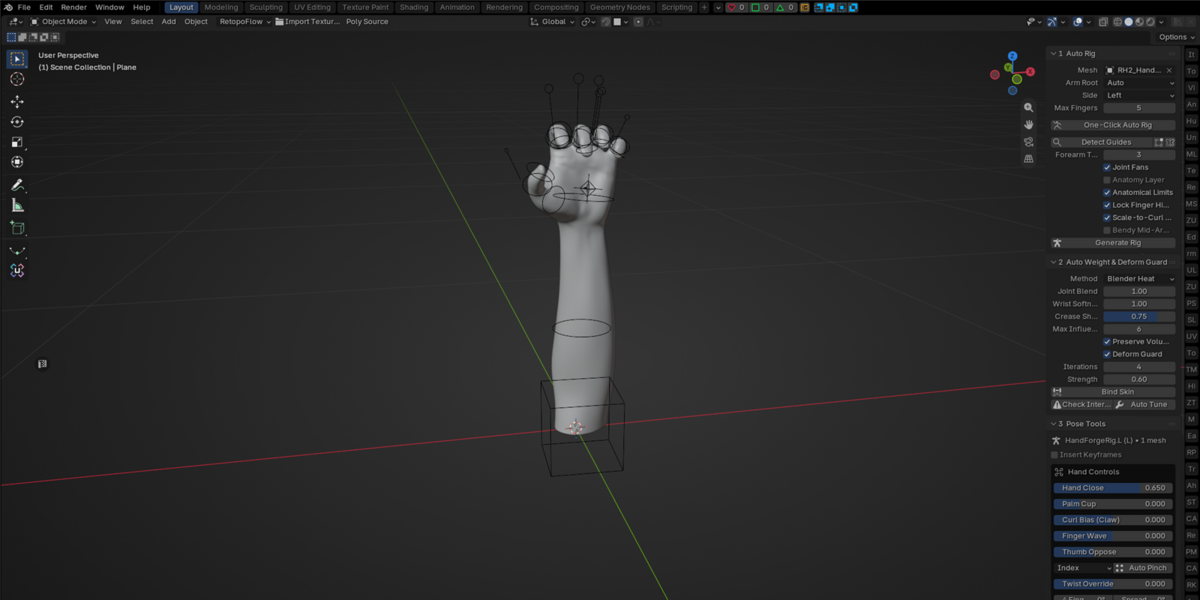
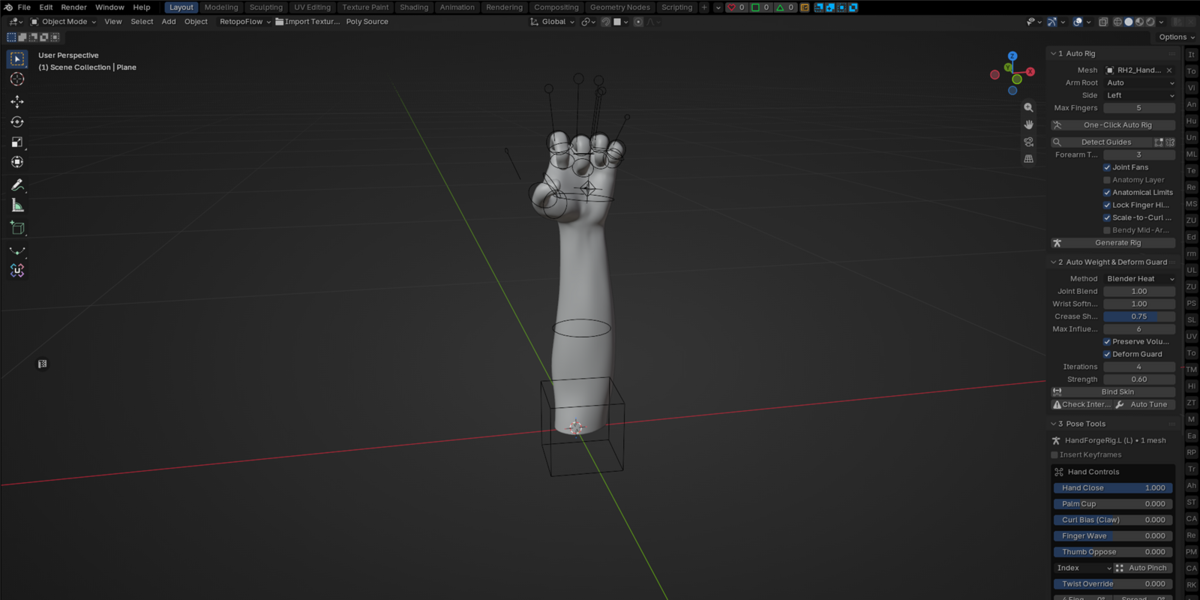
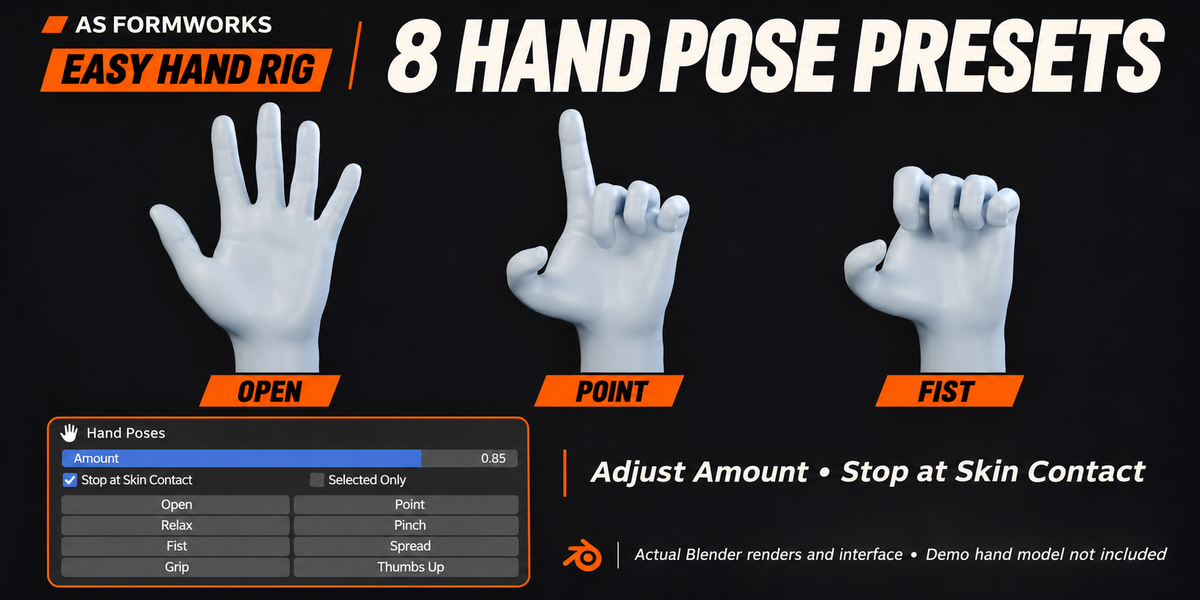
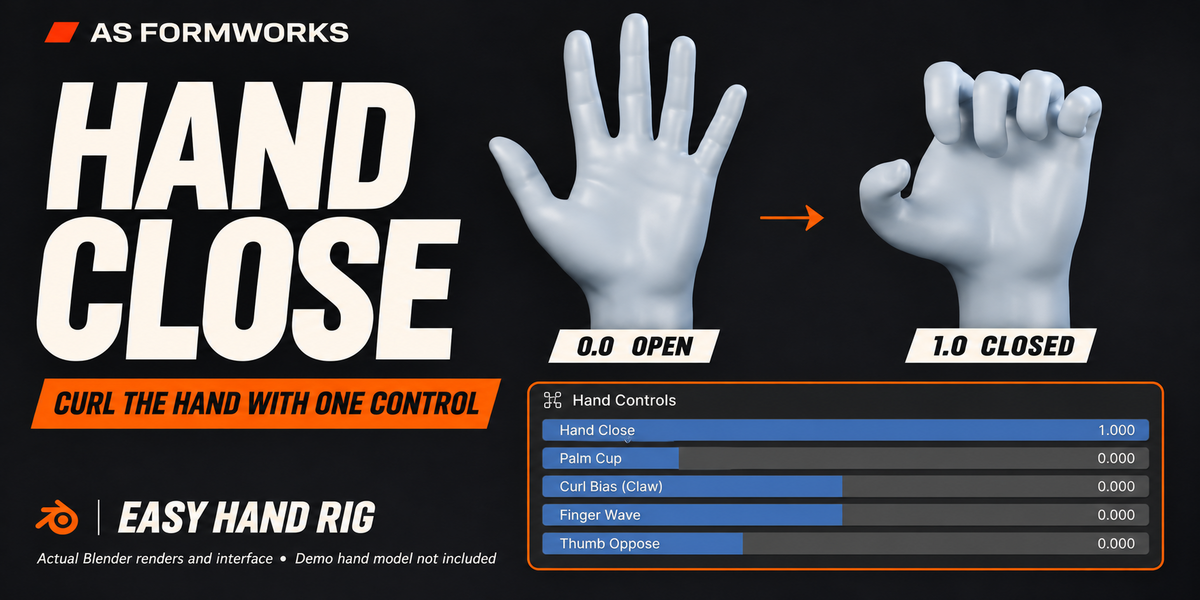
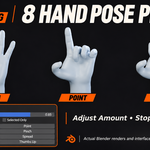
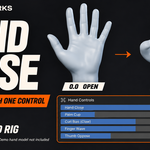
Select the generated rig in Pose Mode. Hand Controls provides Hand Close, Palm Cup, Curl Bias, Finger Wave and thumb controls. Hand Poses provides Open, Relax, Fist, Grip, Point, Pinch, Spread and Thumbs Up. Adjust Amount and optionally Stop at Skin Contact. Use Reset Pose to return to the rest pose. Enable Insert Keyframes when you want pose actions to create animation keys.
Grip an object
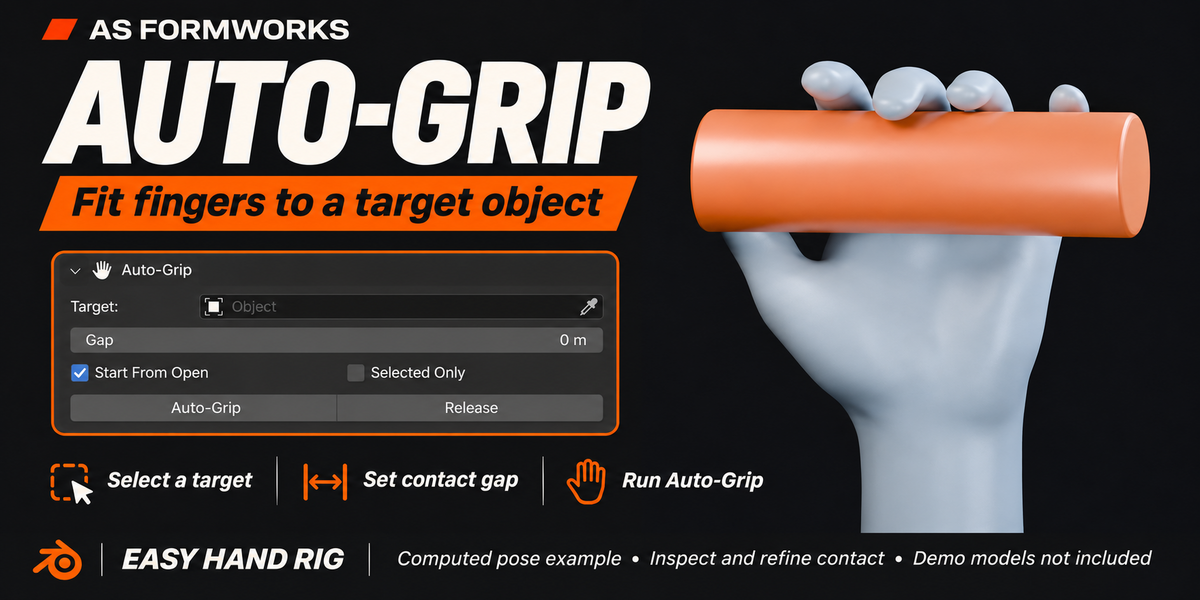
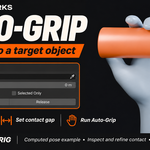
In Pose Tools > Auto-Grip, choose a target object, set a gap if needed, and run Auto-Grip. Inspect the result and refine the pose for your object and mesh. This is a pose-solving aid, not a physics simulation or a guarantee of zero intersections.
What the visuals show
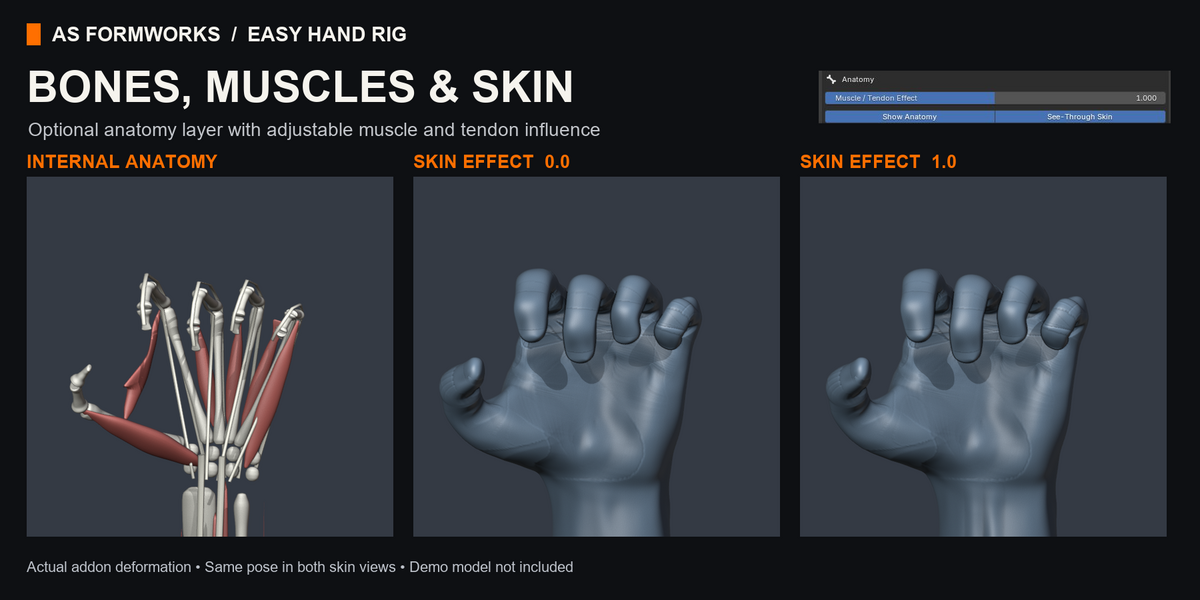
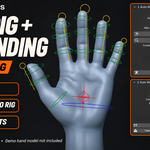
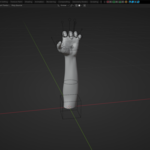
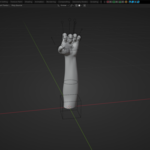
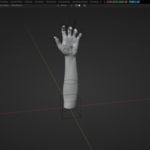
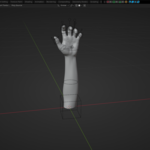
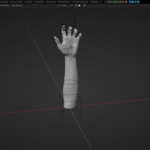
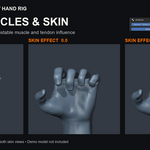
Images combine actual Blender renders and native interface captures into editorial layouts. The demonstration hand mesh, presentation material and grip prop are not included. The Hand Close GIF shows a 0–1 control animation. The Auto-Grip GIF interpolates from an open hand to a computed grip; it does not show live solver progress or measured processing speed.
Included
Installable extension ZIP, English quick-start guide and GPL license. Results depend on mesh anatomy, topology and guide placement. The add-on does not retopologize arbitrary meshes.
Have questions about this product?
Login to message
| Blender Extension Compatible | Yes |
| Published | about 20 hours ago |
| Blender Version | 4.2 - 5.2 |
| Extension Type | Add-on |
| License | GPL |