 Onion365studio
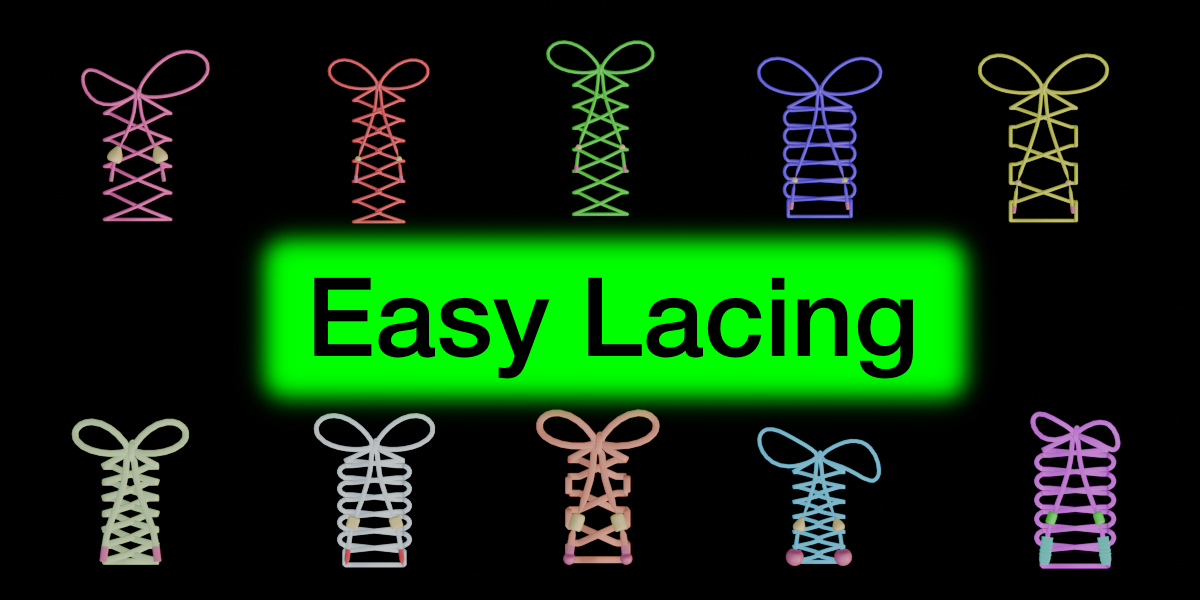
Easy Lacing: Lace Any Shoe or Garment in Seconds
Threading a lace by hand is slow and fiddly. Easy Lacing does it for you: mark the eyelet holes, click Generate, and get a fully laced shoe or garment with a bow, end knots and aglets.
Made for footwear and clothing alike. Use it on sneakers, boots and dress shoes, or on corsets, bodices, laced dresses, vests, jackets and any other piece with eyelet holes.
Key Features
Works on shoes and garments: any mesh with eyelet holes can be laced
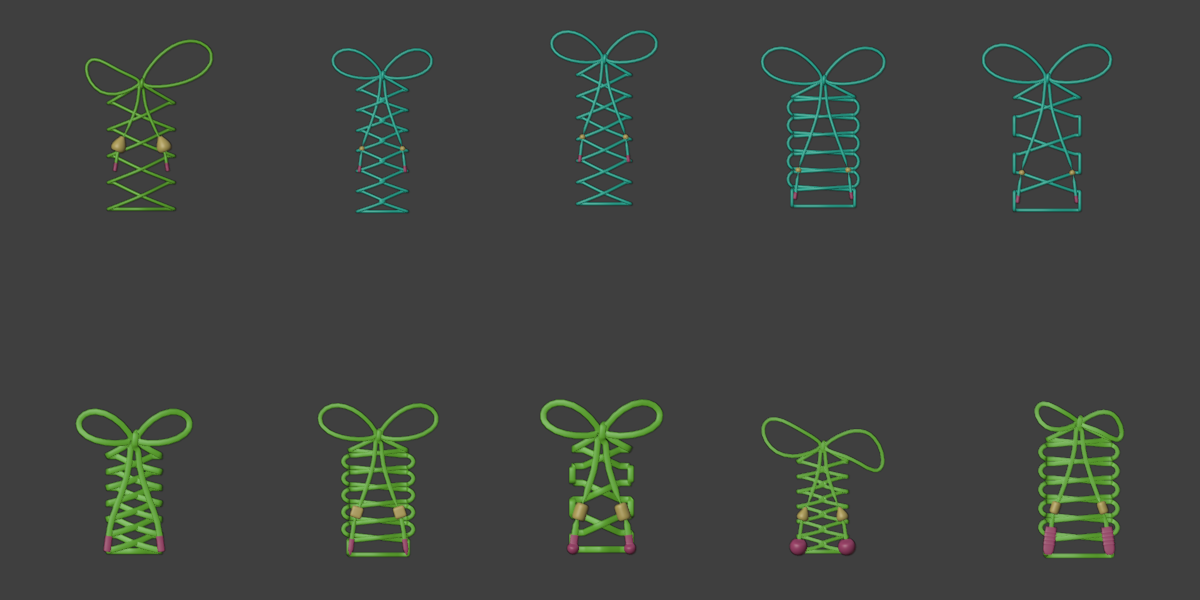
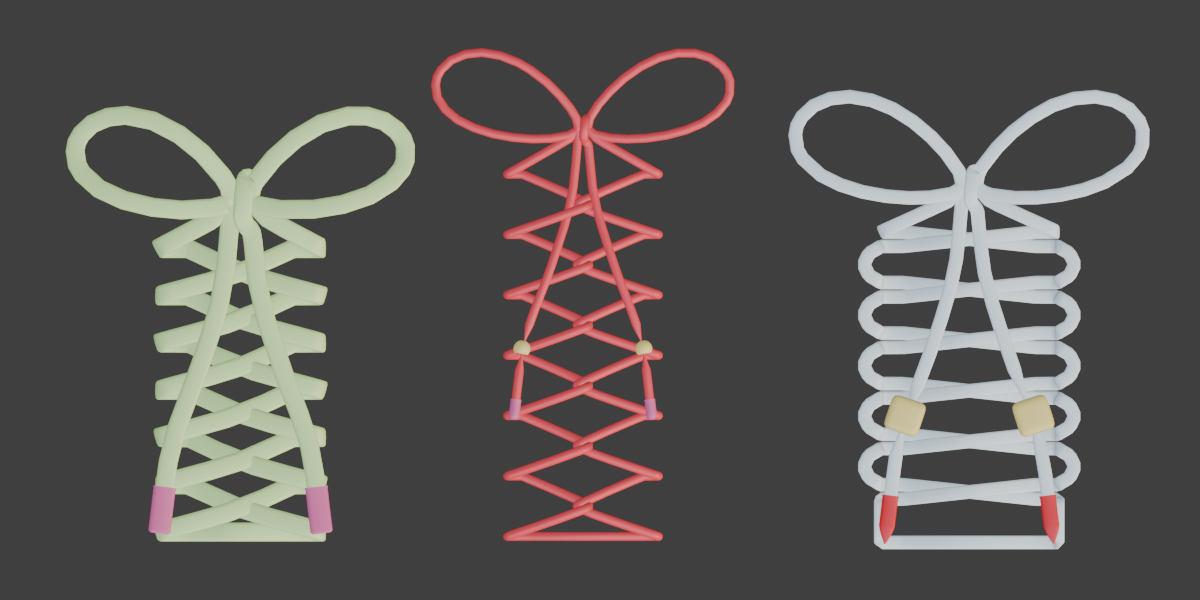
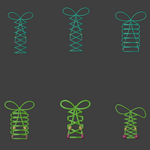
4 lacing styles: Criss Cross, Interlaced (Weave), Ladder and Military
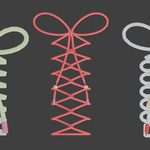
Round or flat laces: a round lace with adjustable thickness, or a flat ribbon lace with adjustable width and thickness
Fully adjustable bow: bow size, tail length, rotation, and separate size, width, angle and bend controls for the left and right loops
Natural droop: make the loops sag down or lift away from the surface
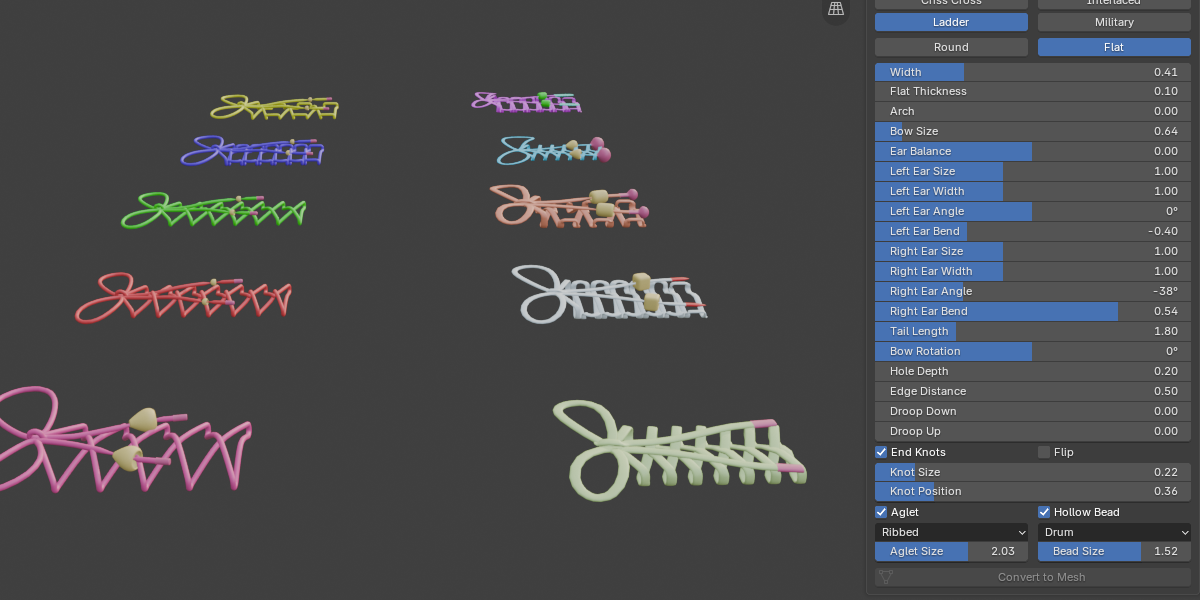
End knots with hollow beads: tie the two ends and hide the knots under hollow beads in 5 shapes (Sphere, Cube, Drum, Bell, Drop)
Aglets: 6 shapes (Classic, Pointed, Ball, Sphere, Ribbed, Flat End), with adjustable size
Hole control: adjust how deep the lace runs through each hole and where it dives under the flap
Curved surface support: the Arch slider lifts the crossings so the lace follows the shape of a curved foot or body
Mirror X marking: mark one side and the other side is marked automatically on symmetric meshes
Colors: set lace, aglet and bead colors right in the panel
Convert to Mesh: turn the finished lace into regular mesh when you are happy with it
How It Works
1. Select your shoe or garment mesh and enter Edit Mode.
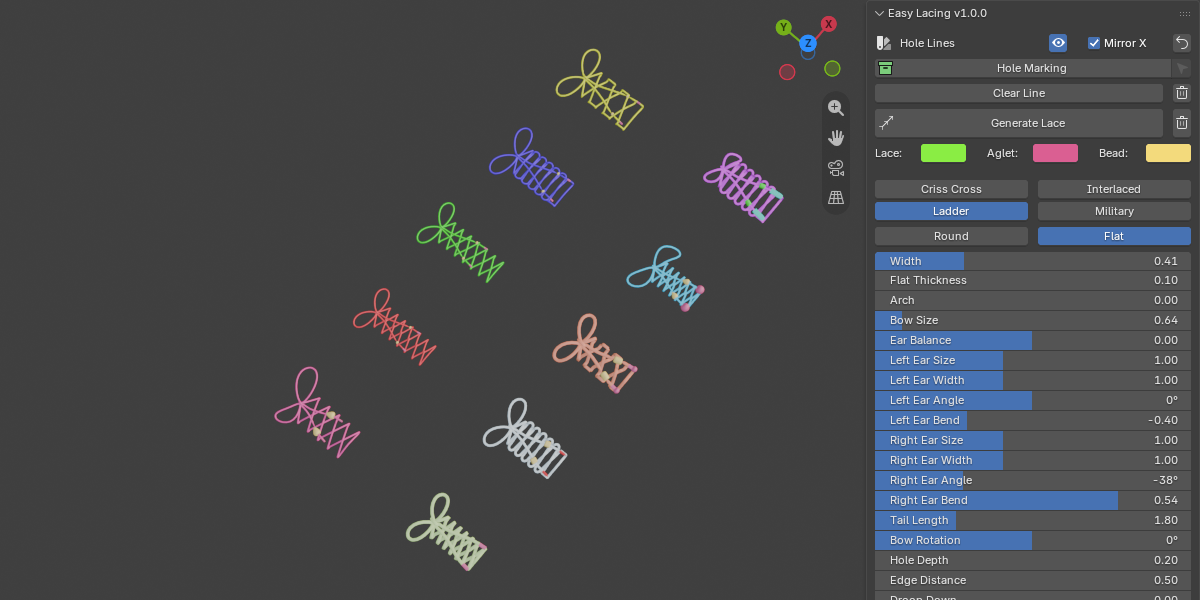
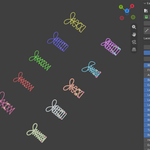
2. Select the area around each eyelet hole and click Hole Marking. The hole borders are drawn as green lines.
3. Choose a lacing style, lace shape and bow settings.
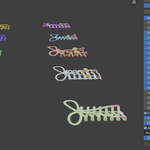
4. Click Generate Lace. Change any setting and generate again to update the result.
5. Optional: click Convert to Mesh to finish.
You can clear single lines, clear all green lines, or remove the generated lace at any time, and one button resets all settings to default.
Requirements
Blender 5.2.0 or newer
No extra add-ons or external libraries needed
Find it in the 3D Viewport sidebar: N panel > Easy Lacing
Notes
The target mesh needs real holes (or hole borders) at the eyelets.
For the Mirror X option, the mesh should be symmetric around local X = 0.
Lace, aglets and beads are created as separate objects until you convert them to mesh.