Easy LODs: Game-Ready Level of Detail
 WSM Game Studio



Instalation Guide
- Download the addon zipped file (do not unzip it)
- Open Blender (4.5 or later)
- Navigate to Edit > Preferences > Add-ons
- Click on the dropdown arrow on the top right corner of the screen and select Install from Disk...
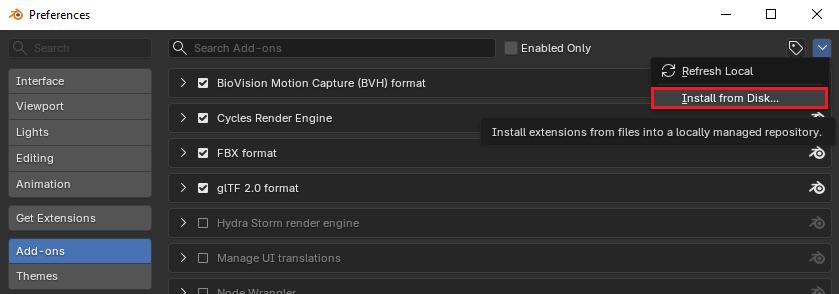
- Select the addon zipped file (wsm_easy_lods-pro-1.0.0.zip)
- Enable Easy LODS on the Add-on list
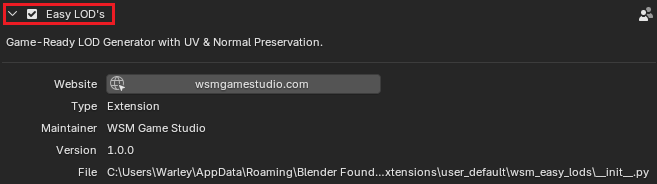
Quick Start Guide
Press N to open the the Sidebar menu
Navigate to Easy LODs
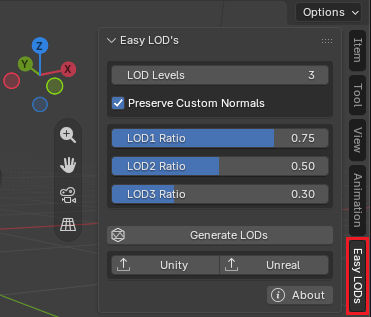
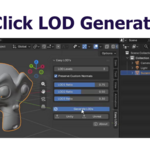
Select your object and click on Generate LODs
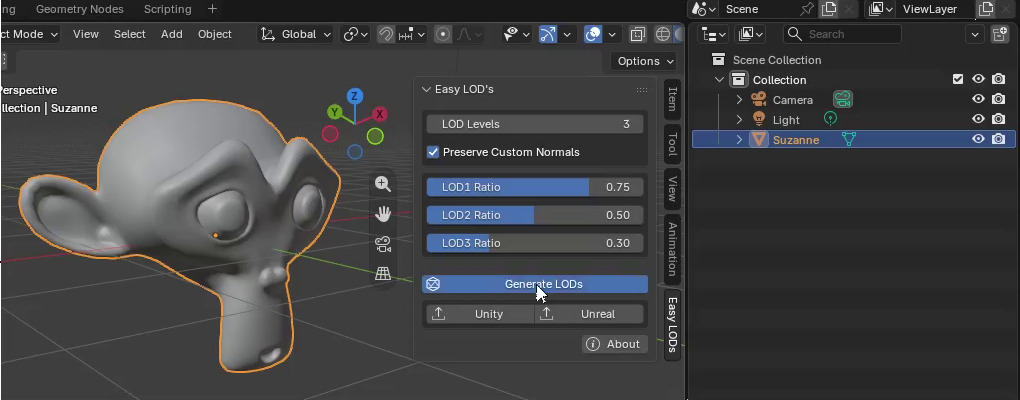
The original object is preserved as the LOD0
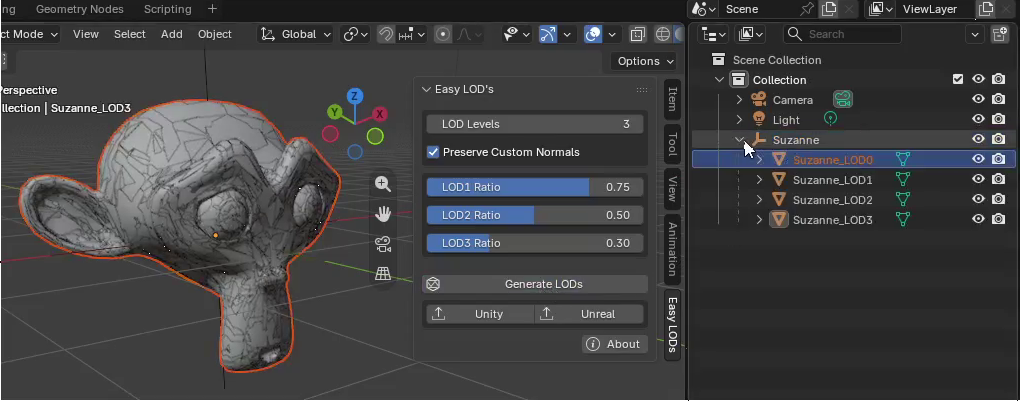
FBX Exporter
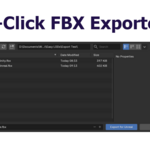
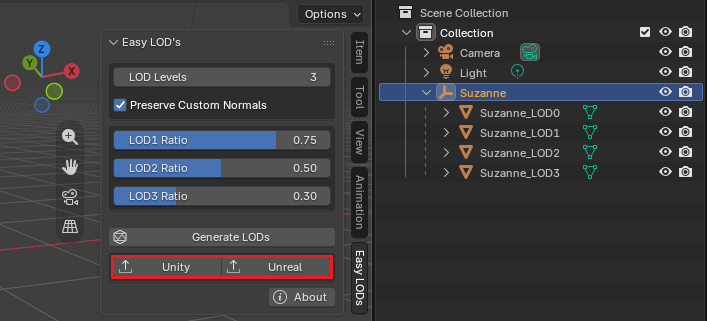
Select the object root or any of it's LODs (the LOD hierarchy will be selected automatically on export), then click on the desired exporting format (Unity / Unreal).
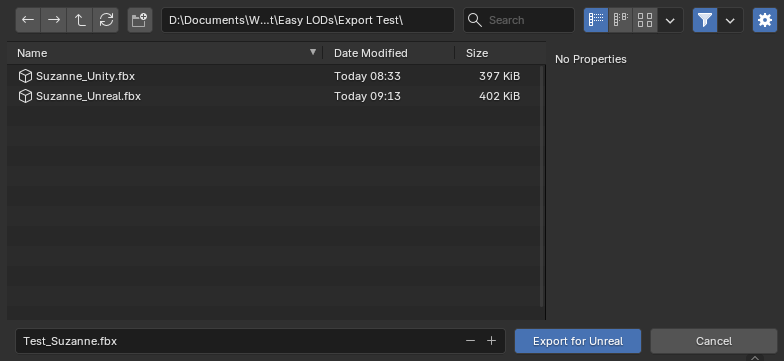
The FBX export settings are optimized automatically based on the target engine, you just need to select the target folder and file name.
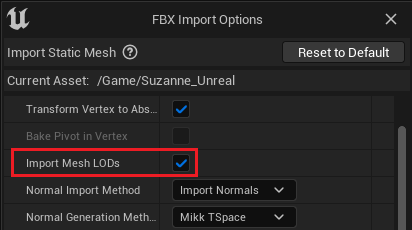
Unreal Engine FBX Import Settings
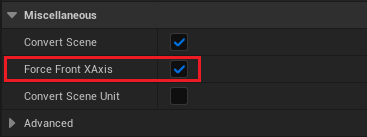
Even though the export settings are optimized automatically, in order for these settings to applied correctly on Unreal Engine, it is necessary to enable Import Mesh LODs and Force Front XAxis on UE's FBX Import Options window.
Obs: Feel free to suggest new features
-
$7.99
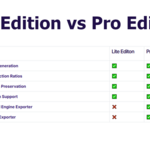
• 1-Click LOD generation
-
$14.99
• 1-Click LOD Generation • 1-Click FBX Export for Unity & Unreal Engine
 Included
Includes 12 months of
- Support from WSM Game Studio
- Product updates
Extend this product’s Support Period +12 months: 50% of product price
Have questions before purchasing?
Login to message
| Blender Extension Compatible | Yes |
| Dev Fund Contributor | |
| Published | 2 months ago |
| Blender Version | 4.5 - 5.2 |
| Extension Type | Add-on |
| Render Engine Used | Cycles, Eevee |
| License | GPL |
Discover more products like this
LOD Generator blender-to-unity-export Levels of detail LODs generator Auto LOD Auto lods LOD generation LOD level of detail blender to unreal export Game ready Lods Level Of Details