Blender Procedural


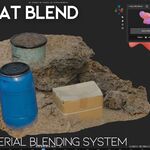
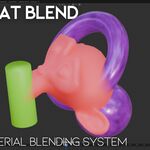
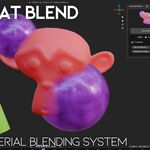
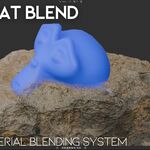
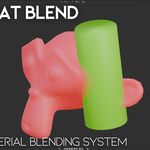
Easy Mat Blend – Smart Automatic Material Mixing
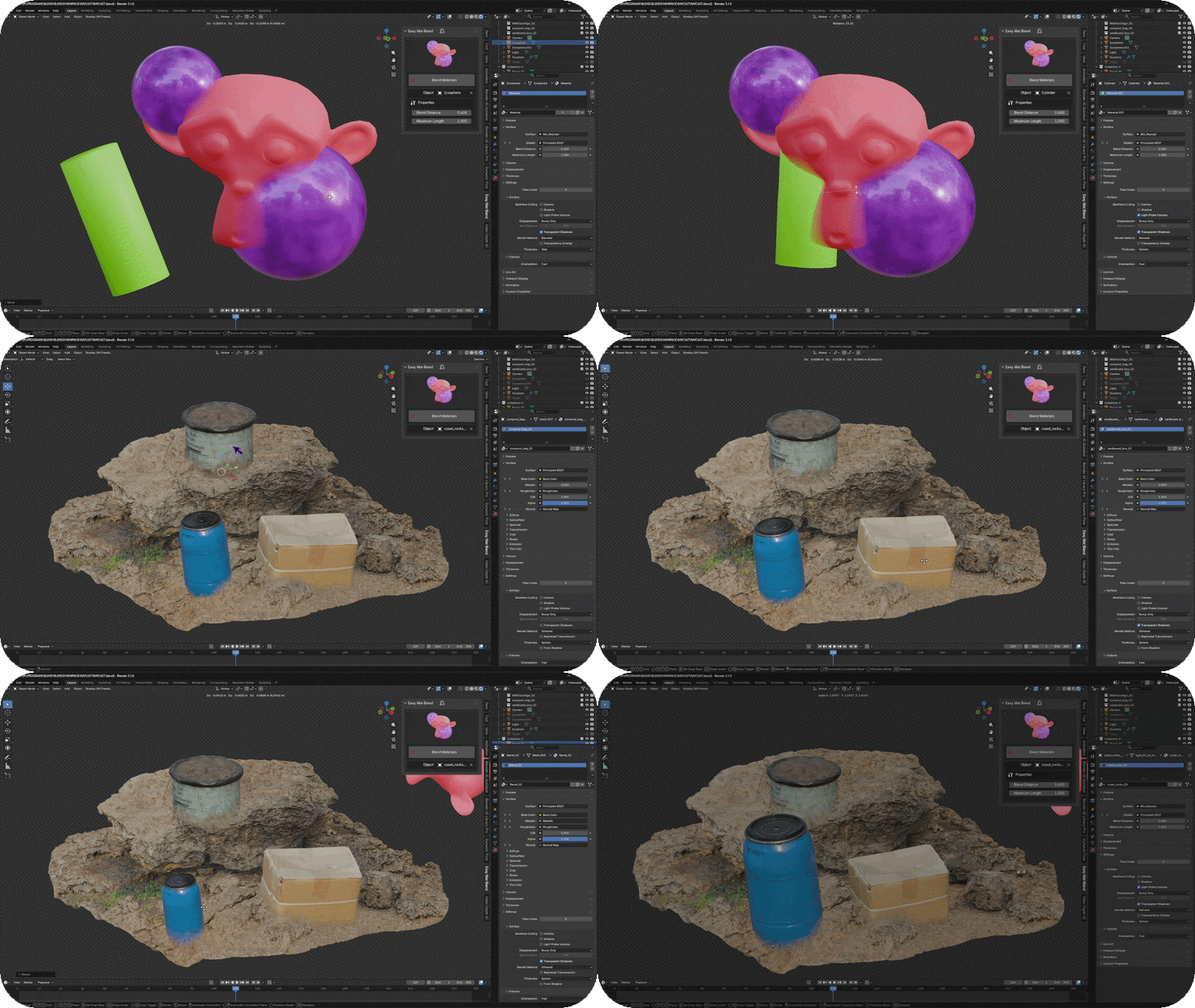
Easy Mat Blend is a lightweight and artist-friendly Blender addon that allows you to automatically blend materials based on object proximity. Instead of manually painting masks or building complex shader setups, the addon creates an intelligent blending system with a single click.It is designed for fast environment detailing, terrain interactions, intersection shading, dirt buildup effects, and procedural look-development workflows. The system is fully procedural and non-destructive, so you can keep your existing materials while enhancing them with dynamic geometry-based blending behavior.Perfect for environment artists, motion designers, game developers, and anyone who wants faster shading workflows with more realistic results.
Key Features
• One-click automatic material blending
• Geometry proximity based mixing logic
• Smart procedural shader insertion
• Non-destructive workflow
• Works with existing materials
• Real-time viewport feedback
• Lightweight and fast performance
• One-click automatic material blending
• Geometry proximity based mixing logic
• Smart procedural shader insertion
• Non-destructive workflow
• Works with existing materials
• Real-time viewport feedback
• Lightweight and fast performance
Simple Usage / Documentation
1. Select the object that you want to apply the blending system to.
2. Press the Blend Materials button in the Easy Mat Blend panel.
3. After applying the system, move other objects closer to the target object.
4. The addon will automatically mix and blend their materials based on distance and proximity.
You can adjust parameters such as Blend Distance and Maximum Length to control how strong and how far the blending effect spreads.
1. Select the object that you want to apply the blending system to.
2. Press the Blend Materials button in the Easy Mat Blend panel.
3. After applying the system, move other objects closer to the target object.
4. The addon will automatically mix and blend their materials based on distance and proximity.
You can adjust parameters such as Blend Distance and Maximum Length to control how strong and how far the blending effect spreads.
Rendering Recommendation
For the best visual results and real-time performance, Easy Mat Blend is designed primarily for use in EEVEE. Best results are achieved when using EEVEE viewport and render mode.
For the best visual results and real-time performance, Easy Mat Blend is designed primarily for use in EEVEE. Best results are achieved when using EEVEE viewport and render mode.
🚀 Explore More by Blender Procedural