Easy Mat Blend – Automatic Raycast Material Blending
 Blender Procedural


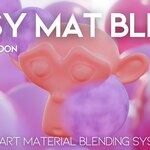
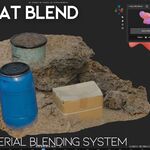
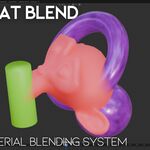
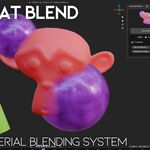
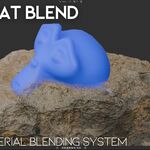
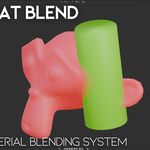
Simple Usage / Documentation
1. Select the object that you want to apply the blending system to.
2. Press the Blend Materials button in the Easy Mat Blend panel.
3. After applying the system, move other objects closer to the target object.
4. The addon will automatically mix and blend their materials based on distance and proximity.
You can adjust parameters such as Blend Distance and Maximum Length to control how strong and how far the blending effect spreads.
1. Select the object that you want to apply the blending system to.
2. Press the Blend Materials button in the Easy Mat Blend panel.
3. After applying the system, move other objects closer to the target object.
4. The addon will automatically mix and blend their materials based on distance and proximity.
You can adjust parameters such as Blend Distance and Maximum Length to control how strong and how far the blending effect spreads.
Rendering Recommendation
For the best visual results and real-time performance, Easy Mat Blend is designed primarily for use in EEVEE. Best results are achieved when using EEVEE viewport and render mode.
For the best visual results and real-time performance, Easy Mat Blend is designed primarily for use in EEVEE. Best results are achieved when using EEVEE viewport and render mode.
Discover more products like this
procedural material material transition material blend Smart Material shader blend Dirt Shader Material Mixing terrain blend intersection shader raycast shader