Easy Purge
 mightyiest


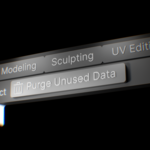
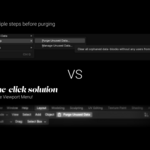
Blender already has a purge button. Why do I need this?
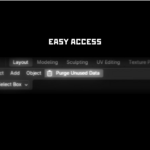
Standard purging often misses nested orphans. For example, if you delete a material, the texture attached to it might still be left behind in the file. Easy Purge features a Recursive and It is only single click :D.
Why did I get a "No unused data-blocks found" message?
This means your file is already fully optimized! If you see something in your Outliner that you think should have been deleted, check if it has a "Fake User" assigned (the shield icon). Easy Purge will not delete data-blocks protected by a Fake User.
What types of data-blocks does it clean up?
The add-on tracks and removes 12 different categories of unused data: Meshes, Materials, Textures, Images, Armatures, Actions, Cameras, Lights, Node Groups, Collections, Fonts, and Curves.
Is the add-on really only $1?
Yes! The goal is to provide a highly useful, time-saving tool at an impulse-buy price. Purchasing the add-on gives you the convenience of a ready-to-install .zip file while directly supporting further development.
Discover more products like this
2026 addon 2026-new remove unused cleaner addon easy unused data unused material cleanup clean unused