 Onion365studio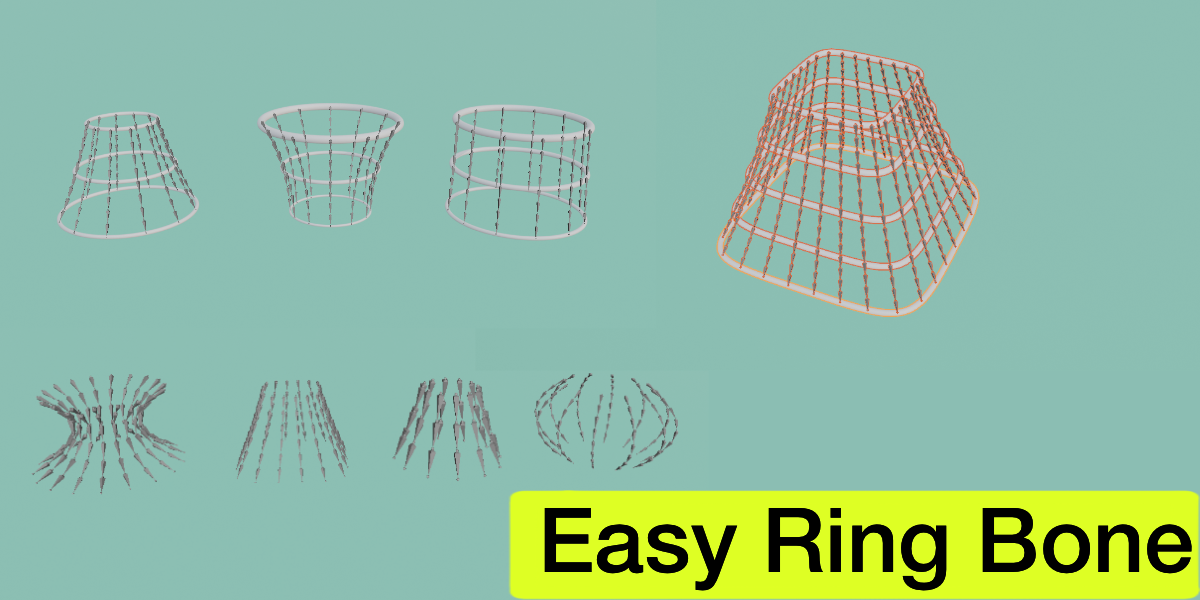
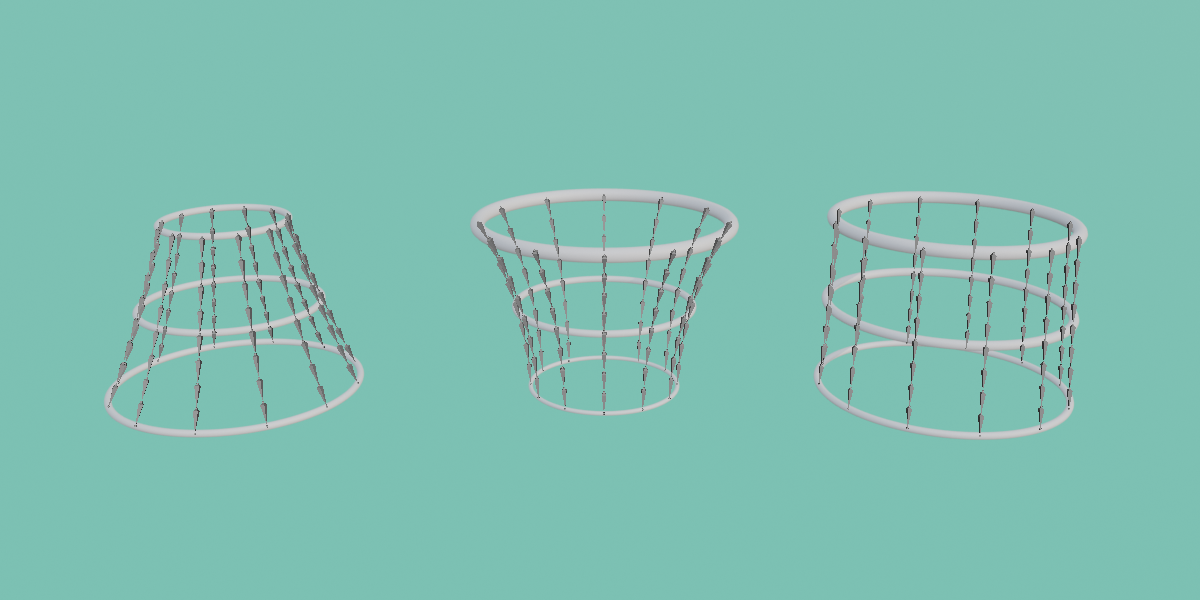
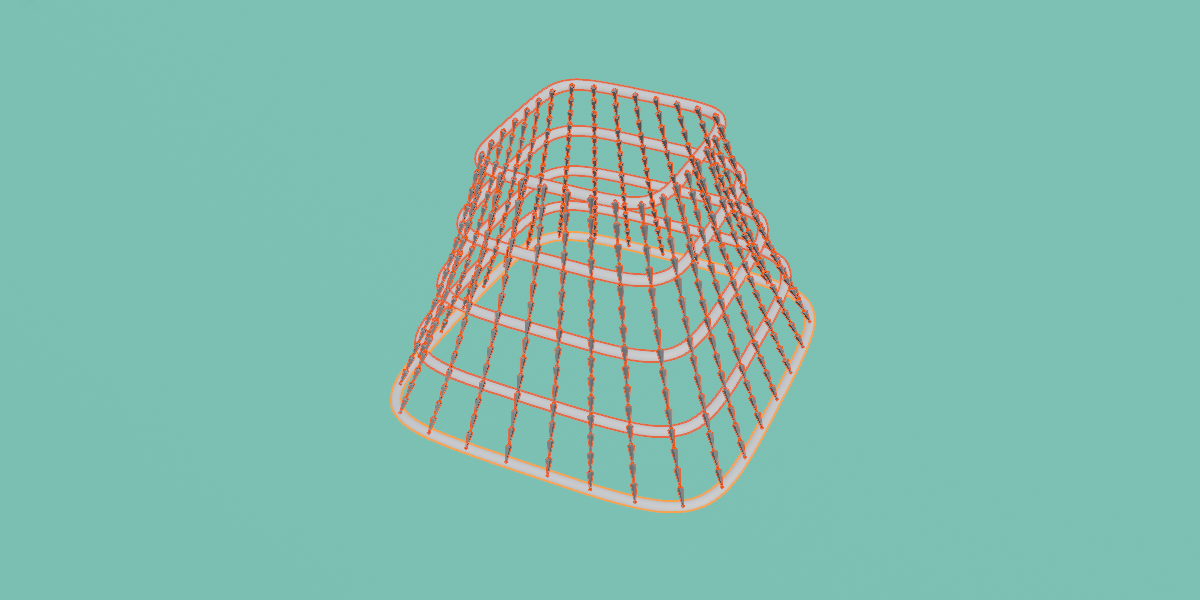

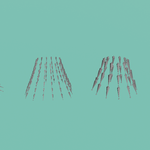
Easy Ring Bone Rig skirts, capes, and other hanging garments in seconds, not hours.
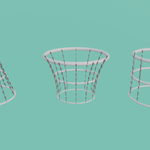
Easy Ring Bone is a powerful Blender rigging add-on designed to generate perfectly spaced bone chains around ring-based curves. Simply shape your Top, Middle, and Bottom rings to match the volume of your garment, choose your desired bone count, and click Add Bone. You’ll instantly get a clean, hierarchical armature ready for weight painting, cloth/jiggle physics setups, or direct export to your game engine.
Features
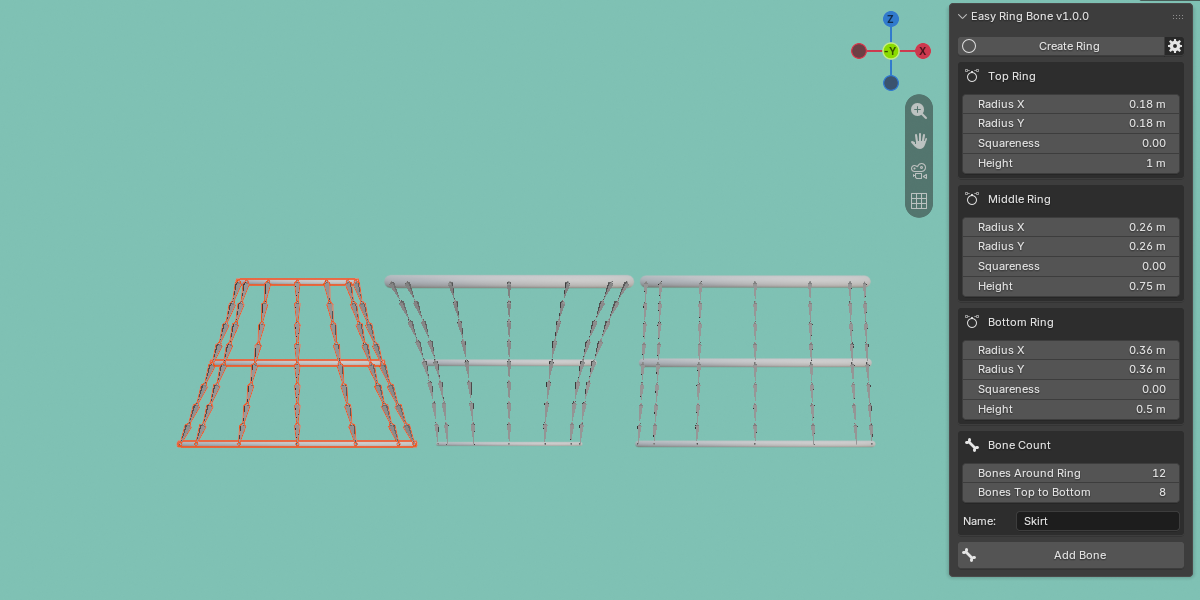
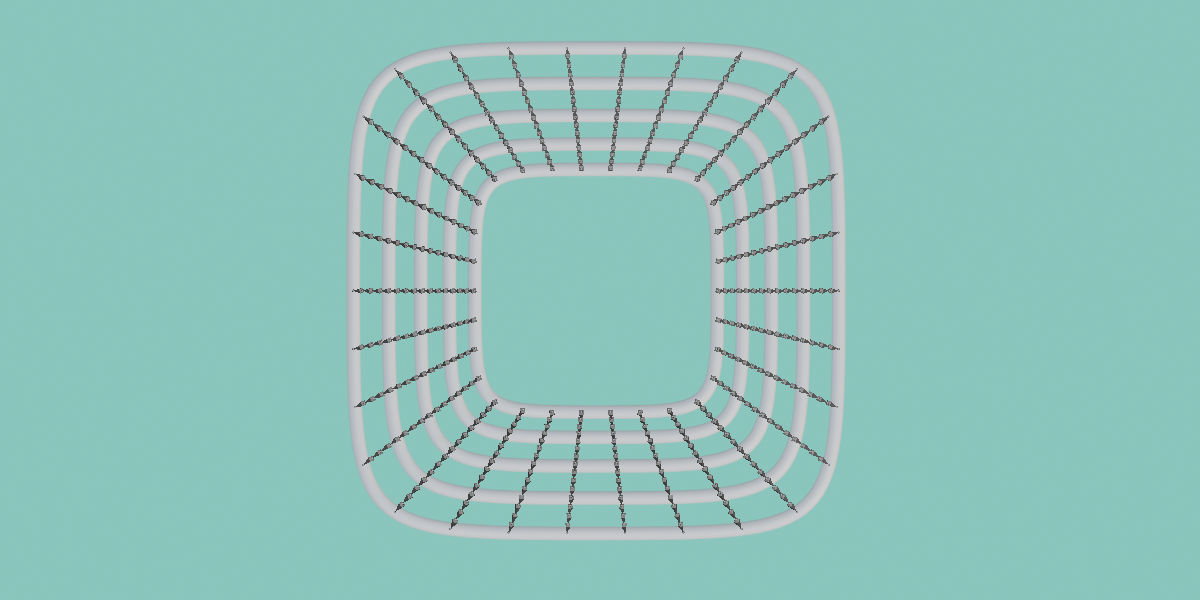
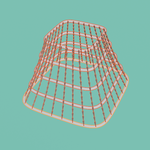
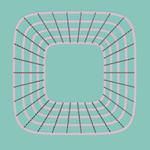
Intuitive Visual Setup: Generate anywhere from 2 to 16 guide rings (defaults to Top, Middle, and Bottom). Customize each ring’s X/Y Radius, Height, and "Squareness" (morphing seamlessly from a perfect circle to a rounded square) to perfectly wrap around your character's mesh.
Live Cylinder Preview: Guide rings are displayed as 3D tubes, making them highly visible against your mesh. You can easily adjust the tube thickness or toggle the preview off completely.
Complete Bone Density Control: Generate 3 to 256 vertical bone chains around the rings, with 1 to 32 individual bones in each vertical chain.
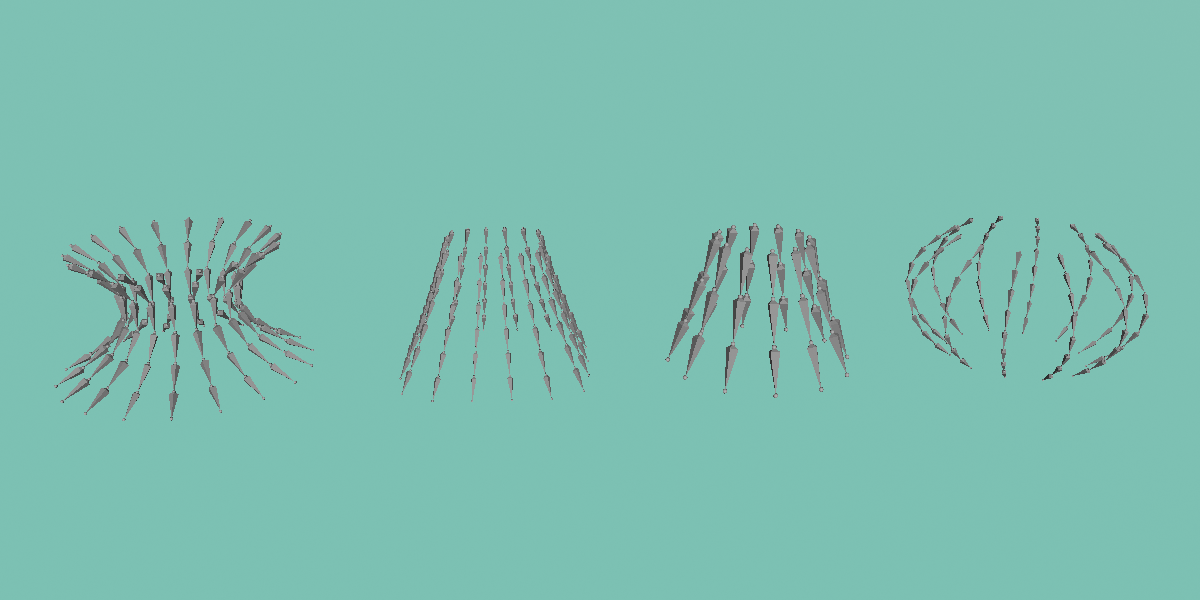
Smooth or Straight Interpolation: Choose between curved chains that flow naturally through every ring for organic shapes, or strict straight-line segments for mechanical precision.
Perfectly Even Spacing: Bones are mathematically distributed by length along the rings and vertical chains, ensuring clean, predictable, and consistent deformation.
Smart Hierarchy & Naming: Generates fully connected parent/child chains flowing top-to-bottom. It automatically applies structured naming conventions based on your custom base name (e.g.,
Skirt_01_01,Skirt_01_02).Automatic Cleanup: Keep your Outliner tidy with the option to automatically delete the helper rings once the armature is generated.
Robust & Safe: Fully supports Undo operations and provides clear error messages if rings overlap.
100% Offline: Zero external dependencies, no background services, and no internet connection required.
How It Works
Click Create Ring to add the initial ring curves to your scene.
Adjust the size, shape, and height of each ring to match your mesh's silhouette.
Set Bones Around Ring and Bones Top to Bottom, then click Add Bone.
Requirements
Compatibility: Blender 5.2.2 or newer