Easy Sea Wave
 Onion365studio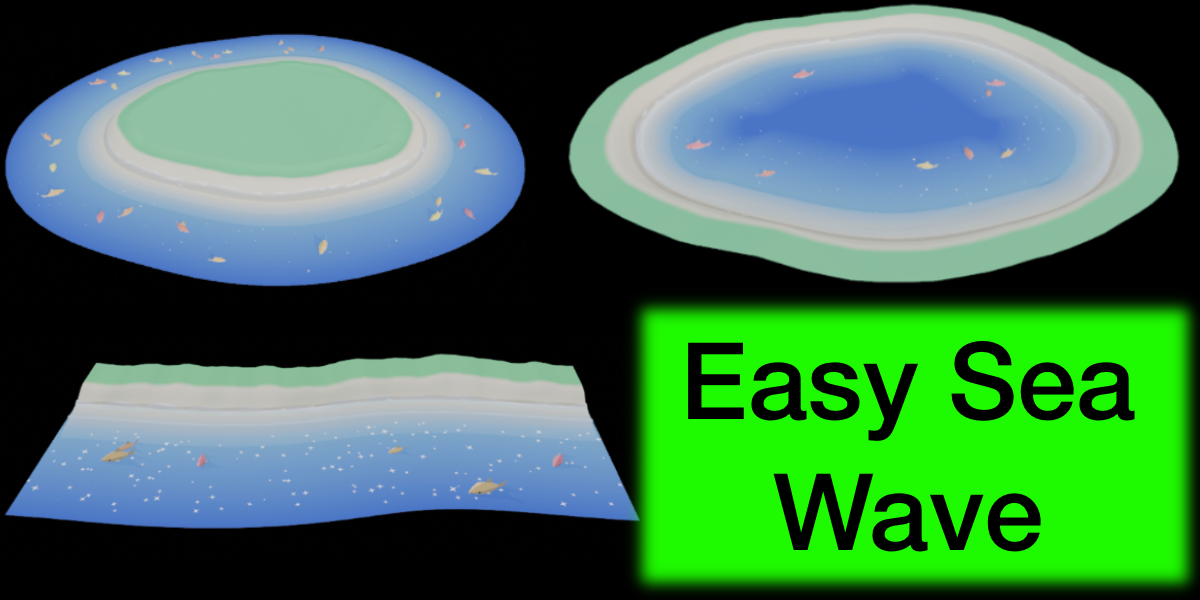
Documentation
Overview
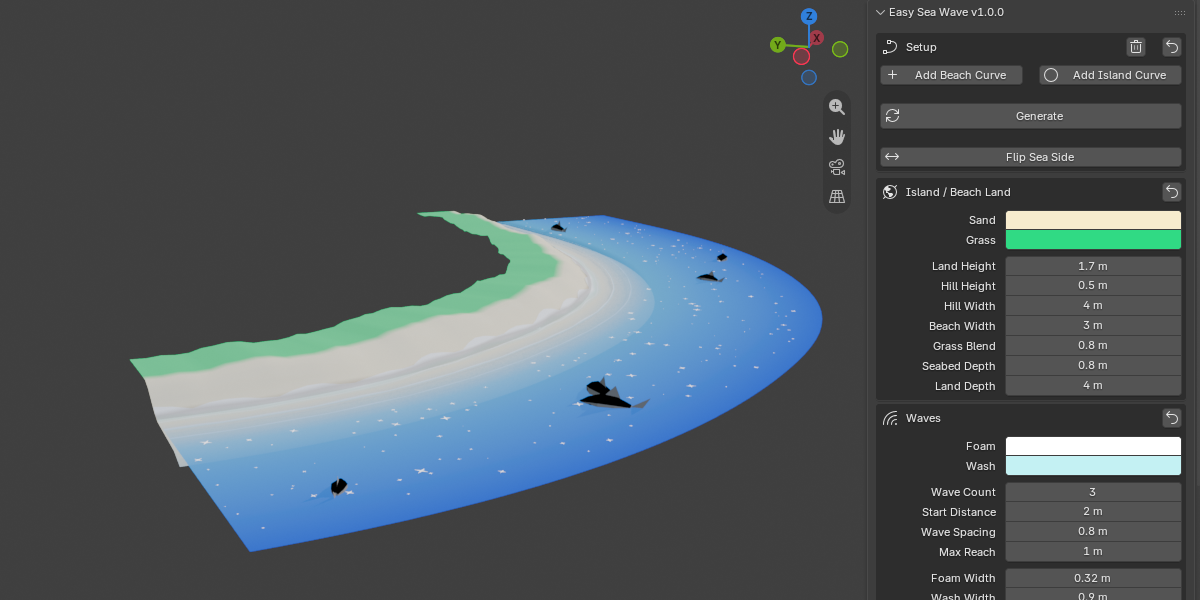
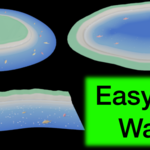
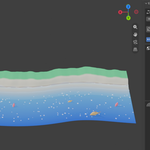
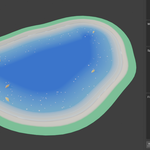
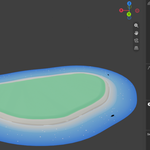
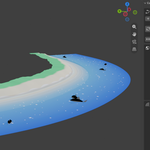
Easy Sea Wave generates a stylized low-poly island or beach from a shoreline curve, with animated foam waves, wet sand, twinkling sparkles and swimming fish. Once generated, every parameter updates live. The whole scene can be exported as a single GLB file with a looping animation.
Installation
- Download the ZIP file. Do not unzip it.
- In Blender, go to Edit → Preferences → Get Extensions, open the dropdown at the top right and choose Install from Disk.
- Select the ZIP file.
- Make sure the add-on is enabled.
- Open the 3D Viewport and press N. The Easy Wave tab is in the sidebar.
Requires Blender 5.2 or newer. GLB export also needs the built-in glTF 2.0 add-on to be enabled, which it is by default.
Quick start
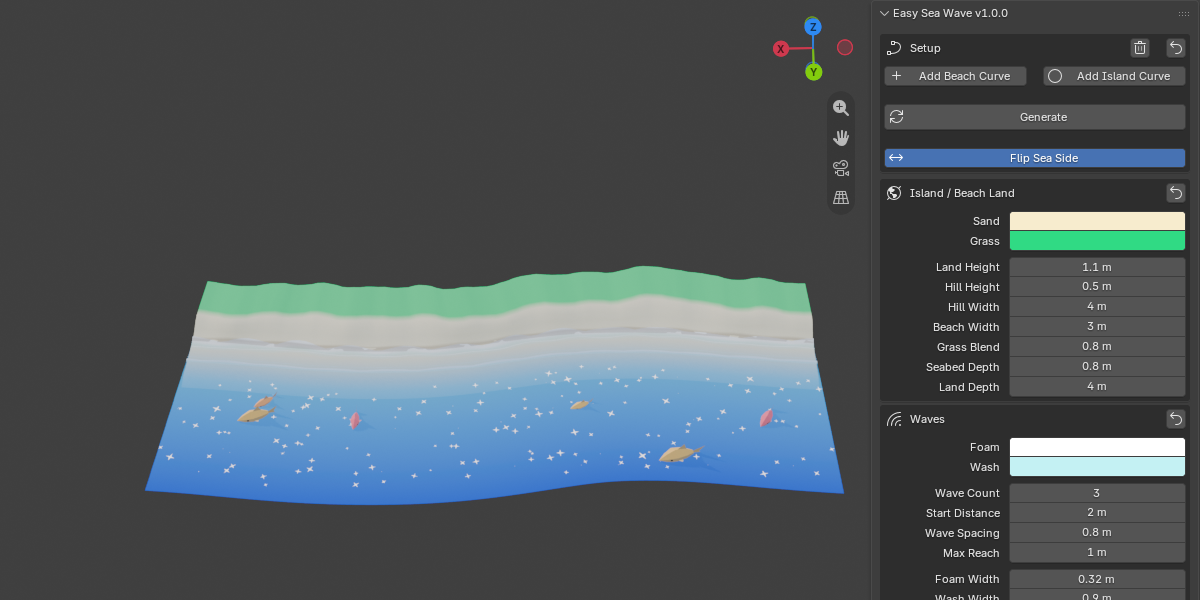
- In the Setup box, click Add Island Curve (a closed island) or Add Beach Curve (a beach strip). The scene is generated immediately at the 3D cursor.
- Adjust any parameter. The scene updates live.
- Click Export GLB at the bottom of the panel.
Using your own shoreline
- Add any Bezier or Poly curve in the 3D Viewport.
- Make it the active object and click Generate.
- Closed curve: an island, with the sea on the outside.
- Open curve: a beach strip, with the sea on the right side of the curve direction.
- Edit the curve at any time. Click Generate again to refresh it.
If the curve has several splines, the longest one is used.
Setup buttons
- Add Beach Curve / Add Island Curve: adds a sample curve and generates right away. This replaces the previous shoreline curve.
- Generate: builds the scene from the active curve.
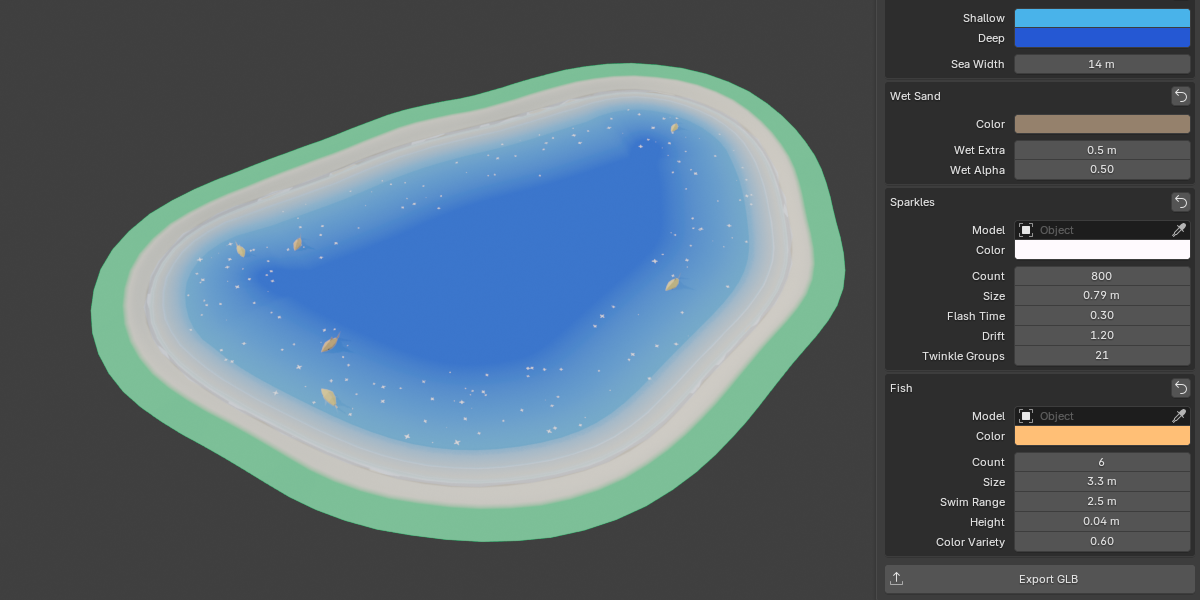
- Flip Sea Side: moves the sea to the other side of the curve. On a closed curve this turns the island into a lagoon or lake.
- Clear (trash icon): deletes the generated scene and the shoreline curve.
- Reset Defaults (arrow icon): resets all parameters. The shoreline selection is kept.
- Every section also has its own Reset Section arrow.
Parameters
Island / Beach Land
- Sand and Grass colours
- Land Height: how far the land rises above the water
- Hill Height: how far the middle rises above the grass (islands only; 0 = flat top)
- Hill Width: width of the slope up to the island top
- Beach Width: from the waterline to the grass edge
- Grass Blend: width of the sand-to-grass gradient
- Seabed Depth: how far the seabed lies below the water
- Land Depth: width of the grass behind the beach (beach strips only)
Waves
- Foam and Wash colours
- Wave Count (1 to 6)
- Start Distance: how far out the first wave starts
- Wave Spacing: distance between wave layers
- Max Reach: how far up the beach the waves go
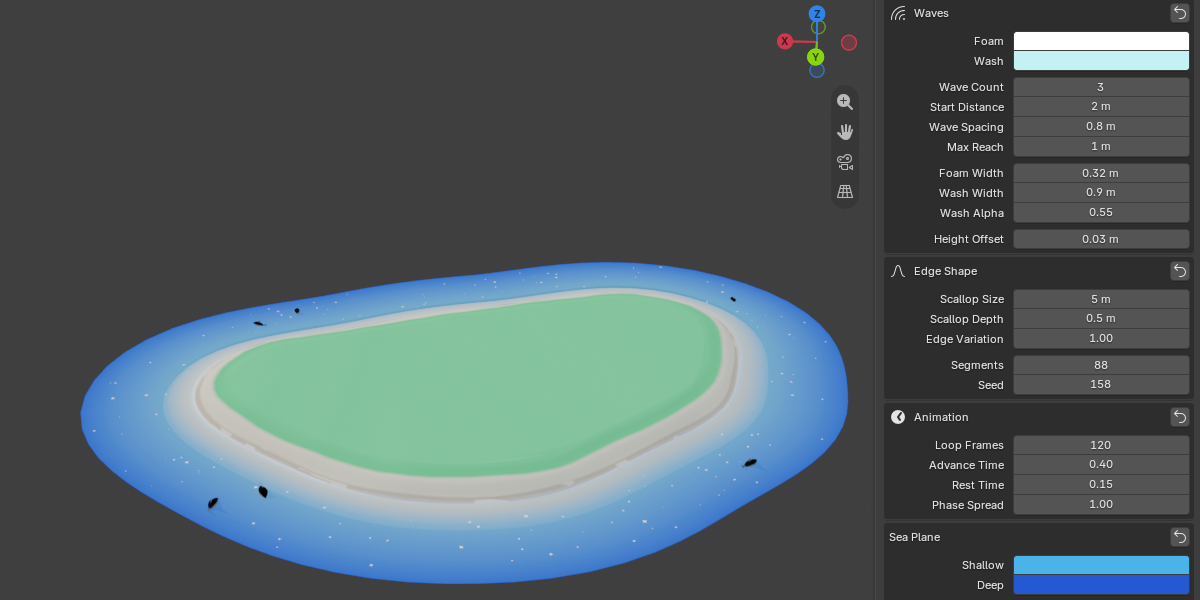
- Foam Width, Wash Width, Wash Alpha
- Height Offset: raises the waves slightly above the sand to avoid intersection
Edge Shape
- Scallop Size and Scallop Depth: the arcs along the foam edge
- Edge Variation: how much the wash distance and beach width vary along the shore
- Segments: resolution along the shoreline
- Seed: random seed, change it for a different variation
Animation
- Loop Frames: frames in one loop. This also sets the scene start and end frames.
- Advance Time: share of the loop spent rushing up the beach. Smaller means a faster rush and a slower retreat.
- Rest Time: share of the loop spent resting
- Phase Spread: how far the wave layers are staggered. 0 means they arrive together.
Sea Plane
- Shallow and Deep colours
- Sea Width
Wet Sand
- Colour, Wet Extra (gradient width beyond the farthest wave), Wet Alpha (darkness)
Sparkles
- Model: optional custom mesh. Leave empty to use the built-in star.
- Colour, Count (1 to 5000), Size, Flash Time, Drift, Twinkle Groups
- More Twinkle Groups looks less uniform but adds 2 shape keys per group to the exported GLB
Fish
- Model: optional custom mesh, with the head pointing along +X. The model must not belong to the Easy Wave collections.
- Colour, Count (1 to 30), Size, Swim Range, Height, Color Variety
- Larger Swim Range means faster swimming (one lap per loop). It shrinks automatically if the sea is too narrow.
- Fish Height: 0 puts the body half-submerged. The sea is opaque, so fish sunk too deep cannot be seen.
Exporting to GLB
Click Export GLB and choose a file path. In the export dialog you can choose:
- Include Island, Include Sea Plane, Include Sparkles, Include Fish
- Animation Name (default
Waves_loop)
The waves and sparkles are exported as shape-key animation, and the fish as swim and tail-wag animation. All of it is merged into one looping animation that covers frames 1 to Loop Frames + 1. Set your player to loop it.
Tips
- For a faster, lighter GLB, lower Segments, Sparkle Count, Twinkle Groups and Fish Count.
- Keep Wave Spacing and Start Distance small on small islands.
- Changing the Seed gives a different shoreline variation.
FAQ
Which Blender versions are supported?
Blender 5.2 and newer.
Can I make my own island shape?
Yes. Draw any Bezier or Poly curve, make it the active object and click Generate. Closed curves become islands, and open curves become beaches.
How do I make a lagoon or lake?
Use a closed curve and enable Flip Sea Side.
Can I use my own fish or sparkle model?
Yes. Use any mesh object, and for fish make the head point along +X. The model is scaled automatically to the Size setting and copied for each fish or sparkle.
The fish are not visible.
Check Fish Height. The sea is opaque, so fish placed too deep are hidden. The default of 0.04 keeps them visible.
Do parameter changes update automatically?
Yes, after the first Generate. If a change fails, the panel shows a “Last update failed” message.
Export fails or says the glTF exporter is not found.
Enable Import-Export: glTF 2.0 in Preferences → Add-ons.
Why does my exported GLB have no UVs?
In rare cases the Blender glTF exporter cannot read the UV layers. The add-on then exports without UVs and shows a warning.
How do I play the animation in my engine or viewer?
The GLB contains one animation named Waves_loop (or the name you chose). Set it to loop.
Why is my GLB large or slow?
High Sparkle Count, Twinkle Groups, Fish Count and Segments all increase size. Lower them if needed.
Have questions about this product?
Login to message
| Blender Extension Compatible | Yes |
| Dev Fund Contributor | |
| Published | 2 days ago |
| Blender Version | 5.2 |
| Extension Type | Add-on |
| Render Engine Used | Cycles, Eevee |
| License | GPL |
Discover more products like this
anime-water beach stylized low poly wave animation sea waves anime sea island generator Water animation wave low poly anime wave