 Onion365studio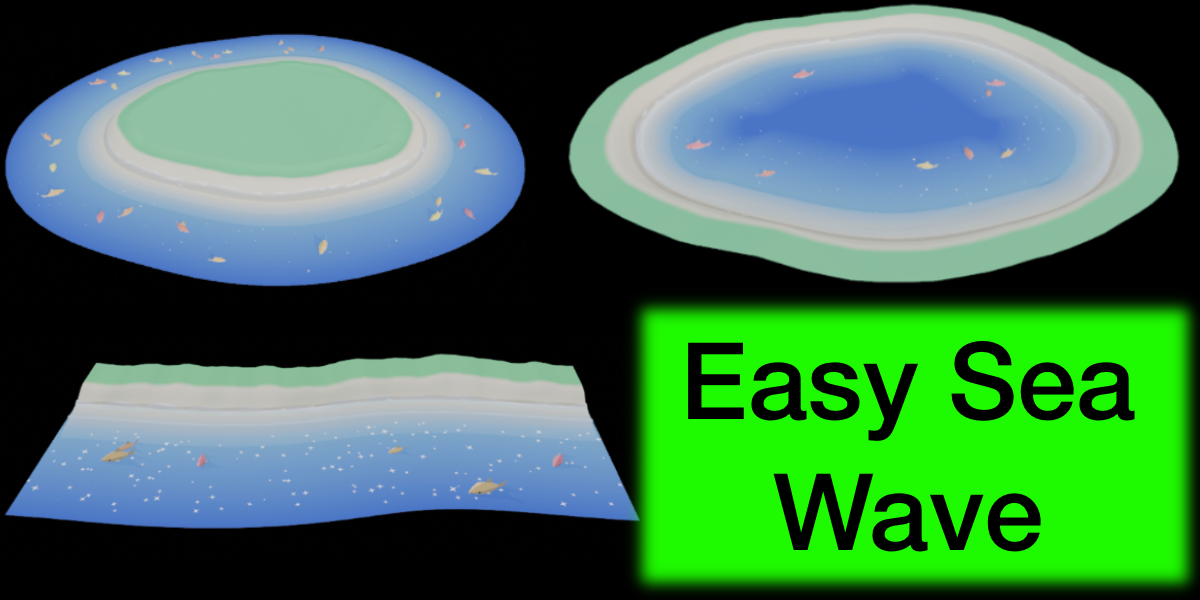
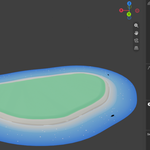
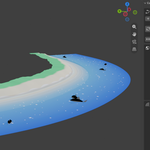
Easy Sea Wave
Stylized low-poly islands, beaches and animated waves in one click, with twinkling sun glints, swimming fish and a looping GLB export.
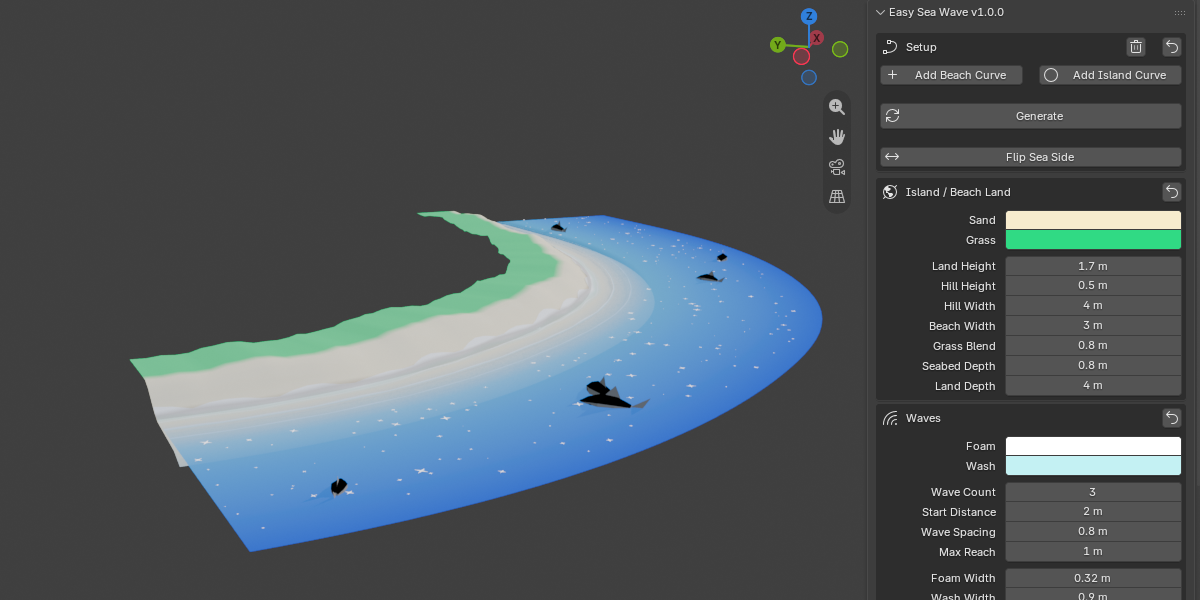
Draw a shoreline curve and Easy Sea Wave builds a cute low-poly coast around it: sand, grass, foam waves rolling up the beach, wet sand, a shallow-to-deep sea, glittering sparkles and little fish swimming in circles. Everything is animated as a seamless loop and exports to a single GLB, ready for games, web viewers and mobile apps.
No textures, no node setup, no simulation baking. Just curves, sliders and a stylized look.
Highlights
- One click to a finished scene with Add Island Curve or Add Beach Curve
- Works with any curve you draw. A closed curve gives an island, an open curve gives a beach
- Live updates. After the first Generate, every slider changes the result instantly
- Seamless looping animation, with adjustable loop length
- Built-in sparkles and fish, or use your own models
- One-click GLB export with all animation merged into one clip
Features
Shoreline-driven workflow
- Use a Bezier or poly curve as the shoreline
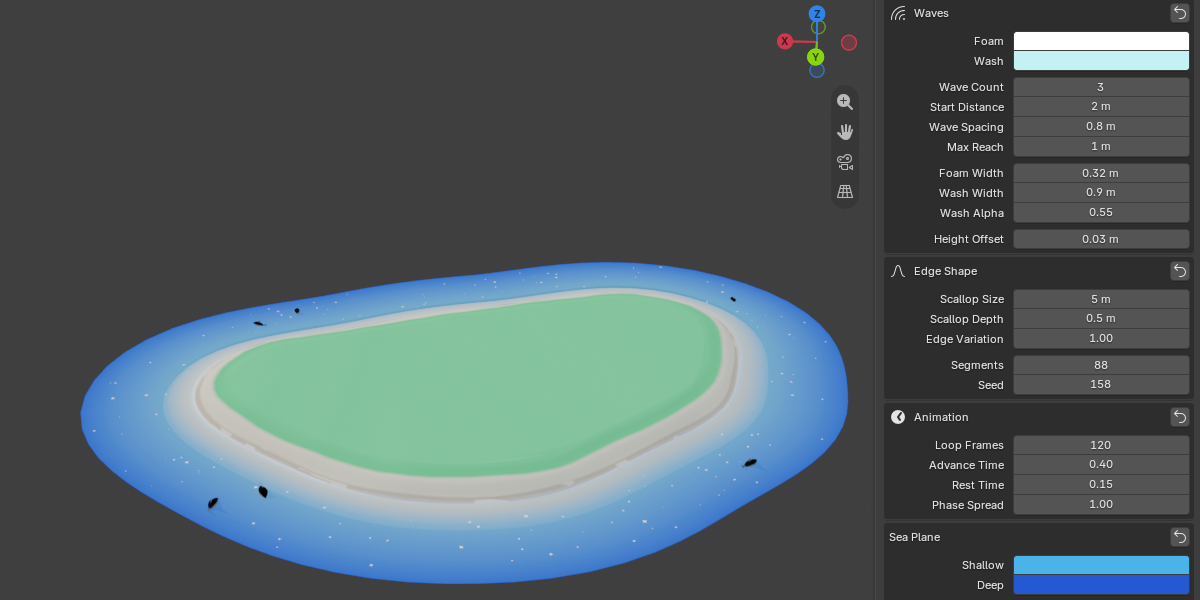
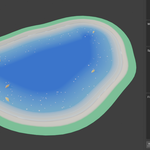
- Closed curve = island with sea on the outside
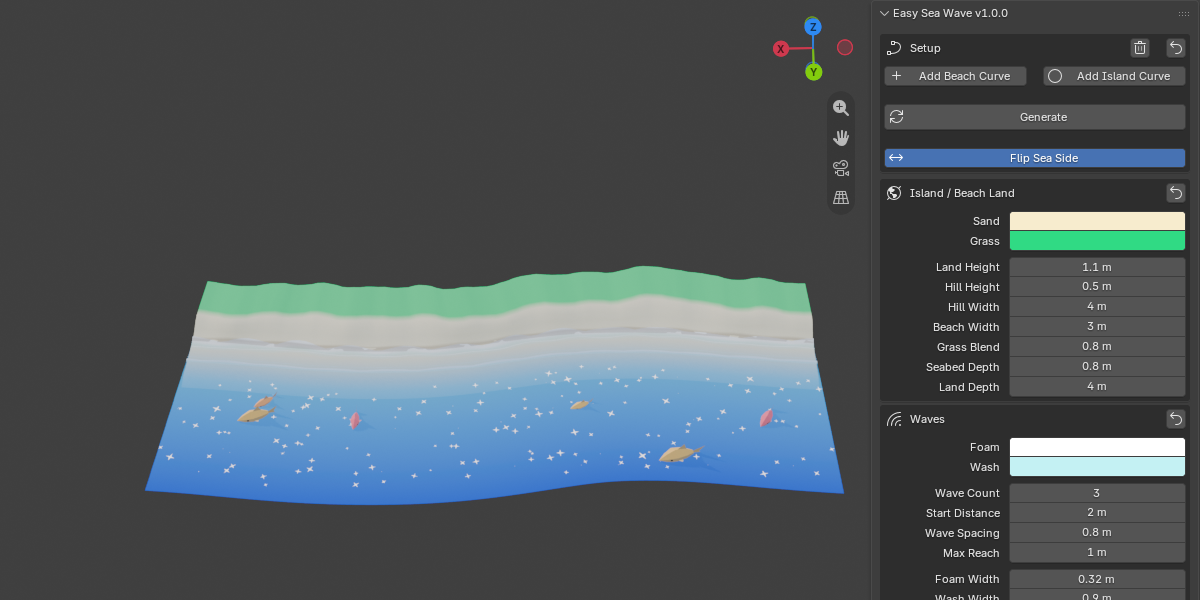
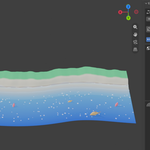
- Open curve = beach strip with sea on the right of the curve direction
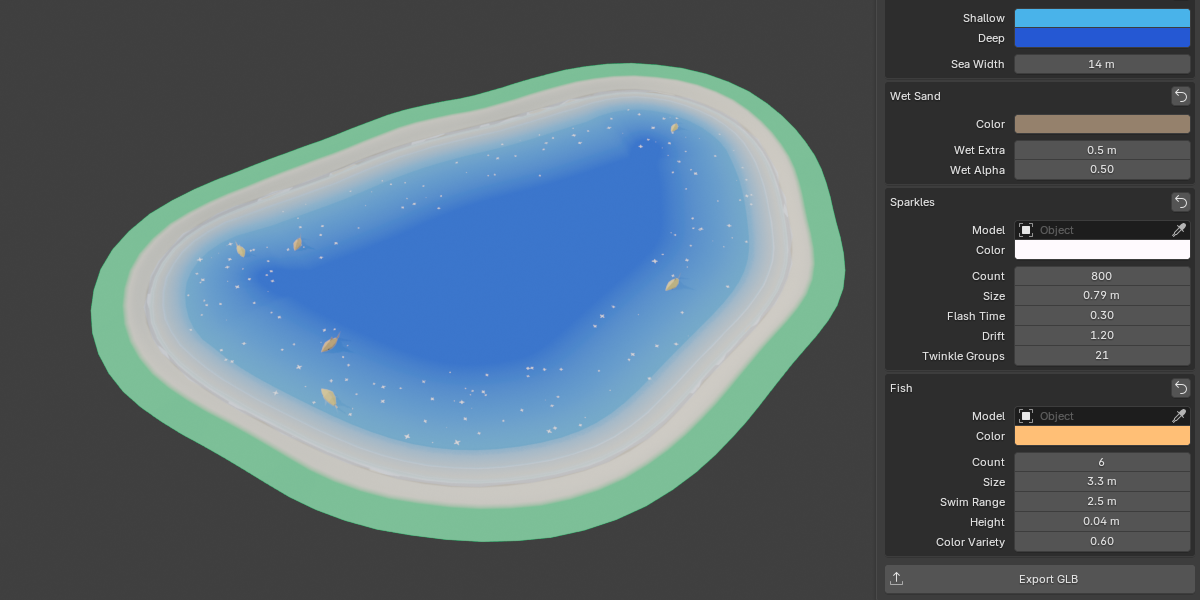
- Flip Sea Side turns an island into a lagoon or lake
- Adjustable segment count and a random seed for reproducible results
Island and beach land
- Sand and grass with a smooth gradient between them
- Controls for land height, beach width, grass blend and seabed depth
- Optional hill in the middle of an island, with its own height and width
- Open beaches get a grass area behind the sand
- Colors are stored as vertex colors, so no textures are needed
Animated waves
- 1 to 6 wave layers, each with foam, a translucent shallow-water wash and a scalloped edge
- Controls for start distance, spacing, max reach, foam width, wash width and wash opacity
- Scallop size and depth, plus edge variation so the waterline never looks mechanical
- A wet sand layer darkens as each wave reaches up the beach
- Timing controls: Loop Frames, Advance Time, Rest Time and Phase Spread
Sea surface
- Shallow-to-deep color gradient with soft transparency near the shore
- Adjustable sea width and colors
Sun glints (sparkles)
- Star-shaped glints that flash, drift slowly across the water and vanish
- Controls for count (up to 5000), size, flash time, drift distance and twinkle groups
- Use your own sparkle model. It keeps its own materials and vertex colors
Swimming fish
- Low-poly fish that swim in loops around the sea, with tail-wag animation
- Controls for count (up to 30), size, swim range, height above the water and color variety
- Every fish gets its own size, path, direction and tint
- Use your own fish model (head pointing along +X). It is scaled automatically and keeps its own look
One-click GLB export
- Exports the island, waves, wet sand, sea, sparkles and fish
- Wave, sparkle and fish animation is merged into one looping animation clip
- Animation name is customizable (default:
Waves_loop)
- Uses Blender’s built-in glTF 2.0 exporter
Waves_loop)