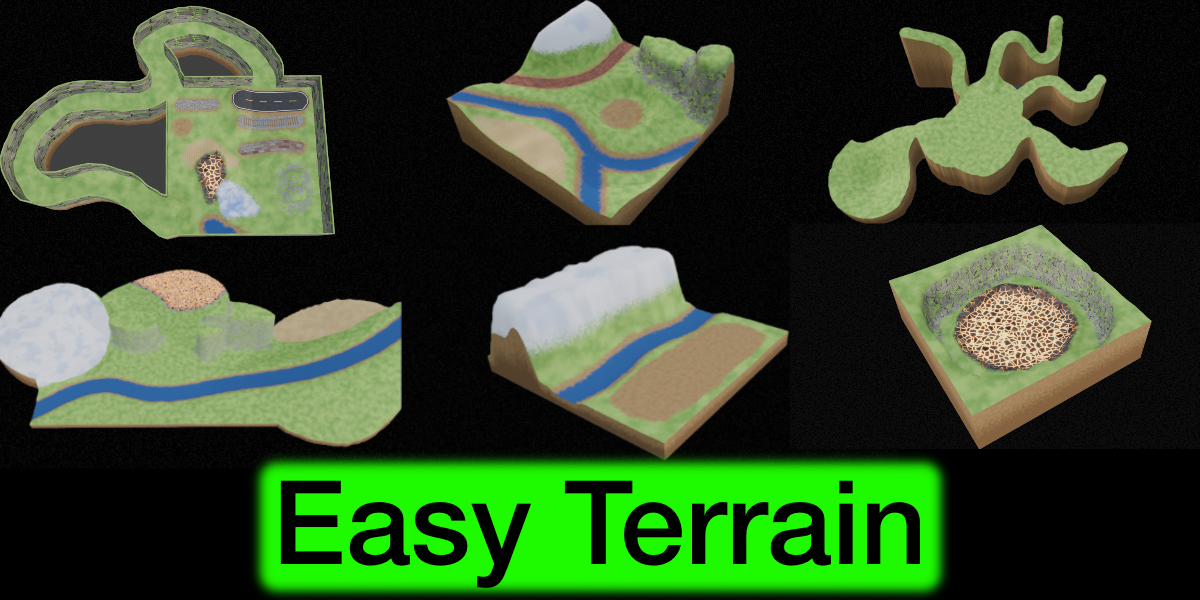
Easy Terrain
 Onion365studio
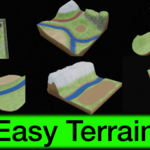
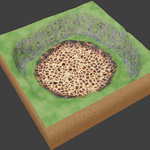
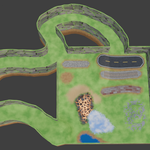
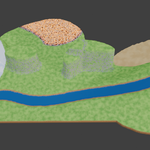
Version v1.5.0
Improved
- All sliders, checkboxes, dropdowns and buttons now update the terrain in real time, whether or not Live is on.
- The Live toggle now only controls 3D viewport editing:
- On: dragging curve points, moving curves and Shift+D duplicates update the terrain in real time.
- Off: no update while dragging; the terrain rebuilds once when you let go.
- Switching Live on syncs the terrain with the curves immediately. Switching it off changes nothing.
Version v1.4.0
Fixed
- Terrain did not update after duplicating a curve with Shift+D. With Live off, the terrain now rebuilds once, about 0.25 seconds after you place the duplicated curve. It does not rebuild while you are still dragging. Alt+D and the move after an extrude are handled the same way.
Version v1.3.0
New
-
Live toggle: a new Live button sits to the right of Generate Terrain and controls whether the terrain updates automatically as you edit.
- It shows a play icon when on and a pause icon when off.
- It is on by default, so behavior matches 1.2.0.
- When off, edits no longer rebuild the terrain automatically.
- Turning Live back on rebuilds the terrain once right away, so it never stays out of date.
- Update on release when Live is off: you can move, rotate or scale a whole curve with Blender’s own G / R / S or the transform gizmo. The terrain rebuilds once, about 0.25 seconds after you finish the operation. It does not rebuild while you drag, so there is no lag. If you cancel with Esc or right-click, it rebuilds from the restored state.
Version v1.2.0
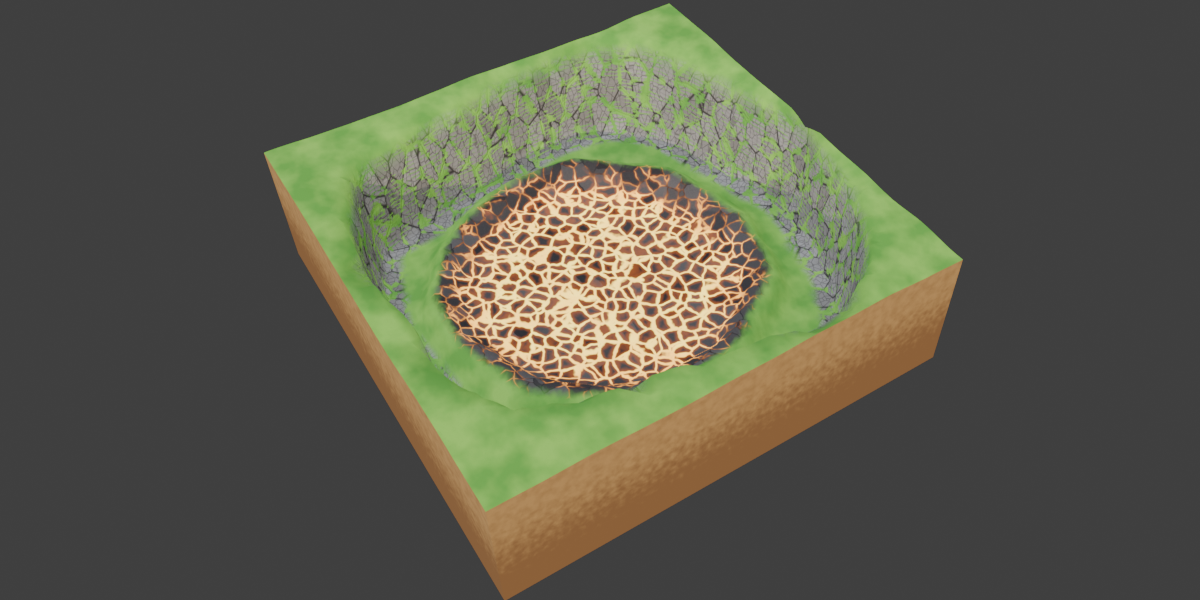
New: Cliff Join
Cliffs that touch and stand at a similar height now grow together into one plateau. The rock wall is drawn only on the outer edge of the whole group, not on the seam where the cliffs meet.
- Join Height: default 1.5, range 0-20. Touching cliffs whose tops differ by less than this value merge into one plateau, while larger steps keep their own rock wall. At 0, every cliff keeps its own wall.
- Join Gap: default 2.0, range 0-20. Joined cliffs standing up to about this far apart are closed up, so no groove with a stone wall is left between them. At 0, only cliffs that touch or overlap are joined.
- Both settings appear in the Cliff panel, after Top Cover and before Bumps, and are included in the Cliff reset.
Improved
- Heights are compared point by point, so cliffs whose points sit at different heights merge where their tops meet.
- The rock wall now appears only where a cliff really steps up or down. Next to a neighbouring cliff of similar height, it fades out instead of being painted on top.
- Where cliffs of different heights overlap, the lower cliff no longer paints rock, dirt or bumps in the area covered by the higher one.
Version v1.1.0
Changed
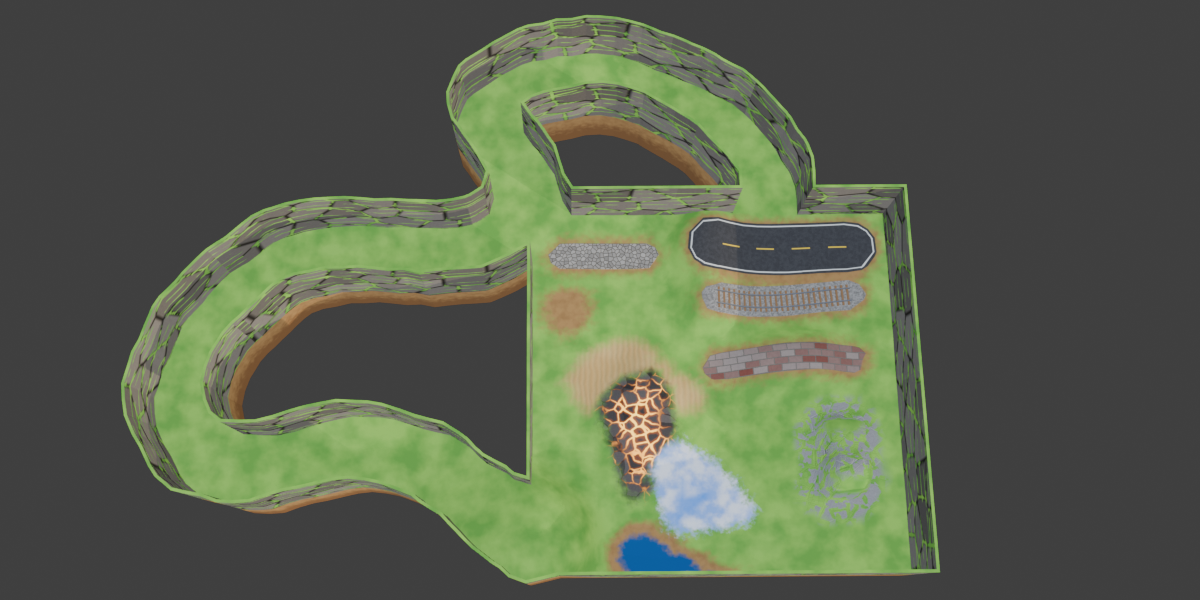
- All curves (River, Yard, Road, Railway, Cliff, Desert, Snow, Lava) can now be moved beyond the ground area instead of being kept inside it.
- Only Land curves extend the ground. Other curve types never change the size of the ground.
- The old “Easy Terrain Limit” constraint in existing scenes is removed automatically on rebuild, so no manual cleanup is needed.
- Updated the Add Yard tooltip to remove “stays inside the ground”.
Have questions about this product?
Login to message
| Blender Extension Compatible | Yes |
| Dev Fund Contributor | |
| Published | 16 days ago |
| Blender Version | 5.2 - 5.3 |
| Extension Type | Add-on |
| Render Engine Used | Cycles, Eevee |
| License | GPL |