Easy Terrain

Onion365studio in Rigging

Easy Terrain: Low-Poly Terrain Generator for Blender

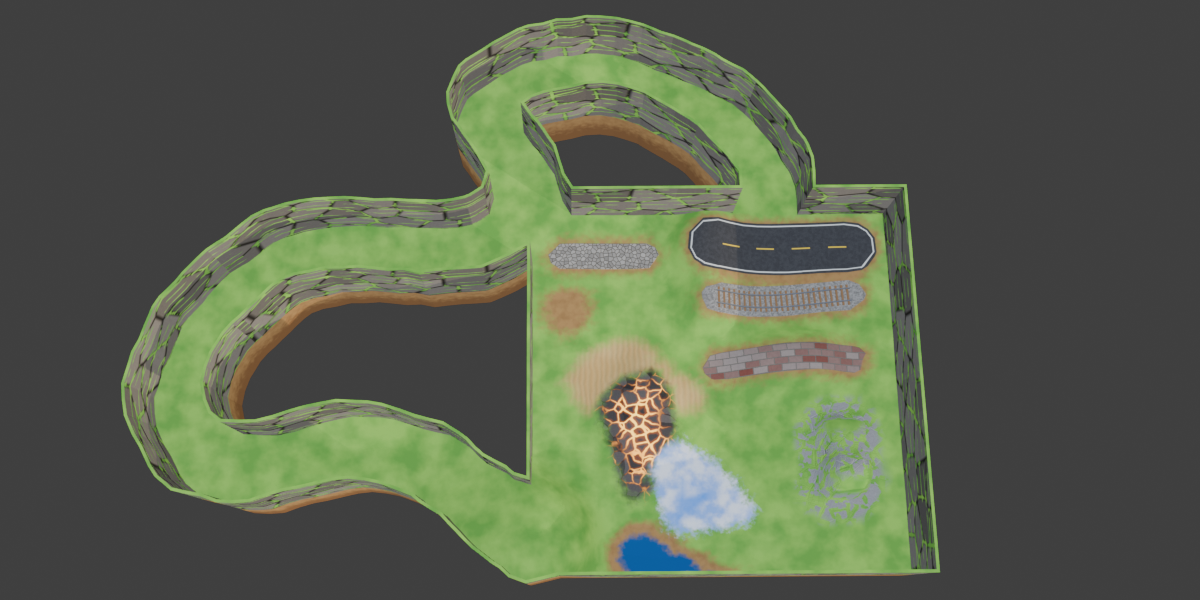
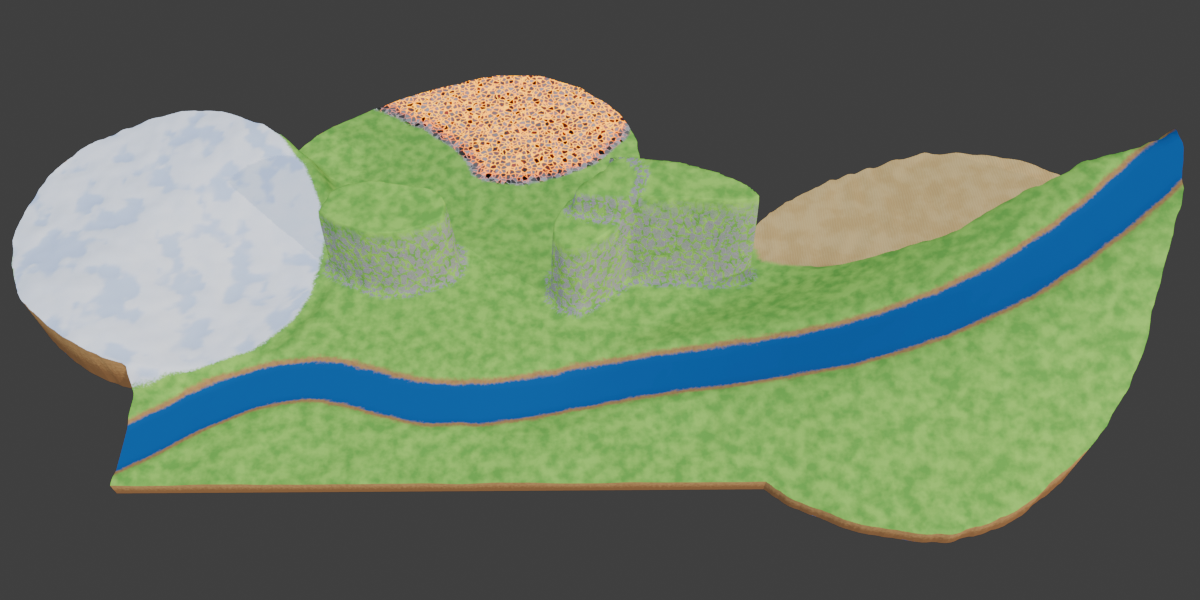
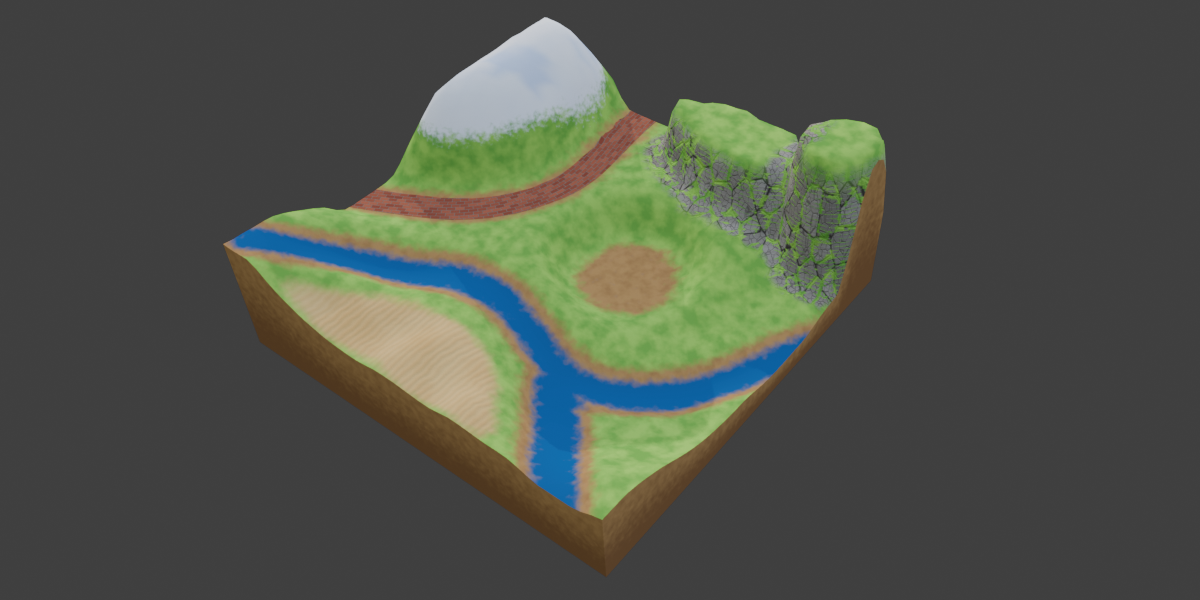
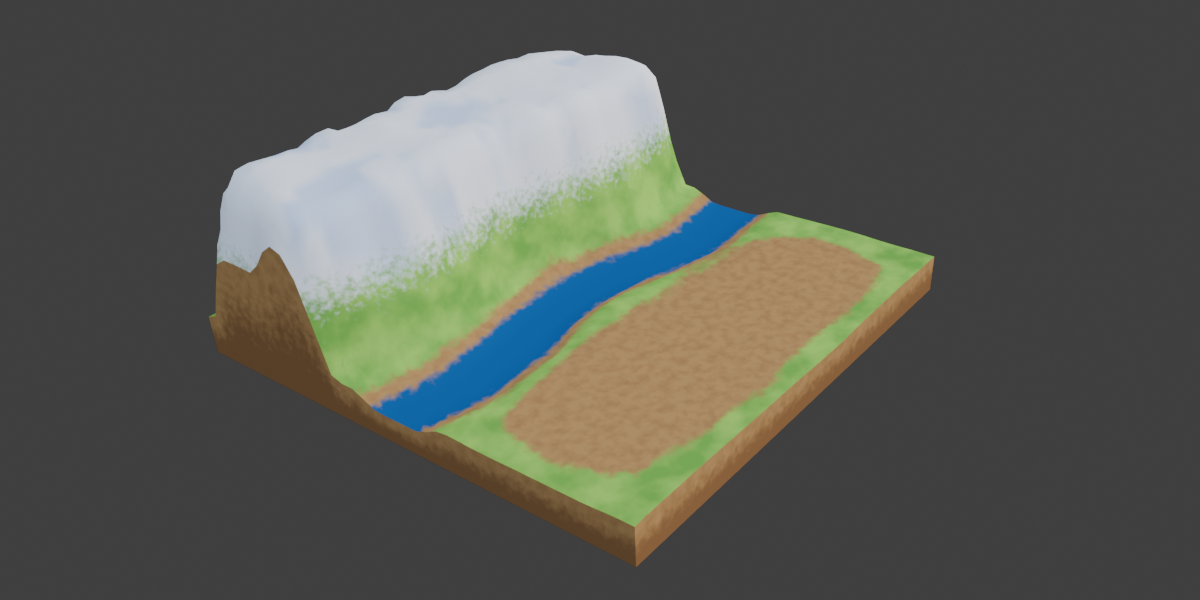
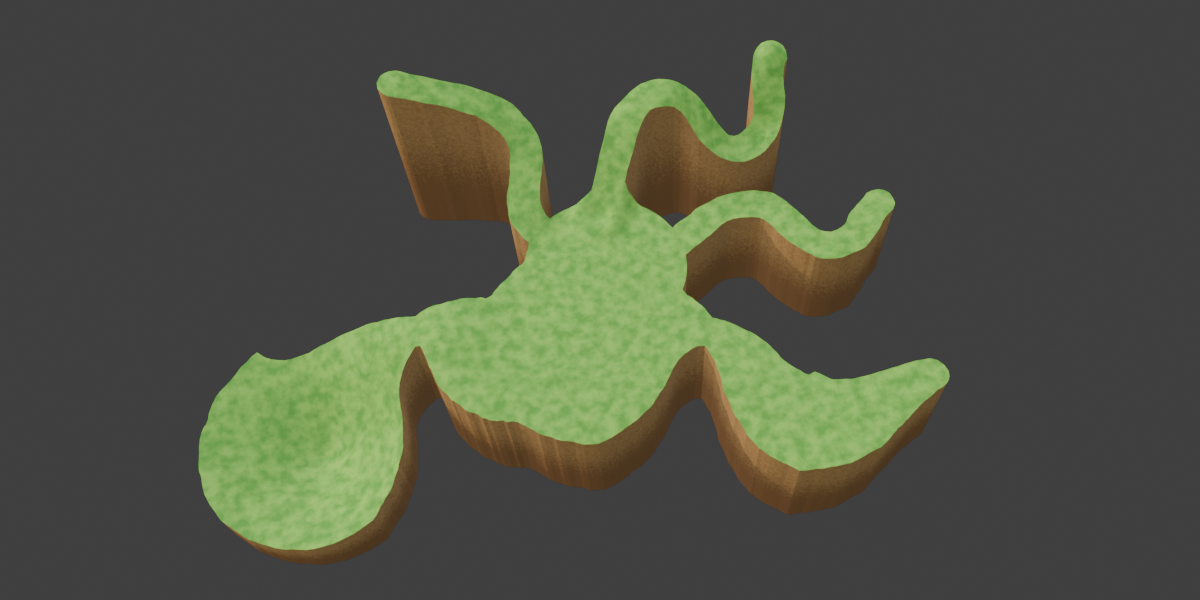
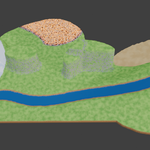
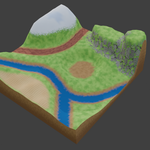
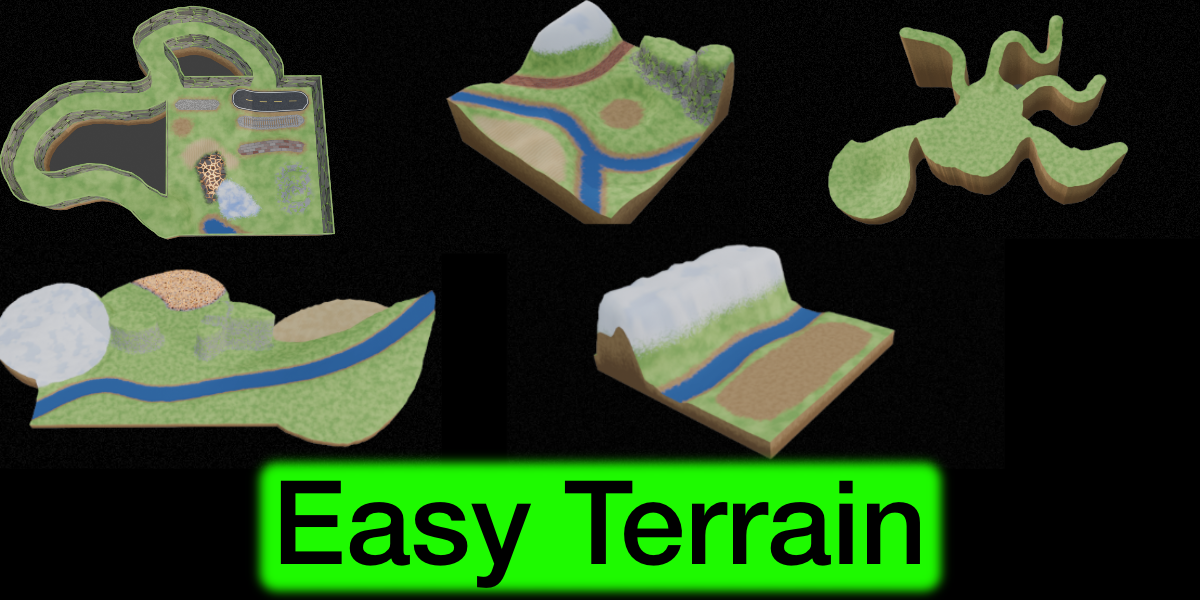
Build a complete low-poly game world in minutes. Easy Terrain generates an adjustable ground and lets you shape it with simple curves: draw a river, lay a road, raise a cliff, fence the land with walls. The terrain rebuilds itself live while you work. Everything is procedural, so you don’t need any image textures.
Easy House
Easy River
Easy Sea Wave
Easy Plant
Easy Room
What You Can Build
  • Ground: square or circular land with adjustable size, resolution, soil thickness, rolling hills, a flat center area and optional stepped terraces.
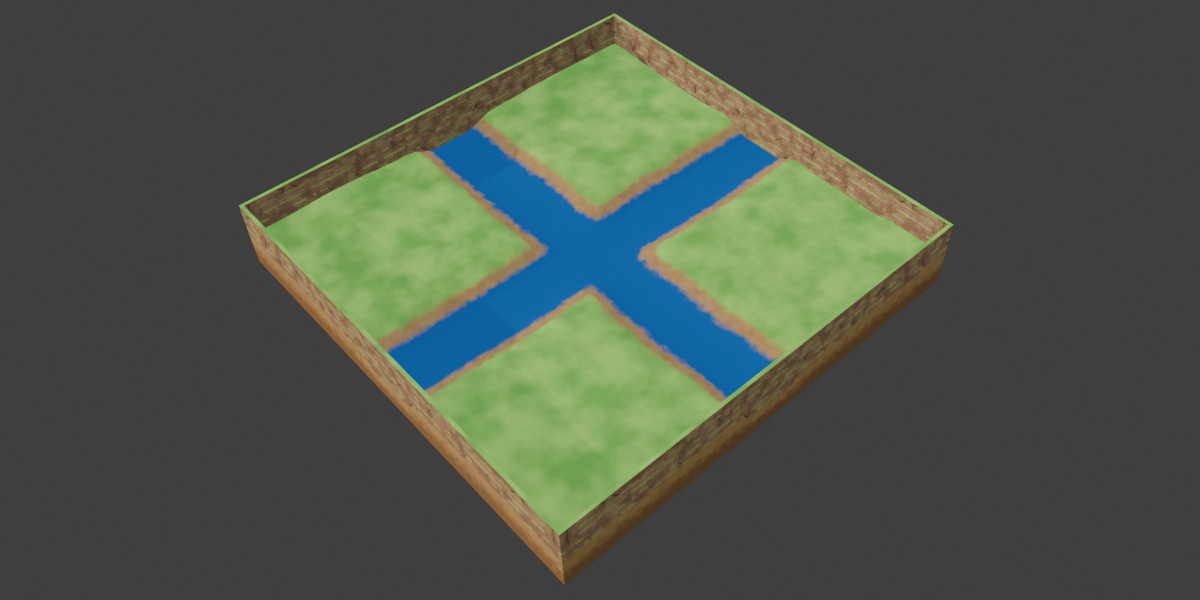
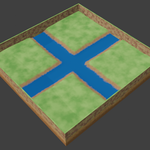
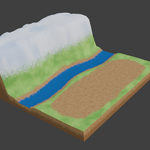
  • Rivers: carve winding river channels with adjustable width, depth, banks and river bed color. Rivers can flow downhill from raised areas.
  • Cliffs: draw a closed curve to raise the ground into a plateau with steep stone-mountain rock walls. Adjust the height, wall width and rock roughness, or use a negative height to dig a pit. Move individual curve points up and down to make one side of a cliff higher than the other.
  • Yards: grass-free clearings for houses, with a smooth slope to the surrounding land.
  • Walls: house-style walls on the left, right, front and back edges, each switched on or off separately. Choose plain, brick, stone wall or mud wall material, with optional grass on top and small patches of grass on the wall.
  • Roads: stone, brick, dirt and vehicle roads that follow the hills, with center and edge lane lines. Choose which road lies on top where roads cross.
  • Railways: a gravel bed with real 3D sleepers and steel rails that follow the terrain.
  • Deserts: rippled sand with rolling dunes.
  • Snow fields: soft white drifts with a bluish shade in the hollows.
  • Lava ground: dark cooled-rock plates split by glowing lava cracks.
  • Land extensions: extension curves that grow the ground beyond the original square.
Easy to Control
  • Curve-driven: every feature is a Bezier curve. Add, move and reshape curves, and the terrain updates.
  • Direct editing in Object Mode: click a curve point, press G to move it, or double-click a curve to add a point. No Edit Mode needed.
  • Raise or lower a point with G then Z, or enlarge and shrink the land around a point with Alt+S.
  • Curve list in the side panel: select a curve in the 3D view and the list jumps to it, and the other way around.
  • Layer order: move curves up and down to decide which one lies on top.
  • Reset icons on every section, so you can always return to the default look.
  • Colors and sizes for grass, dirt, rock, lava, railway and more can be changed in the Material panel.
Game-Ready Export
  • Mark Seam & Unwrap UV: marks seams on sharp edges and unwraps the UVs of the terrain and its walls with one click.
  • Export GLB: bakes the terrain material into a texture and exports the terrain, walls and rails as a .glb file for game engines that support glTF.
Requirements
  • Blender 5.2 or newer
Who Is It For?
Game developers, indie creators and 3D artists who need a quick, good-looking low-poly world for farming games, adventure games, dioramas, prototypes or animation backgrounds.

$17.58$15.82

Have questions about this product?
Login to message

Details
Blender Extension Compatible Yes
Dev Fund Contributor
Published about 8 hours ago
Blender Version 5.2
Extension Type Add-on
Render Engine Used Cycles, Eevee
License GPL