 Onion365studio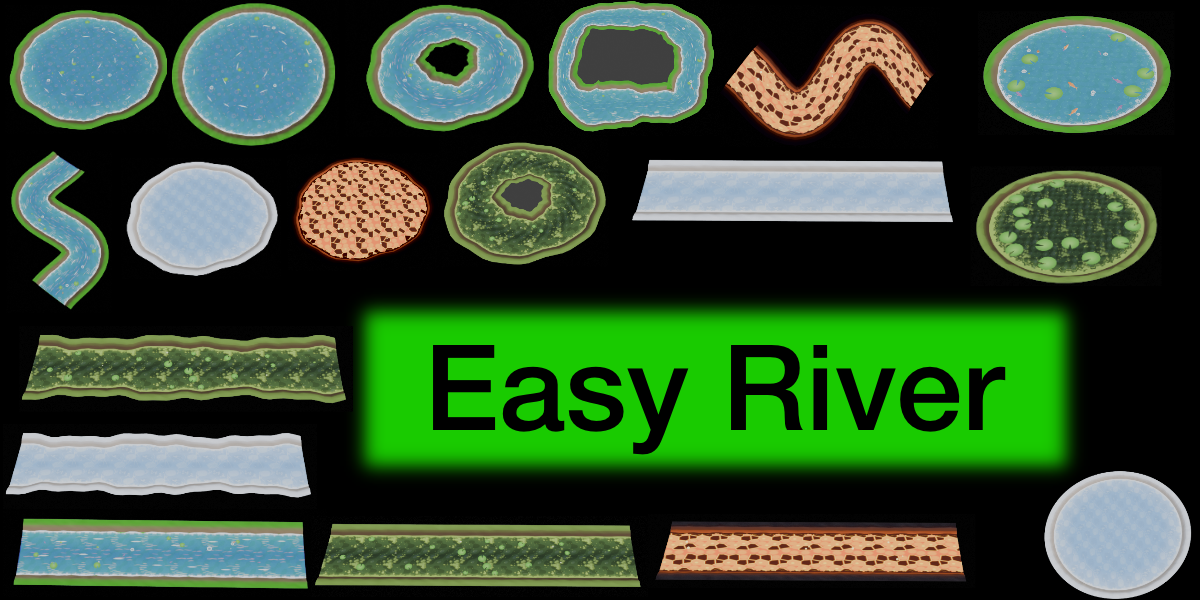
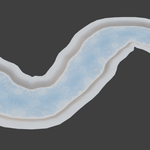
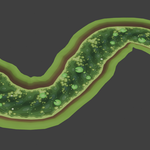

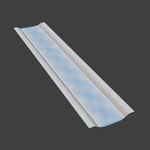
Easy River – Stylized Low-Poly River, Lake, Lava & Ice Generator for Blender
Draw a curve, click a button, and get a cute, anime-style low-poly river with a looping flow animation, ready to export to your game engine as a single .glb file. The look is inspired by cozy farming games.
One add-on, four environments
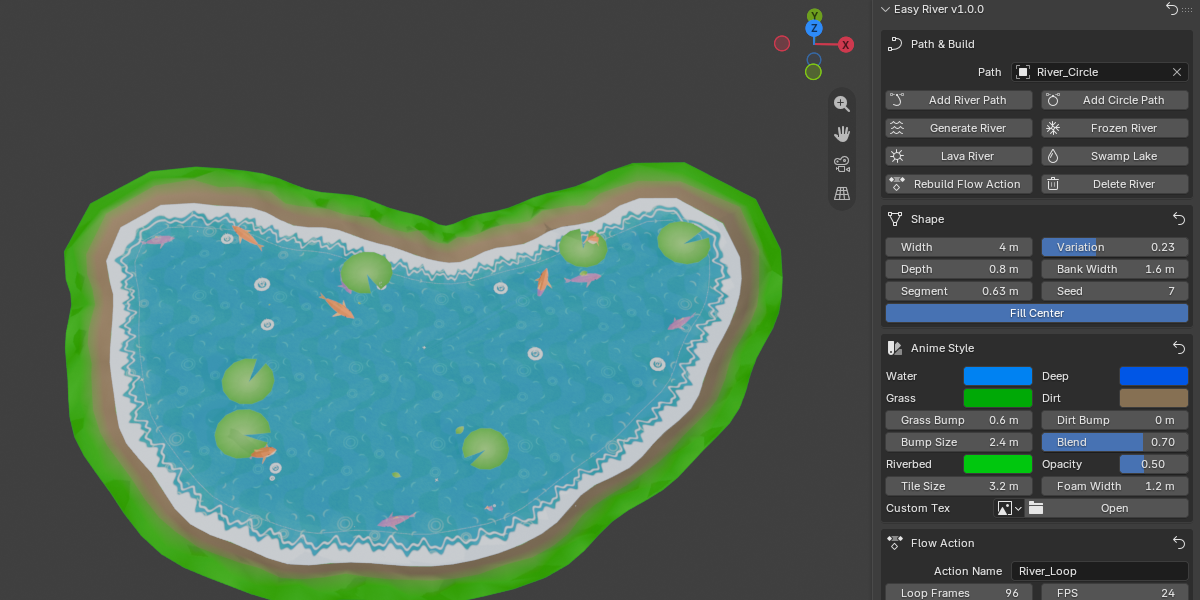
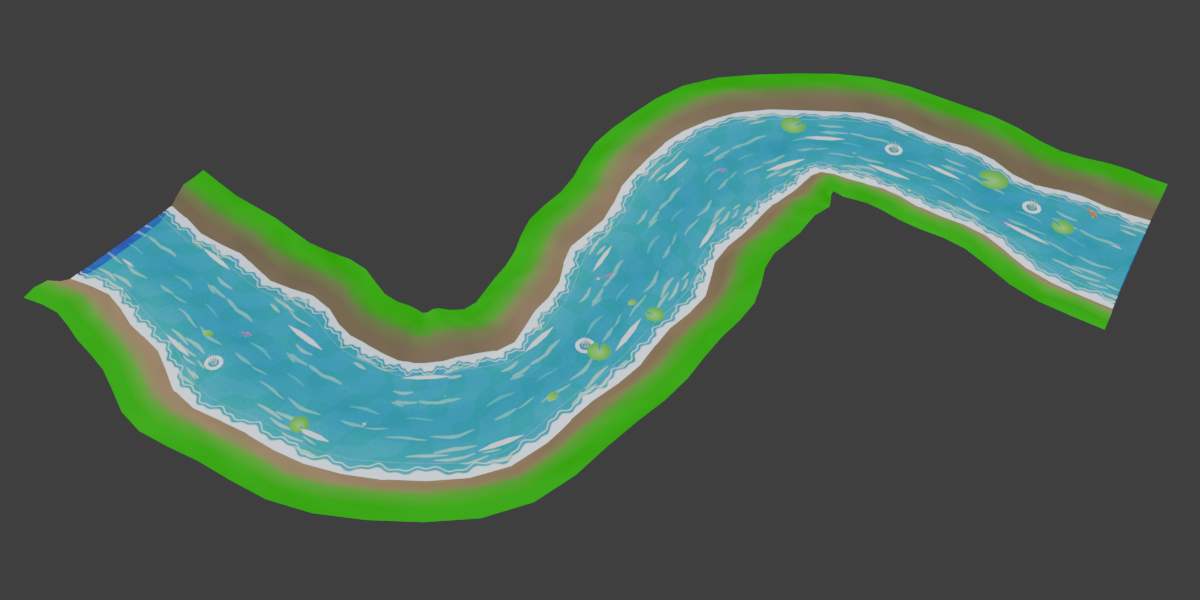
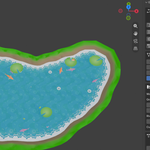
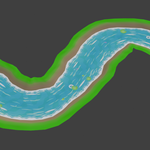
- River: flowing water with flow marks, floating leaves, lily pads, sparkles and splashes
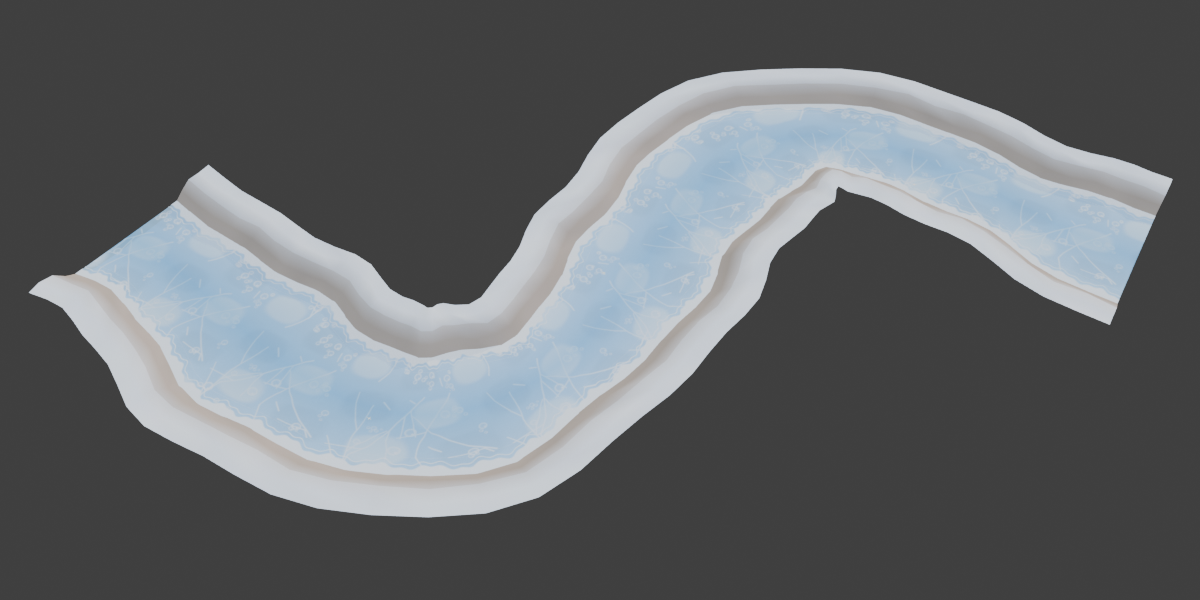
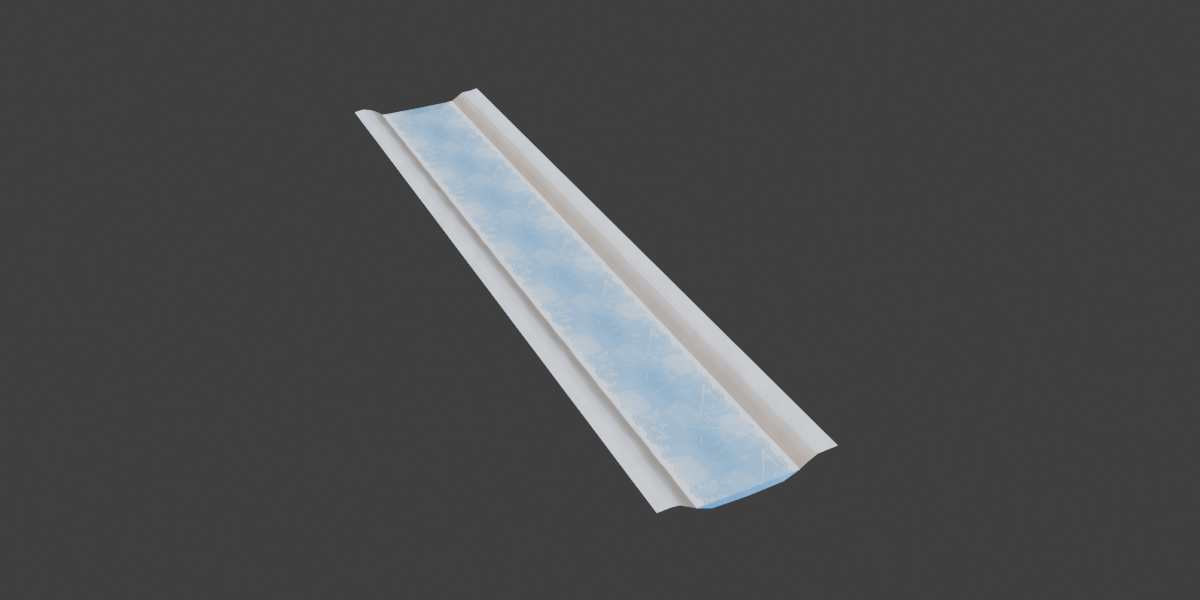
- Frozen River: translucent cracked ice with frozen-in bubbles and snowy banks
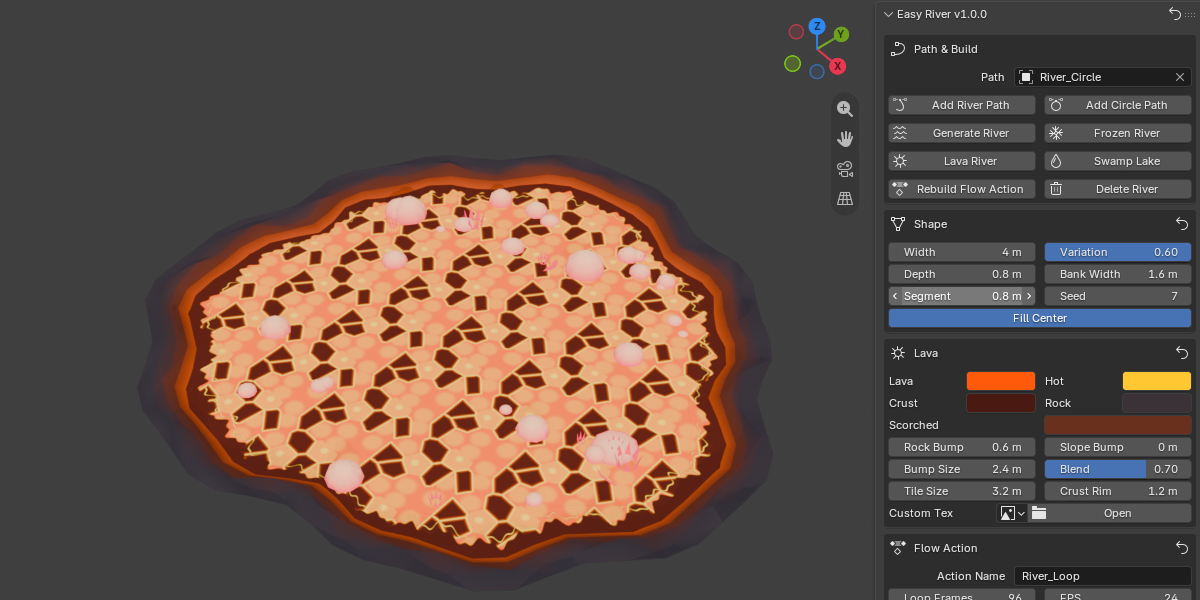
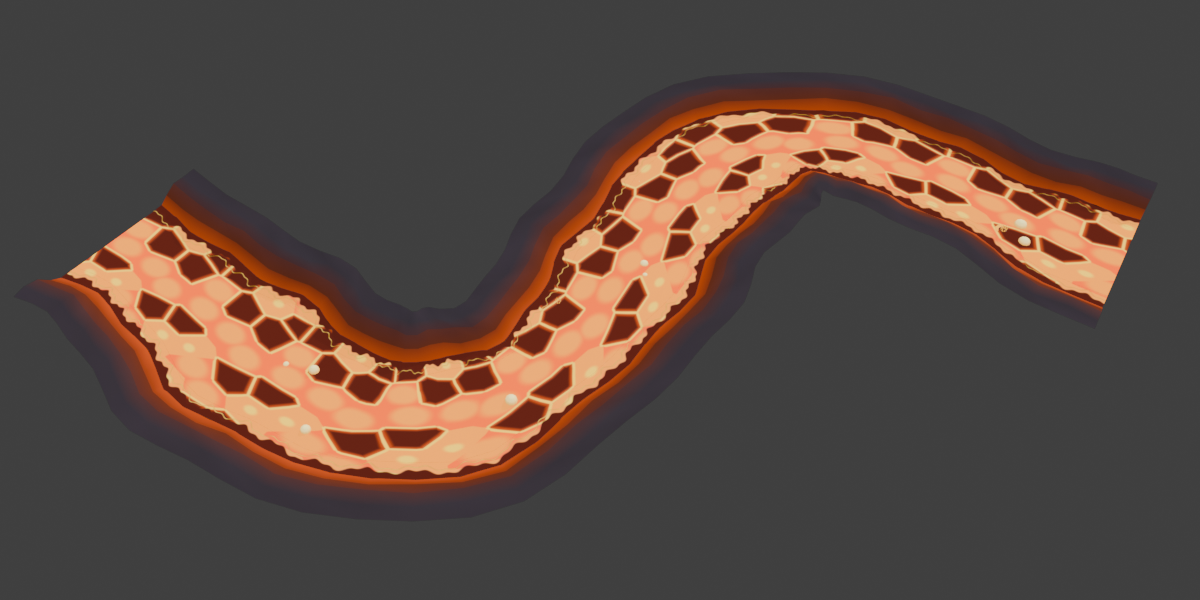
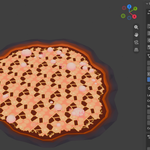
- Lava River: glowing lava with dark crust plates, popping bubbles and volcanic banks
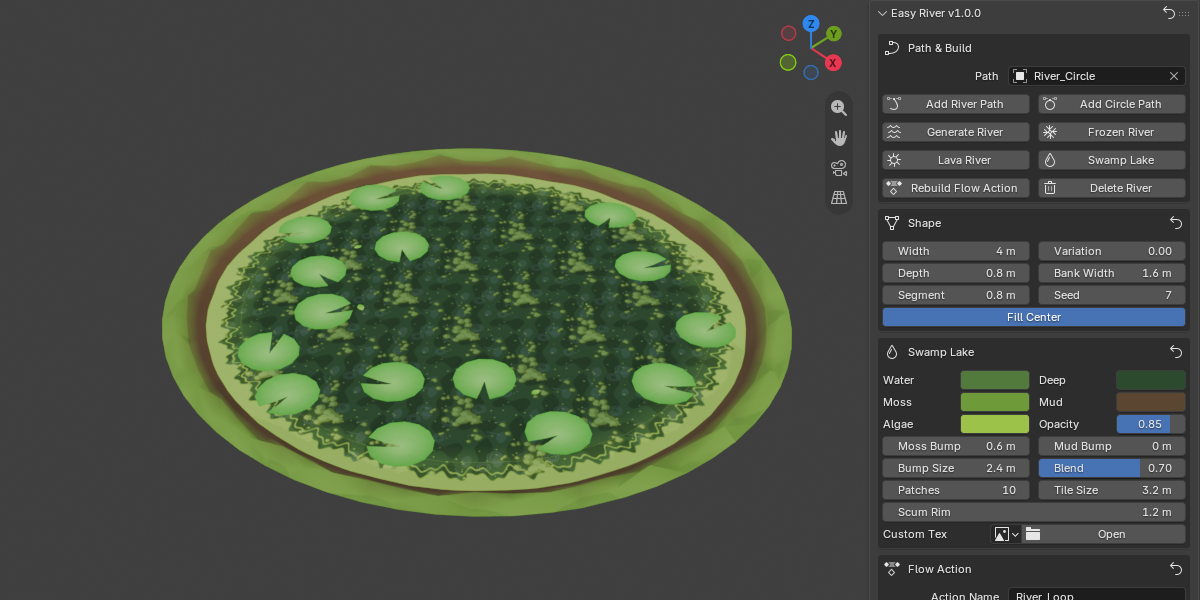
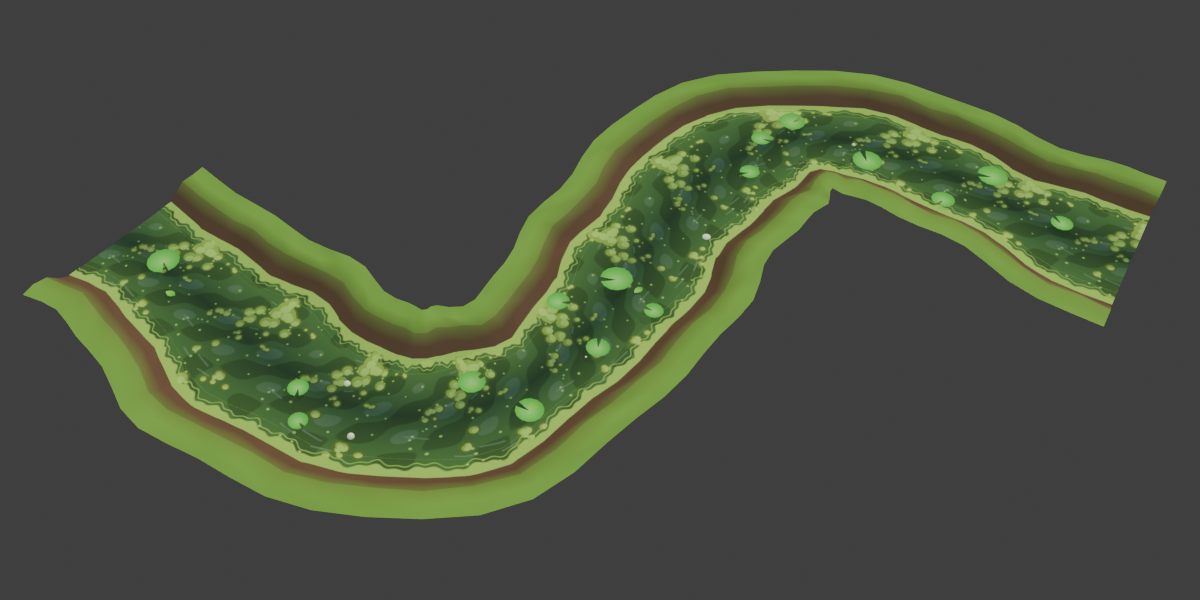
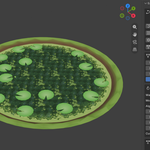
- Swamp Lake: murky water with algae, lily pads and gas bubbles
Features
- Build along any curve, or generate a circular river ring or lake with one click
- Swimming fish that also jump out of the water, with splashes
- Looping flow animation that you can rebuild at any time
- Live preview: change a setting and the river updates in the viewport
- Control over width, width variation, seed and colors
- Use your own models for leaves, lily pads, sparkles and fish (up to 3 per type)
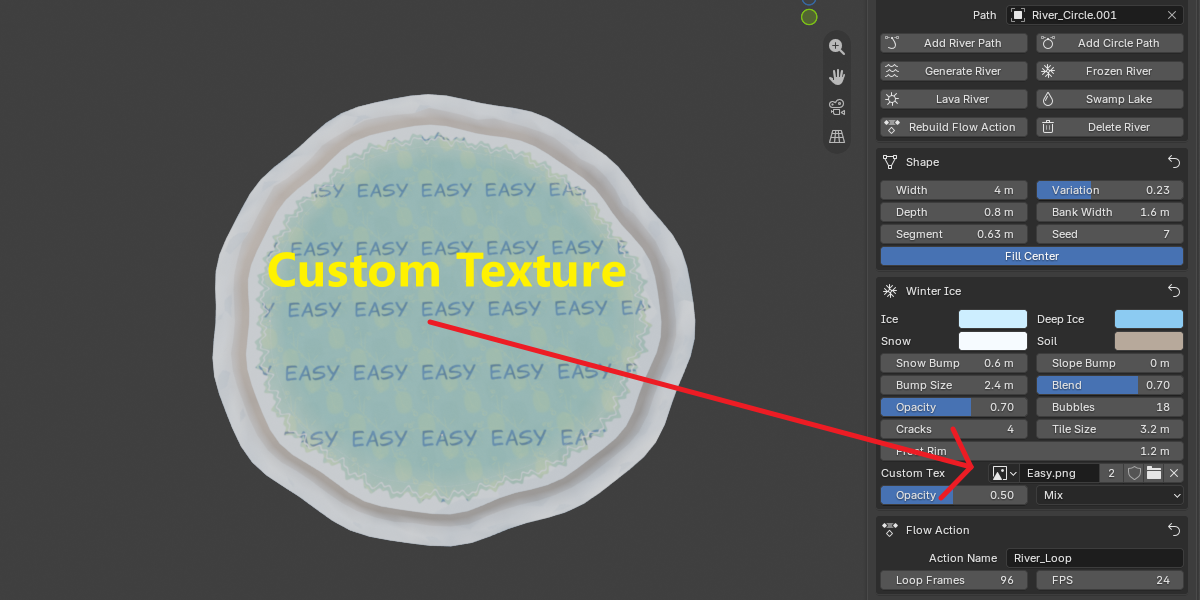
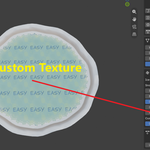
- Add your own water texture, with Opacity and Blend control (Mix / Multiply / Add)
- Optional fish-jump sound, played in time with the animation
- Reset buttons for every section, so you can always go back to the defaults
Game engine ready
- One-click Export GLB includes the river and its flow animation
- Seamless looping animation, with adjustable length and FPS
- Also exports the river texture and helper files for scrolling it in game
- The fish jump sound is exported with a ready-made script
- The .glb can be imported by any engine that supports glTF
How to use
- Open the sidebar (N) → Easy River tab
- Click Add River Path or Add Circle Path, and shape the curve
- Click Generate River (or Frozen River / Lava River / Swamp Lake)
- Adjust the settings, then click Export glb
Requirements
- Blender 5.2.0 or newer