 StillMount Studios

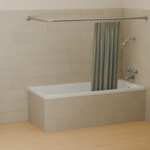
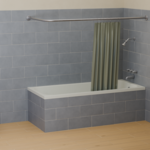
Easy Tile Generator
Procedural tiling for floors, walls and custom surfaces.
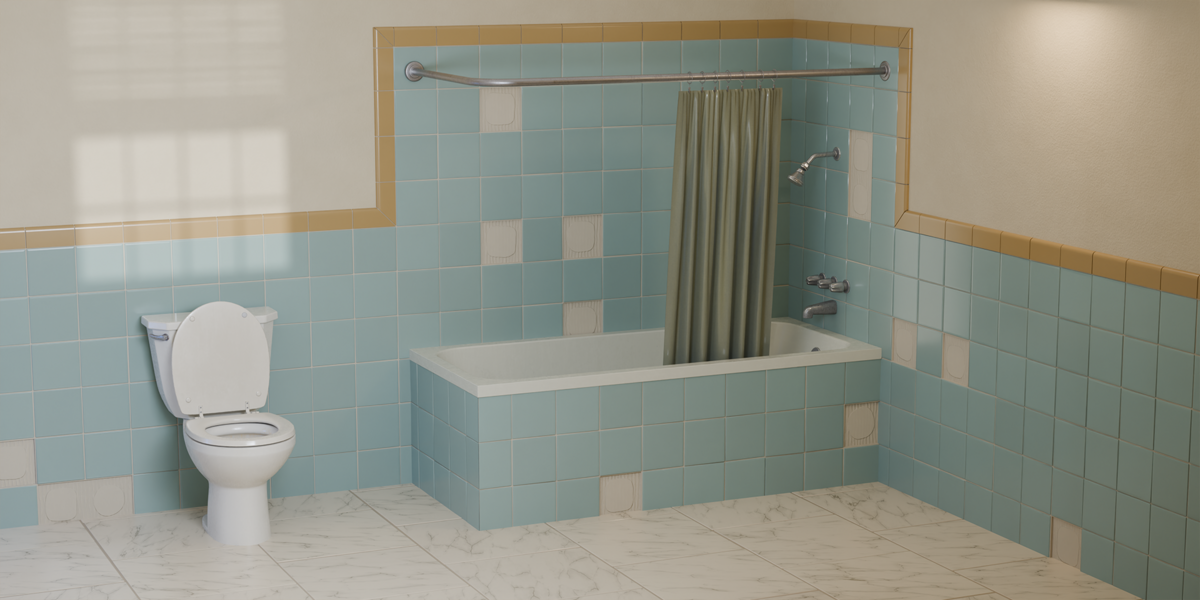
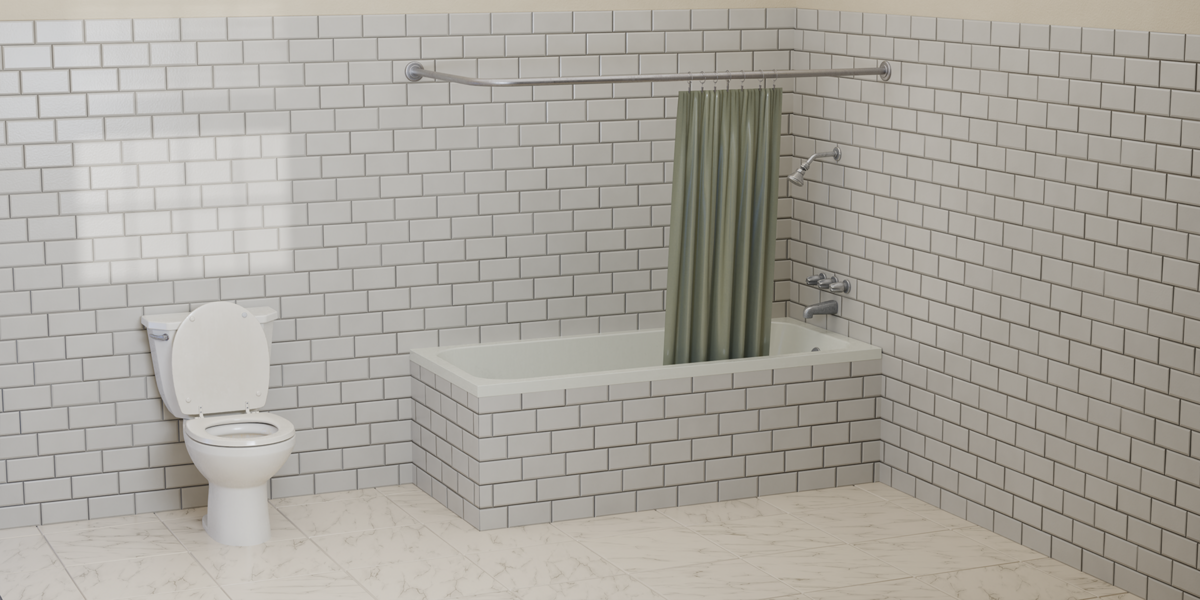
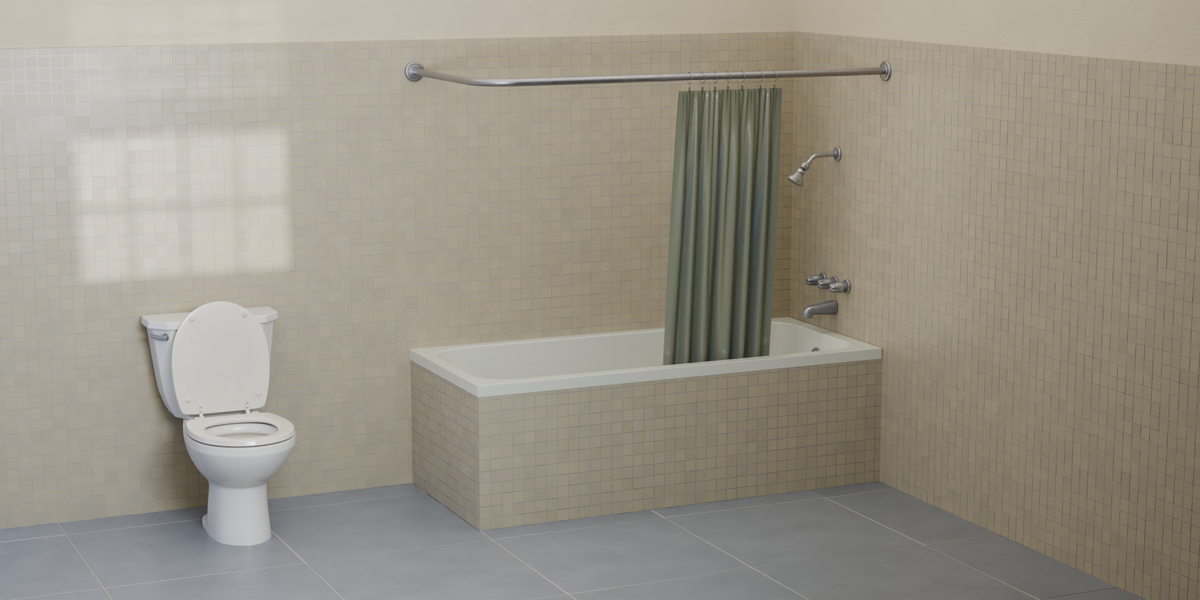
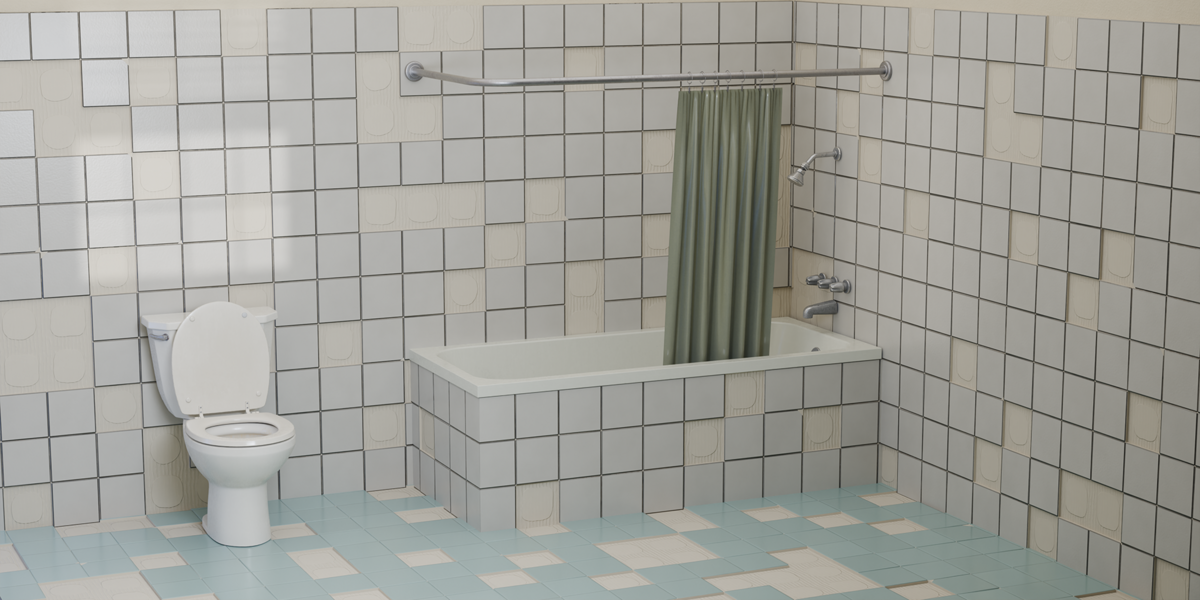
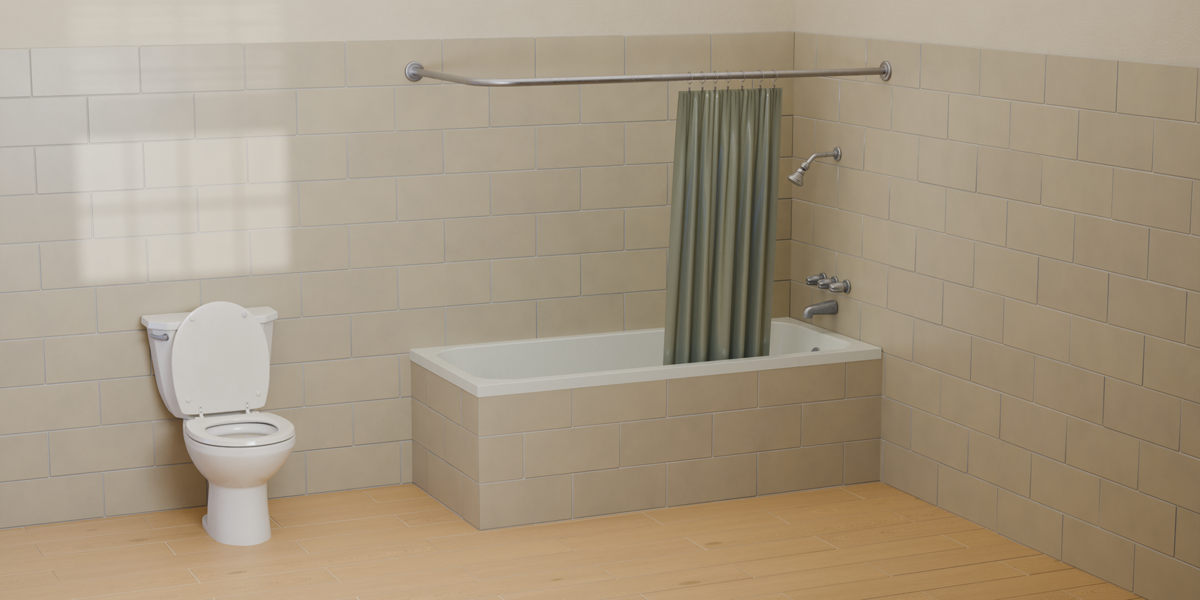
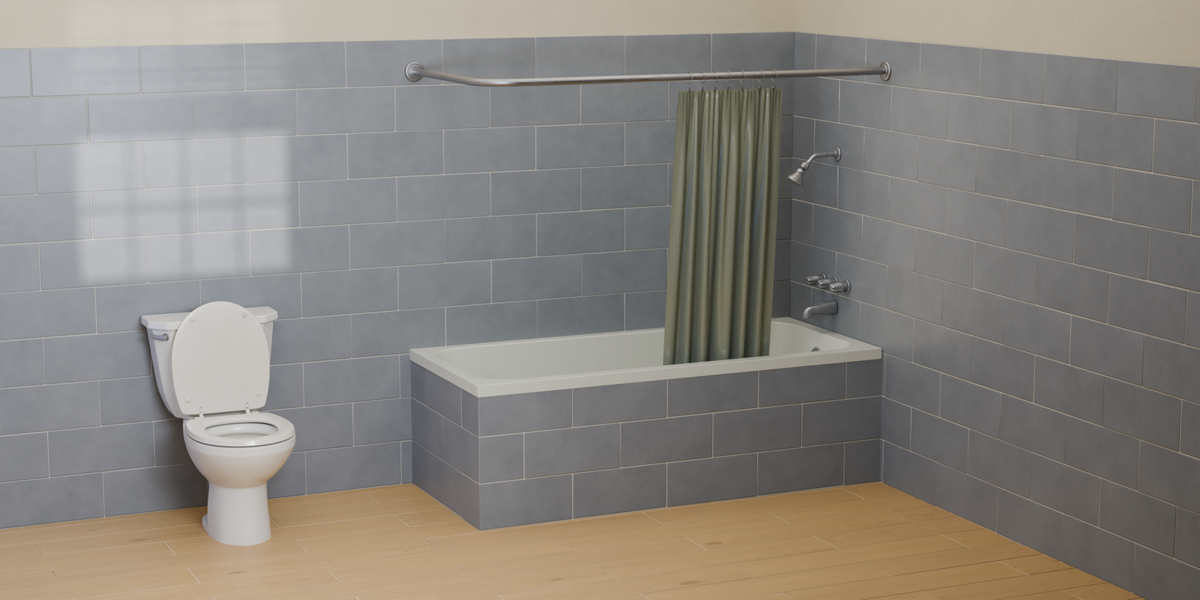
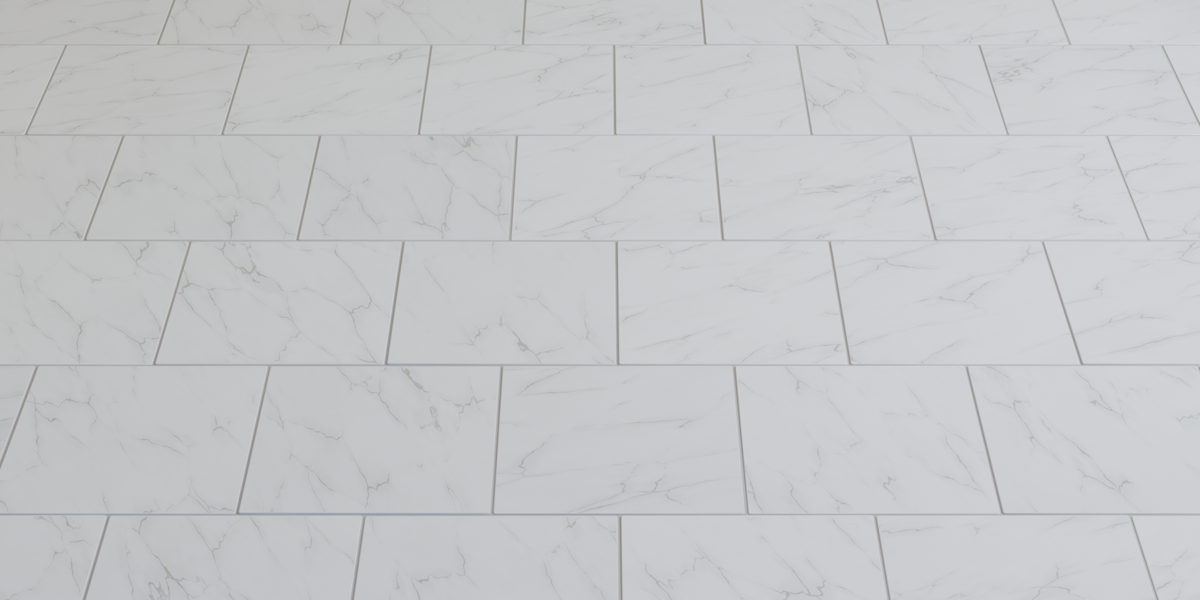
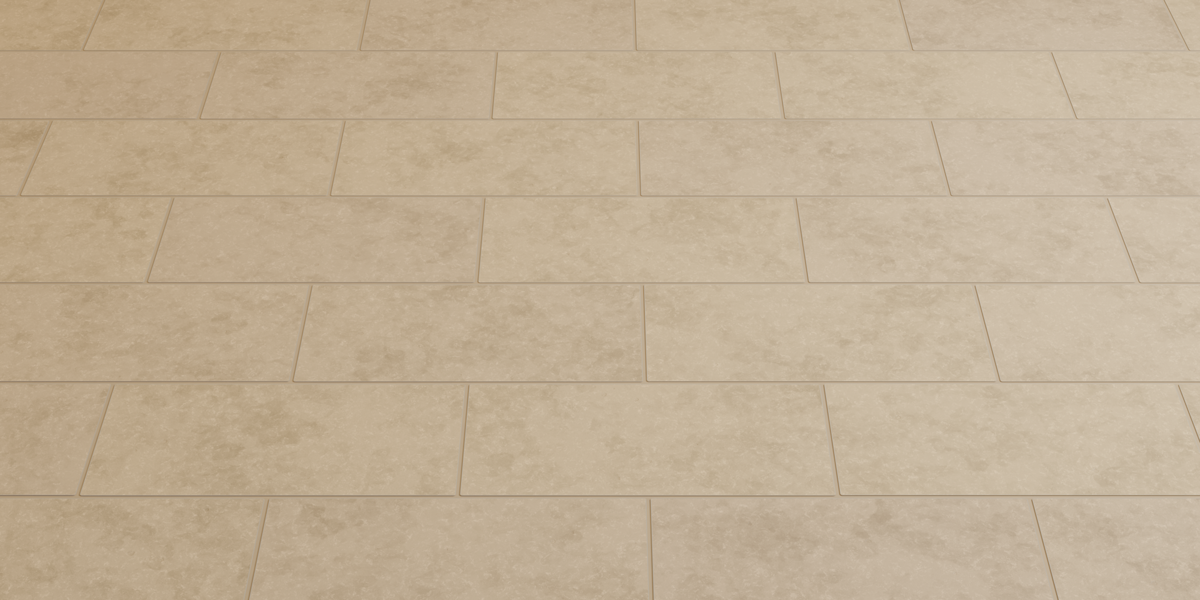
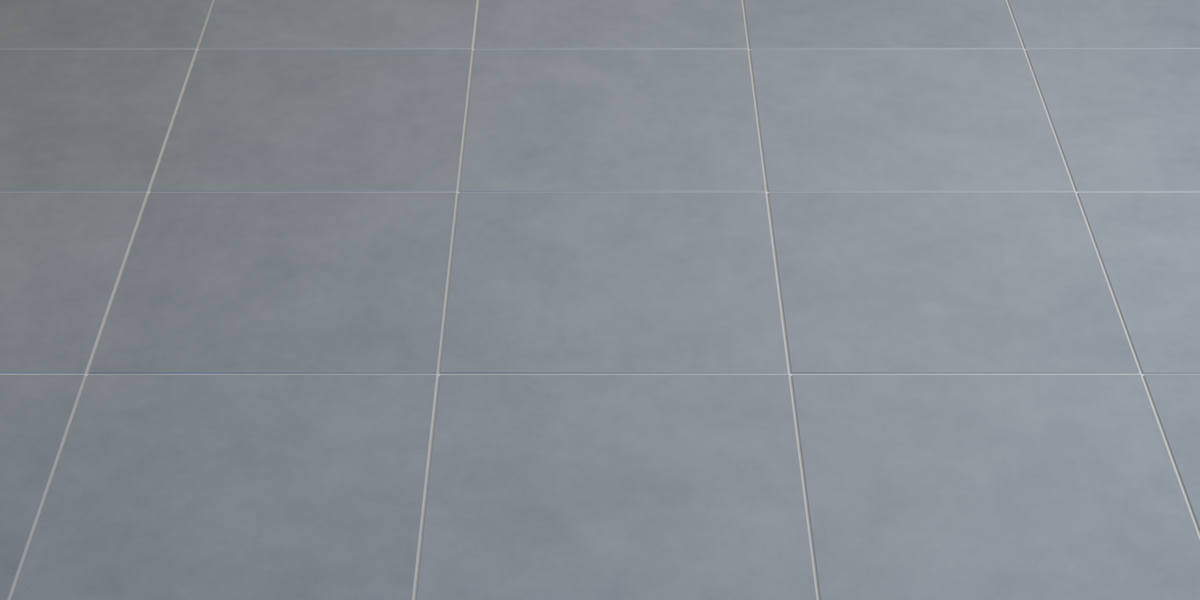
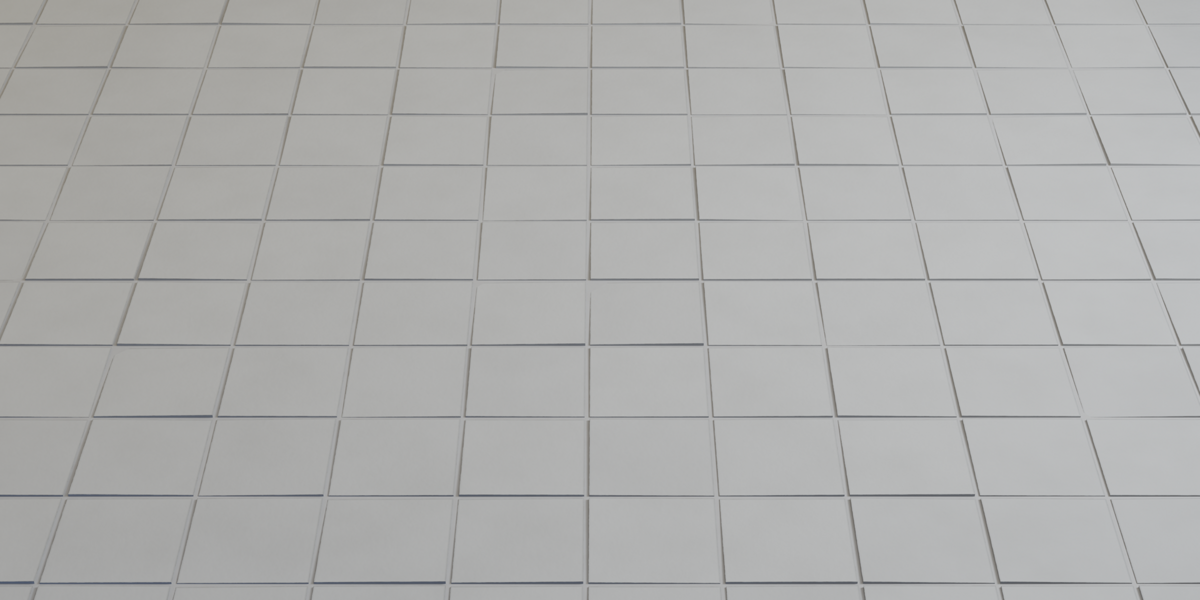
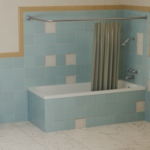
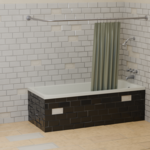
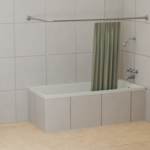
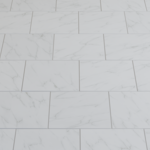
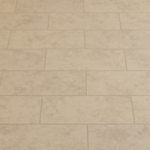
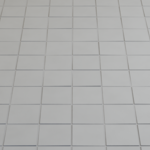
Create realistic tiled surfaces with an editable Geometry Nodes setup. Choose your tile format and layout, adjust the profiles and grout, and add natural imperfections or missing tiles. Five procedural materials are included to customize the look of your scene.
Geometry Nodes • 5 Procedural Materials • No Add-ons Required
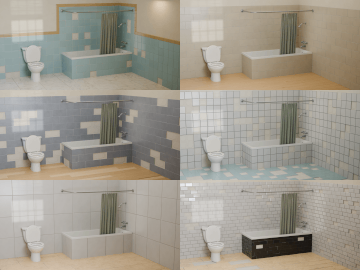
Easy to Use
Choose a generator object and adjust the settings directly in the modifier. Create a regular tiled grid or use a mesh as the target surface, then refine the result through the built-in controls.
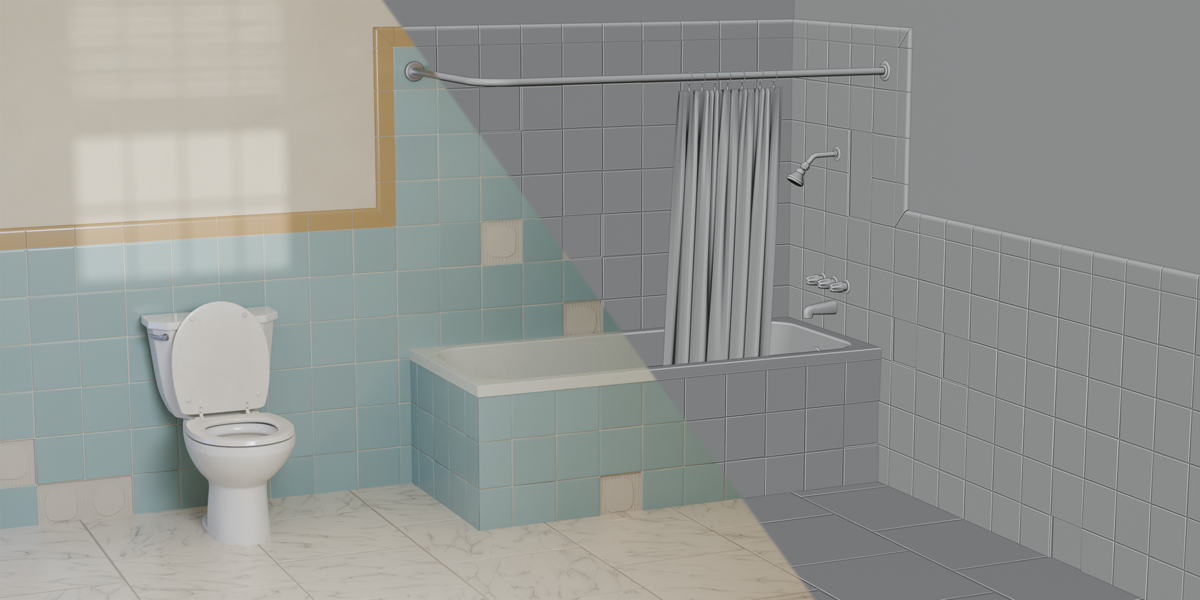
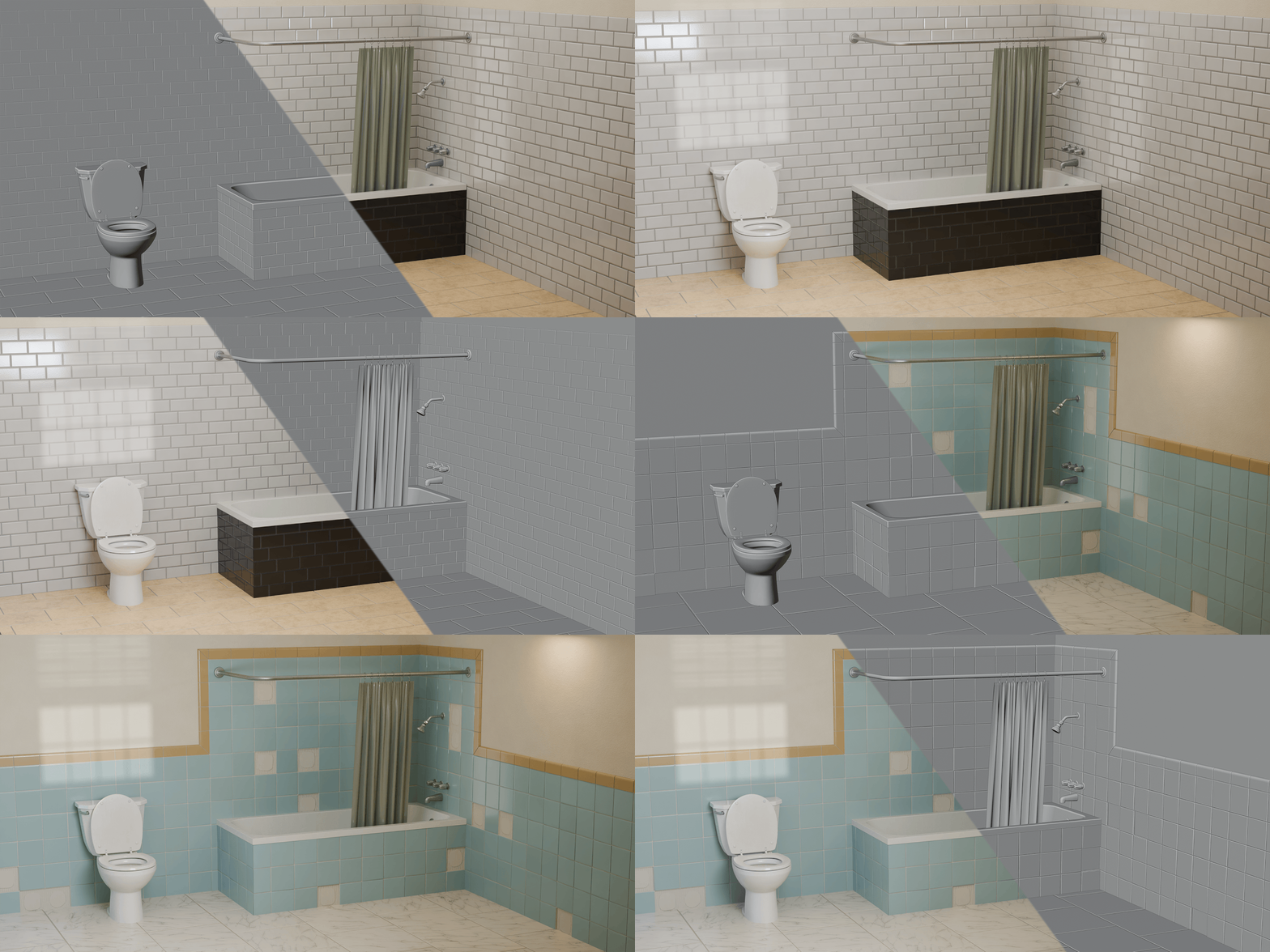
From Geometry to Final Render
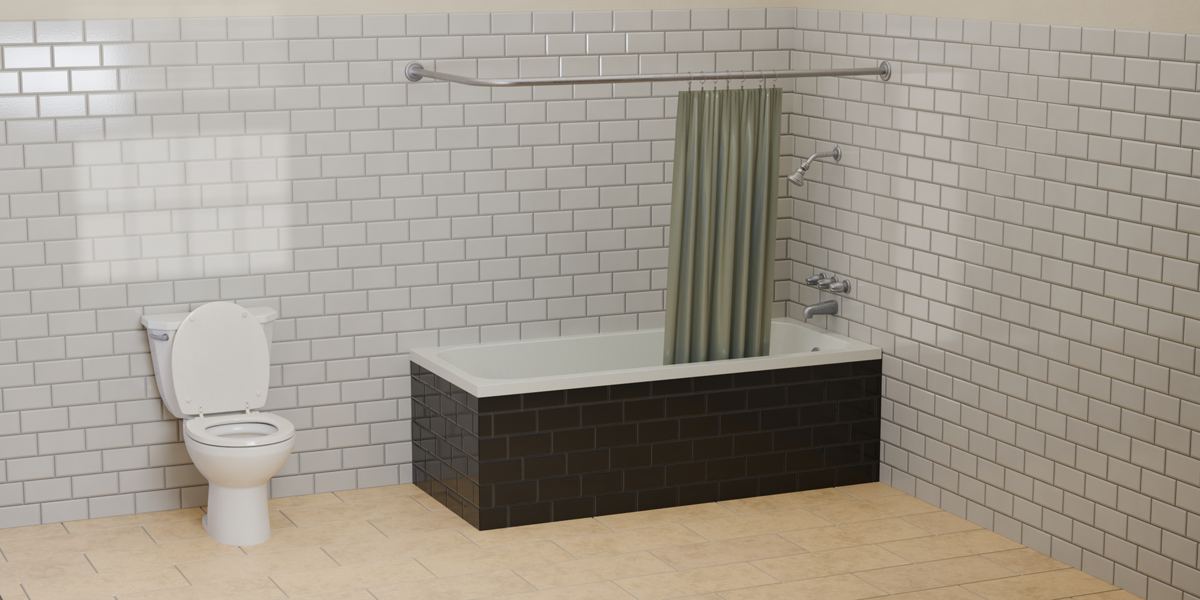
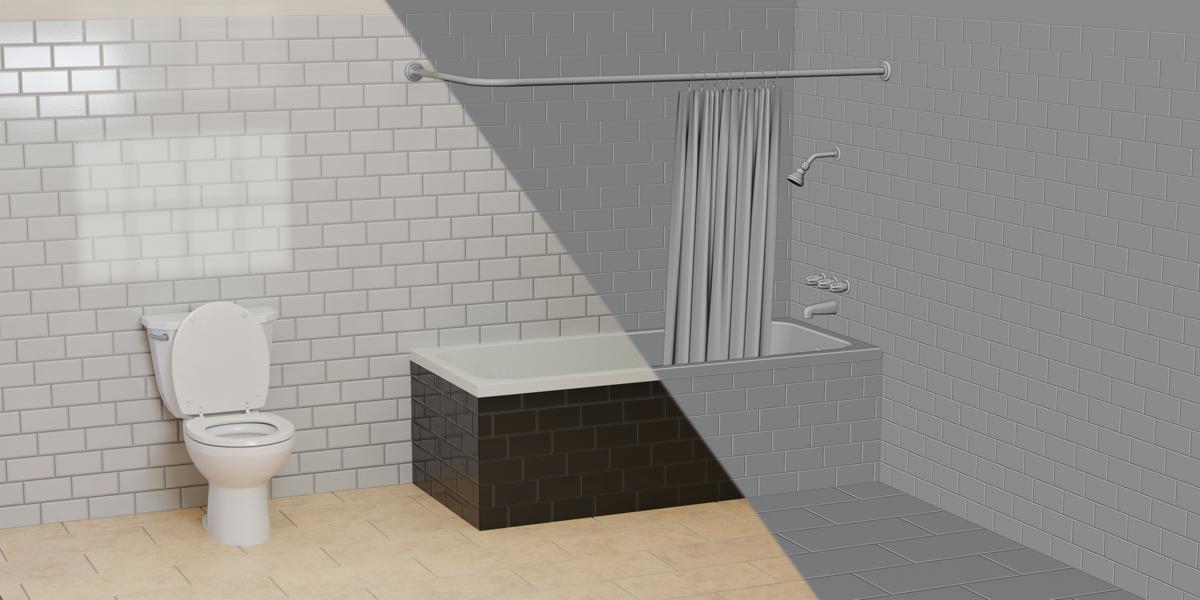
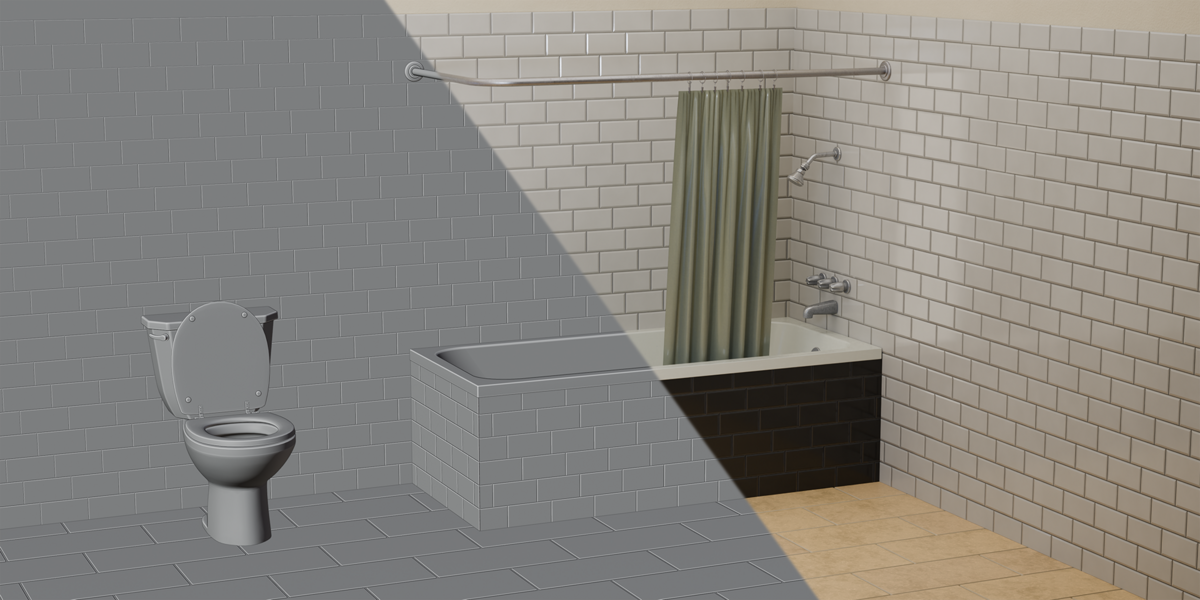
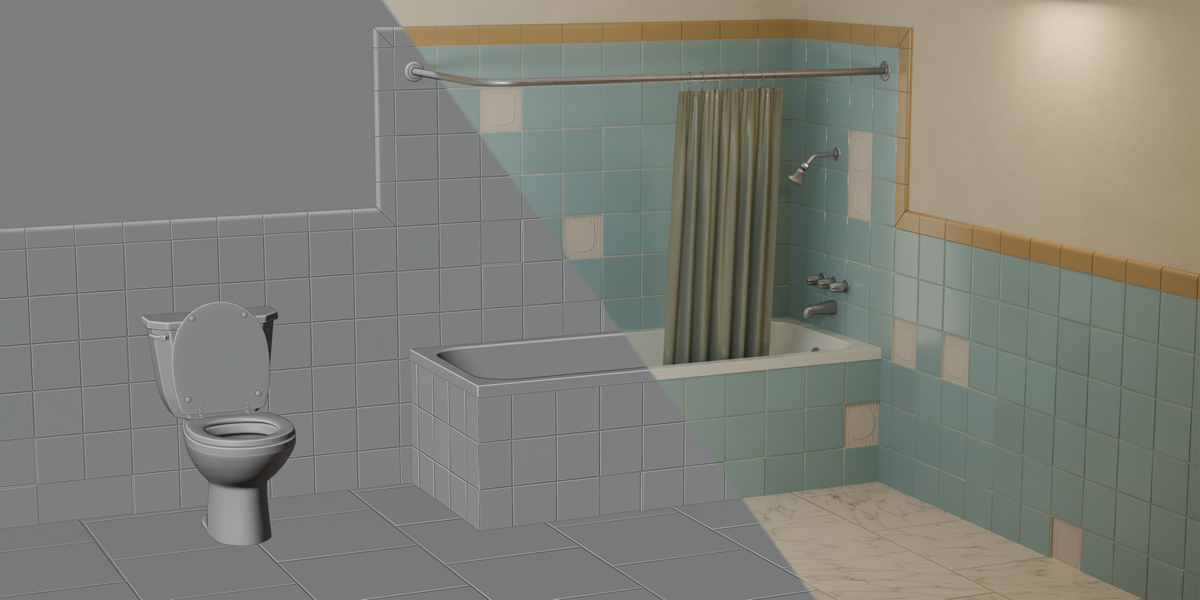
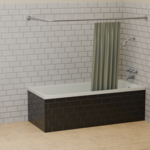
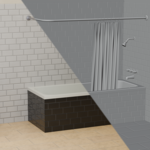
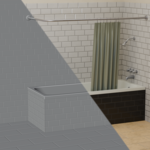
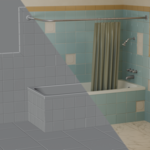
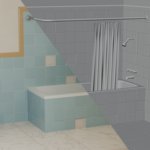
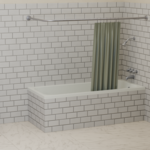
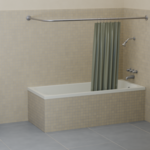
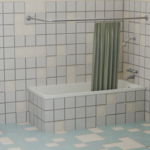
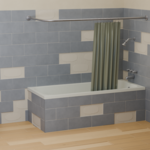
Compare the generated tile geometry with the final rendered result across several configurations. Each split view shows the same 3D scene, with the solid viewport on one side and the finished render on the other.
Surface Modes & Custom Mesh Cutting
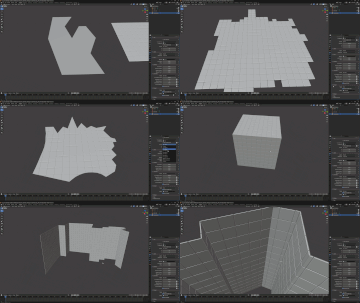
Create floors, walls or tiling across multiple mesh faces. Use your own mesh as the Surface Object and enable Cut to Surface to trim the tiles to its boundaries.
Tile Formats
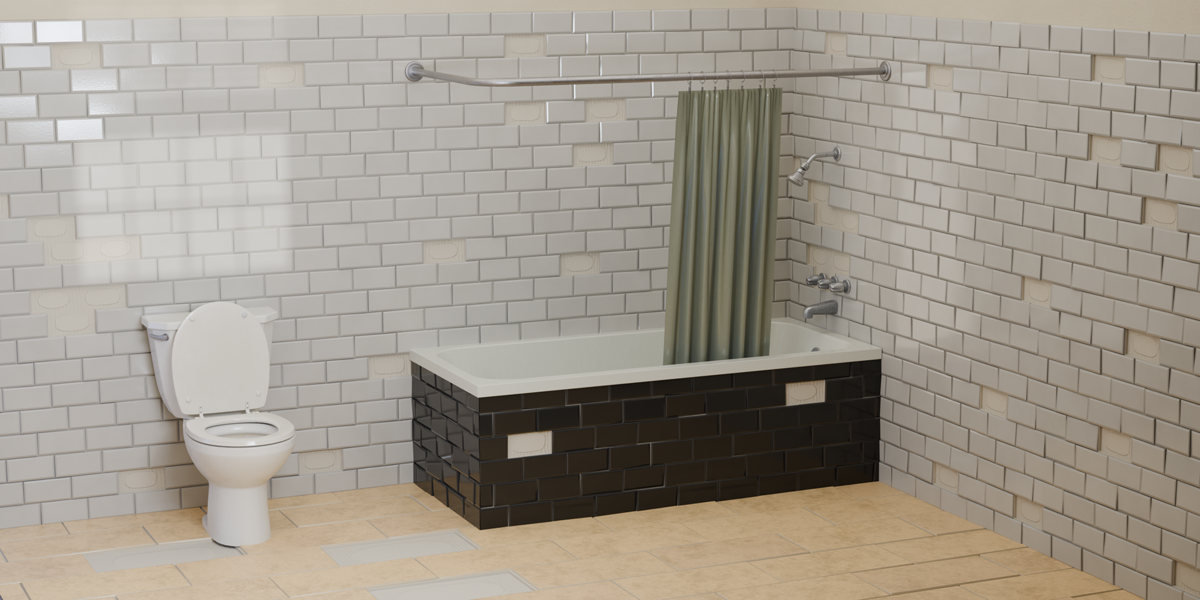
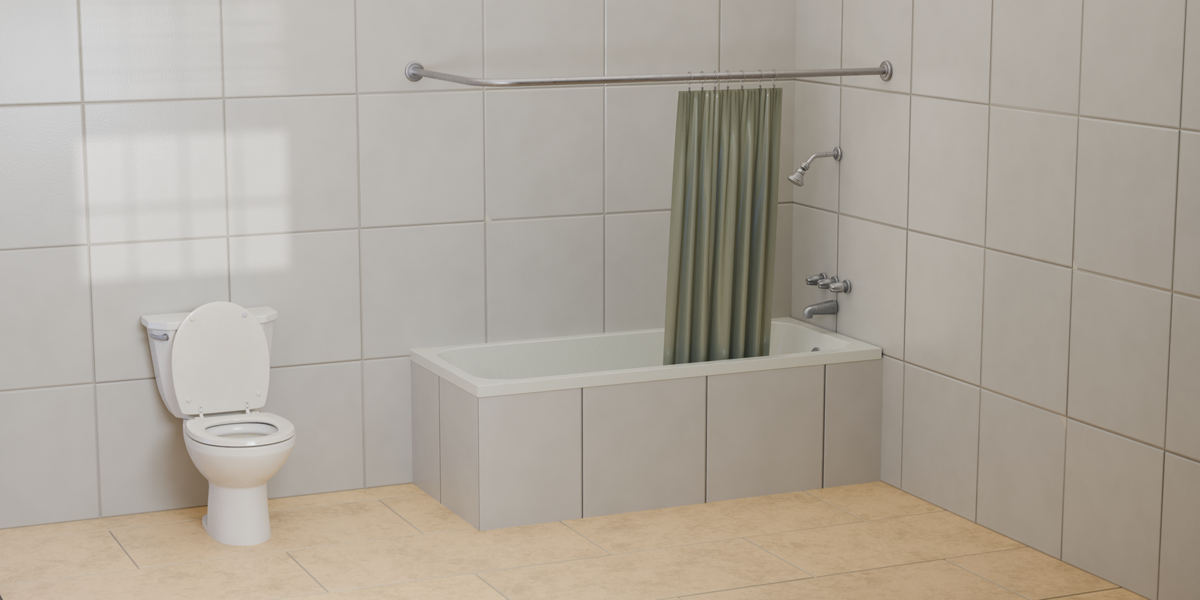
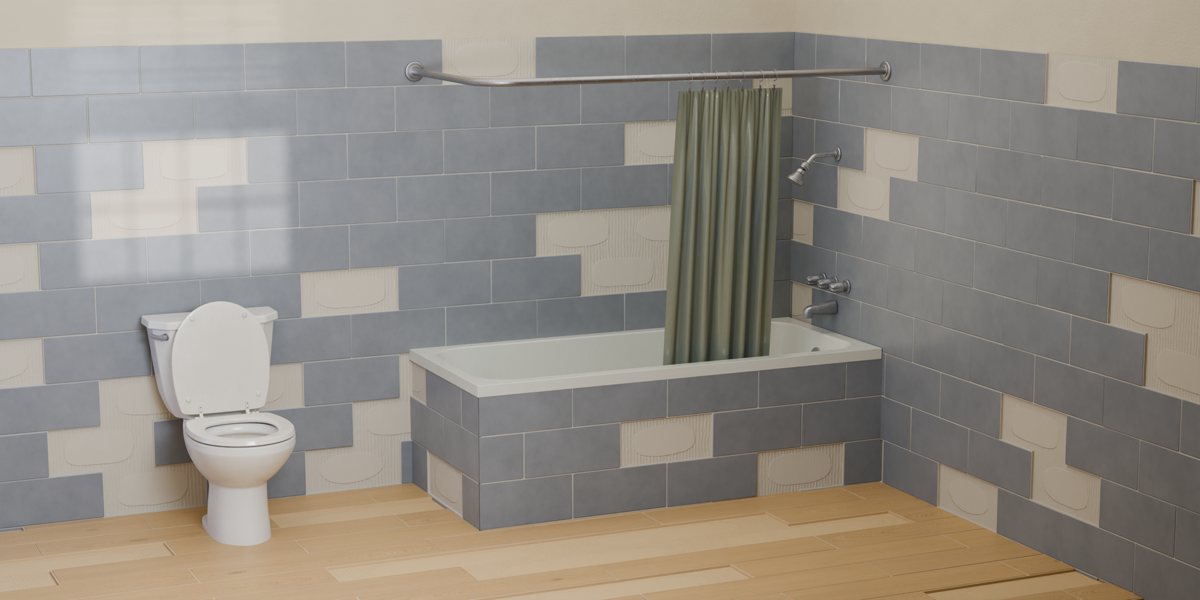
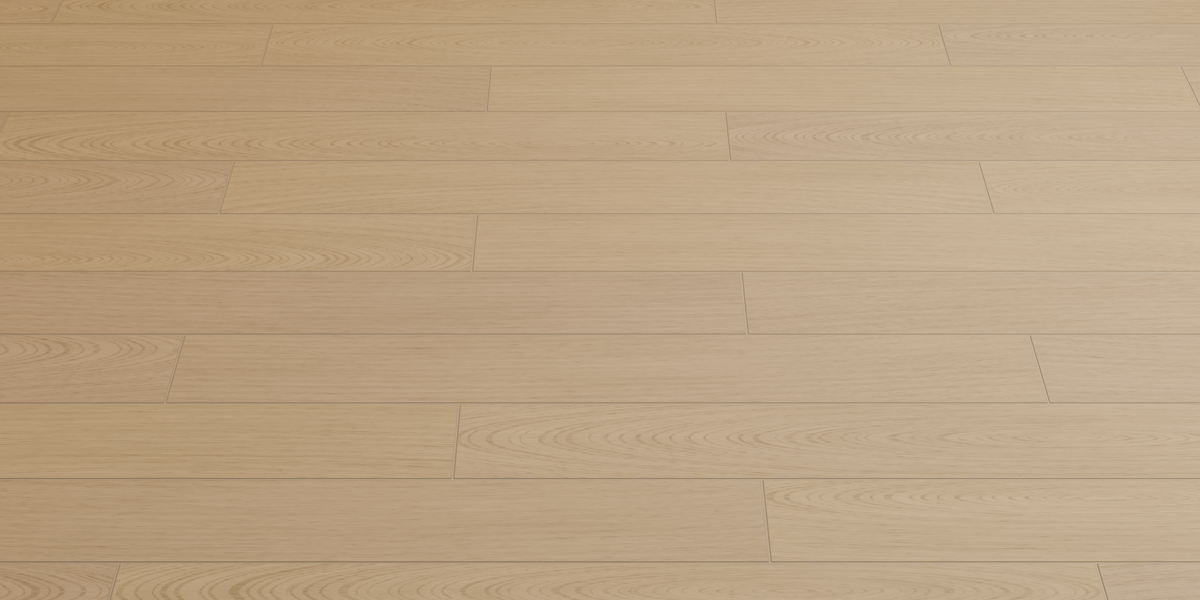
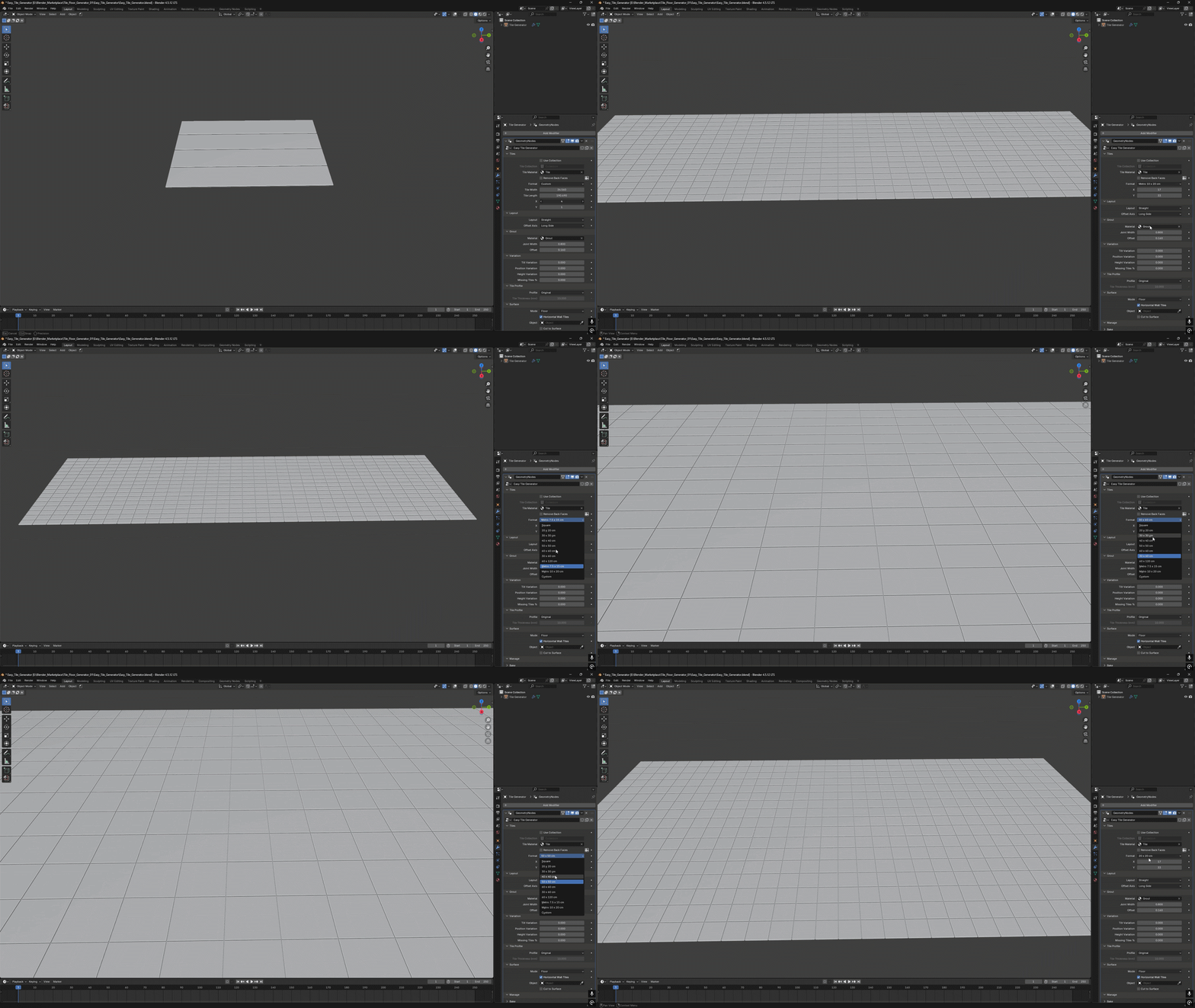
Choose a preset format or define your own width and length. Create square tiles, rectangular tiles, subway tiles and parquet-style planks.
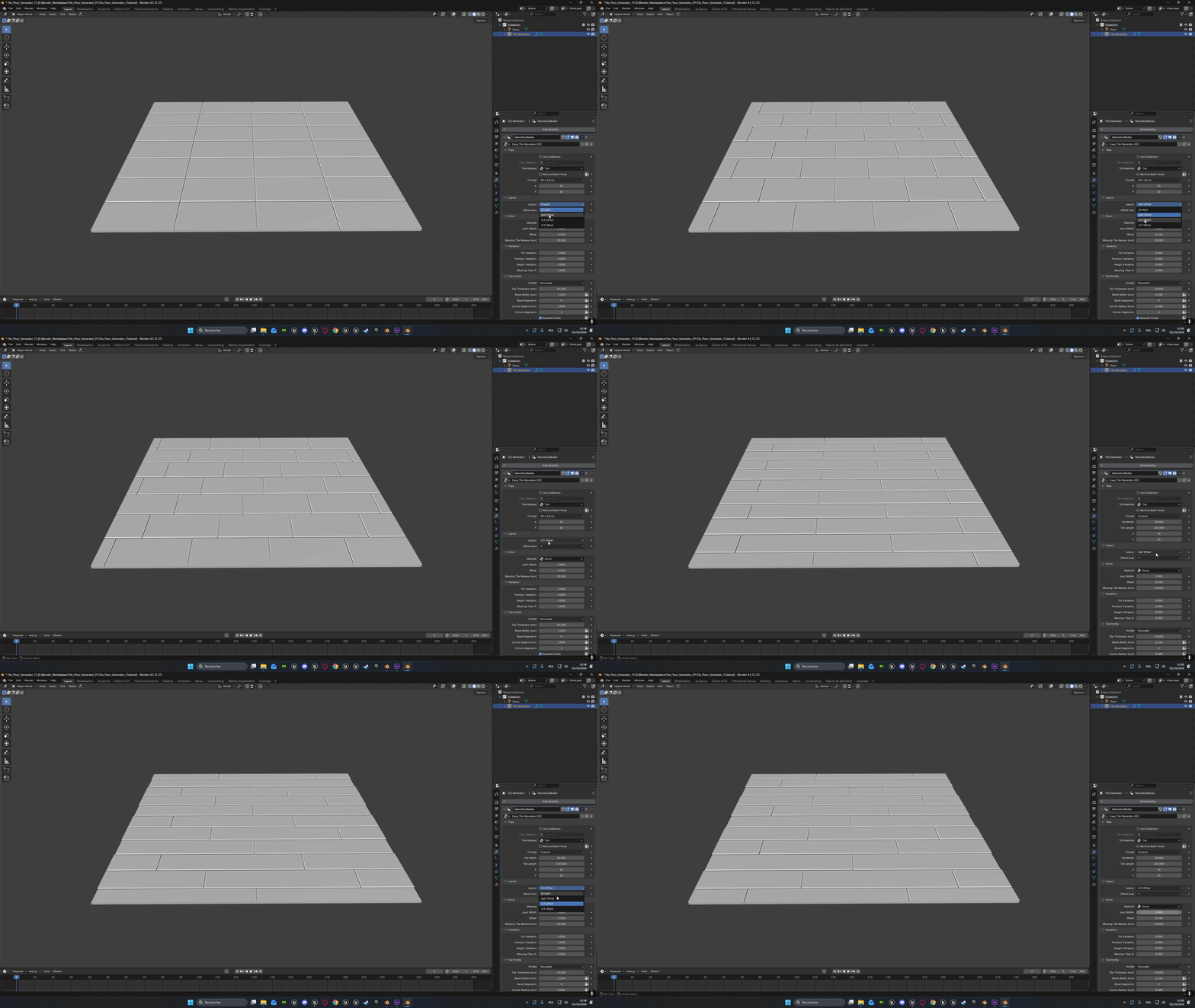
Layout Patterns
Choose a straight layout or stagger the rows with half, one-third or two-thirds offsets. Use Offset Axis to control the direction of the staggered layout.
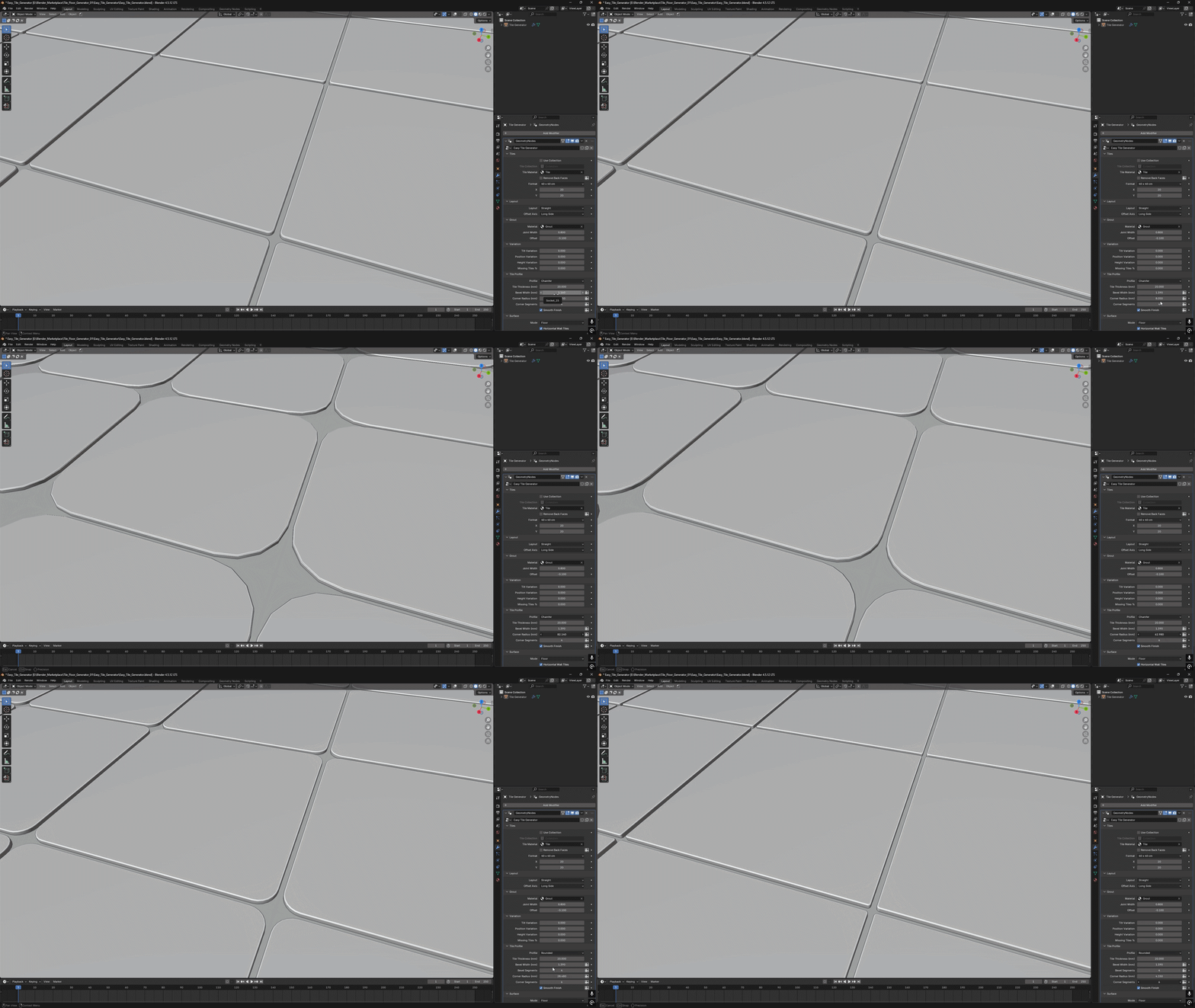
Tile Profiles
Choose Original, Chamfer or Rounded profiles. Adjust the bevel width, corner radius and segment counts to refine the shape of the tile edges.
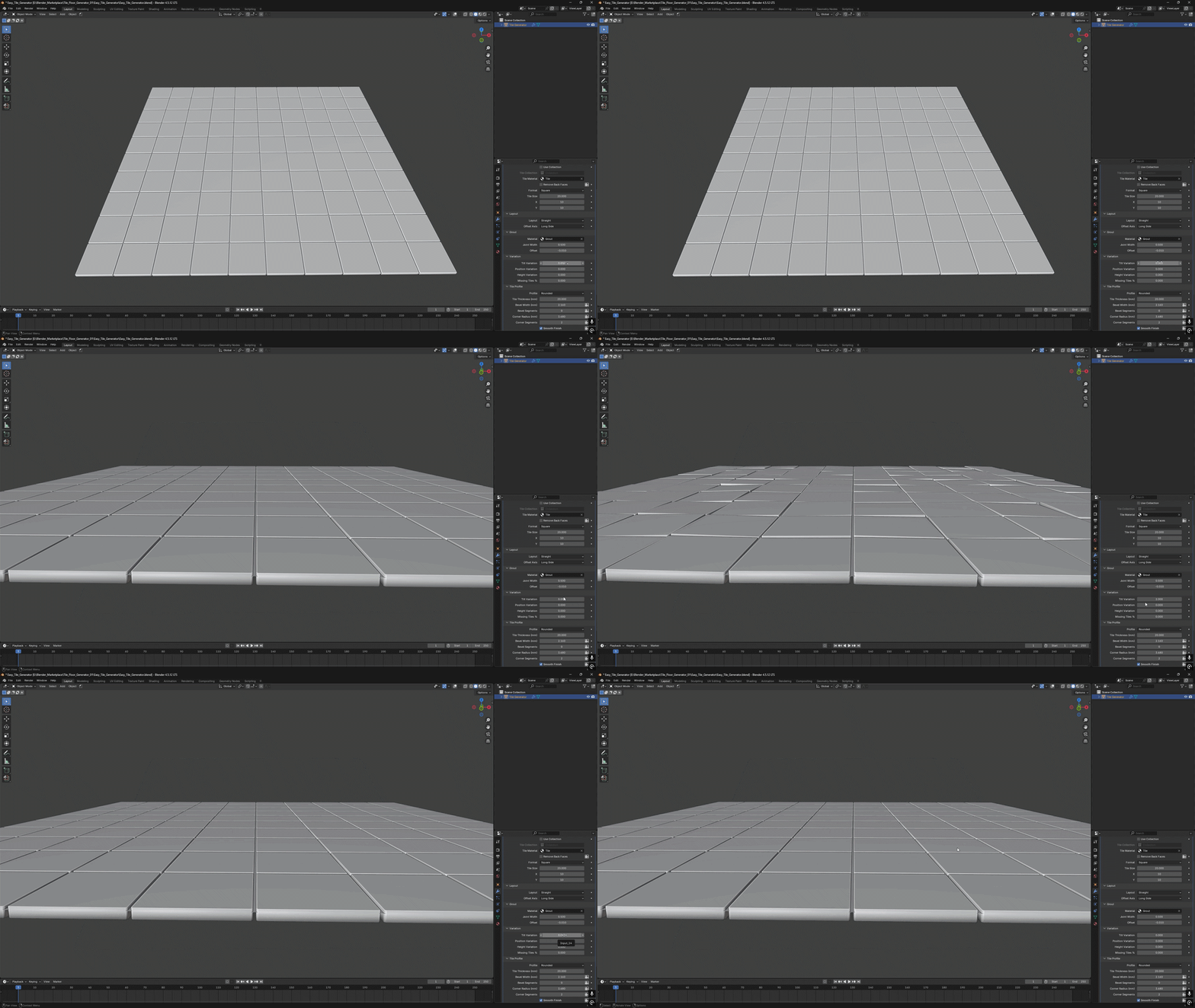
Tilt Variation
Add random tile inclination to create installation imperfections. Keep the variation subtle for a regular surface or increase it for a more uneven result.
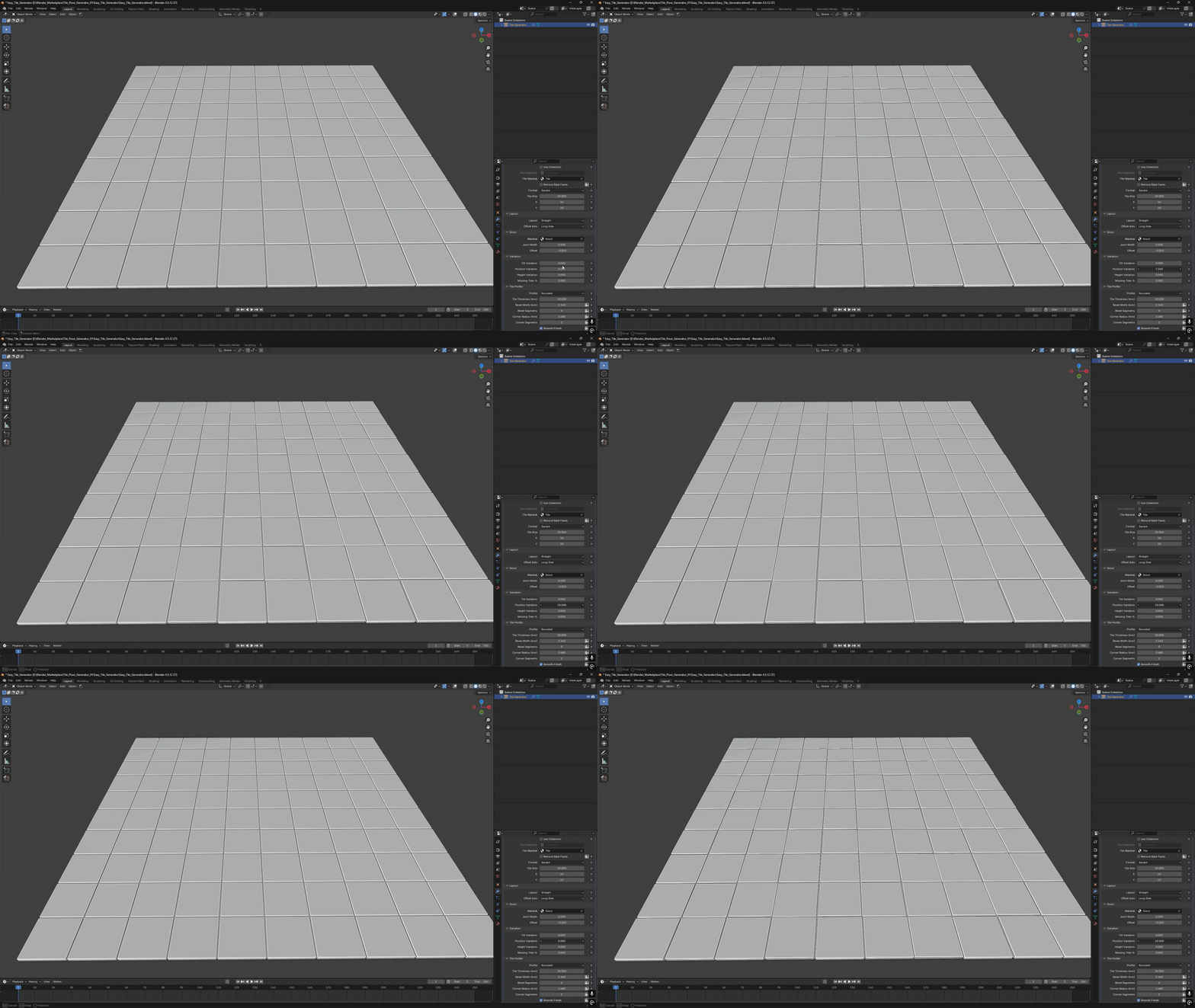
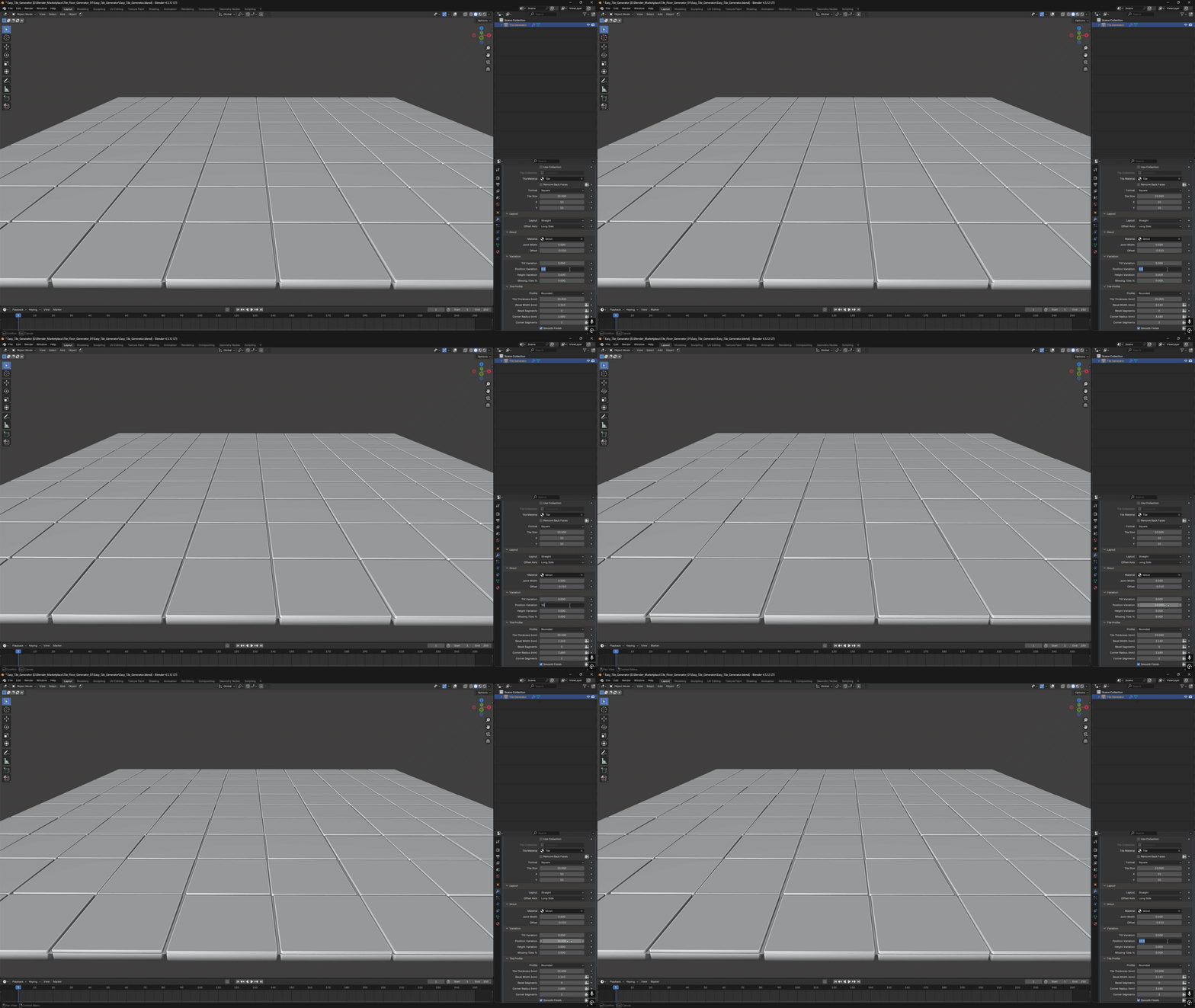
Position Variation
Offset the tiles randomly to break up perfect alignment. The two examples below show the effect from different viewpoints.
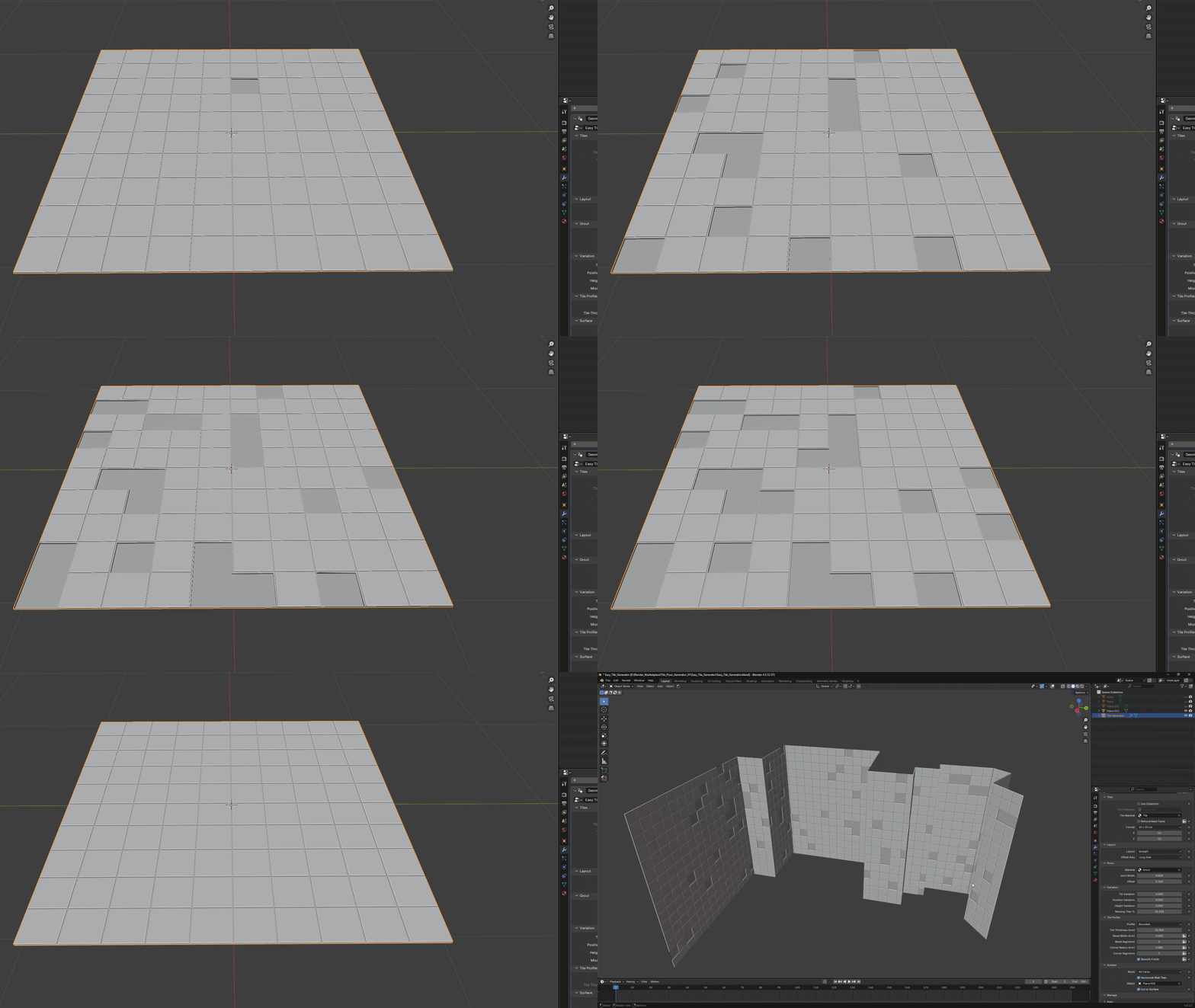
Missing Tiles
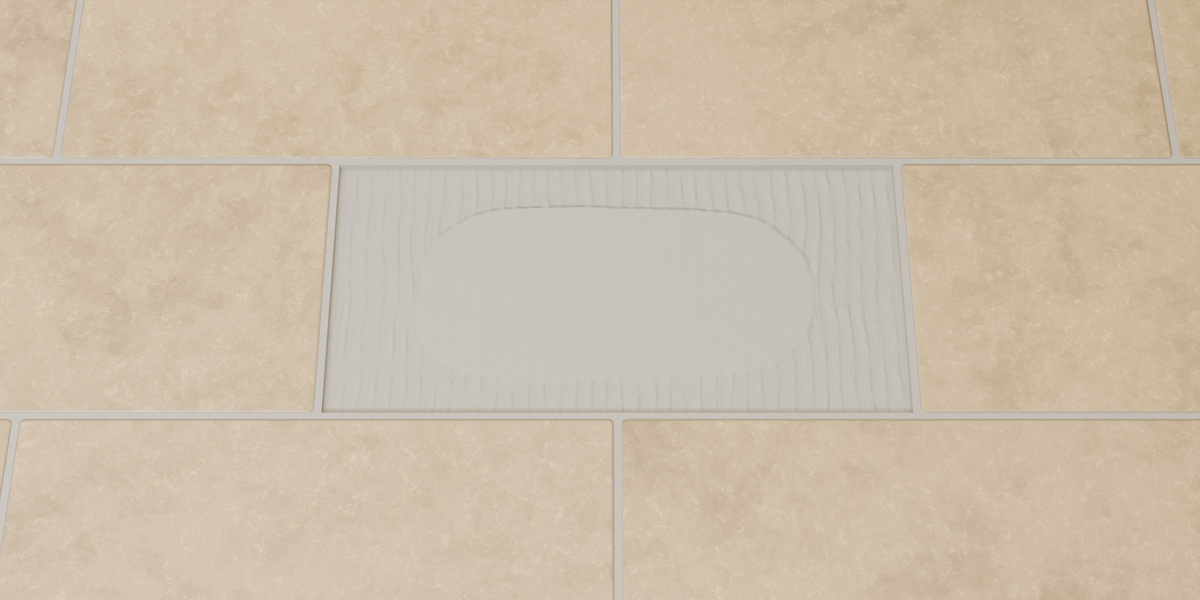
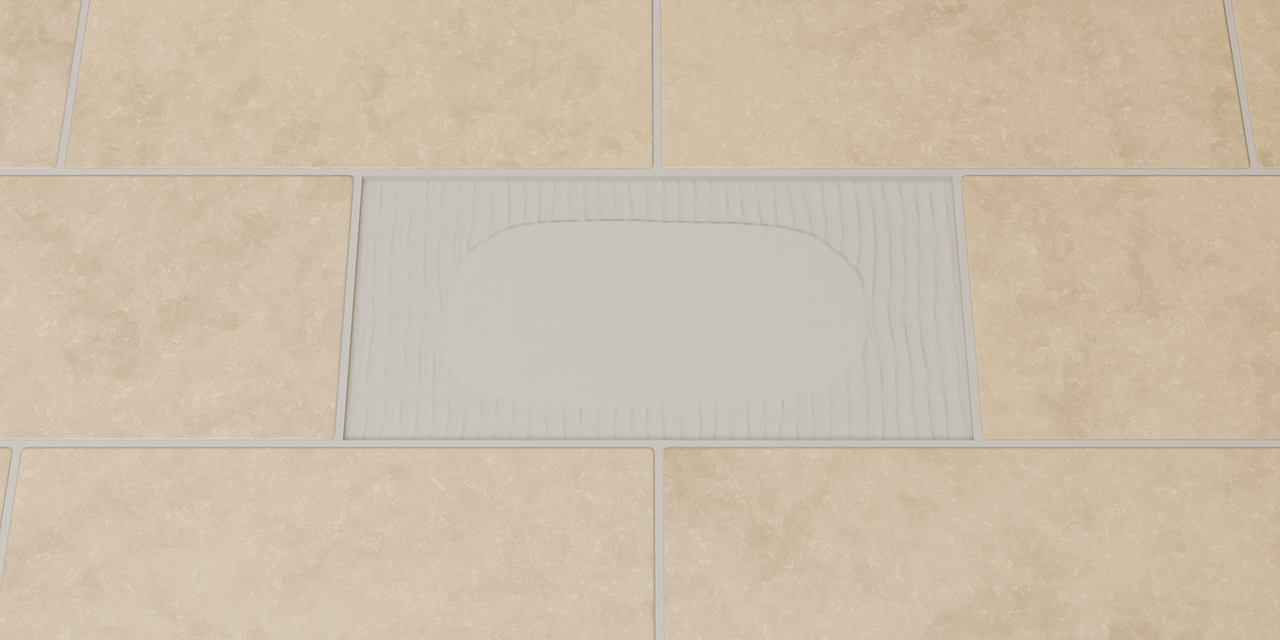
Remove tiles procedurally to create damaged or unfinished surfaces on floors and walls. The included grout shader adds exposed adhesive detail beneath the missing tiles.
Use Collection
Use your own tile models by selecting a collection with Use Collection. The generator distributes the models while preserving their original materials and UV maps.
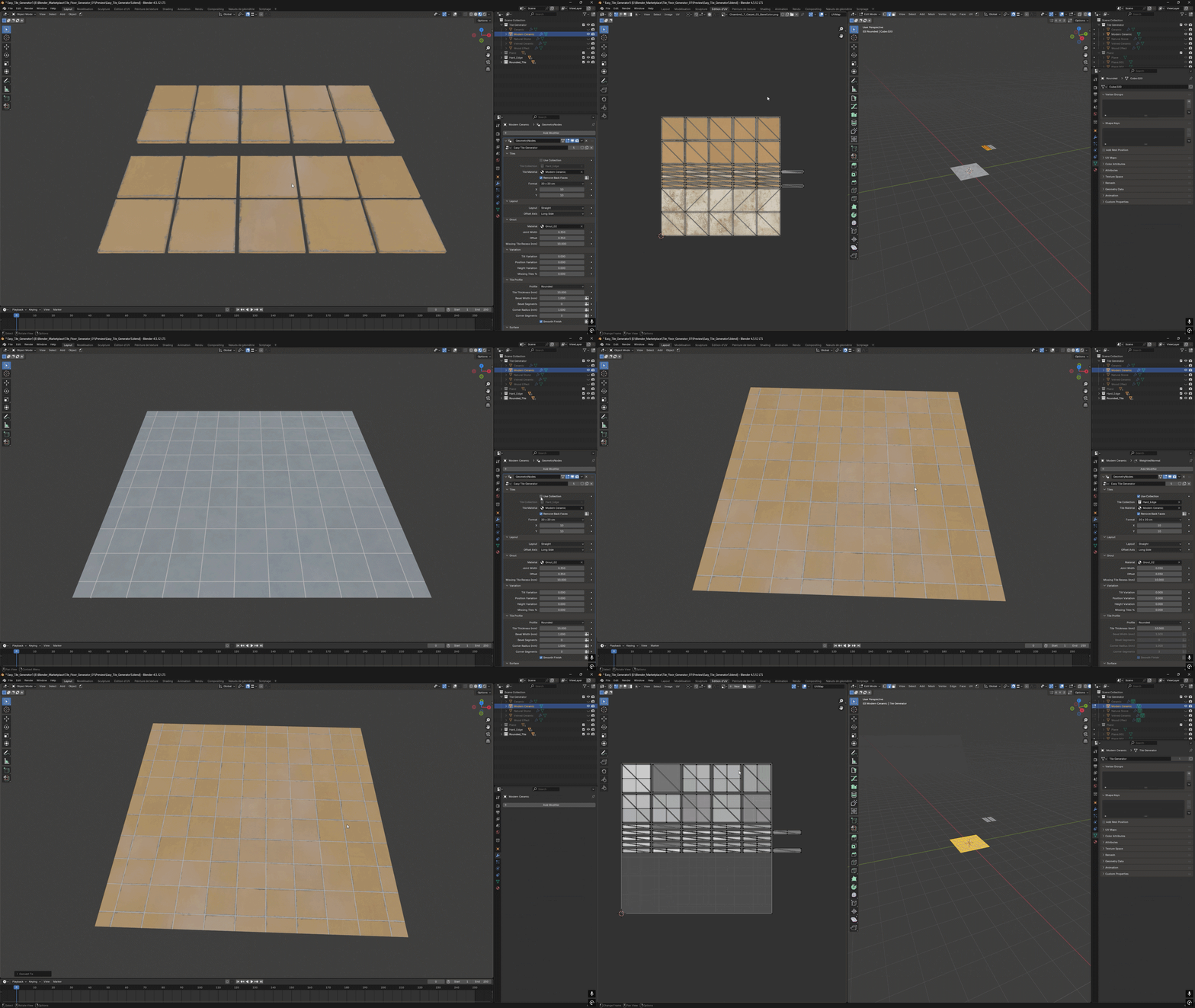
Remove Back Faces: This option is enabled in the example above, so the underside faces are removed. The top and side faces retain their original UV mapping.
Five Procedural Materials
Five generator objects are included, each using the same Geometry Nodes setup with a different tile material.
Shared material controls: Base Color, Tile Tint Variation, Dirt Amount and Size, Roughness, Surface Roughness Variation, Surface Normal Strength, Surface Detail Size, Edge Color, Edge Width, Edge Wear and Tile Wear Variation.
Ceramic
A ceramic tile material for plain tiled surfaces, with adjustable surface detail, edge wear and a bevel relief effect.
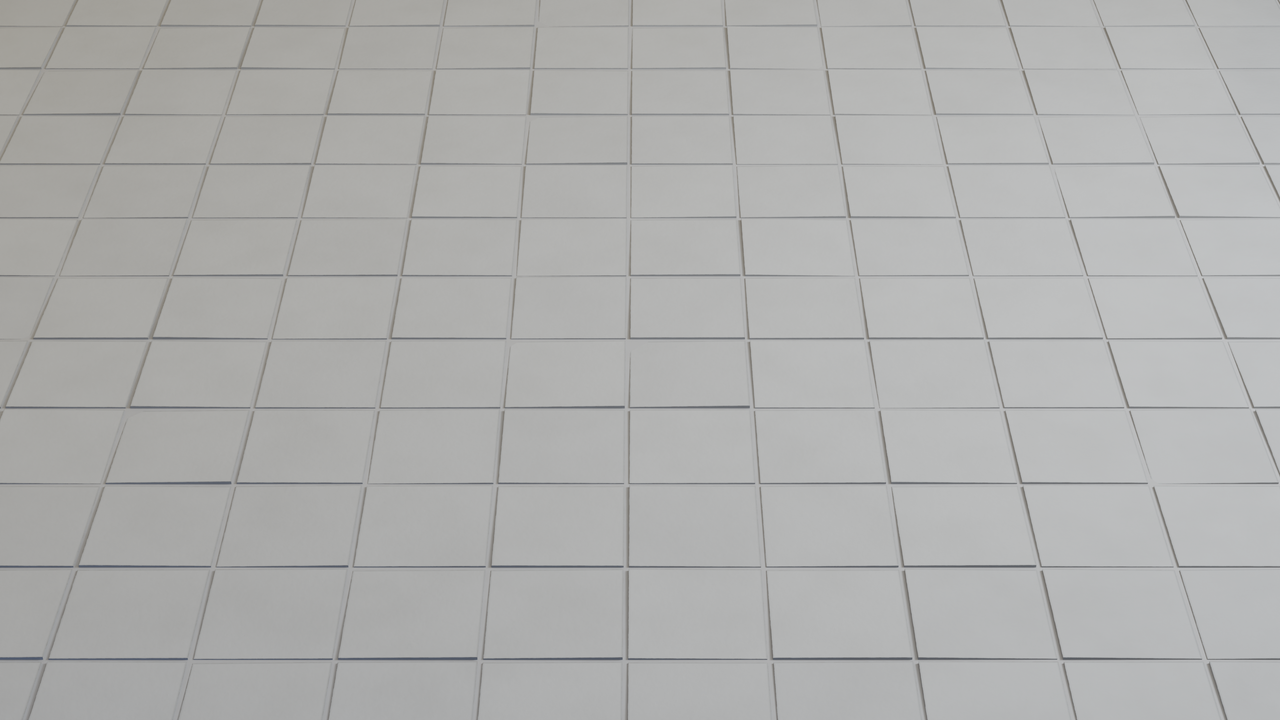
Main controls: Base Color, Roughness, Surface Normal Strength, Edge Wear, Bevel Width and Bevel Height.
Modern Ceramic
A tile material with procedural pattern and pore controls for varied surface finishes.
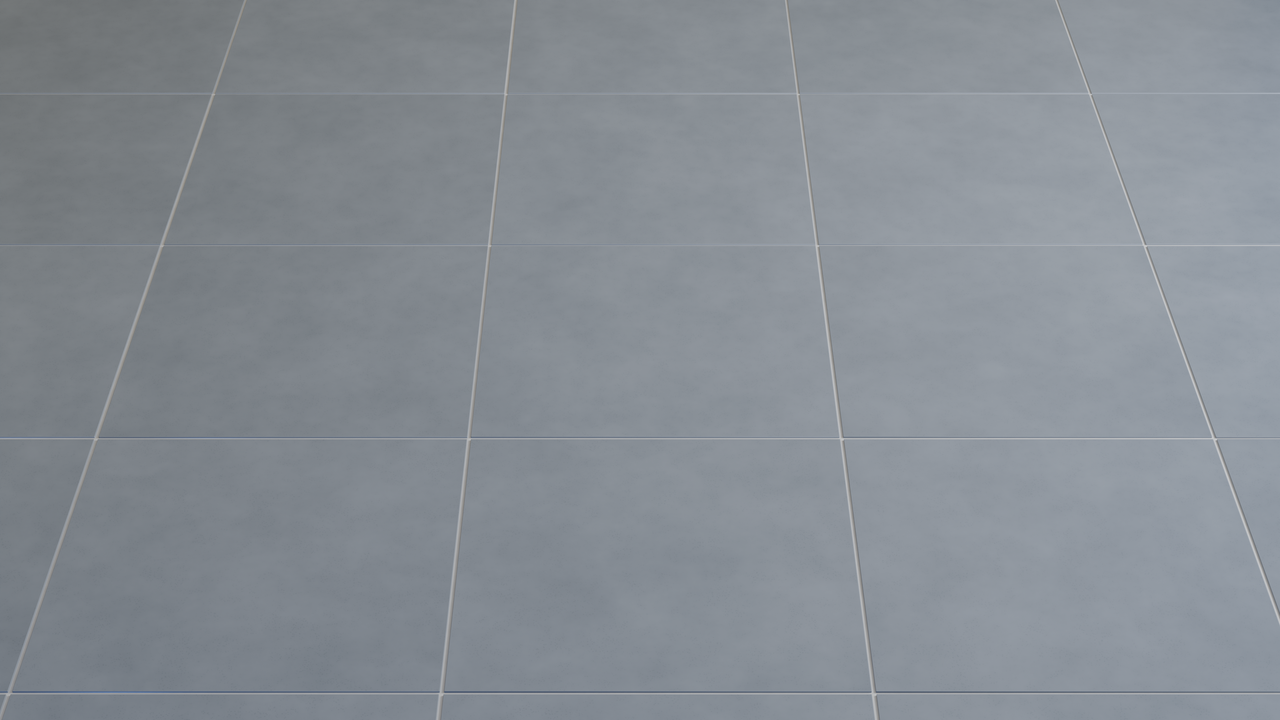
Main controls: Pattern Color, Pattern Amount, Pattern Size, Pattern Detail, Pattern Contrast, Pore Amount and Pore Size.
Natural Stone
A stone-style material with irregular patterns and adjustable color and roughness variation.
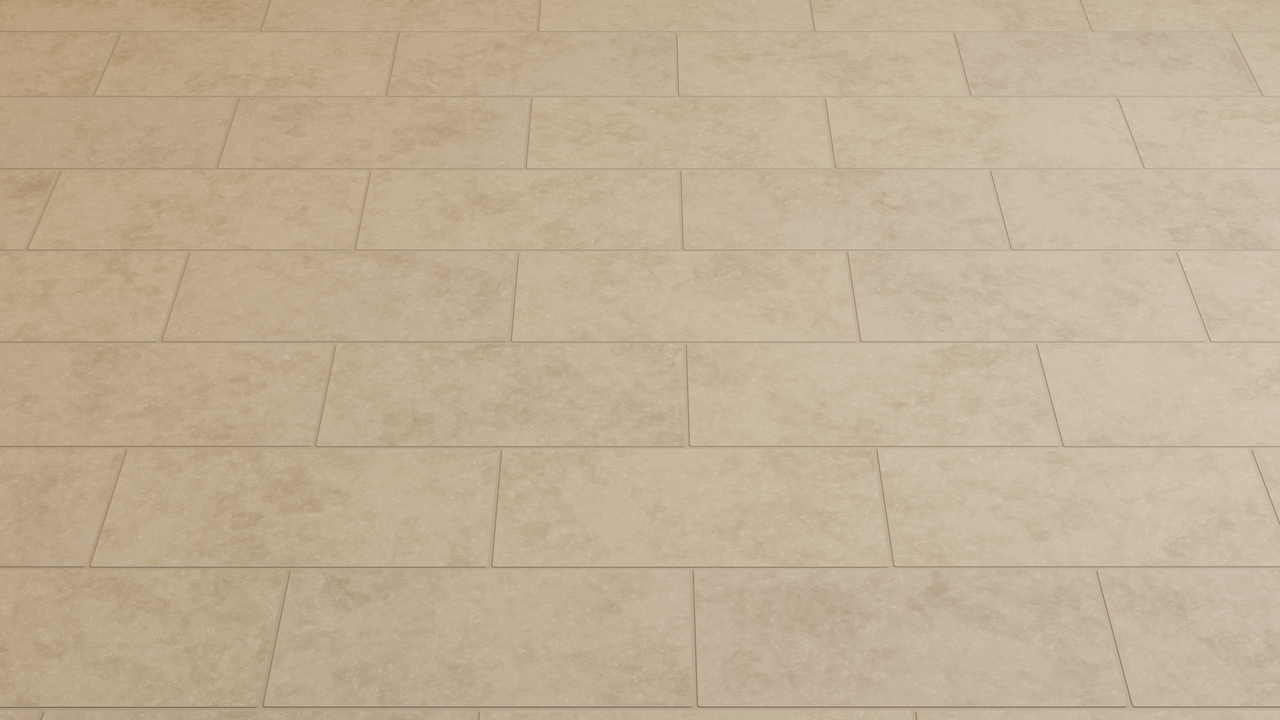
Main controls: Pattern Intensity, Color Variation, Pattern Size and Pattern Roughness.
Veined Ceramic
A marble-style tile material with procedural veins and an additional accent color.
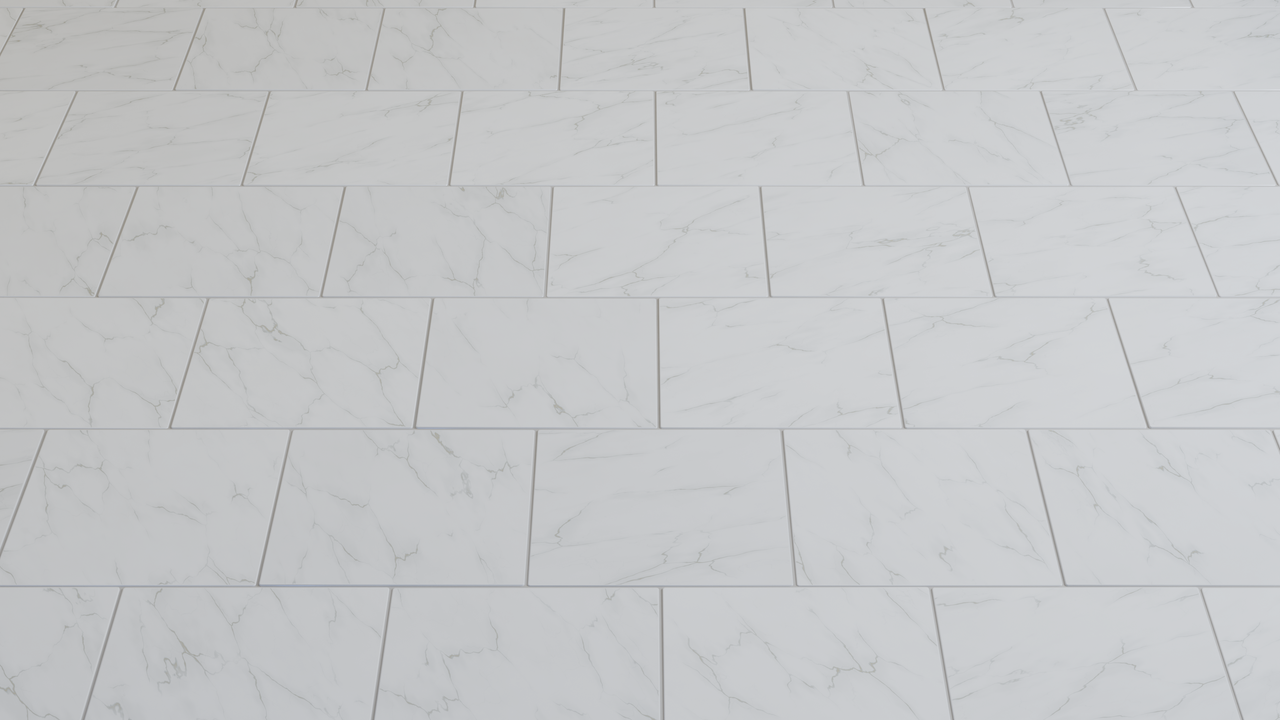
Main controls: Vein Color, Vein Amount, Vein Size, Vein Width, Vein Distortion, Vein Direction, Vein Accent Color and Vein Accent Amount.
Wood Effect / Parquet
A wood-effect material for parquet-style layouts, with grain detail and broad curved grain patterns.
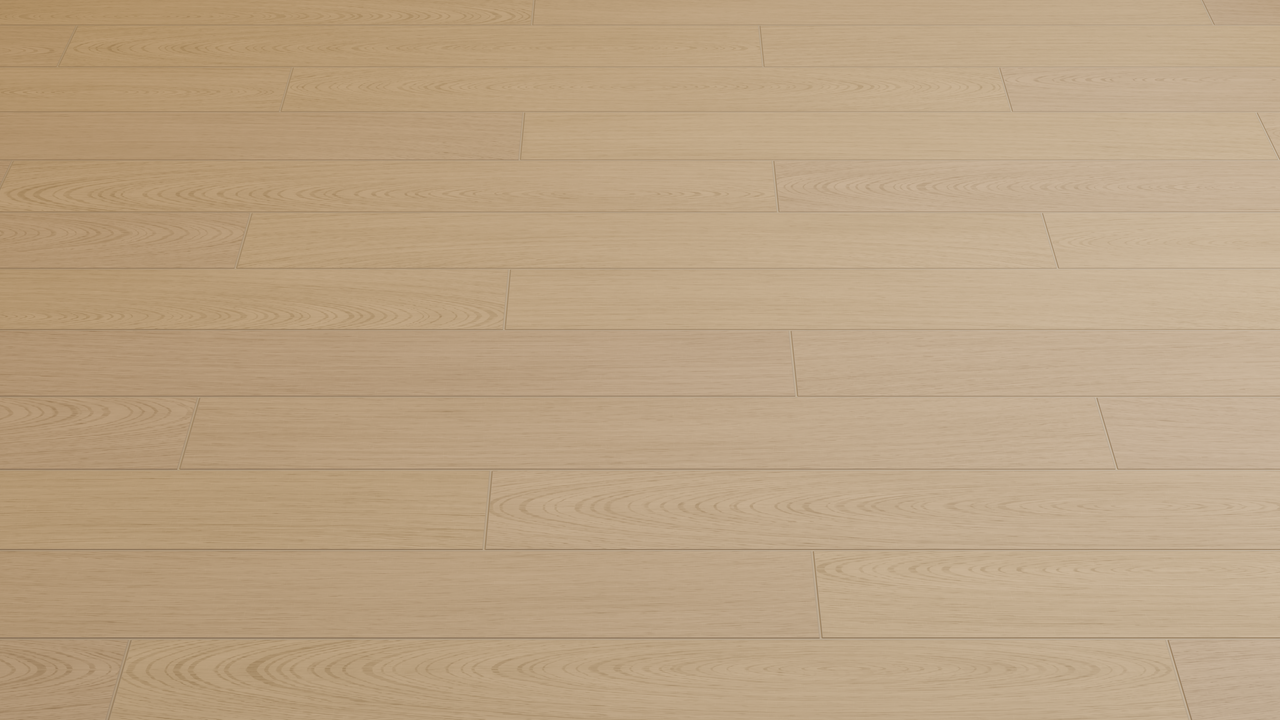
Main controls: Pattern Intensity, Grain Color Intensity and Grain Swirl Amount.
Grout & Exposed Adhesive
Customize the grout color, color variation, roughness, grain size and dirt. Adjust Adhesive Strength, Adhesive Size and Adhesive Color Variation to control the exposed adhesive beneath missing tiles.
Additional Controls
- Tile count, dimensions and thickness.
- Joint Width and vertical grout Offset.
- Height Variation.
- Missing Tile Recess depth.
- Bevel and corner segment counts, with Smooth Finish.
- Horizontal Wall Tiles.
- Remove Back Faces.
- Optional Pack UVs control for compact UV layouts before conversion.
Technical Information
- Blender .blend file.
- Geometry Nodes generator with an editable node setup.
- Five procedural tile shader groups and a grout / adhesive shader group.
- Designed for Blender 4.5 to 5.2.
- No add-ons or Python scripts required.
UV mapping (optional): Enable Pack UVs to automatically unwrap and pack procedural tile meshes before using Blender’s right-click → Convert → Mesh command. Keep it disabled while adjusting the generator for smoother editing. Models used through Use Collection keep their original UV maps.
Included
- Five generator objects sharing the same Geometry Nodes group.
- Ceramic, Modern Ceramic, Natural Stone, Veined Ceramic and Wood Effect materials.
- Customizable grout and exposed adhesive shader.