 phoenixmds
in
phoenixmds
in 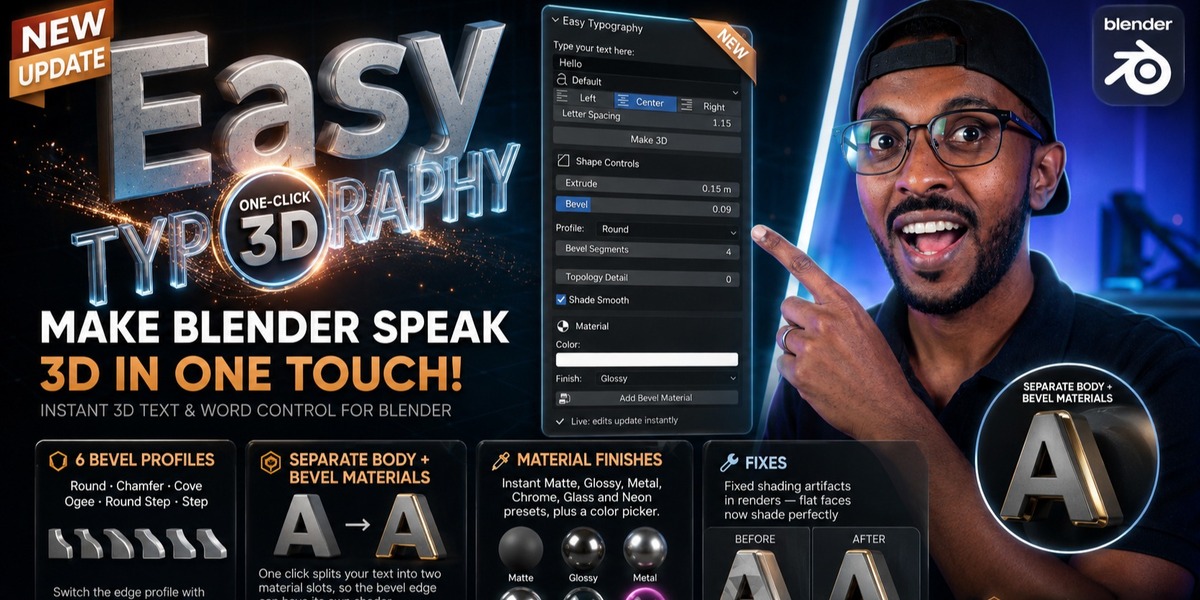



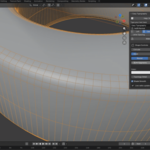
Easy Typography (Blender Add-on)
Create and customize stunning 3D Typography directly in your Viewport with just one click!
Why Easy Typography? Creating 3D text in Blender usually requires jumping between tabs, converting curves, and fighting with default settings. Easy Typography solves this by providing a lightweight, powerful panel dedicated to generating clean 3D text instantly, with real-time feedback. It is designed for motion designers, graphic artists, and anyone who wants to speed up their 3D text workflow.
Key Features:
-
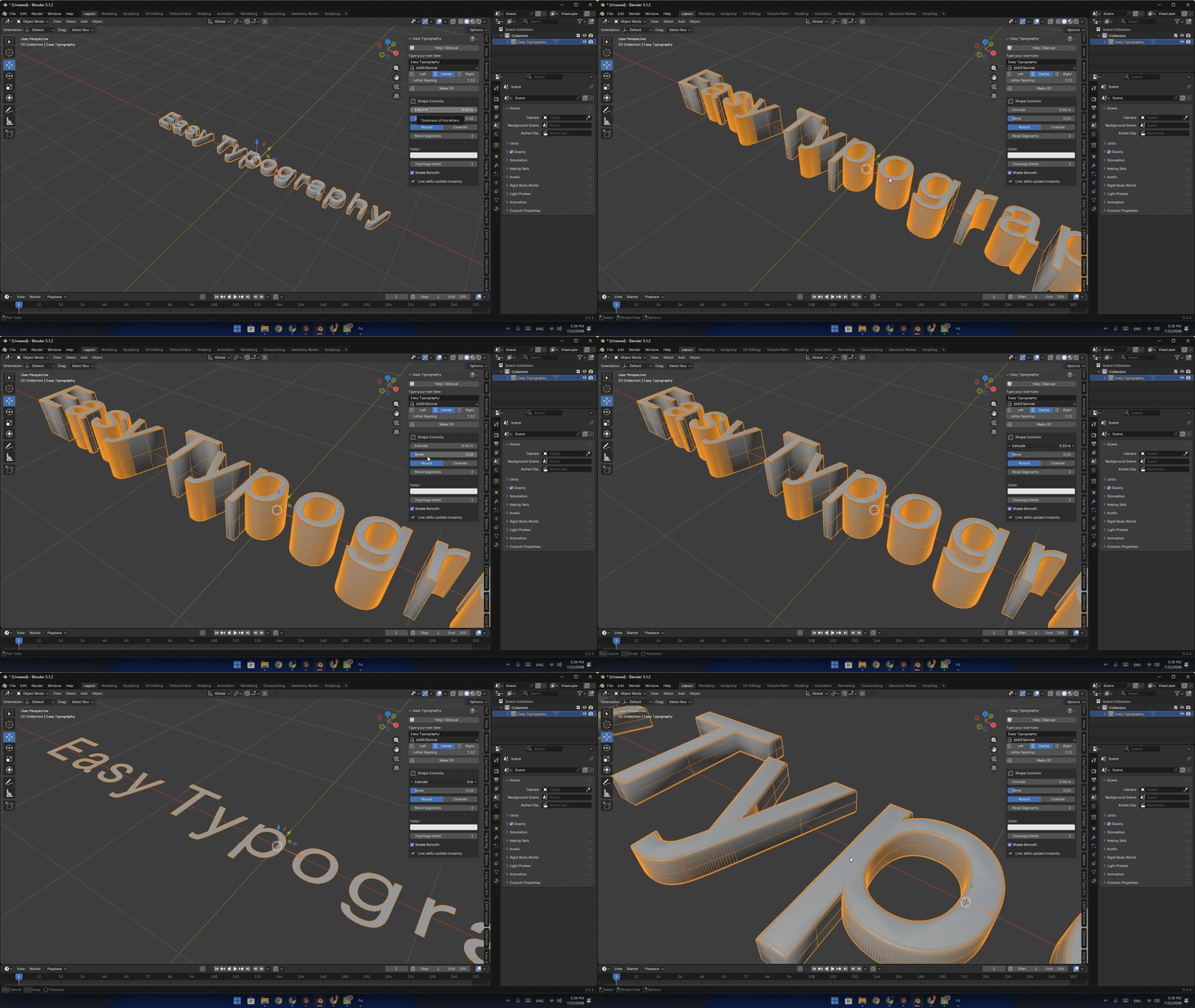
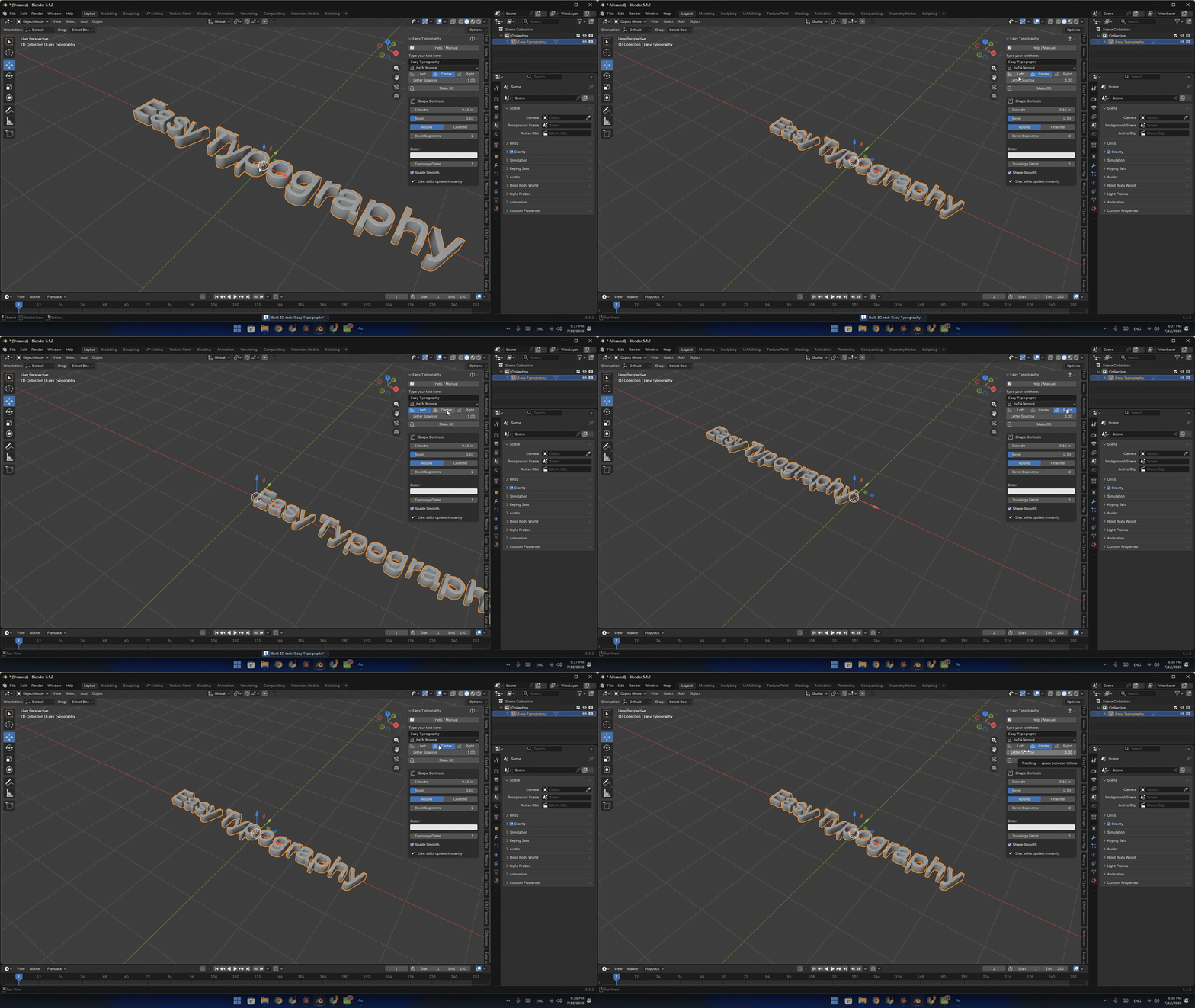
Live Interactive Tweaking: Enable the "Live" checkbox to see every adjustment to your text, bevels, and extrusions update instantly in the 3D viewport.
-
Complete Shape Controls: Easily control the thickness (Extrude), bevel size, and smoothness (Bevel Segments).
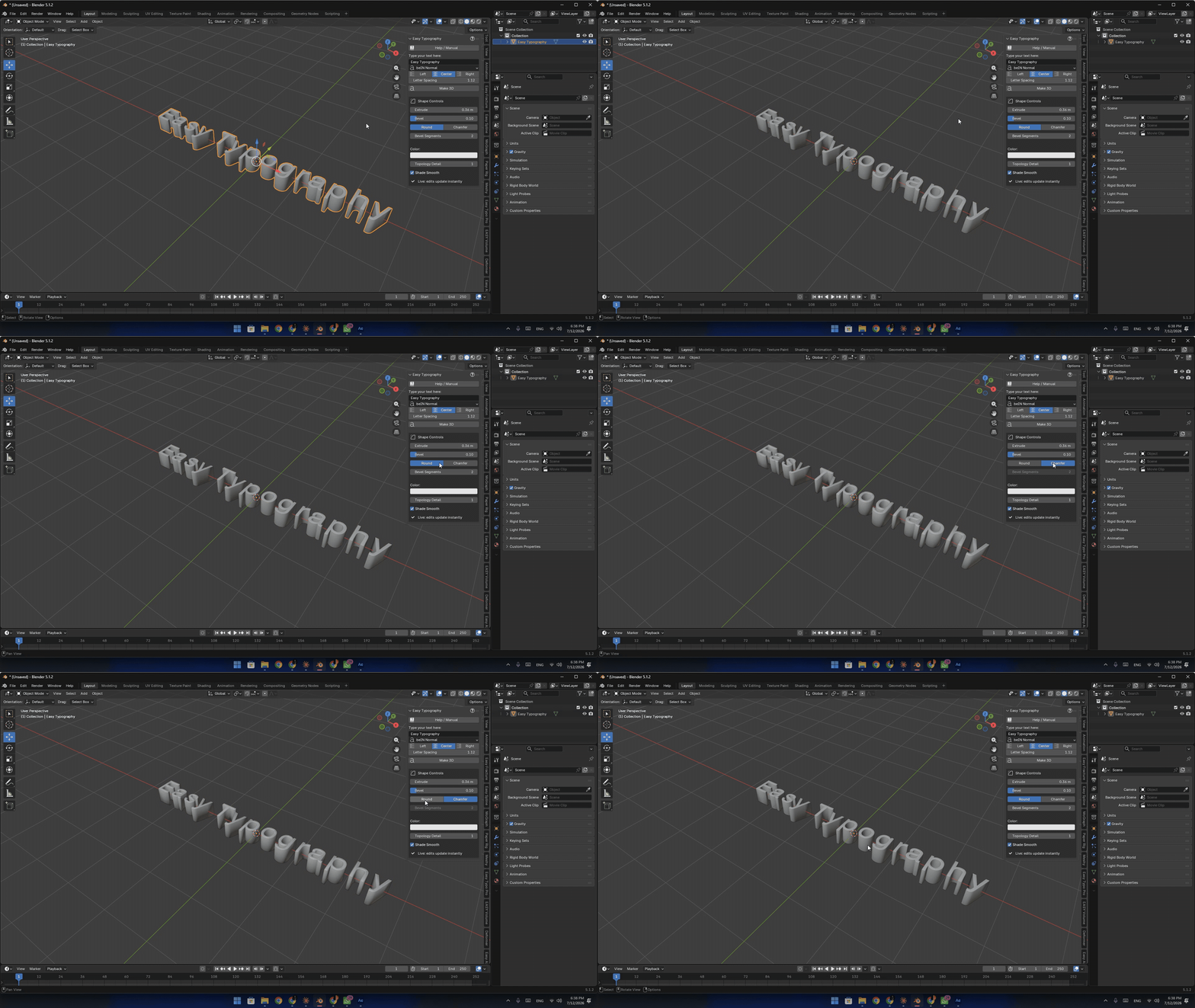
Round vs. Chamfer: Switch between smooth rounded edges or hard chamfered corners with a single click.
-
Typography Controls: Quick alignment settings (Left, Center, Right) and Letter Spacing sliders to get the perfect tracking.
-
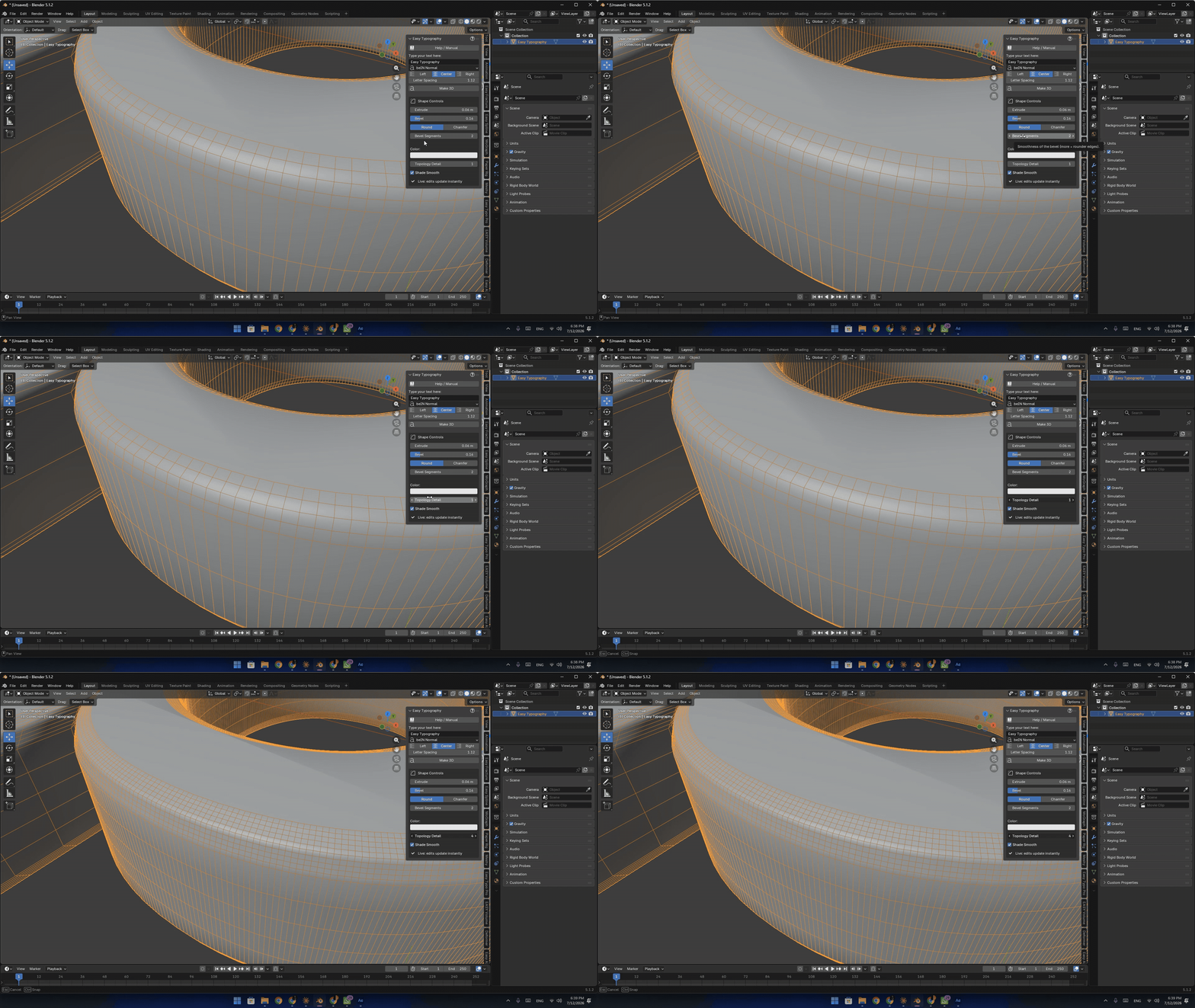
Color & Mesh Optimization: Assign quick colors and toggle Shade Smooth or Topology Detail directly from the UI without changing tabs.
100% Free & Open Source: Licensed under GPL, completely free for personal and commercial projects.
How it works (Quick Guide):
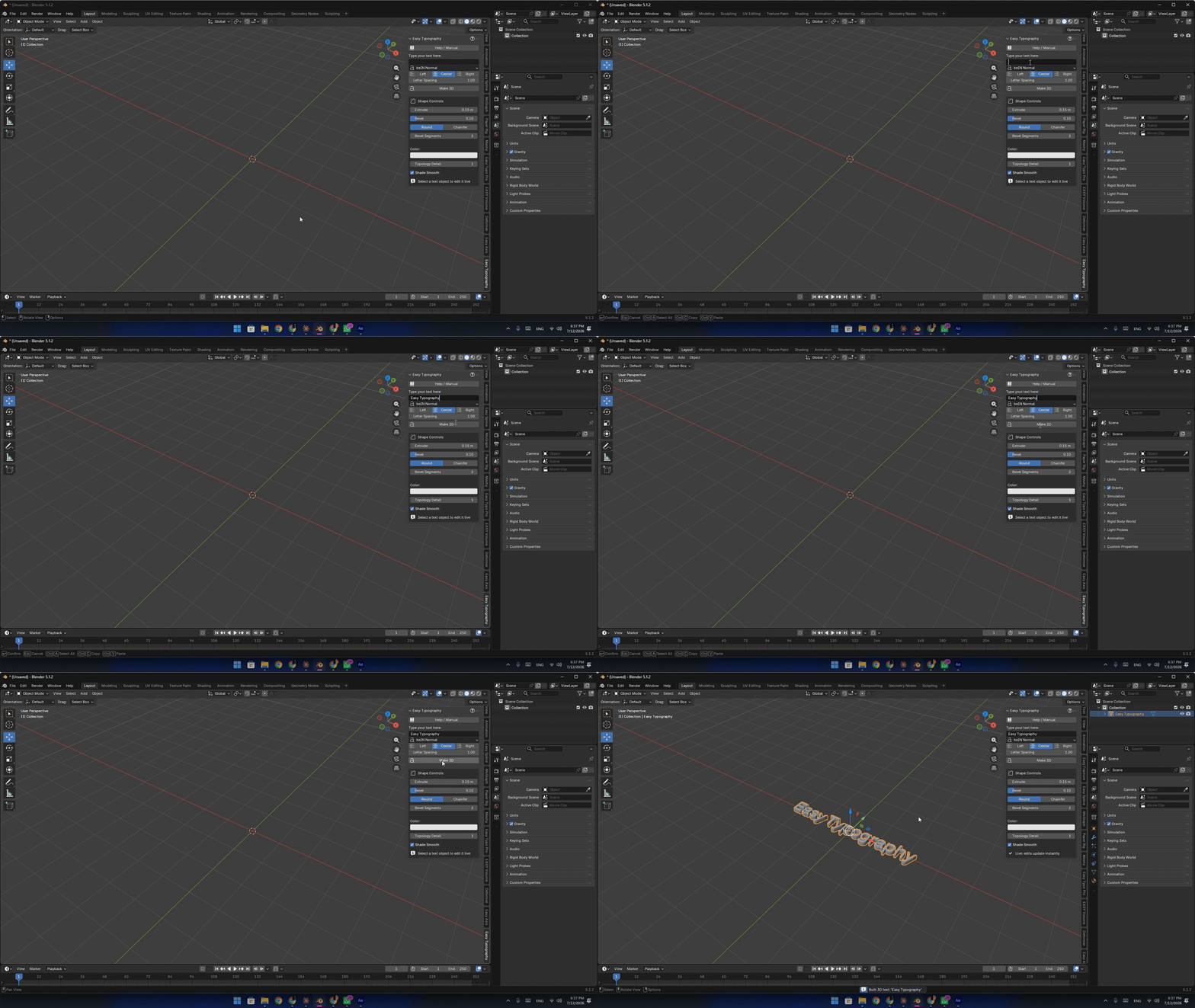
Open the Easy Typography panel in the N-Sidebar.
Type your phrase or sentence in the text field.
Choose your alignment and font, then hit "Make 3D".
Keep the "Live: edits update instantly" checked to freely customize your text's look!
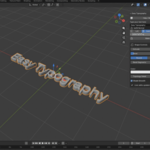
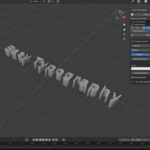
(Check the attached video demo and screenshots above to see the tool in action!)
Compatibility:
-
Blender 5.x
A new Easy Typography update is now available!
This update brings new creative controls, better materials, and important improvements to make your 3D typography workflow in Blender even faster and more flexible.
What’s New
▸ 6 Bevel Profiles
Round · Chamfer · Cove · Ogee · Round Step · Step
Switch between different edge styles instantly with one click.▸ Separate Body + Bevel Materials
Give the bevel edge its own material independently from the main text — perfect for gold trims, metallic edges, and custom PBR looks.▸ Material Finishes
Instant presets for Matte, Glossy, Metal, Chrome, Glass, and Neon, plus full color control.▸ Improved Shading
Shading artifacts have been fixed, giving you cleaner and smoother results in your renders.
And there’s more coming!
I’m actively developing Easy Typography, and this is just the beginning.
In the next update, I’m planning to make Easy Typography Extension Ready, making future installation and updates even easier directly through Blender.
So keep an eye on future updates — more features and improvements are on the way!
Thank you for supporting Easy Typography.
Keep creating. Keep experimenting.
— 3D Tool Design
