Easy Typography — New Update Available!
 phoenixmds
in Modeling
phoenixmds
in Modeling
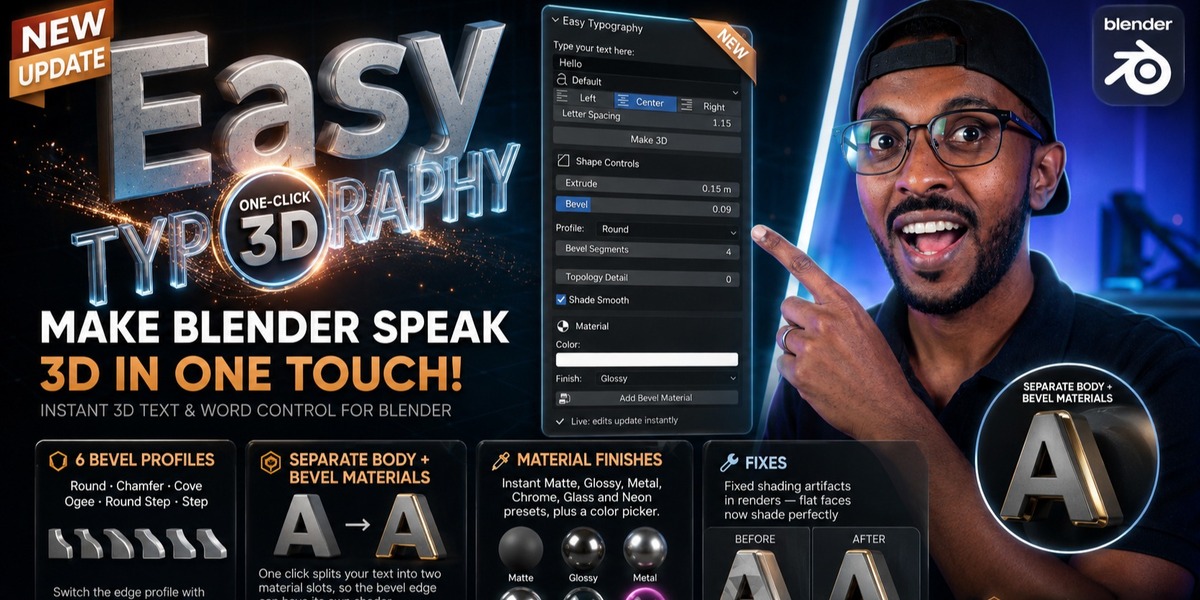



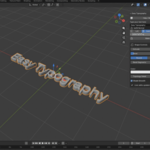
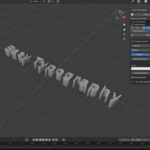
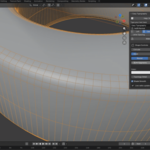
Easy Typography - Documentation
**How to Install:**
1. Download the provided `.zip` file.
2. Open Blender and go to **Edit > Preferences > Add-ons**.
3. Click the **Install** button, select the downloaded `.zip` file, and check the box to enable it.
**How to Use:**
1. Open the 3D Viewport.
2. Press **N** on your keyboard to open the Sidebar (N-Panel).
3. Click on the **Easy Typography** tab.
4. Use the interface to instantly add and control your 3D text, adjust extrusion, modify bevels, and apply base colors directly from the viewport panel.
$1
Have questions about this product?
Login to message
| Blender Extension Compatible | Yes |
| Sales | 10+ |
| Published | 2 months ago |
| Blender Version | 5.1 - 5.2 |
| Extension Type | Add-on |
| Render Engine Used | Cycles, Eevee |
| License | GPL |
