 Minshu


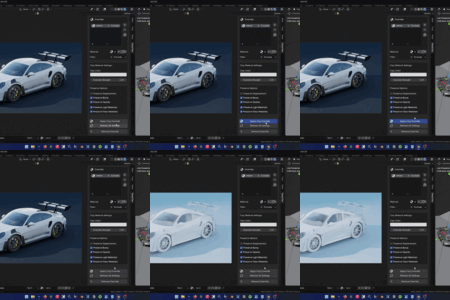
Instantly apply a clean clay material to your entire scene in a non-destructive way. Speed up your look-dev, simplify reviews, and get gorgeous portfolio renders without wrecking your original material setup.
One Click Solution
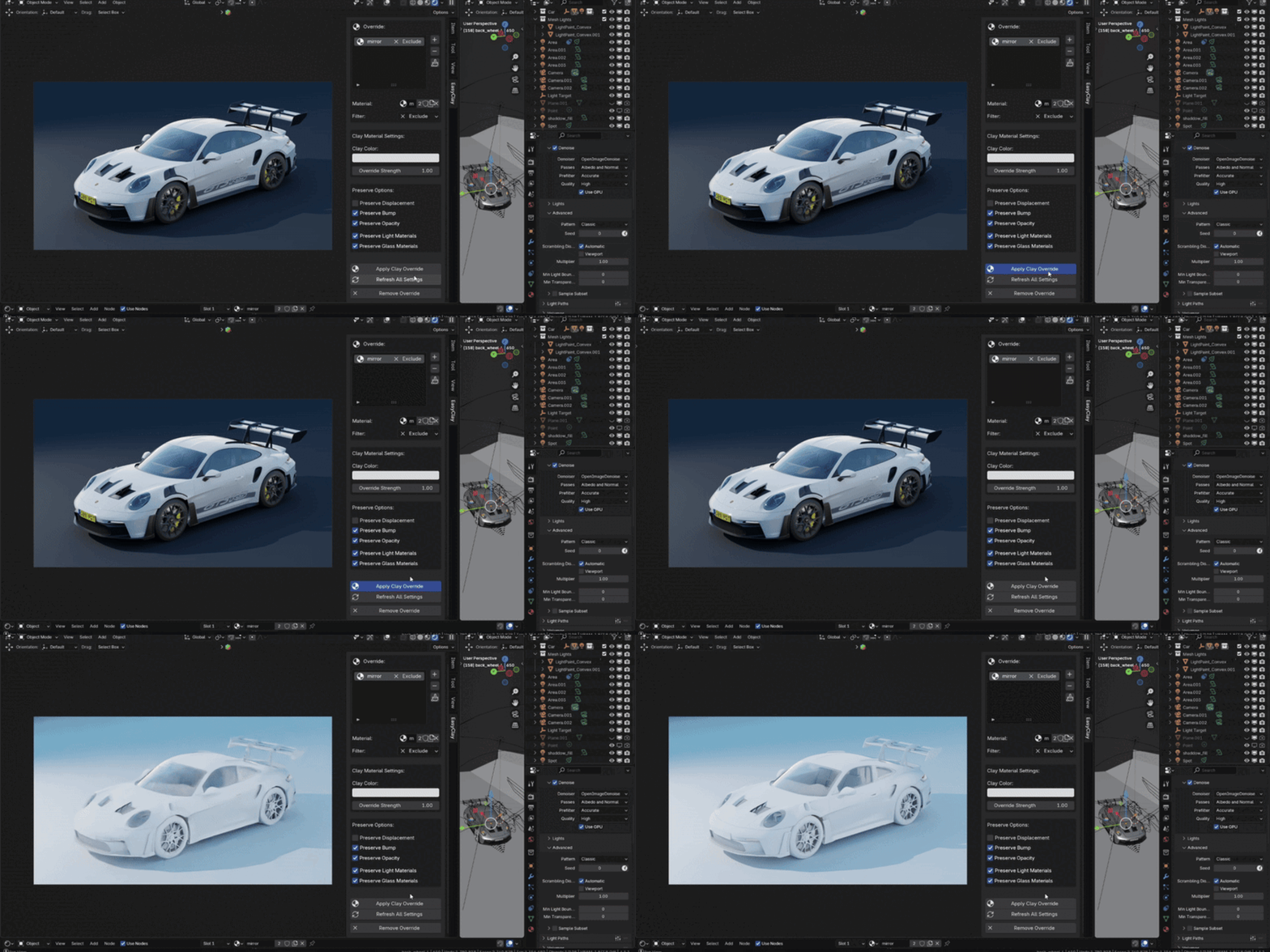
Key Benefits
Instantly apply a scene-wide clay look for faster reviews
Non-destructive: preserves the maps that matter (displacement, normal, opacity)
Control exactly what’s overridden with include/exclude lists and preserve toggles
One-click setup, update, and removal of overrides
Keep emission and glass materials behaving as expected (lit/transparent)
Save hours in look-dev, client reviews, and portfolio rendering
Key Features
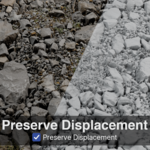
Preserve Displacement — retain displacement maps in clay mode
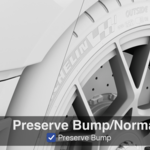
Preserve Bump/Normals — keep bump and normal detail intact
Preserve Opacity — maintain alpha/opacity maps for cutouts and fades
Preserve Emission — prevent light-emitting materials from being overridden
Preserve Glass — keep transparent/glass materials unaffected
Material Include/Exclude Lists — fine-tune which materials are overridden
Clay Blending — mix between original and clay material
