 EasyLight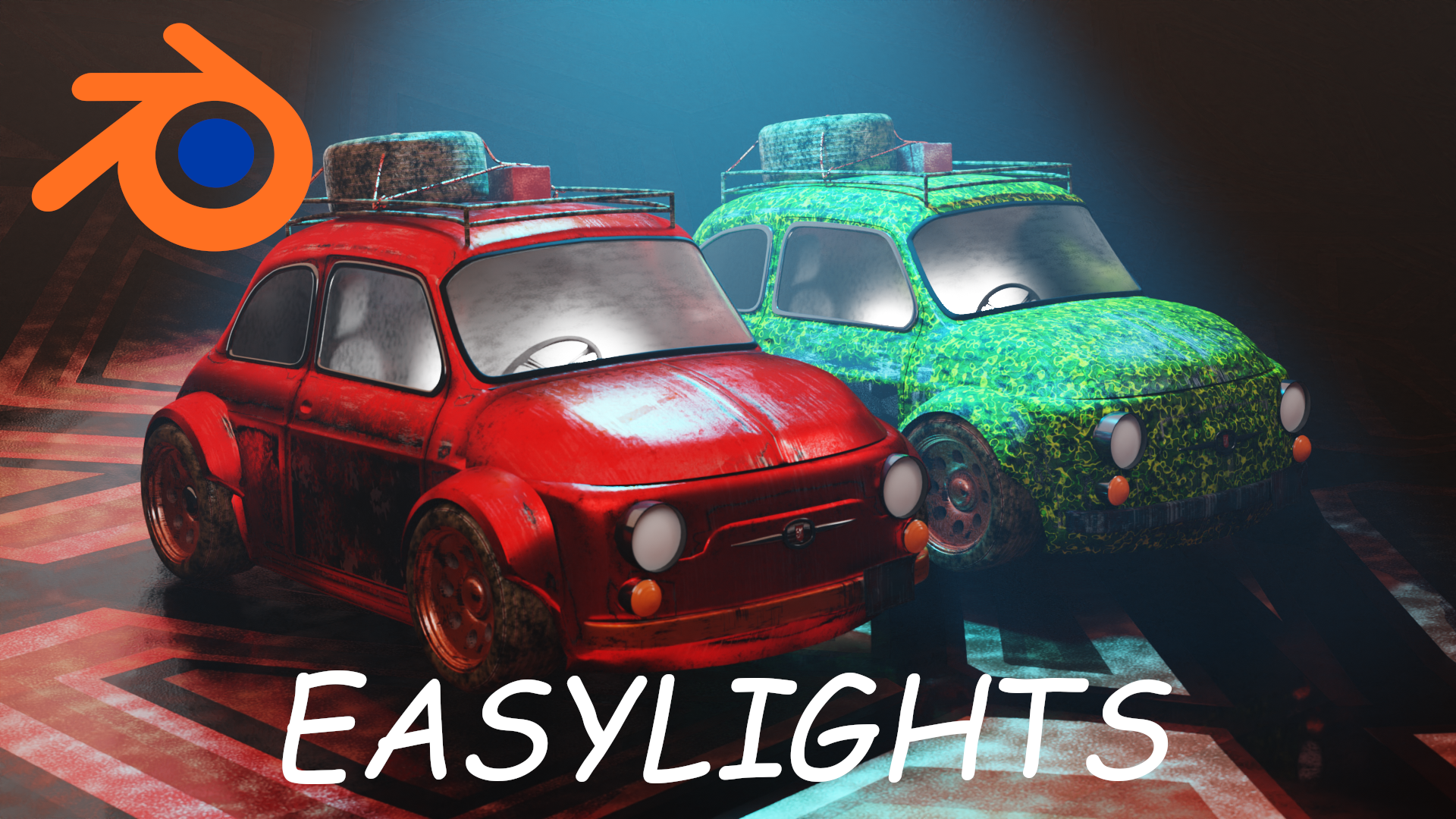
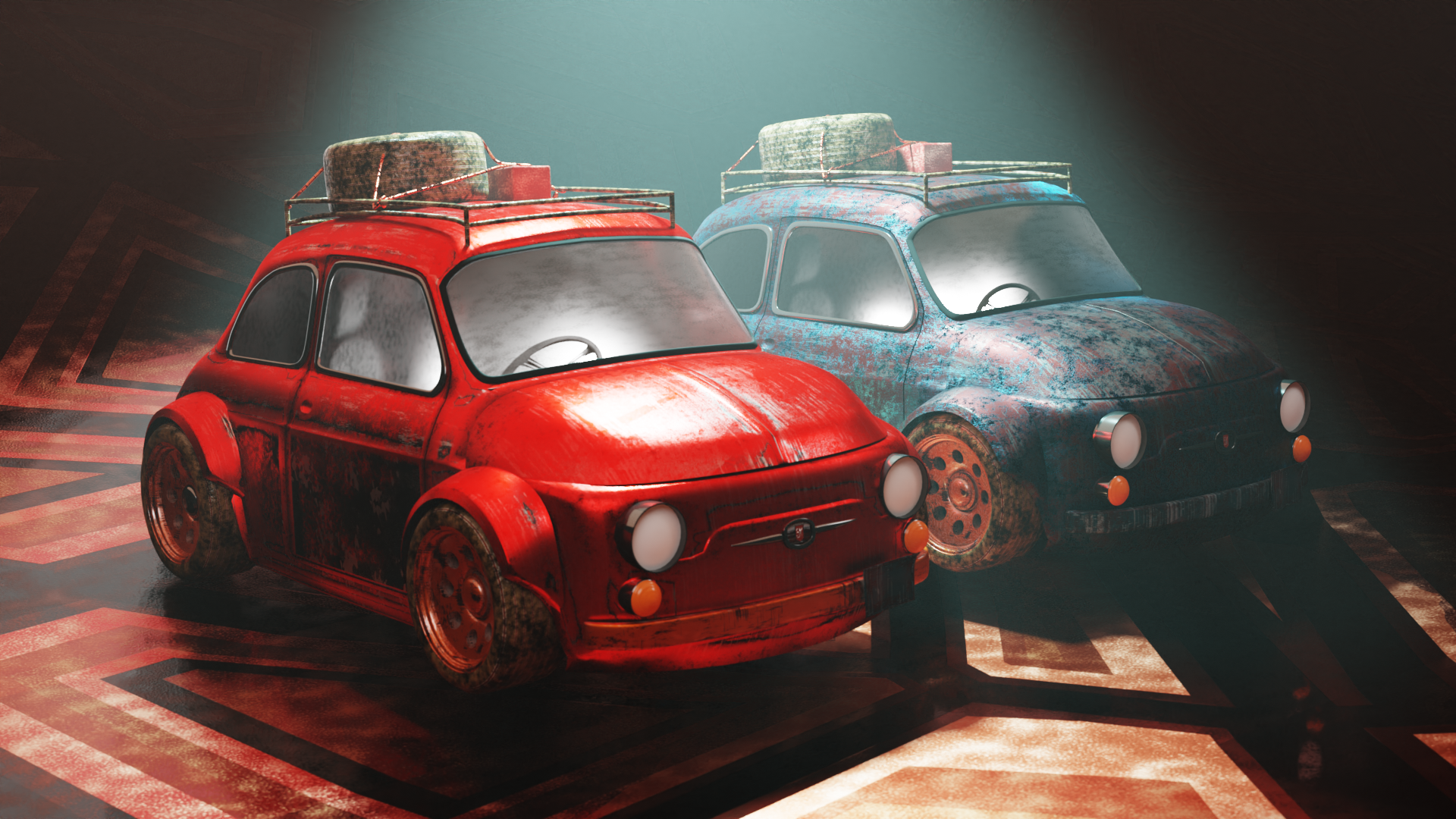
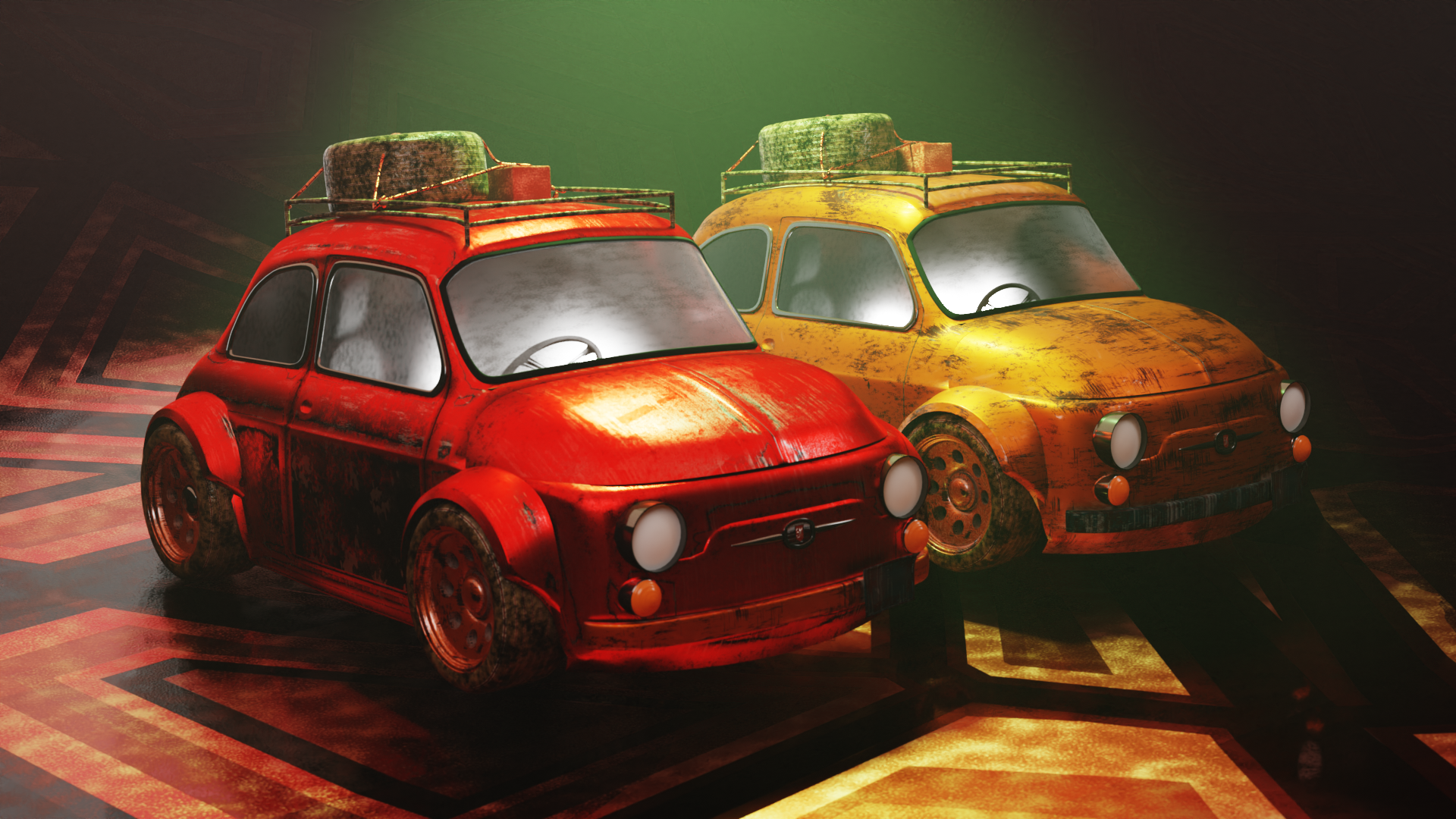
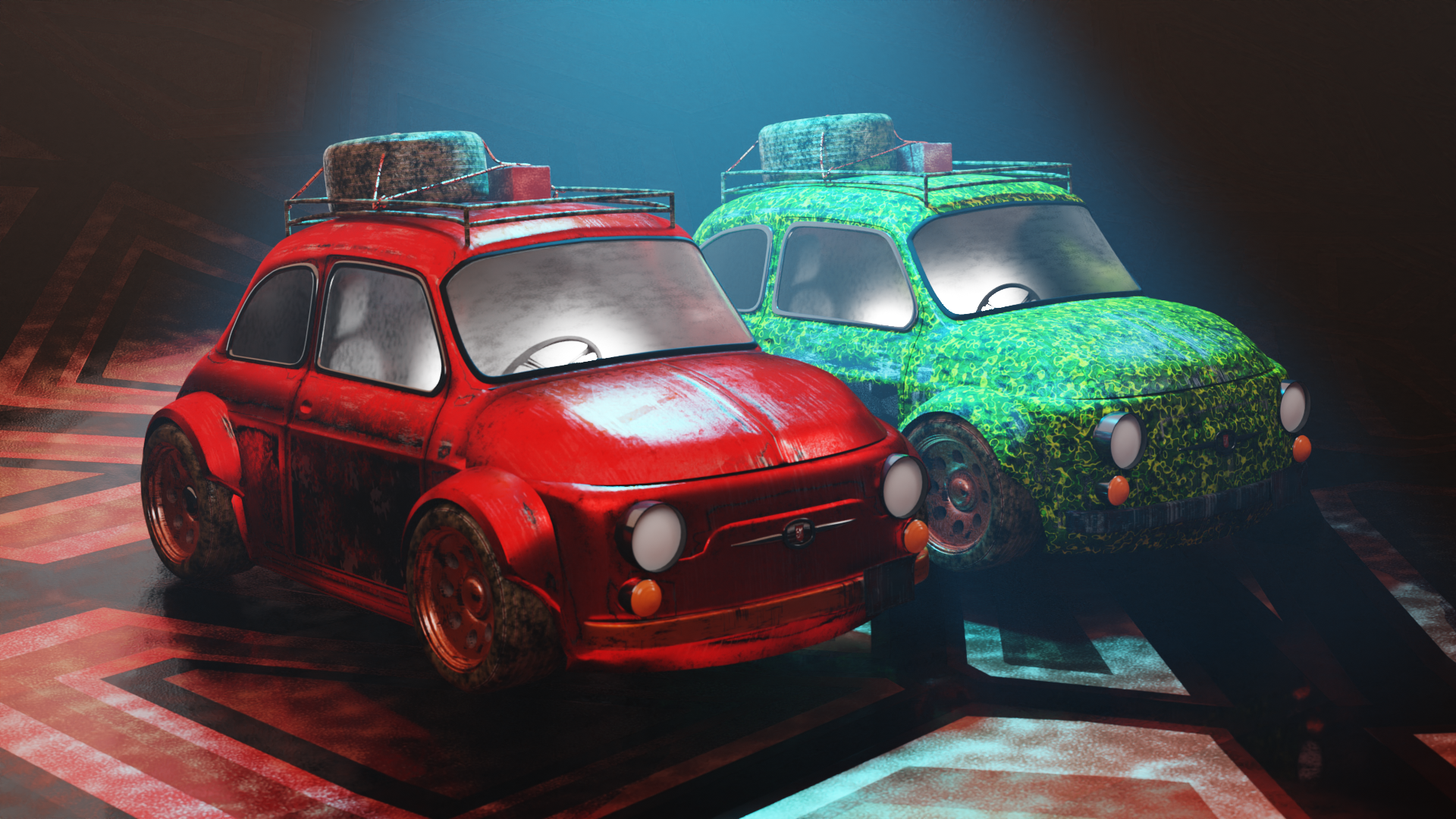
EasyLight - When Lighting Is Not A Task Anymore This is an Addon for Blender. Easy light makes lighting your product easy and intuitive. NOW Blender 4.0+ Compatible!
How To use:
select the object you want to light in your scene.
Hit N while in 3D Object Mode go to EasyLight in the addon panel.
Use the different operators and parameters to tweak the setup to your liking
Enjoy !
Change Log
V 2.5
Now BLENDER 4.0+ Compatible.
V.1.0.1
One Click IES Setup
One Click HDRI Setup
Change Log
V. 1.0.2
Randomize Lighting and Color Panel
Randomization is constrained to a rectangular area defined by
min_xandmin_yproperties in the sceneA random seed can be specified to control the randomness of the randomization
The
randomize lightsmethod generates a random location for each selected light using therandomfunctionThe
seedvalue is updated to a random seed whenever theseedproperty is modifiedThe
min,min, andseedproperties are added to theRandomize location button
2. Volumetrics Panel
Added Volumetrics to an Object.
Added Volume density and dimensions parameter to adjust volumetric settings and dimension of the volume cube
Major Updates in 1.5
New HDRI presets and updates you get 3 ready to go HDRIS
New Rim light panel which uses annotations to create rim lights at the said direction
Spherical light setups for Area and Point lights
