 P2_limit_sadge



P2 · GEOMETRY NODES
Add editable secondary motion without rigging every piece.
EasySway analyzes geometry from root to tip and adds camera-aware sway directly from a Geometry Nodes modifier.
Geometry Nodes modifier Root-to-tip analysis Per-island control No bake or simulation cache
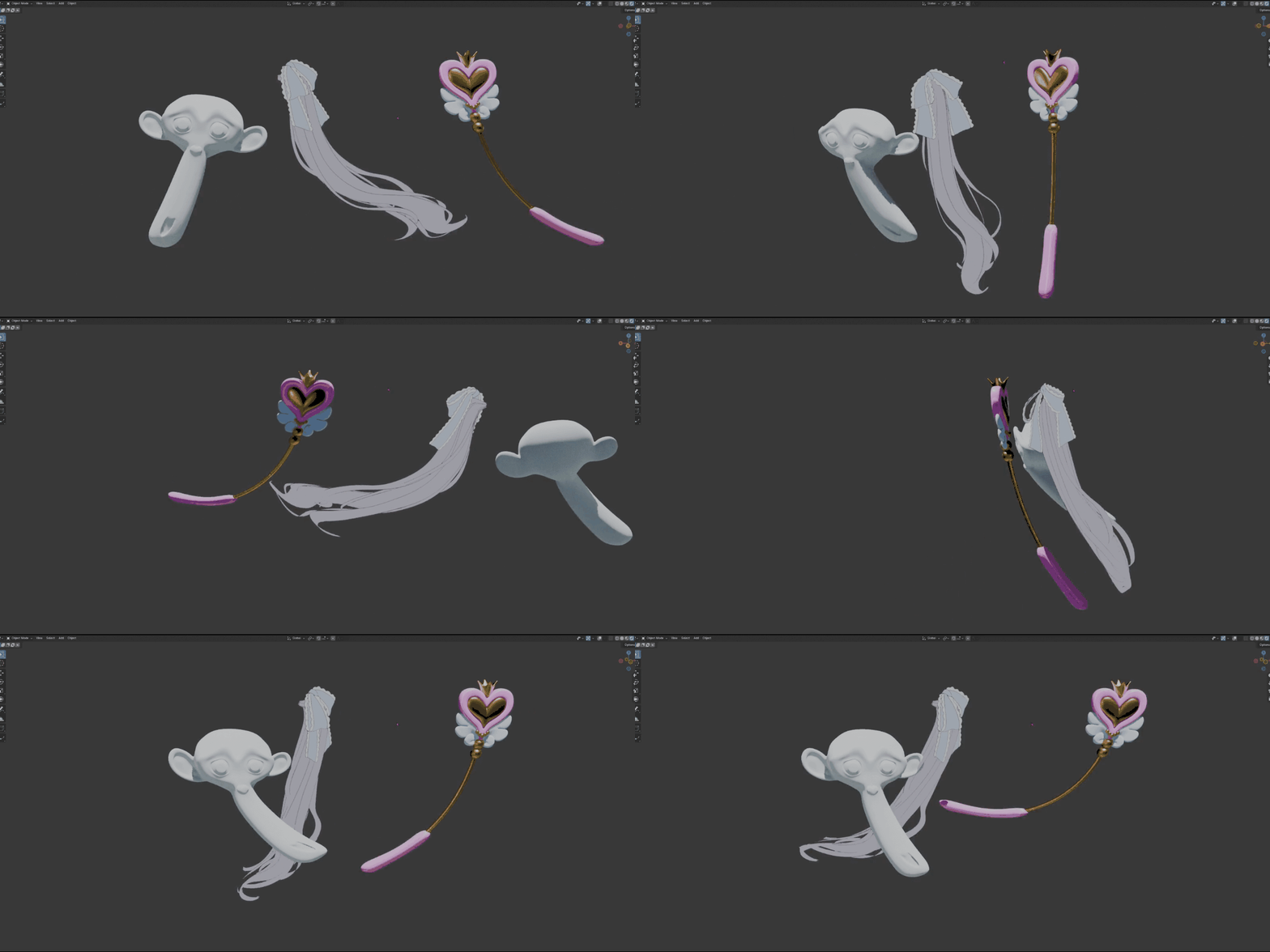
ONE OBJECT · MANY MOVING PARTS
Let every strand or leaf move with its own phase.
Enable Per Mesh Island to analyze disconnected parts independently while they remain inside one object. Disable it when the included geometry should move as one combined form.
SHARED PHASE PER-ISLAND VARIATION
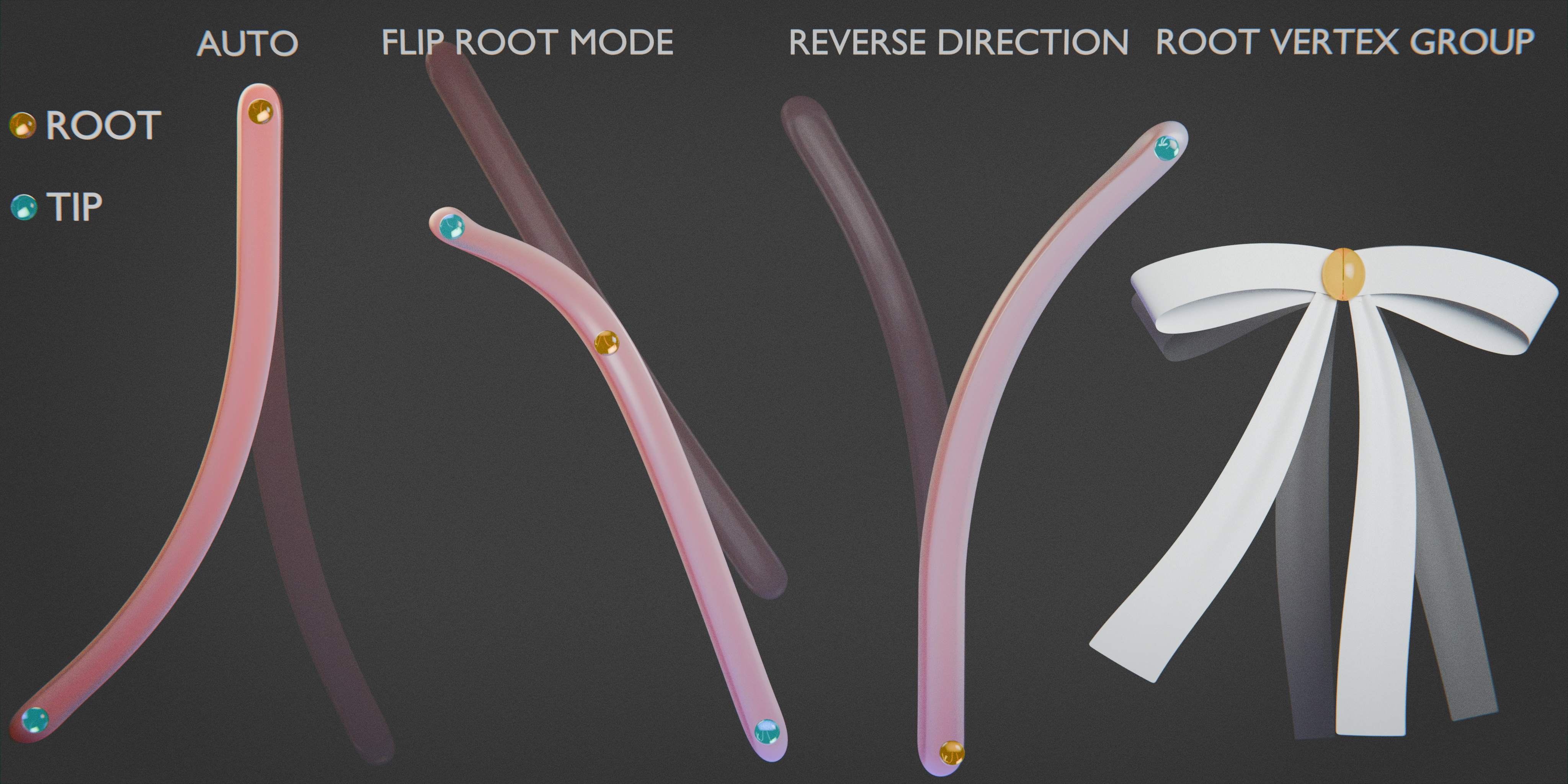
START AUTOMATIC · OVERRIDE WHEN NEEDED
Let EasySway estimate the root—or define it yourself.
Use the automatic root-to-tip result first. Change the automatic root mode, reverse the endpoint, or assign a Root Vertex Group for ambiguous and production-specific forms.
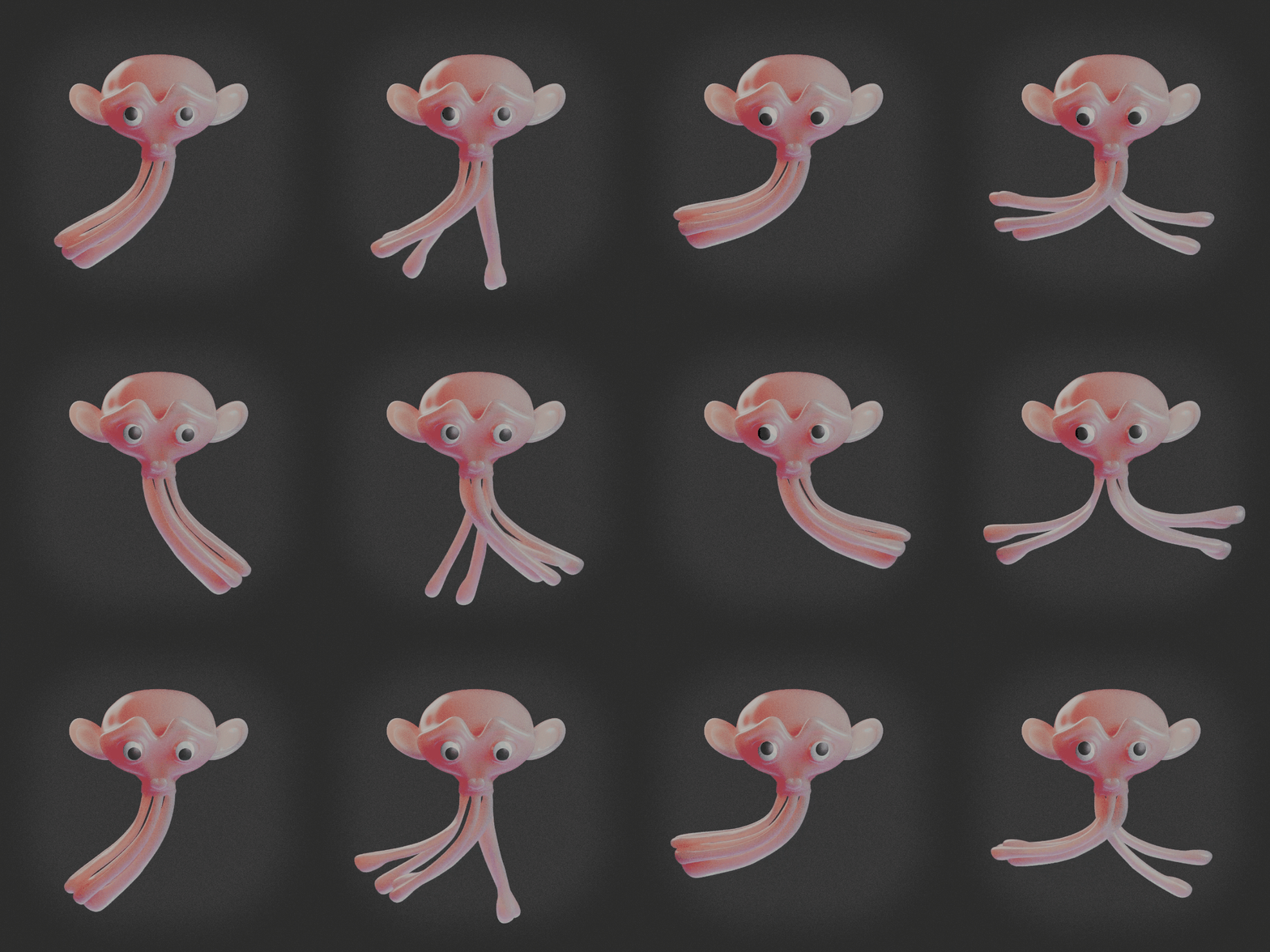
CONTROL WHERE MOTION BUILDS
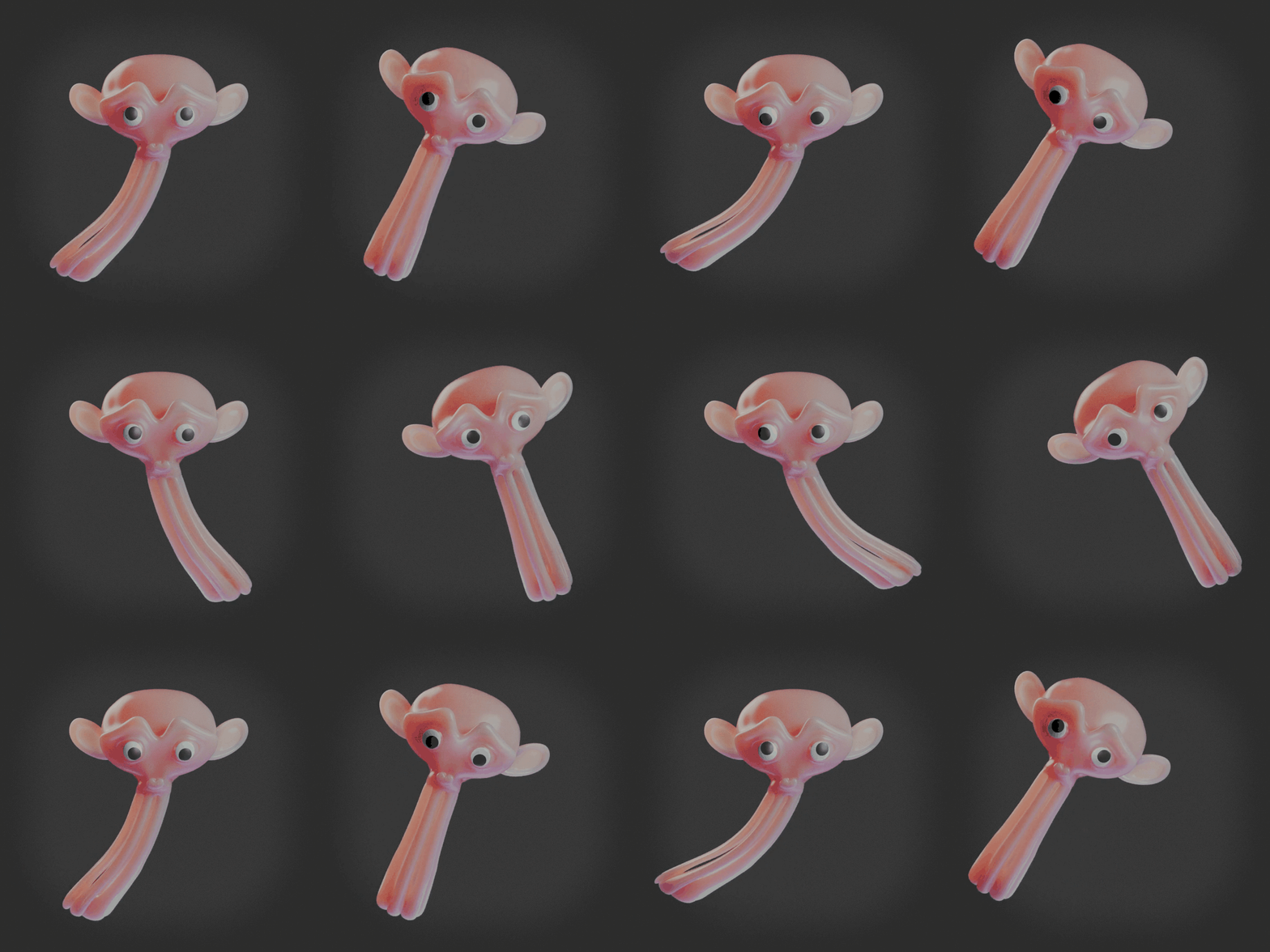
Focus movement toward the tip—or move the whole form together.
Shape the root-to-tip influence to keep the root steadier, or distribute motion more evenly through the form when a broader sway is useful.
TIP-FOCUSED FULL-LENGTH SWAY
SHAPE THE RHYTHM
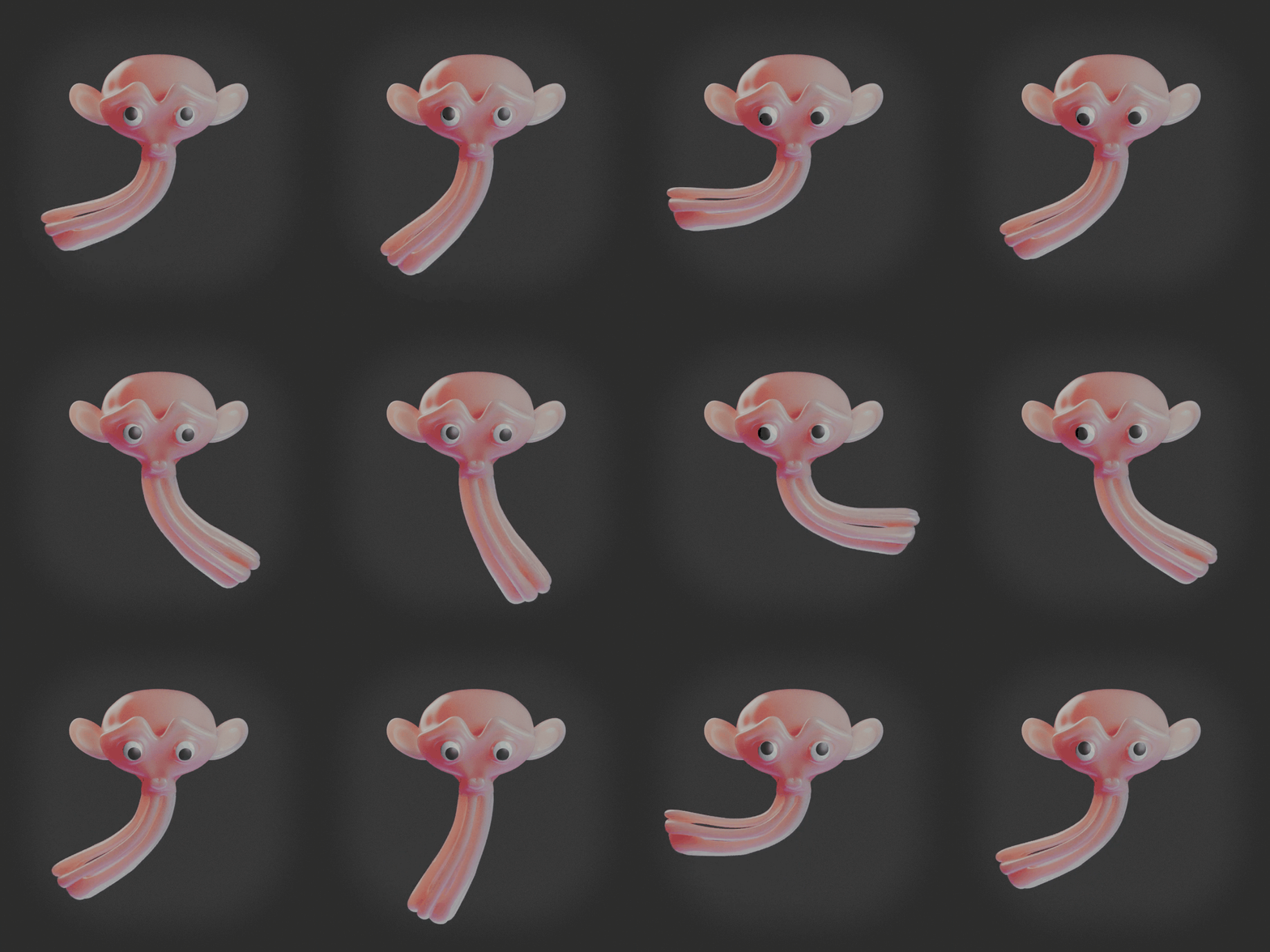
Blend regular sway with less predictable motion.
Start with Strength and Speed, then use Sine / Noise Mix to move between a repeating rhythm and less uniform variation.
SINE NOISE MIX
QUICK START
Frame the shot and adjust editable motion in four steps.
EasySway uses the active scene camera for camera-aware sway orientation, so framing and motion adjustment stay in the same Blender workflow.
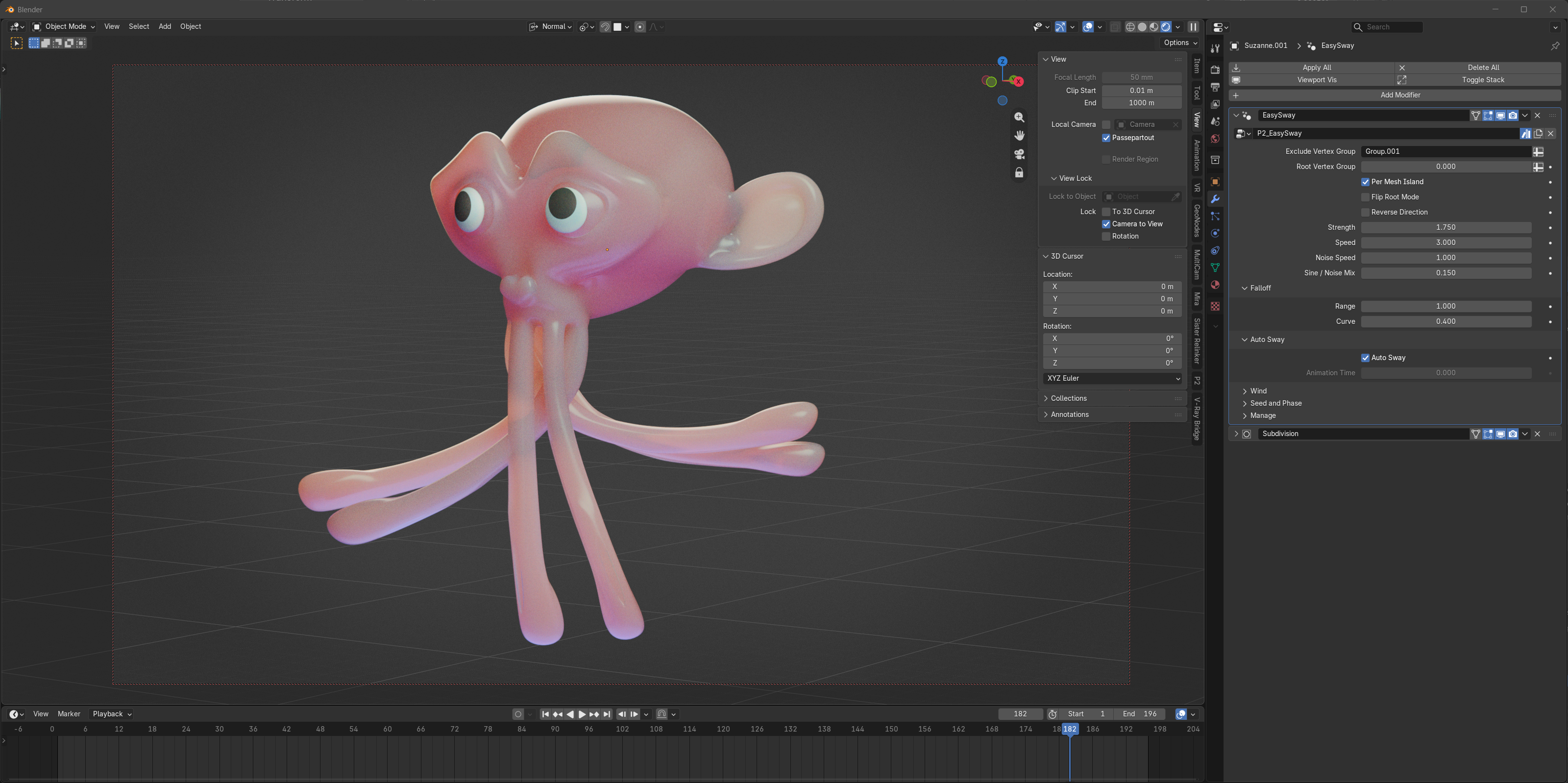
01 Frame the active scene camera with Camera to View.
02 Add P2_EasySway to the mesh object's modifier stack.
03 Enable Auto Sway.
04 Set Strength and Speed, then play the timeline.
AUTOMATIC OR KEYFRAMED TIME
Press play—or animate the timing directly.
Enable Auto Sway to use scene time. Disable it and keyframe Animation Time when you need direct timing, pauses, reversals, or a deliberately timed sine loop.
IMPORTANT TO KNOW
EasySway is a procedural geometric deformation, not cloth, soft-body, rigid-body, or collision simulation. Automatic analysis works best on forms with a readable root-to-tip structure. Noise motion is not automatically seamless at loop boundaries.
Keep the motion procedural. Adjust it from the modifier.
Blender 5.0+. Geometry Nodes and an active scene camera are required. No Python add-on, bake, or external dependency is required.
