 DHA
DHA

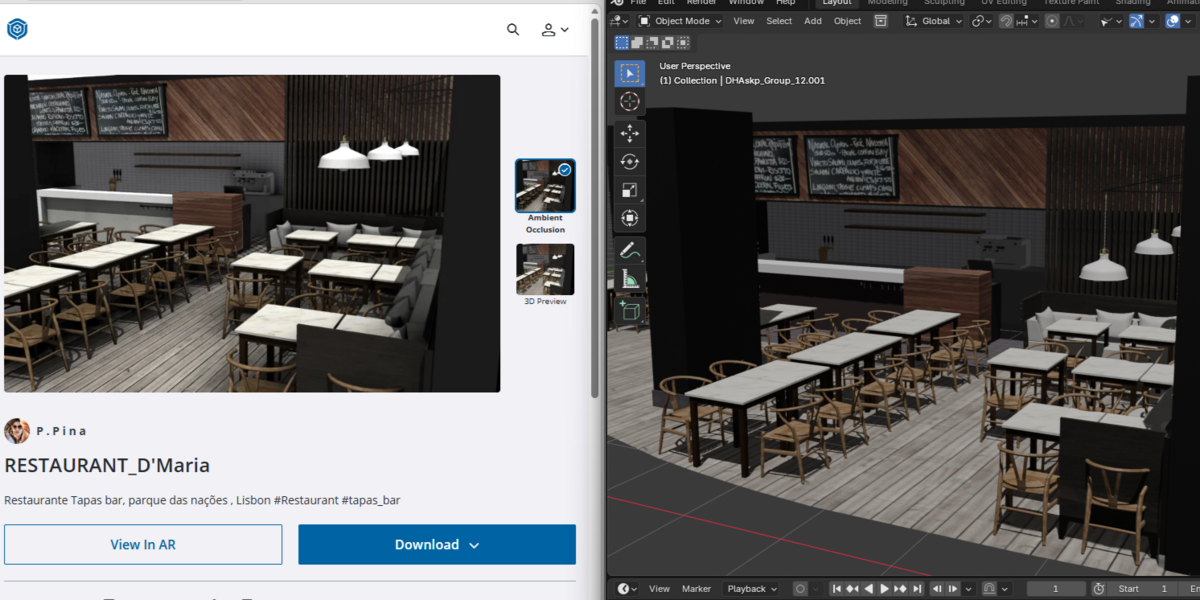



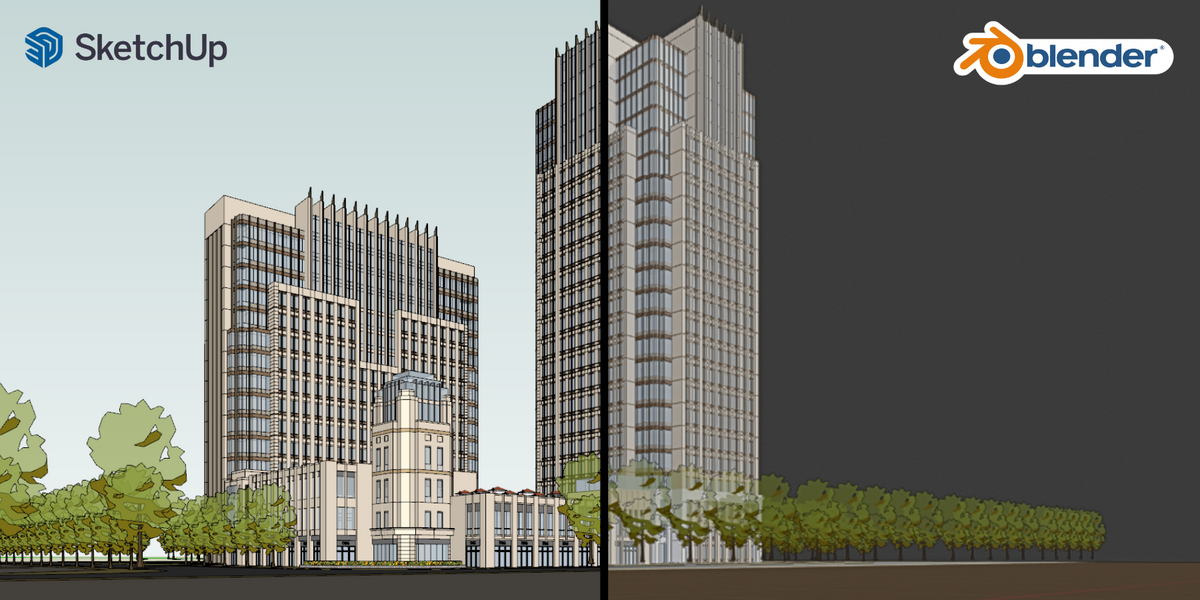

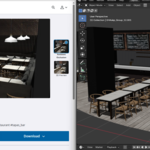
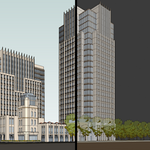
Connect Blender Directly to 3D Warehouse
Gain instant access to the world’s largest free 3D model library without needing SketchUp installed or dealing with manual file conversions. With just your 3D Warehouse account, explore millions of architecture and furniture models and bring them straight into your organized Blender workspace with a single click.
1. Integrated 3D Warehouse Browser & Smart Downloads
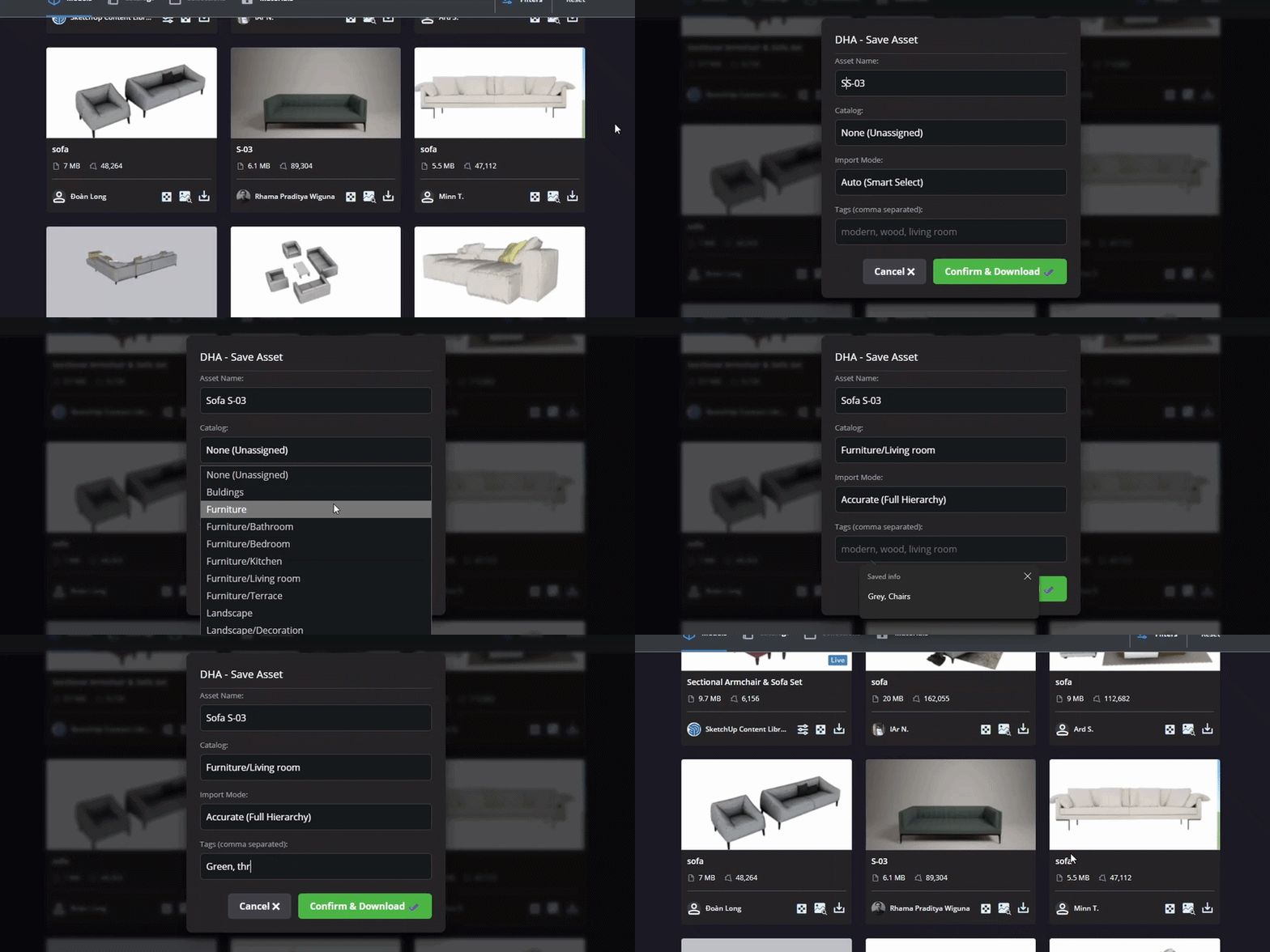
- Built-in Dark Mode Browser: Search and browse 3D Warehouse seamlessly inside your Blender workspace without opening an external browser.
- Smart Save Modal:
- Rename your asset before downloading.
- Assign to an existing catalog or create a new one on the fly.
- Choose the import mode (Accurate-Balance-Fast)
- Add custom tags for fast Asset Browser filtering.
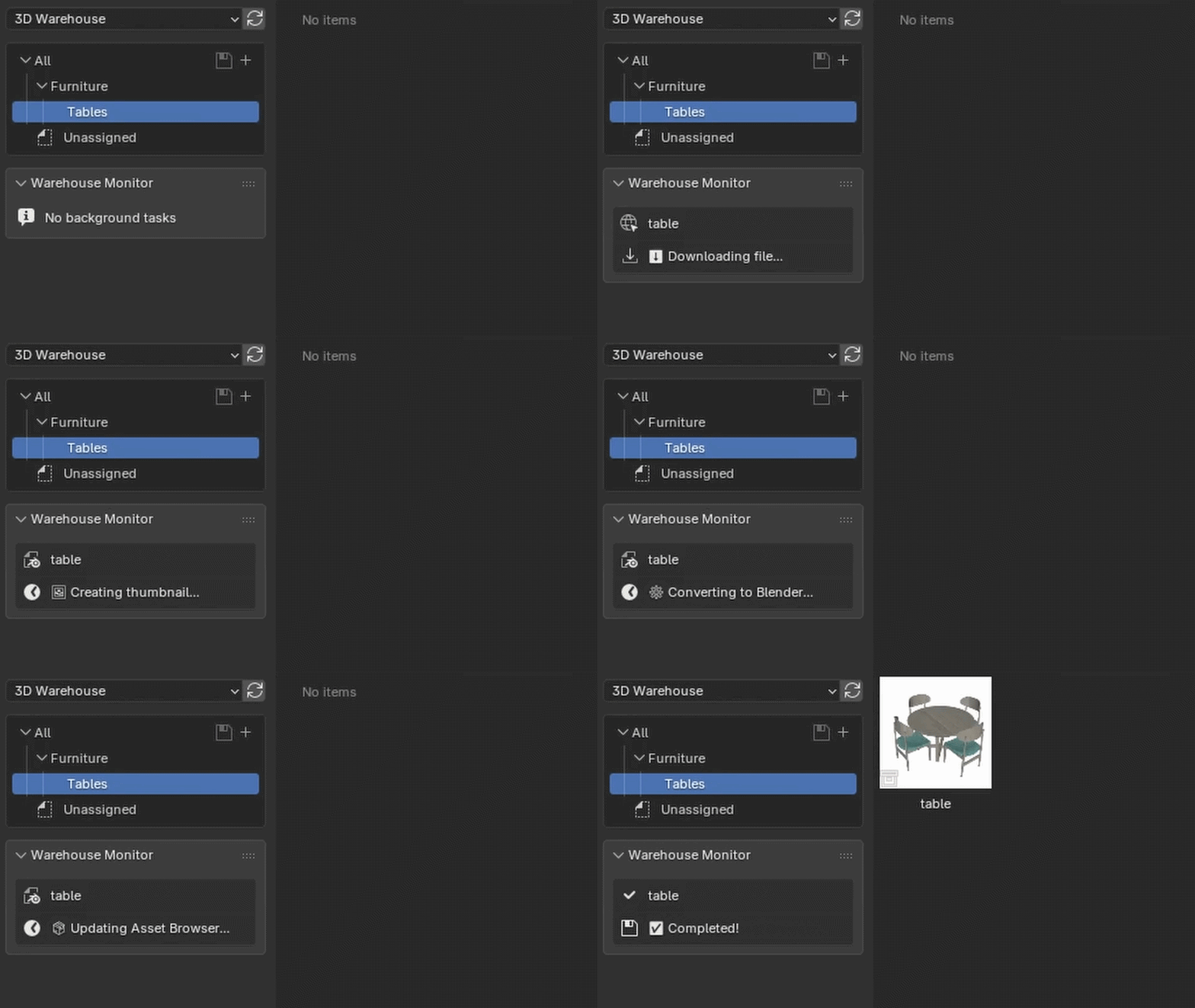
- Zero-Freezing Background Worker: Heavy conversions and texture extractions happen silently in the background while your viewport remains completely fluid.
- Local SKP Import: Import any local
.skpfile from your disk with smart unit/scale matching, fully supporting up to SketchUp 2026.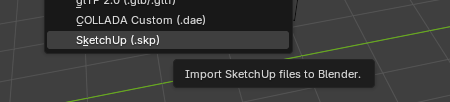
2. Clean Import Engine
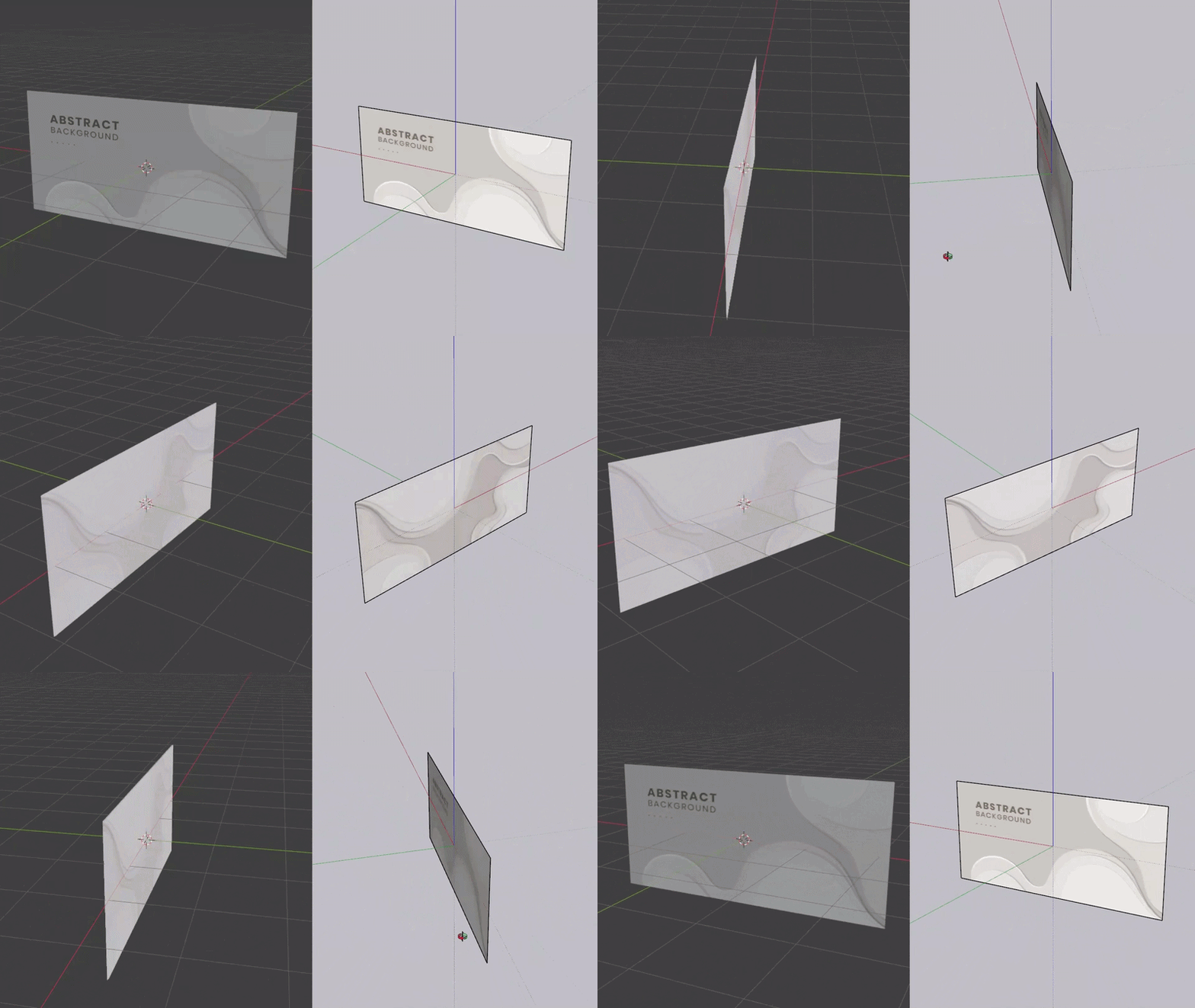
- Double-Sided Materials: Generates dedicated front and back UVMaps inside shaders, preventing lost textures or incorrect faces.
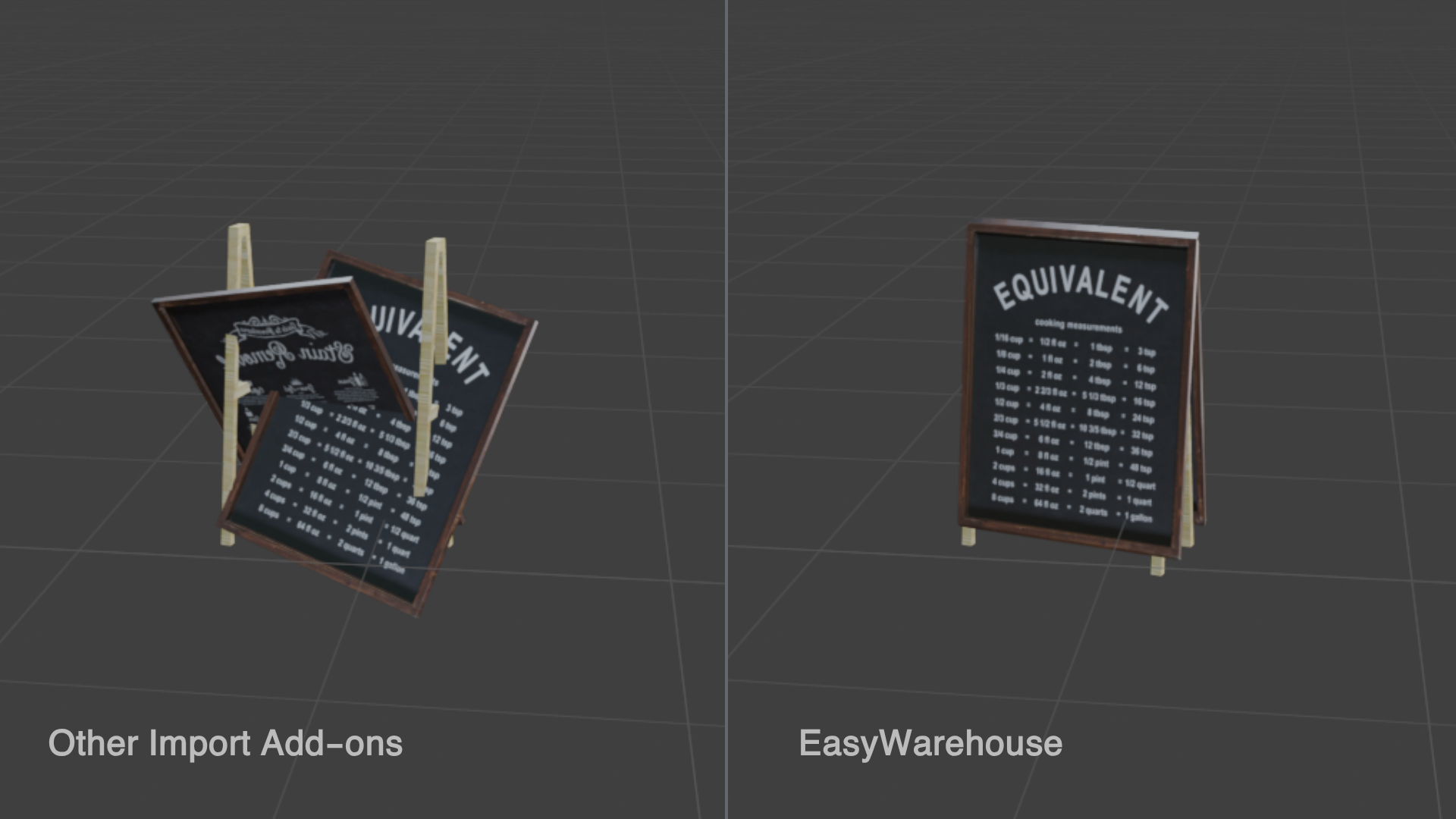
- Smart Instancing: Conserves memory via linked instances while properly preserving individual material overrides.
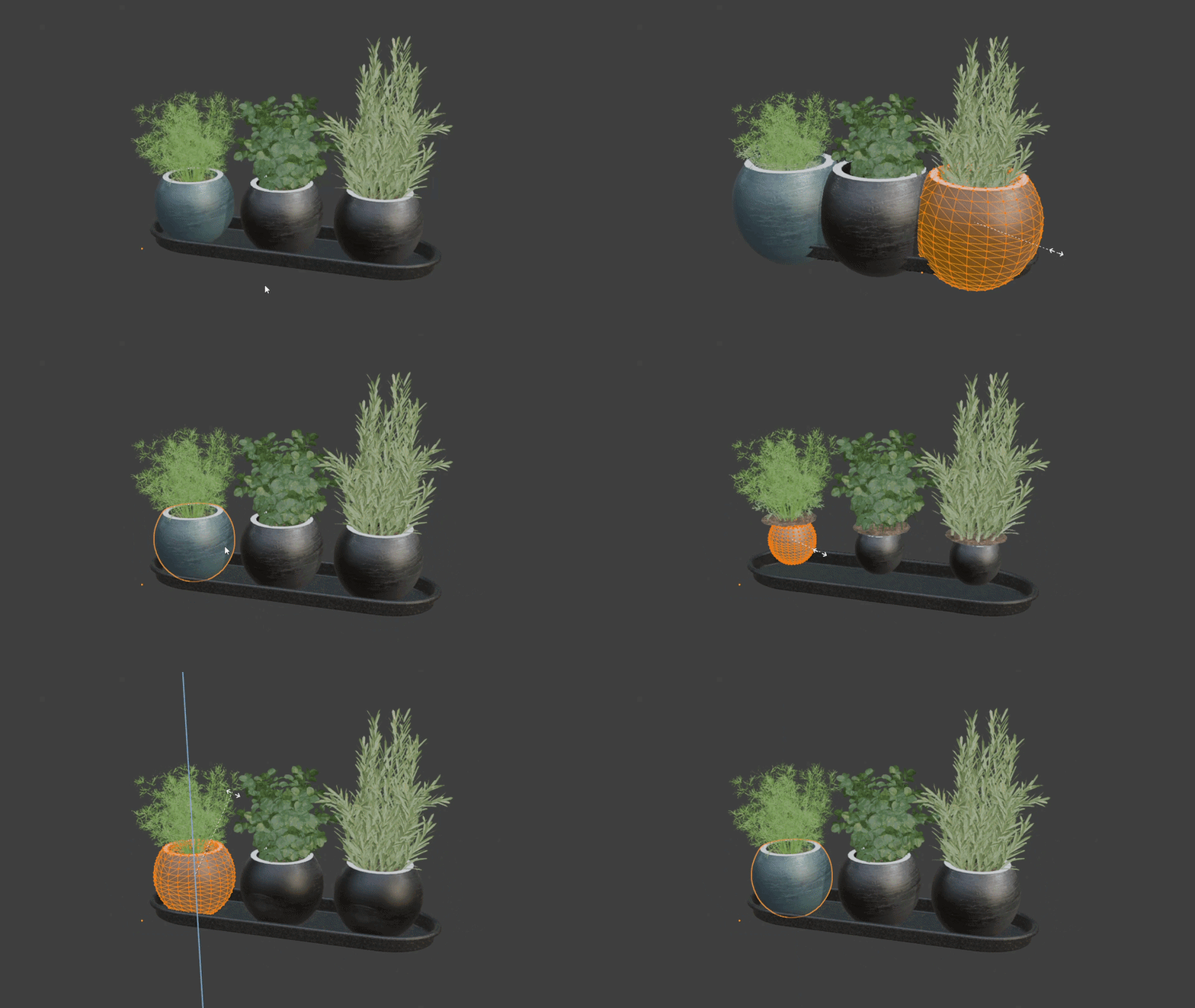
- Shear & Scale Fix: Bakes non-uniform transforms directly into mesh data so every distorted SketchUp instance matches its original form.
3. Your Organized Asset Library

Downloaded models land immediately into your dedicated, neatly packed Asset Library ready to drag and drop.
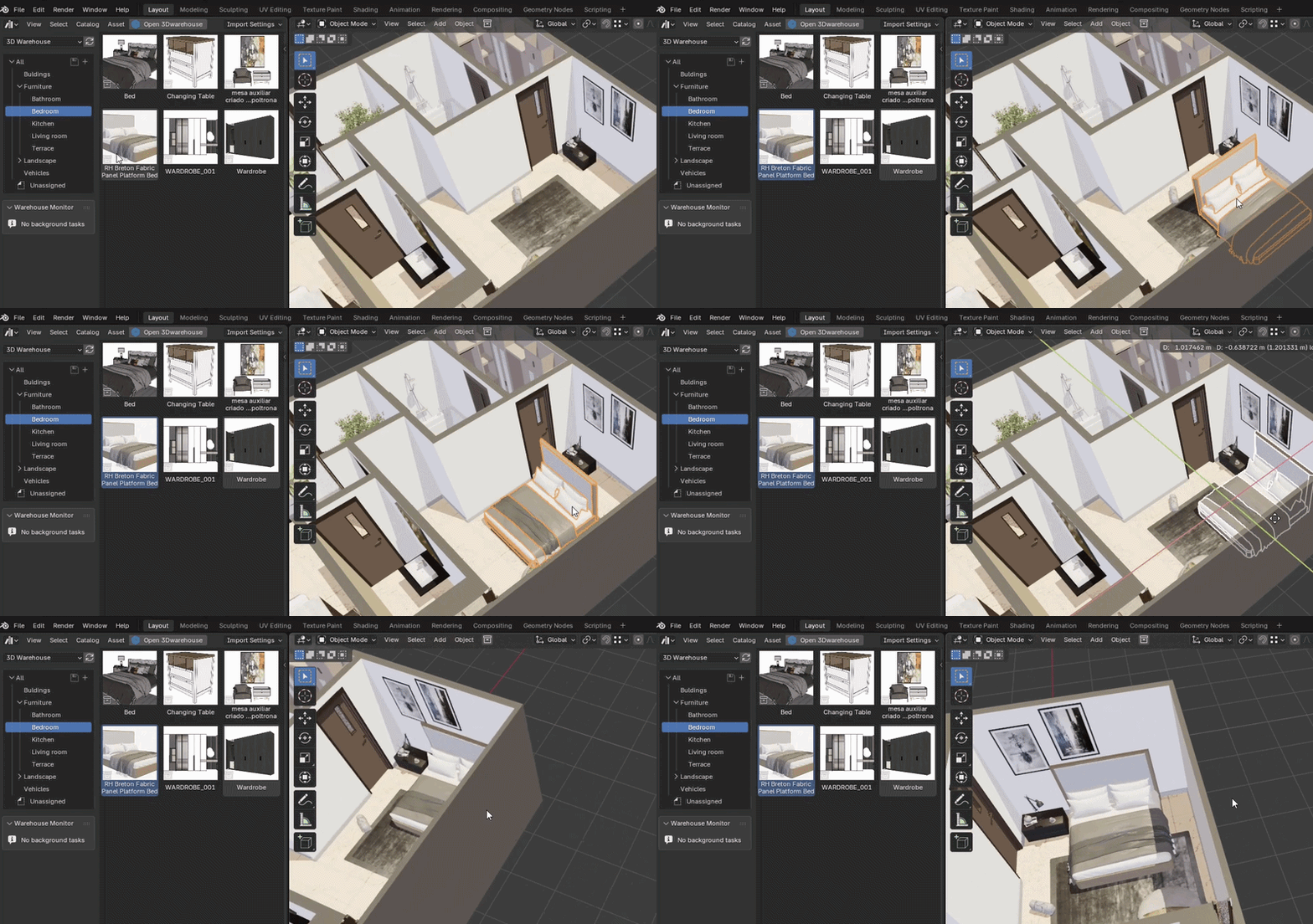
Full right-click management tools include:
- Rename: Updates asset names, blend files, and internal folders simultaneously in the background.
- Move/Catalog: Reassigns assets to any catalog with one click.
- Update Thumbnail from Viewport: Captures your current 3D view and applies a clean square thumbnail.
- Clean Delete: Safely purges unwanted assets and their files permanently from disk.
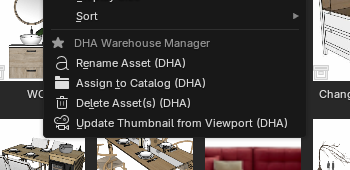
4. SketchUp Workflow in Blender (Group Navigator)
- New Group & Ungroup: Group and ungroup objects while strictly preserving world-space transforms.
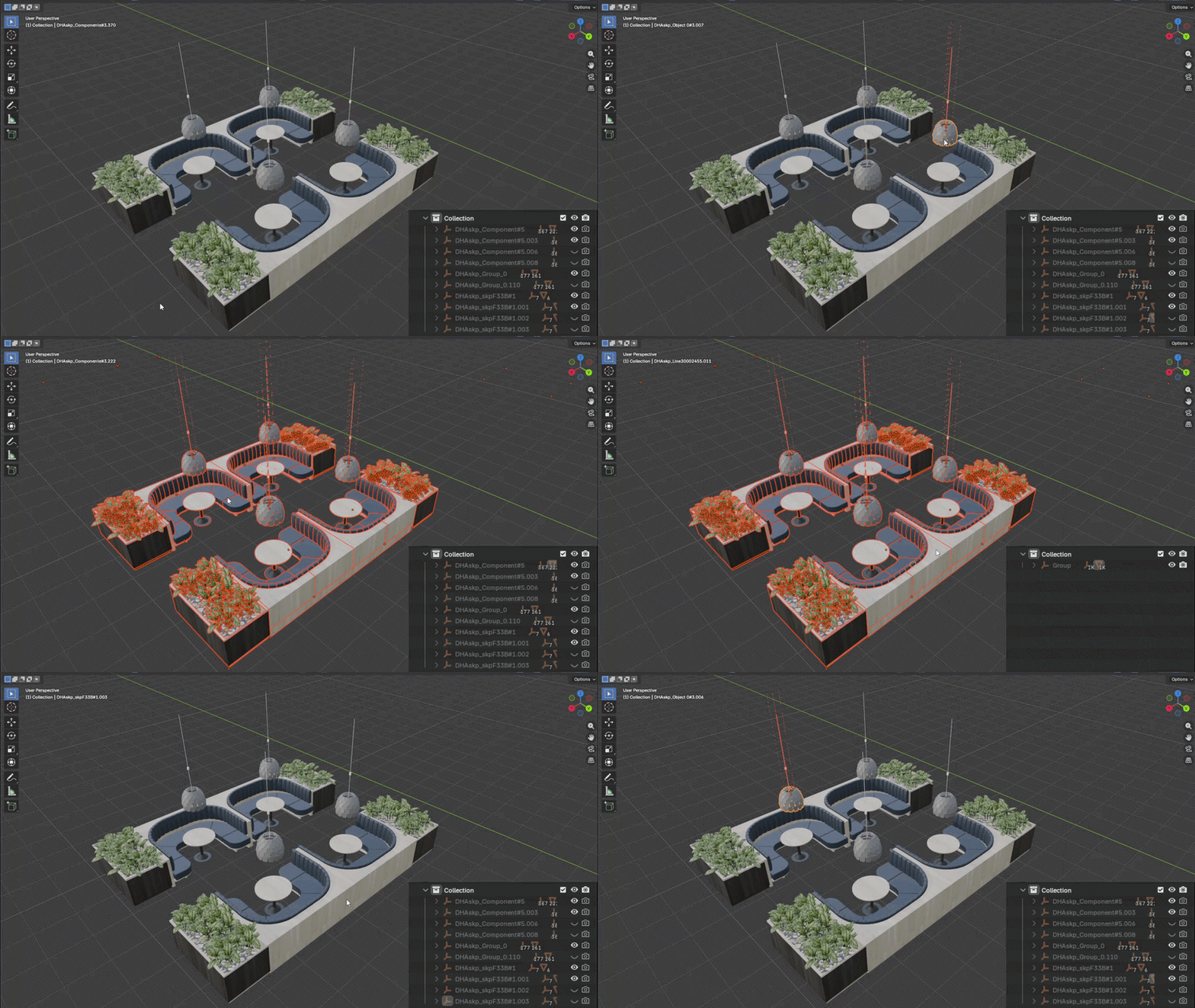
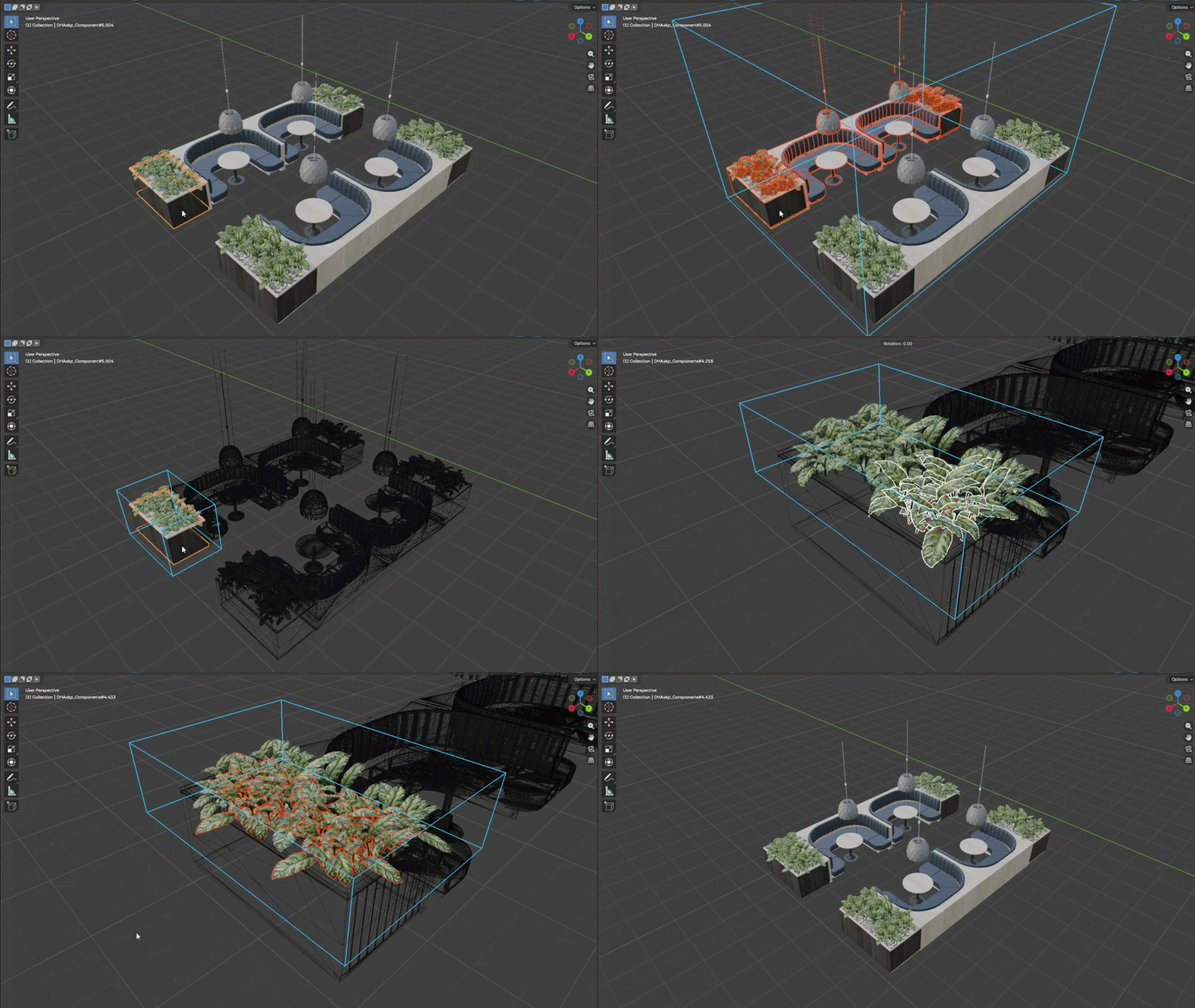
- Double-Click Navigation: Double-click any group to edit inside its hierarchy with isolated wireframe fading, active bounding boxes, and quick exit via
ESC.