 Xarls 3d art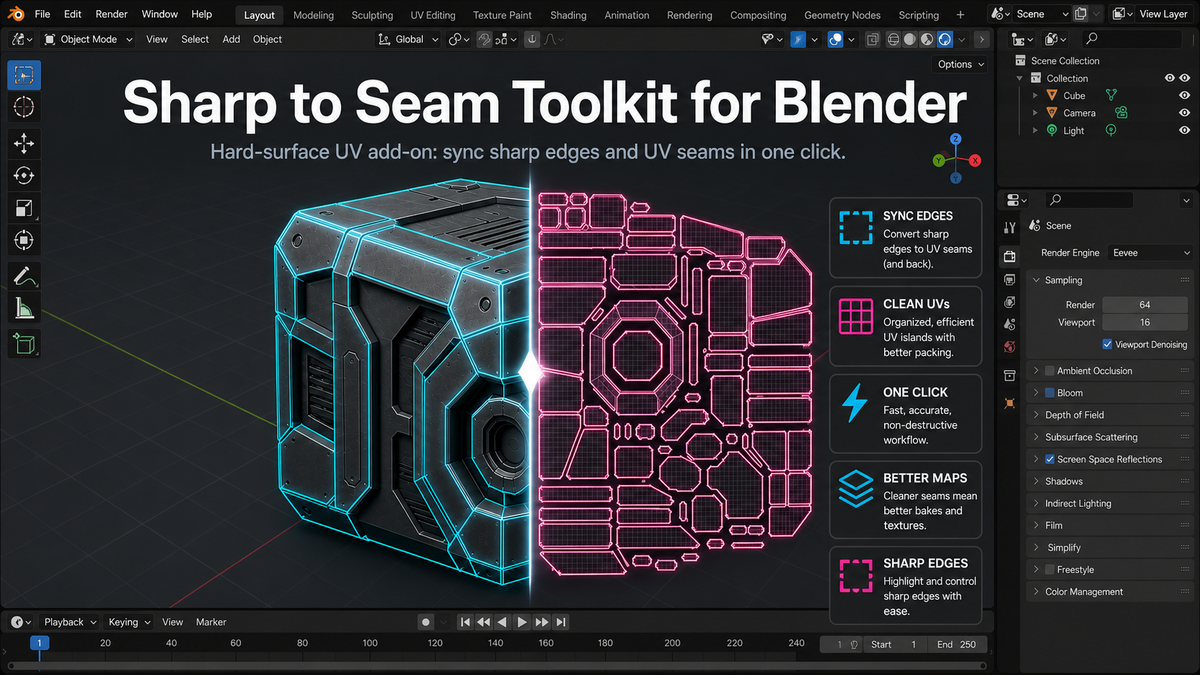
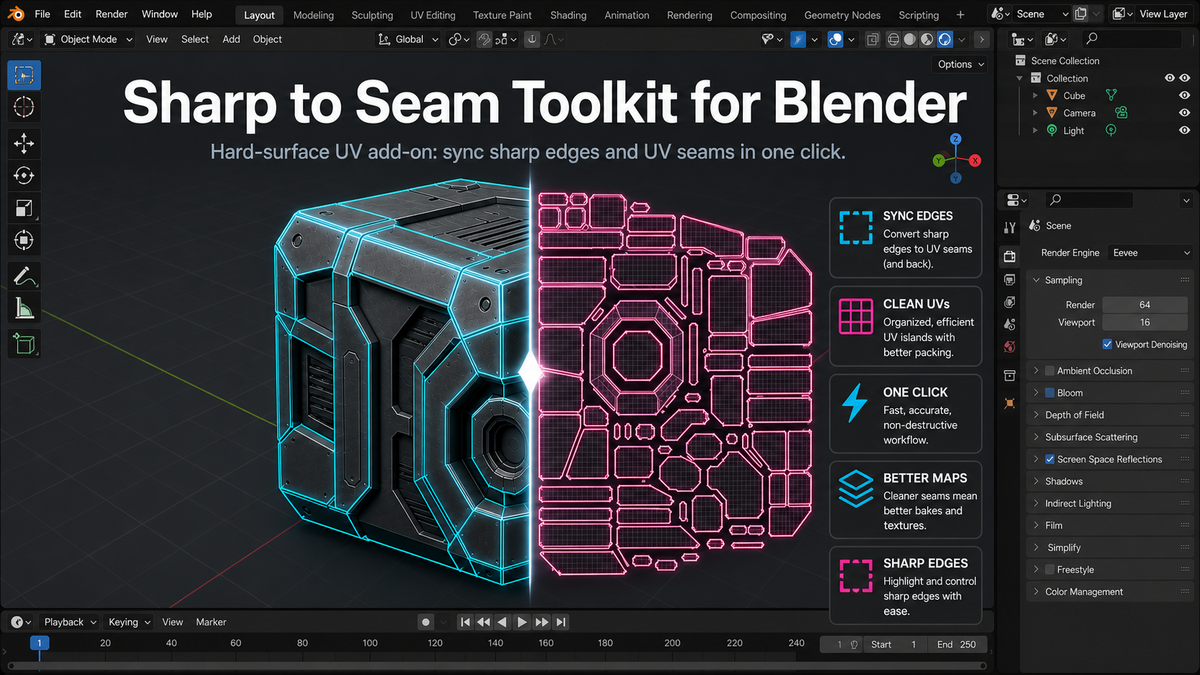
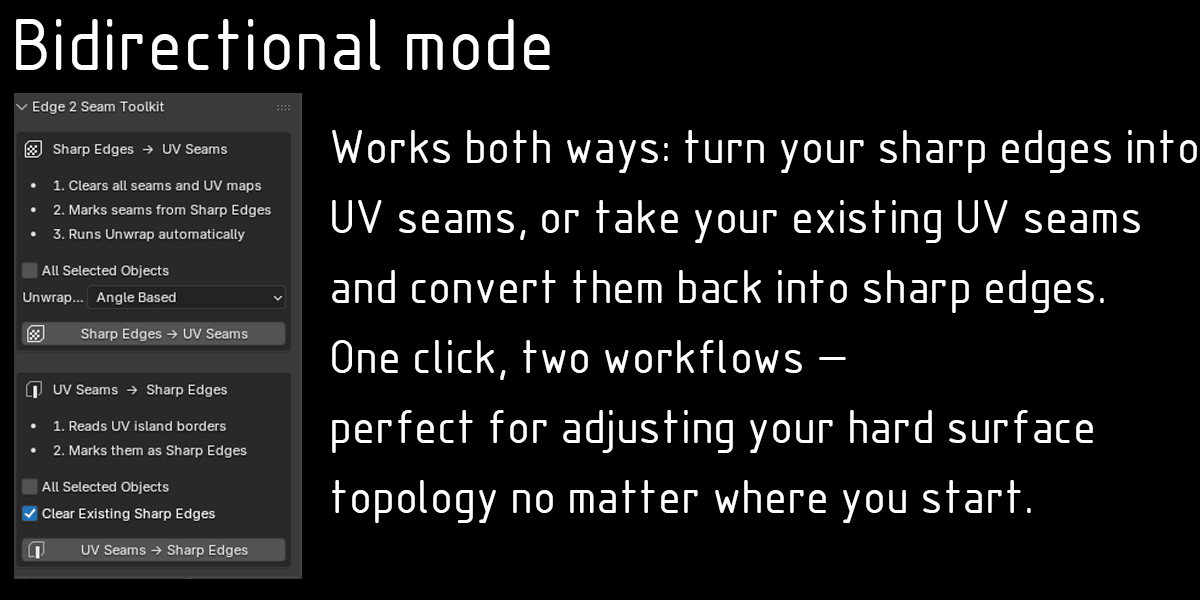
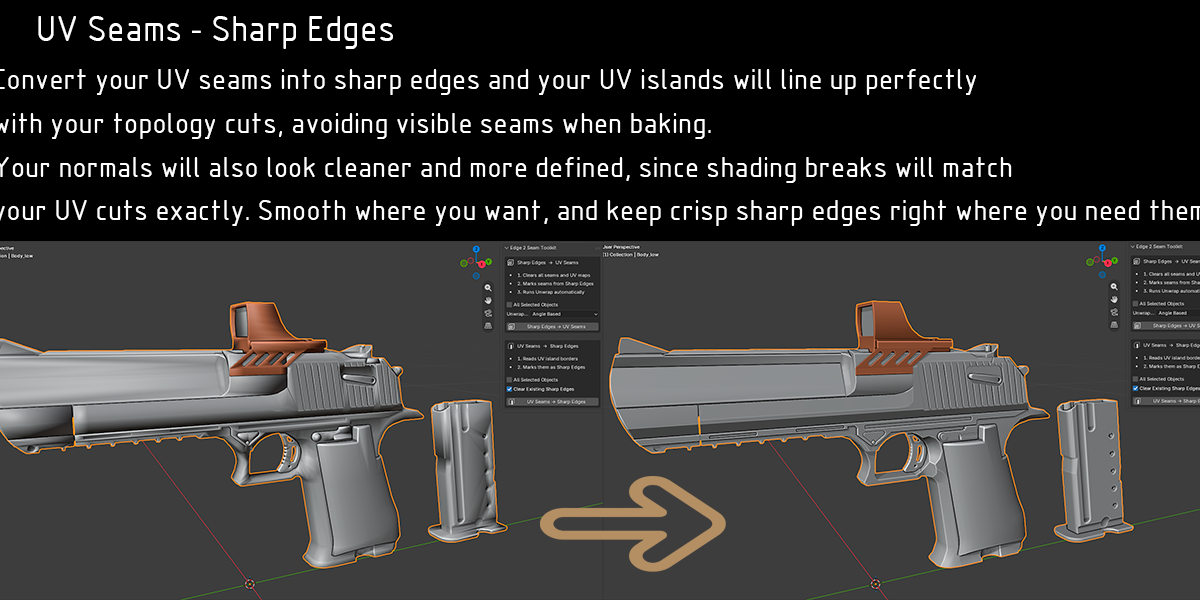
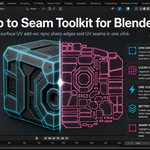
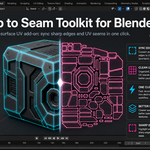
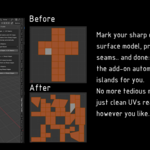
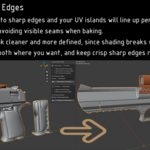
Edge to Seam Toolkit is a Blender add-on designed to speed up UV work for hard surface models by automatically converting sharp edges into UV seams — no more marking seams one by one by hand.
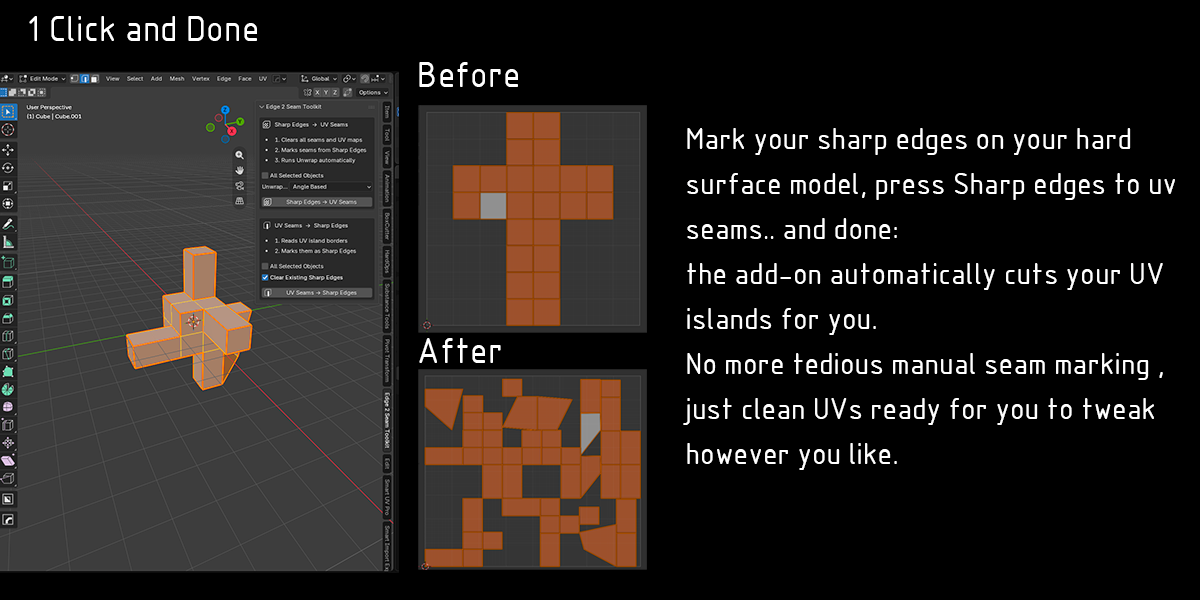
Instead of spending time selecting edges and marking seams manually, you define your sharp edges (by hand or using Set Sharp by Angle) and with a single click the toolkit converts them into UV seams, clears previous UV maps and runs an automatic unwrap. The result: clean cuts, sharp corners and UVs ready for texturing and baking without the tedious edge selection grind.
Designed for hard surface workflows: weapons, props, vehicles, mechanical parts and architecture — where your sharp edges already describe the panels and cuts of the model. Not recommended for organic characters or deformable meshes where seam placement needs more manual control.
Features
- Sharp edges to UV seams in one click — Converts all sharp-marked edges into UV seams and runs automatic unwrap with your chosen method (Angle Based or Conformal).
- Clean UV and seam reset — Removes all existing seams, deletes all UV maps and creates a fresh UVMap, avoiding conflicts or leftover data from previous unwraps.
- Batch process multiple objects at once — Enable All Selected Objects to apply the full process across all selected meshes in the scene, ideal for props and architecture scenes.
- Integrated into Blender's workflow — Access from the edge context menu in Edit Mode and from the dedicated Sharp to Seam panel in the N-panel (UV Tools category).
- Built for hard surface — Optimized for weapons, vehicles, props and architectural assets. Not recommended for organic characters or rigs.
Requirements
- Blender 3.0 or higher
- Mesh objects only
- Recommended for hard surface workflows
How to Install
- Save the file Edge-to-seam-toolkit.py
- In Blender go to Edit > Preferences > Add-ons > Install and select the file
- Enable the add-on and open the N-panel in the 3D Viewport — you will find the UV Tools tab with the Sharp to Seam panel
Quick Start
- Mark your sharp edges (manually or with Set Sharp by Angle)
- Select your object
- Open UV Tools > Sharp to Seam in the N-panel
- Choose Angle Based or Conformal unwrap method
- Click Apply Sharp to Seams + Unwrap
The toolkit will clear all previous seams and UV maps, mark seams on every sharp edge and run unwrap automatically into a new UVMap.
See more here: https://www.youtube.com/shorts/FOW1ALYNubk
