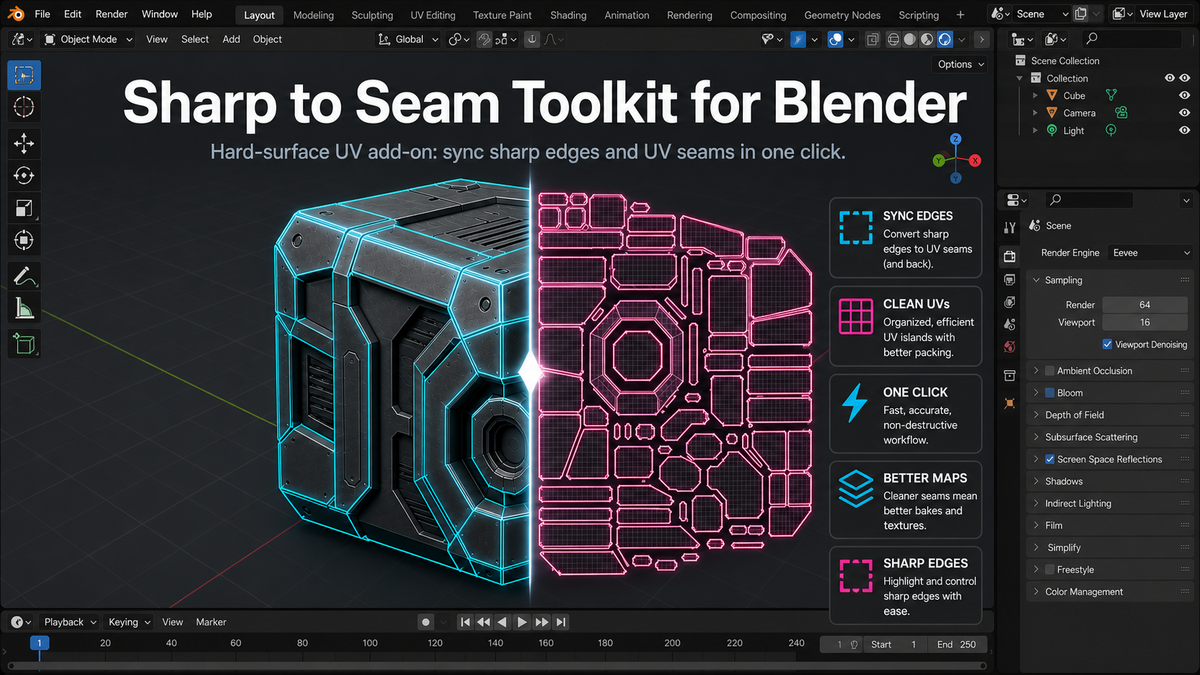
Edge To Seam Toolkit – Hard Surface Uv Add-On
 Xarls 3d art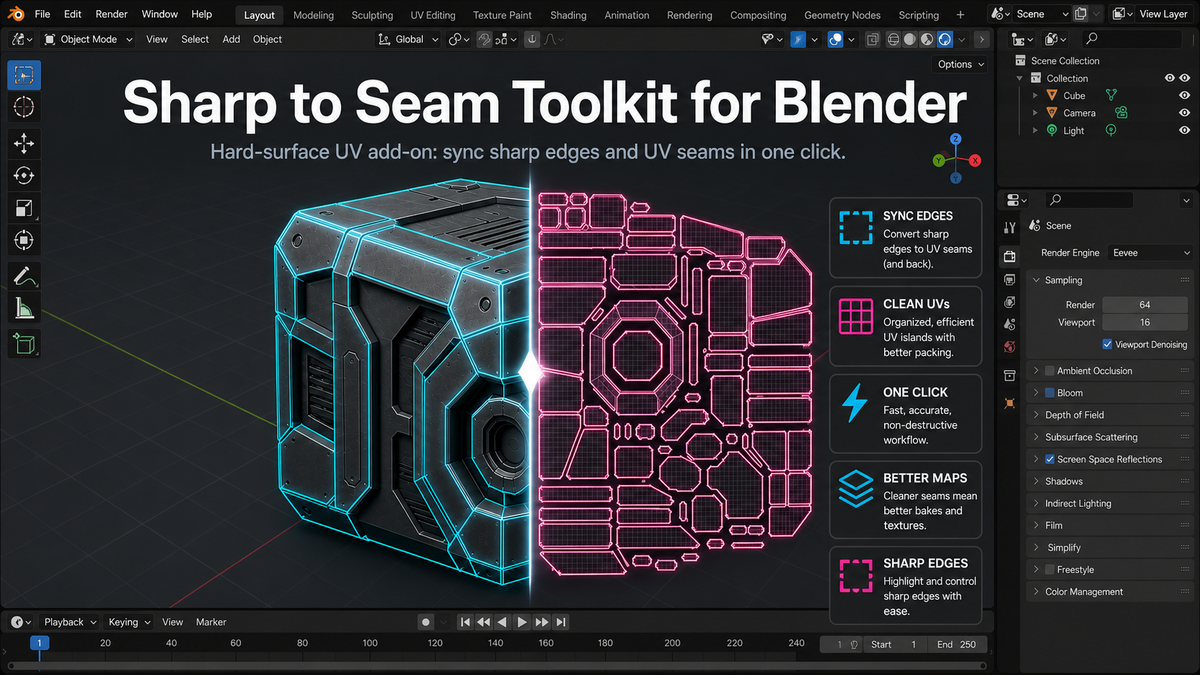
Installation
- Download the file Edge-to-seam-toolkit.py
- In Blender, go to Edit > Preferences > Add-ons > Install, then select the downloaded file
- Enable the checkbox next to the add-on in the list
Where to find it
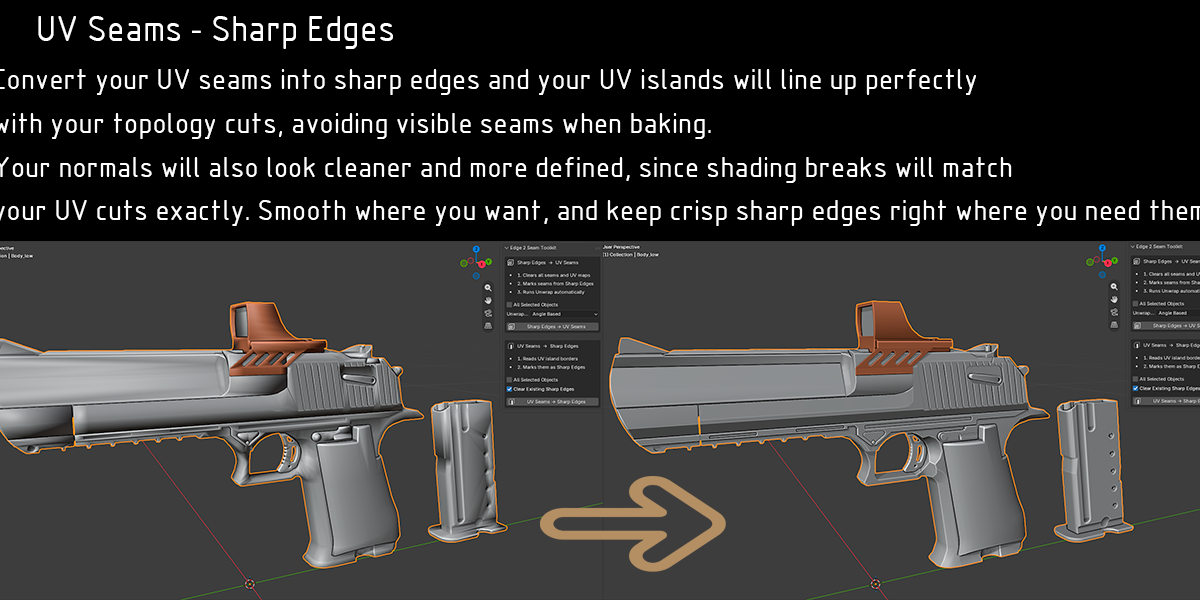
Open the N-panel in the 3D Viewport (press N) while in Edit Mode on a mesh object. You will find a new tab called UV Tools containing the Sharp to Seam panel. The same action is also available from the edge context menu (right-click) in Edit Mode.
How to use it
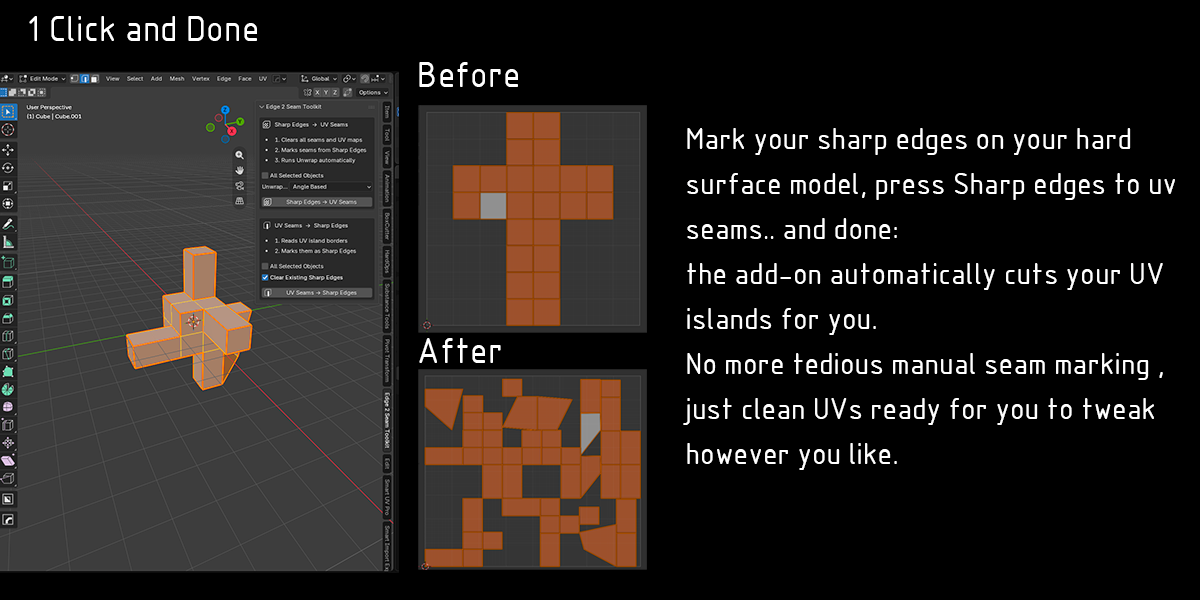
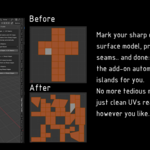
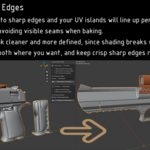
- Mark your sharp edges, either manually or using Mesh > Shading > Set Sharp by Angle
- Select the object (or objects, if using All Selected Objects)
- Open the Sharp to Seam panel and choose your unwrap method: Angle Based or Conformal
- Click Apply Sharp to Seams + Unwrap
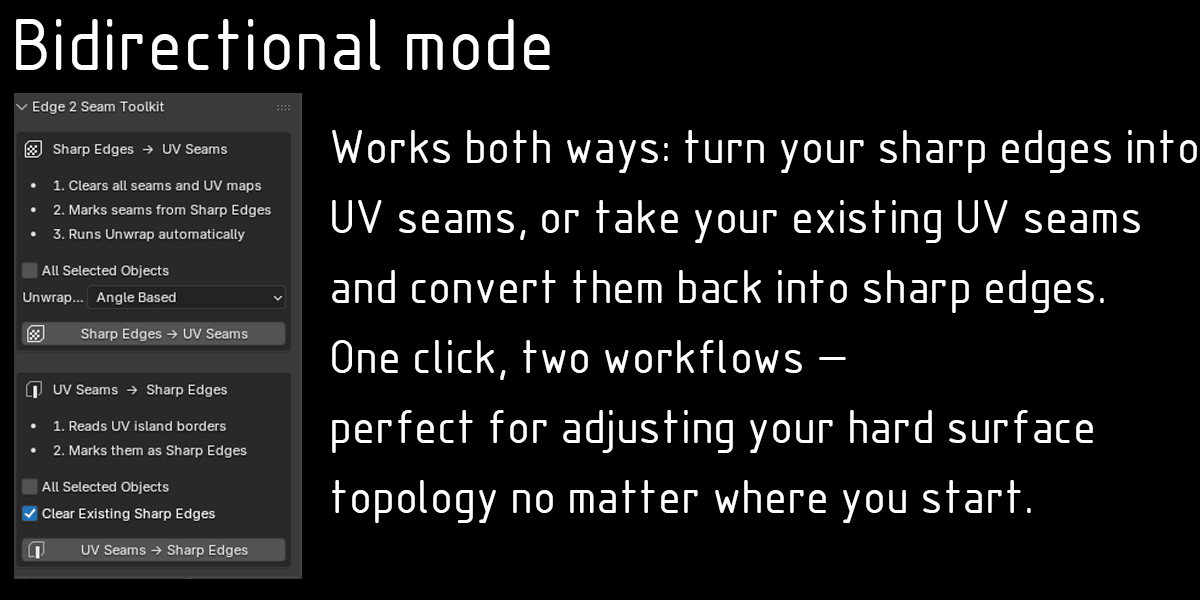
The add-on will clear existing seams and UV maps, convert every sharp edge into a seam, and generate a fresh UVMap using an automatic unwrap.
$10
Have questions about this product?
Login to message
| Blender Extension Compatible | Yes |
| Published | 2 months ago |
| Blender Version | 3.0 - 5.1 |
| Extension Type | Add-on |
| Render Engine Used | Cycles, Eevee |
| License | GPL |

Discover more products like this
vehicles architecture UV seams uv mapping mechanical-parts edge to seam uv-tools UV Unwrap hard surface unwrap tool weapons props