 NizamNet


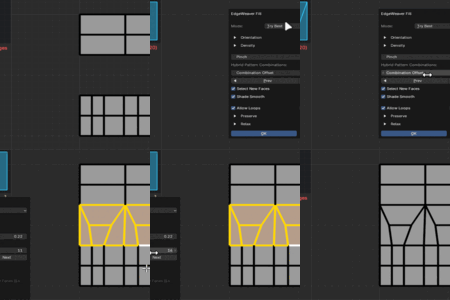
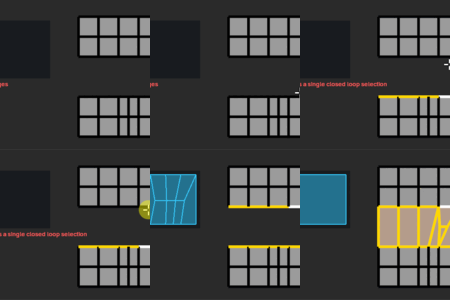
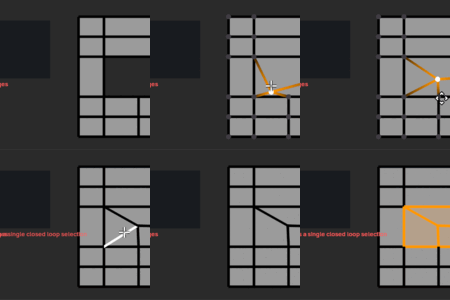
Q: Will there be more topology patterns and features in the future?
A: Absolutely. EdgeWeaver is currently in its V1 stage. We have a comprehensive roadmap that includes advanced loop deflection, curvature-aware bridging, and AI-assisted topology solving. The pace and scope of these updates are directly fueled by community support and feedback.
Q: Does it support N-Gons?
A: EdgeWeaver is optimized for Quad-based workflows to ensure subdivision-ready topology. However, it includes fallback algorithms that can process N-Gons by attempting to reduce them to Quads. For the best results, we recommend working with clean edge selections.
Q: My bridge looks twisted. How do I fix it?
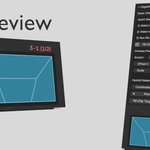
A: This is a common topological ambiguity. You don't need to undo. Simply look at the Redo Panel (bottom left) or the N-Panel while the operation is active. Toggle the 'Flip Target' or adjust the 'Shift' value to untwist the connection instantly.
Can I change the default hotkey?
A: Yes. While Shift+F is the default, you can remap this to any key combination that fits your workflow directly from the Add-on Preferences menu in Blender.
$13.90
Have questions about this product?
Login to message
| Sales | 10+ |
| Dev Fund Contributor | |
| Published | 8 months ago |
| Blender Version | 3.3 - 5.0 |
| Extension Type | N/A |
| Render Engine Used | Cycles |
| License | GPL |
Discover more products like this
bridge mesh efficiency topology quads modeling tool Patching retopology Workflow addon optimization