Editable Stone Path - Geometry Nodes
 GN Box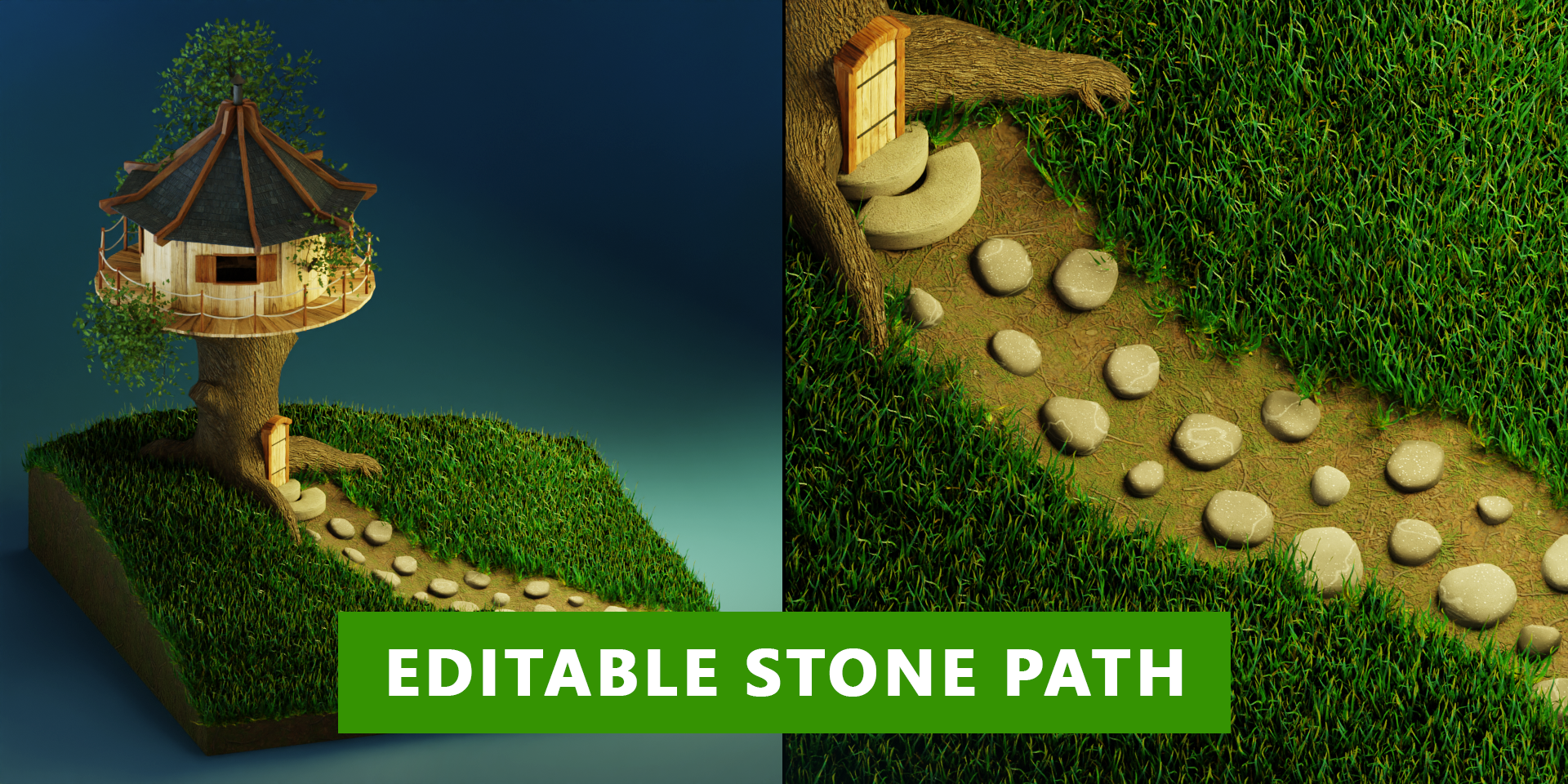
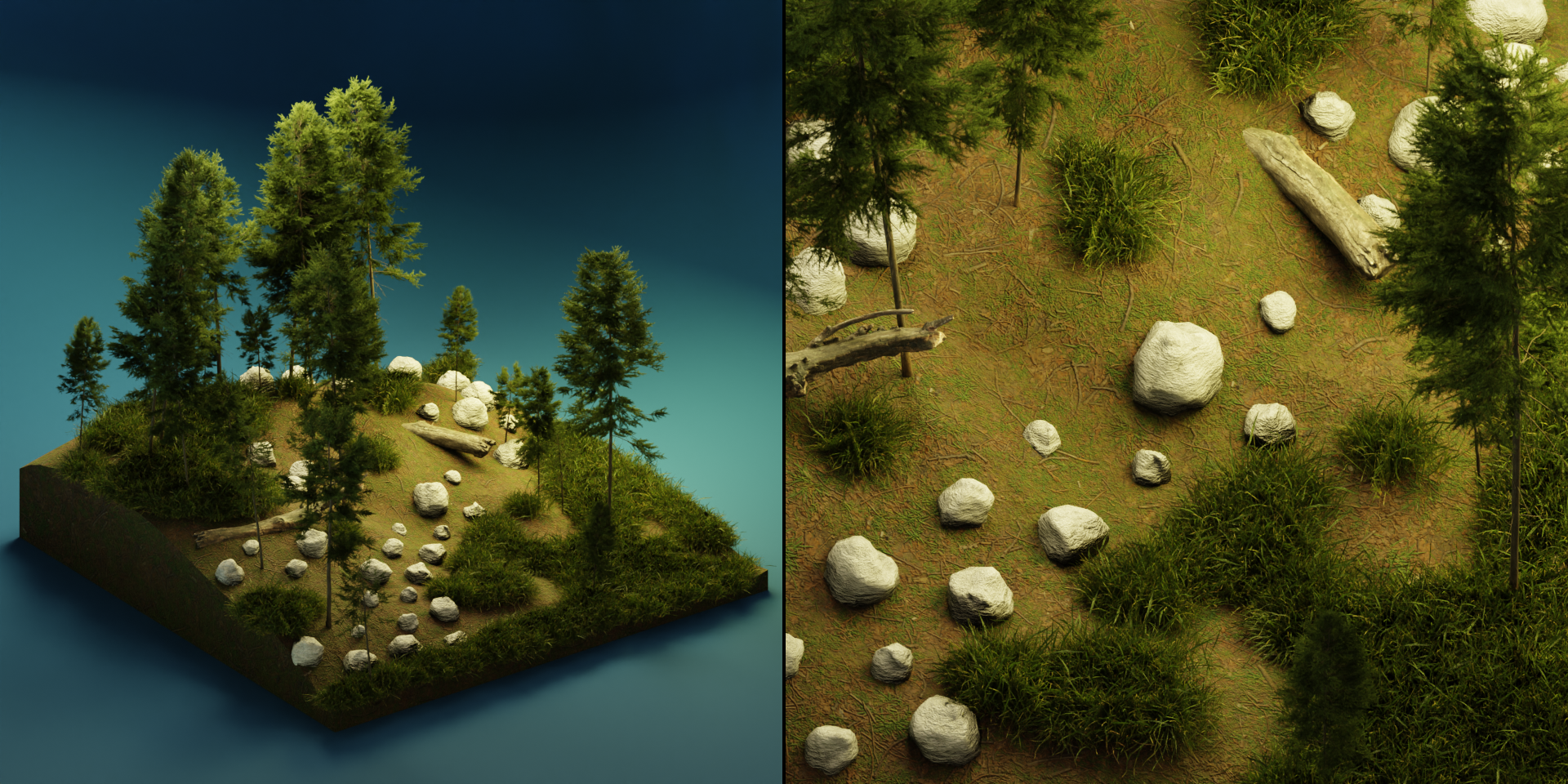
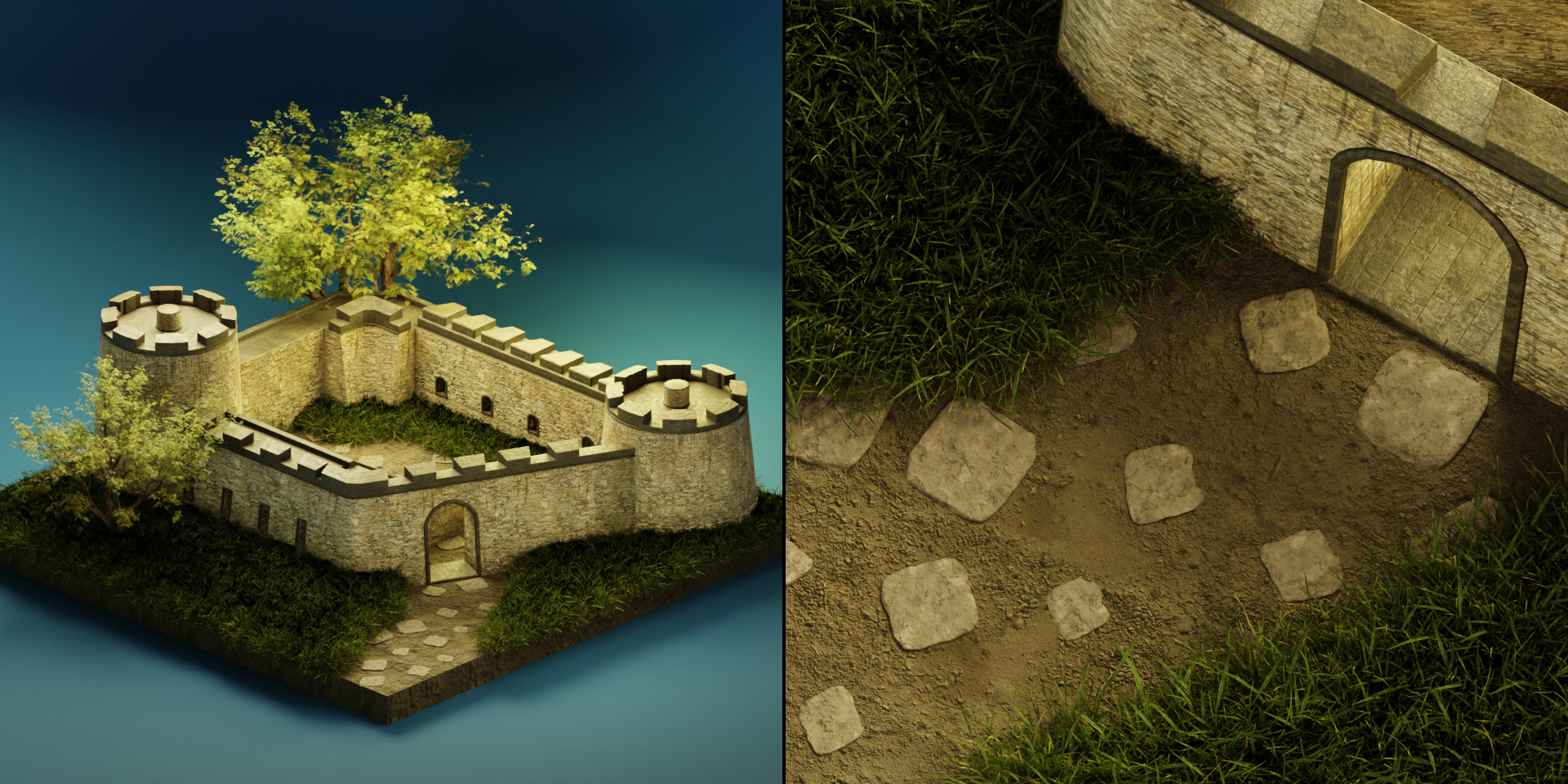
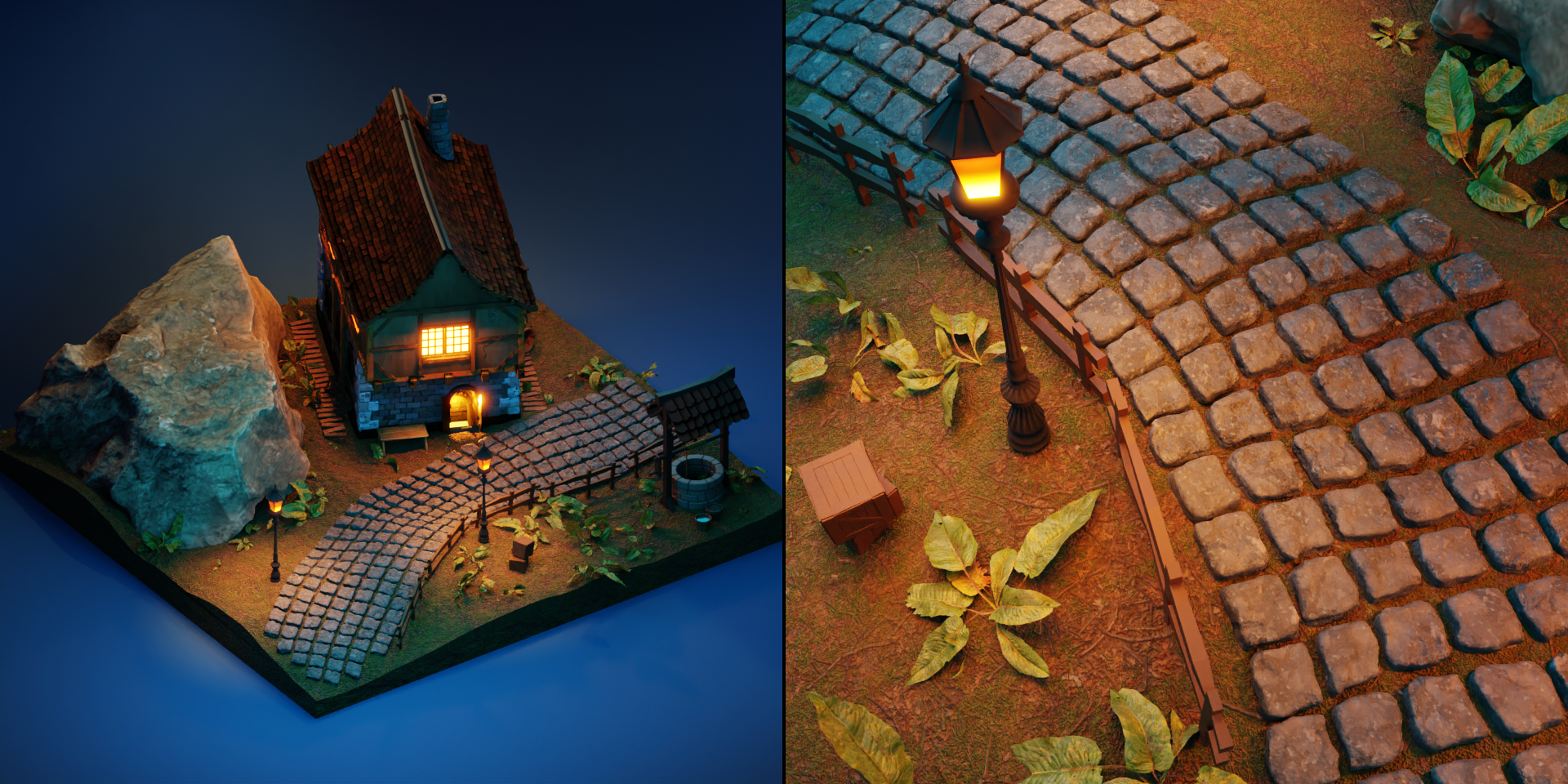
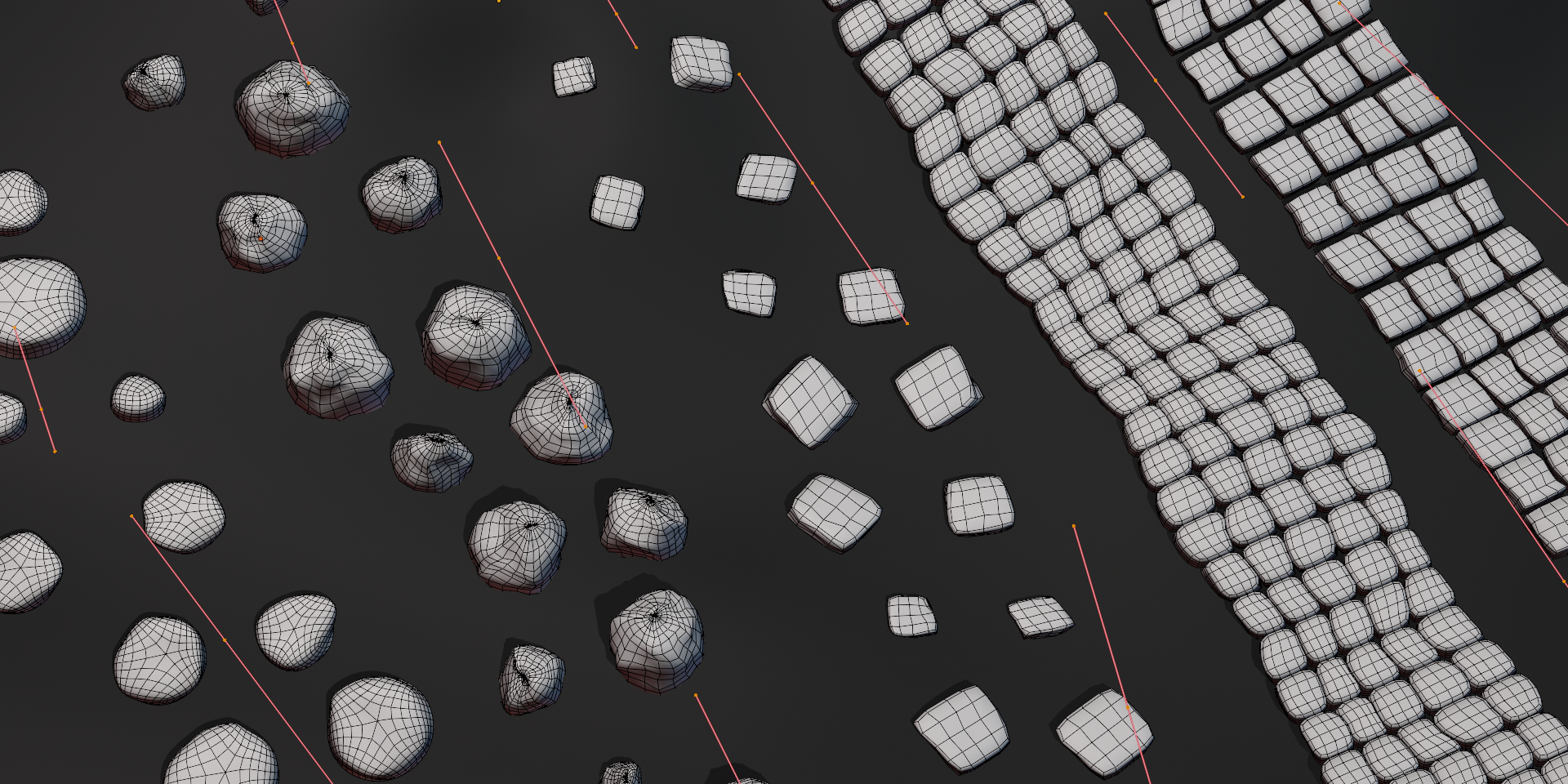
I draw a curve, but no stones are visible.
You need to select the Target Surface on which you want to place the stones (in the GN modifier parameters).
I draw a curve, but some of the stones are not visible on the surface.
You need to raise the curve points along the Z axis in edit mode.
What can I do to make the two stone paths have different sizes?
You need to copy the stone path in object mode and set up both paths separately.
What if I want to have two stone paths with different types of stones?
You need to copy the stone path in object mode and set up both paths separately.
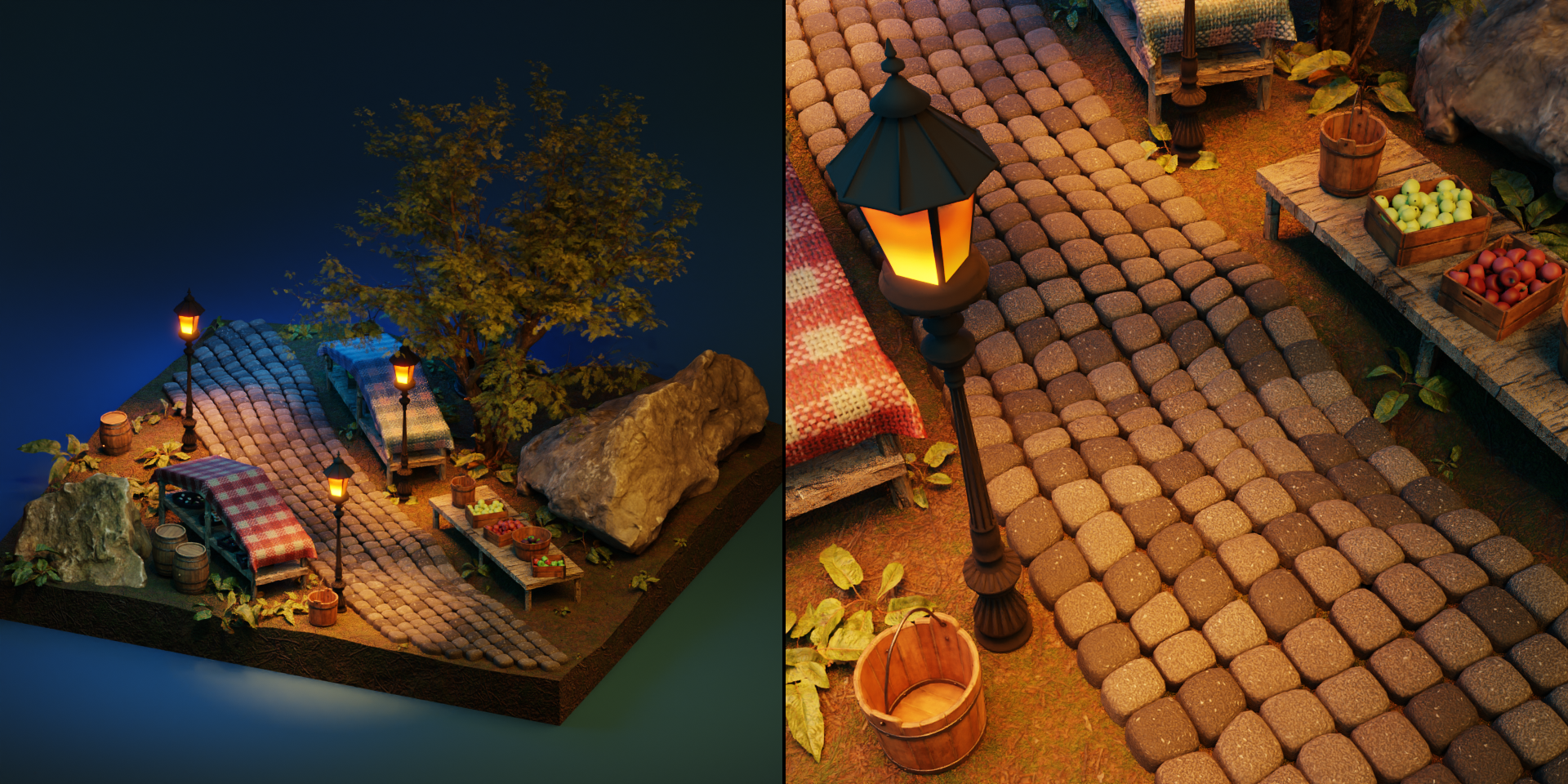
I drew paving stones (type 4 and 5), but it looks strange (big angle between some rows or one row overlaps another).
You need to rotate or move the curve points so that the curve normals are uniform (for ease of adjustment, turn on the display of normals in the Overlays menu in edit mode).
$5
 Included
Includes 12 months of
- Support from GN Box
- Product updates
Extend this product’s Support Period +12 months: 50% of product price
Have questions before purchasing?
Login to message
| Sales | 30+ |
| Rating | 2 ratings |
| Published | about 3 years ago |
| Blender Version | 3.5 - 5.2 |
| License | Royalty Free |

Discover more products like this
#nature geometry node stone path blender lane architectural stone b3d landscape design Interior stone environment nature classical cobblestone street path road curve procedural pathway string 3d environment stone blender landscape exterior track outside bfcm24 b3d outdoor trail Rock blender garden paving stone town city environment