 JSoftWorks
Eevee Render 360: The Ultimate Panoramic & Dome Renderer
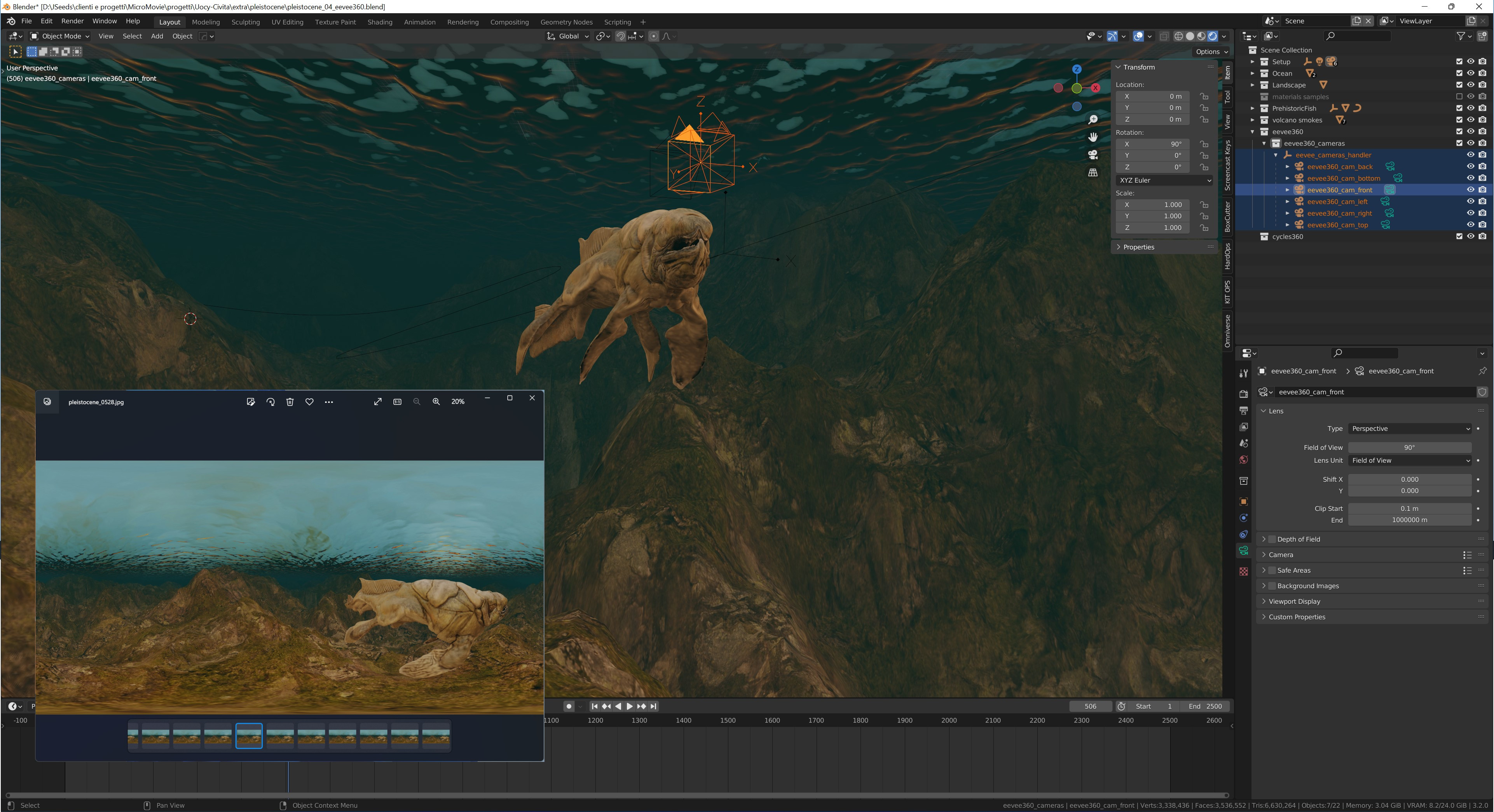
Unlock the power of EEVEE for immersive content creation. Eevee Render 360 is a powerful, streamlined add-on that bridges the gap between EEVEE’s real-time rendering speed and the complex camera projections required for VR, 360° videos, and immersive dome theaters.
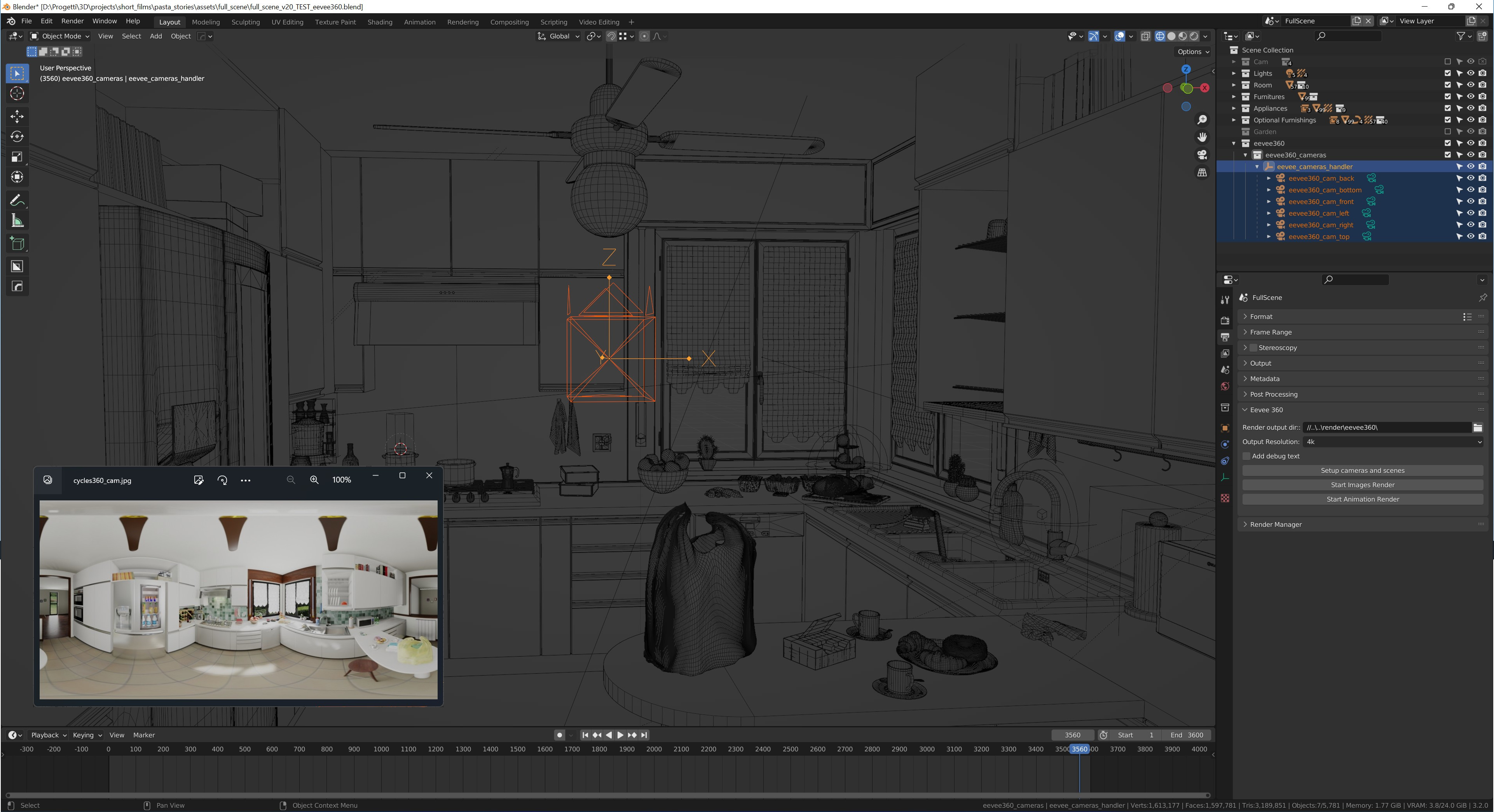
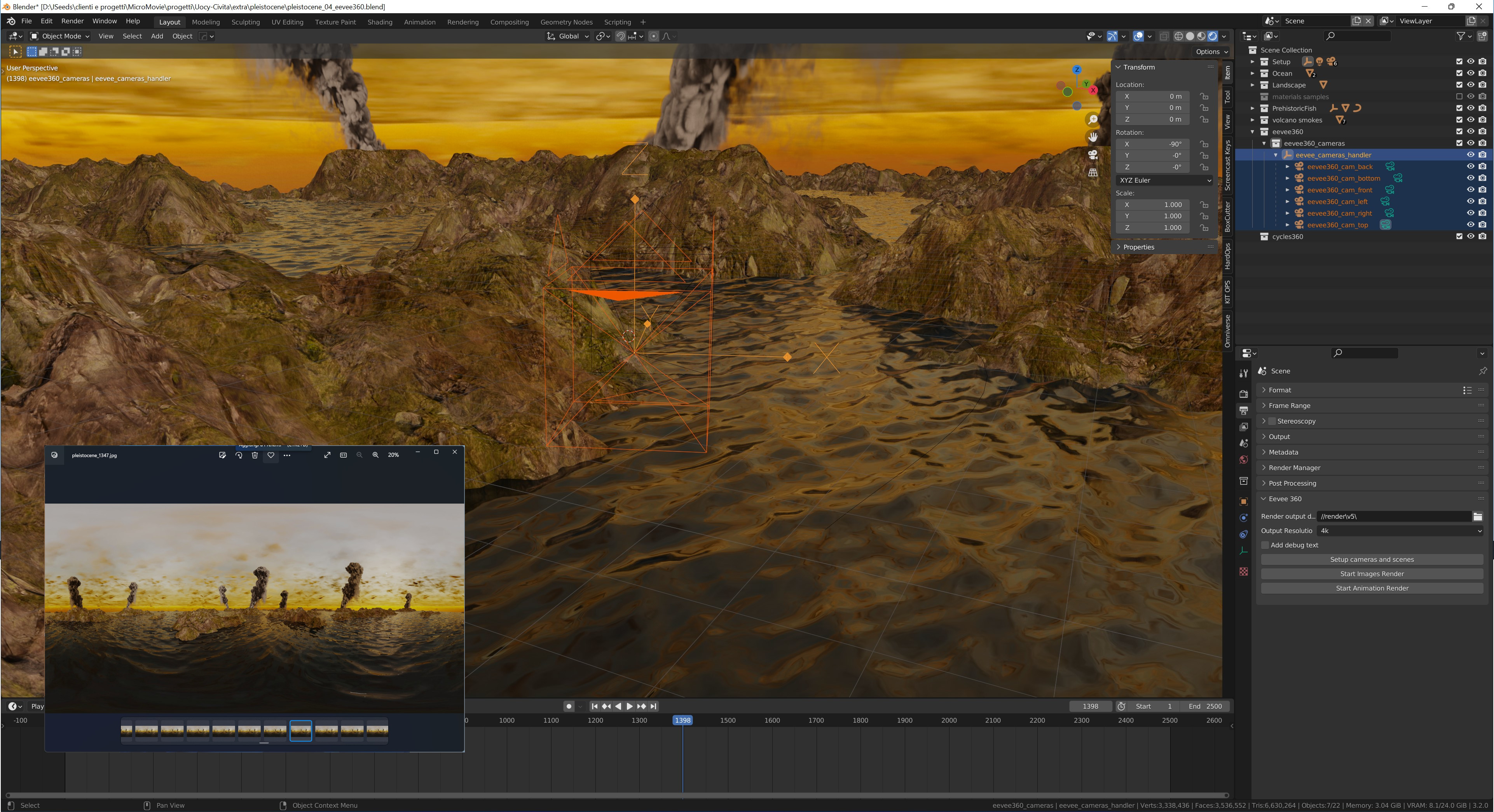
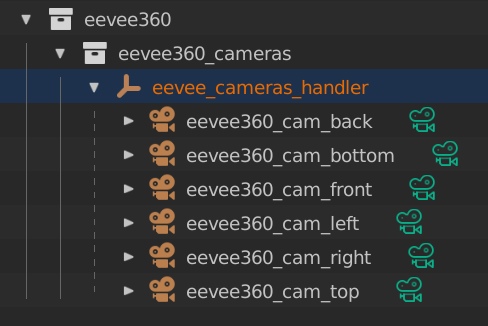
Blender's EEVEE engine doesn't natively support panoramic cameras, but this add-on provides a seamless, automated workaround: it renders a perfect 6-camera cubemap and instantly stitches it into your desired panoramic format using a highly optimized, lightning-fast Cycles pass.
🌟 Key Features:
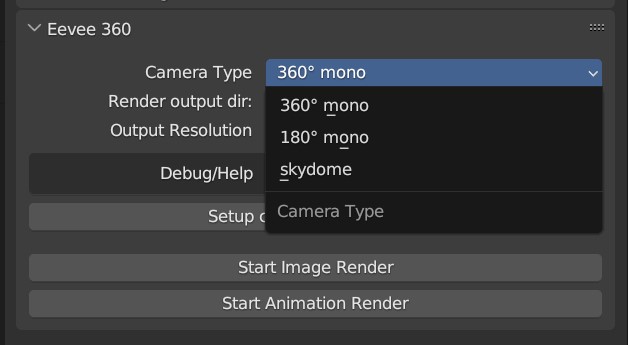
Versatile Projection Modes: Output to standard 360° Equirectangular Mono, 180° Mono, Skydome (180° pointing up), or custom immersive dome formats.
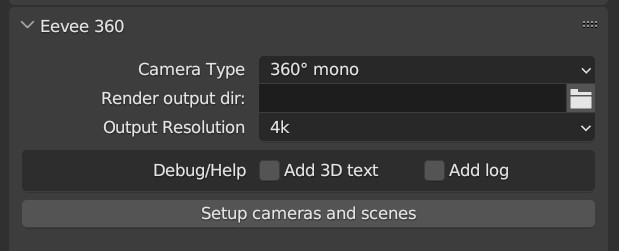
Massive Resolutions: Render crisp environments up to 16K resolution without breaking a sweat.
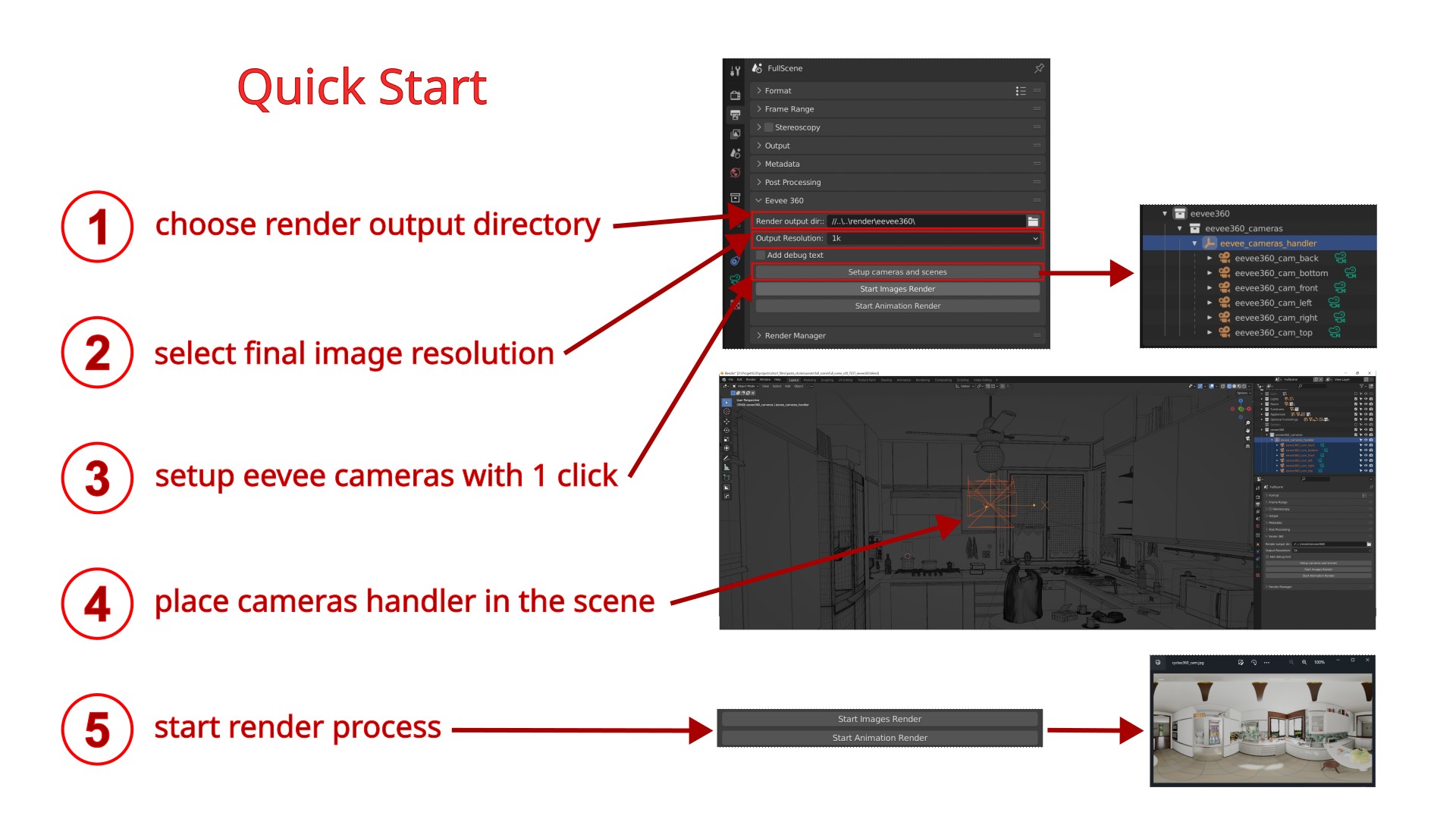
Automated Workflow: Setup your scene with a single click. The add-on automatically handles camera placement, resolution scaling, and the final stitching process.
Animation & Stills: Perfectly handles both single-frame renders and complex animation sequences.
🧙♂️ Unmatched Compatibility:
Built to last, Eevee Render 360 features rock-solid backward compatibility while embracing the future.
Supported Versions: Fully tested and working from Blender 2.93 all the way up to Blender 5.1.
🔥 What's New in Version 1.6.1
Blender 5.0+ Optimization: Fully updated core engine identification to natively support the latest EEVEE architecture and the modern Blender Extensions system.
Ultra-Fast Stitching Pass: The final Cycles stitching process has been radically rewritten. Using a custom 1-sample, 0-bounce node tree, the final composition now takes mere seconds, drastically reducing your total render times.
New "Tilted Dome" Preset [EXPERIMENTAL]: Designed specifically for immersive dome theaters (like the Las Vegas Sphere or theme park rides). This preset outputs a 1:1 square format, applies a 65° upward camera tilt.
-
Cleaned Up UI: Streamlined the interface by removing obsolete settings and focusing on core performance.
⚠️ Important Notes:
1. Animations must be rendered as an Image Sequence (PNG, JPEG, EXR, etc.). Attempting to output directly to a video file format (like FFmpeg Video) is not supported and will result in a setup error. You can easily compile your rendered image sequence into an MP4 video afterward.
2. This addon is designed exclusively for 360° Monoscopic (Mono) rendering. It DOES NOT support Stereoscopic (3D Left/Right Eye) rendering. Please make sure this matches your project requirements before purchasing!