Eevee 360 V1.6.1
 JSoftWorks
Why do I see visible seams or lines in my final panoramic image?
This happens when Eevee's "Screen Space" effects don't align between the different camera views.
- Reason: Effects like Screen Space Reflections, Ambient Occlusion, and Bloom are calculated based only on what's visible to each camera. At the edges, this creates inconsistencies that look like seams.
- Solution: The best solution is to bake your lighting. Before rendering, bake your scene's Indirect Lighting (with an Irradiance Volume) and Reflections (with a Reflection Cubemap). This creates a consistent lighting environment and solves most stitching problems. For best results, also disable effects like Bloom and Depth of Field.
Why is the render failing or producing a strange result after I reopened my Blender file?
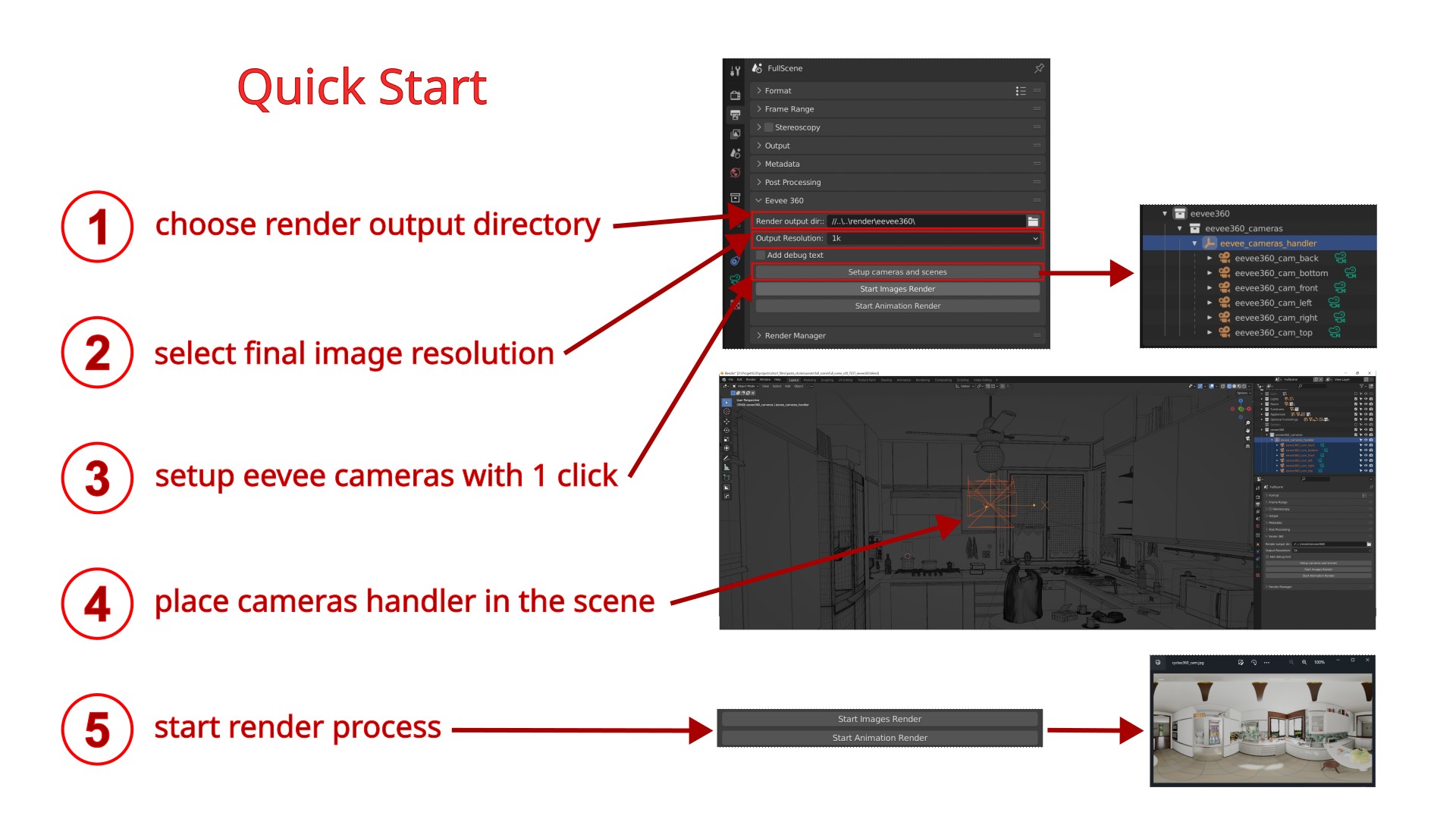
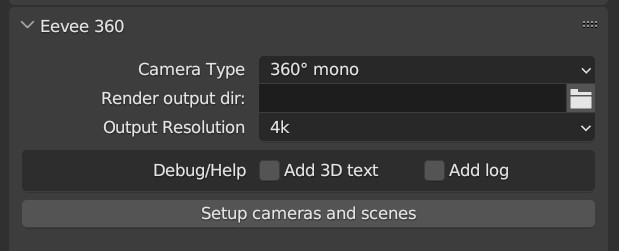
This is the most common issue. If you save, close, and later reopen a project, you must click the Setup cameras and scenes button again before rendering.
- Reason: The addon needs to rebuild its internal settings in memory, which are lost when Blender closes.
- Solution: Just click Setup again. It's a safe operation that won't duplicate objects but will refresh the addon, making it ready to render.
$15
Have questions about this product?
Login to message
| Sales | 400+ |
| Rating | 12 ratings |
| Dev Fund Contributor | |
| Published | about 4 years ago |
| Blender Version | 2.93 - 5.1 |
| Render Engine Used | Eevee |
| License | GPL |
Discover more products like this
vr 360 degrees batch render eevee panorama Render virtual reality